
Why Does My Wifi Say No Internet Secured

There it is again, that familiar, slightly unsettling phrase: "No Internet, Secured." You're sitting there, coffee in hand, ready to conquer the digital world, when your screen delivers this cryptic message. It’s like your internet connection is playing a particularly frustrating game of peek-a-boo.
For many, this little notification is a source of instant bewilderment. We just want to stream our shows, check our emails, or maybe even doomscroll in peace. But our devices seem to be giving us a half-hearted apology, a technical shrug.
It sounds like your Wi-Fi is having a bit of an identity crisis, doesn't it? Like it's saying, "I'm here! I'm ready to connect you! But... there's nothing to connect you to." It's almost comical, if it weren't so annoying.
Must Read
Meet Your Home's Digital Doorman
Let's imagine your home network is a cozy, exclusive club. Your Wi-Fi router? That's the incredibly diligent doorman standing right at the entrance.
When your phone or laptop says it's "Secured," that’s your device proudly announcing, "Hey, doorman! I know the secret password!" And the router, being the excellent doorman it is, verifies your credentials. It gives you a nod, checks you off the list, and ushers you right inside the club.
You're in! You're connected to the club's internal system. You can chat with the doorman, admire the decor, and even order a drink from the bar inside the club itself.
The Party's Missing Ingredient
But then comes the second part of the message: "No Internet." This is where our analogy takes a funny turn. You're inside the club, feeling all secure and cozy, but there's a problem.

The party supplies haven't arrived! The DJ hasn't shown up, the snacks are still stuck in traffic, and the main event is nowhere to be seen. The club itself is open and running perfectly, but its connection to the outside world – the source of all the fun – is missing.
Your doorman, the Wi-Fi router, is doing its job flawlessly. It's connected to you, and it's keeping your connection private and secure. It's just that the main highway leading to the grand internet party has a giant "Road Closed" sign on it.
Who's the Real Culprit?
This is the surprising part for many: the router often isn't the villain in this story. It’s diligently doing its part, acting as the secure gateway to your home network. The real issue lies further up the chain, often with another, less celebrated hero: the modem.
Think of the modem as the club's external booking agent. It’s the one talking directly to the great big internet service provider (ISP) out there in the world. It's the one responsible for getting those party supplies delivered.
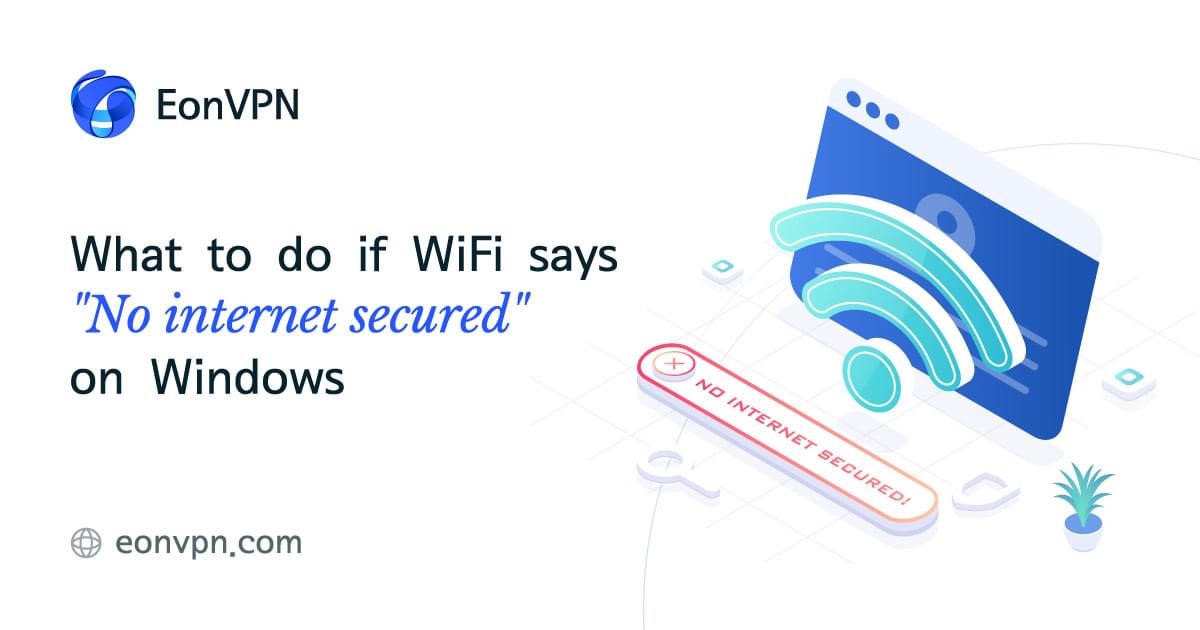
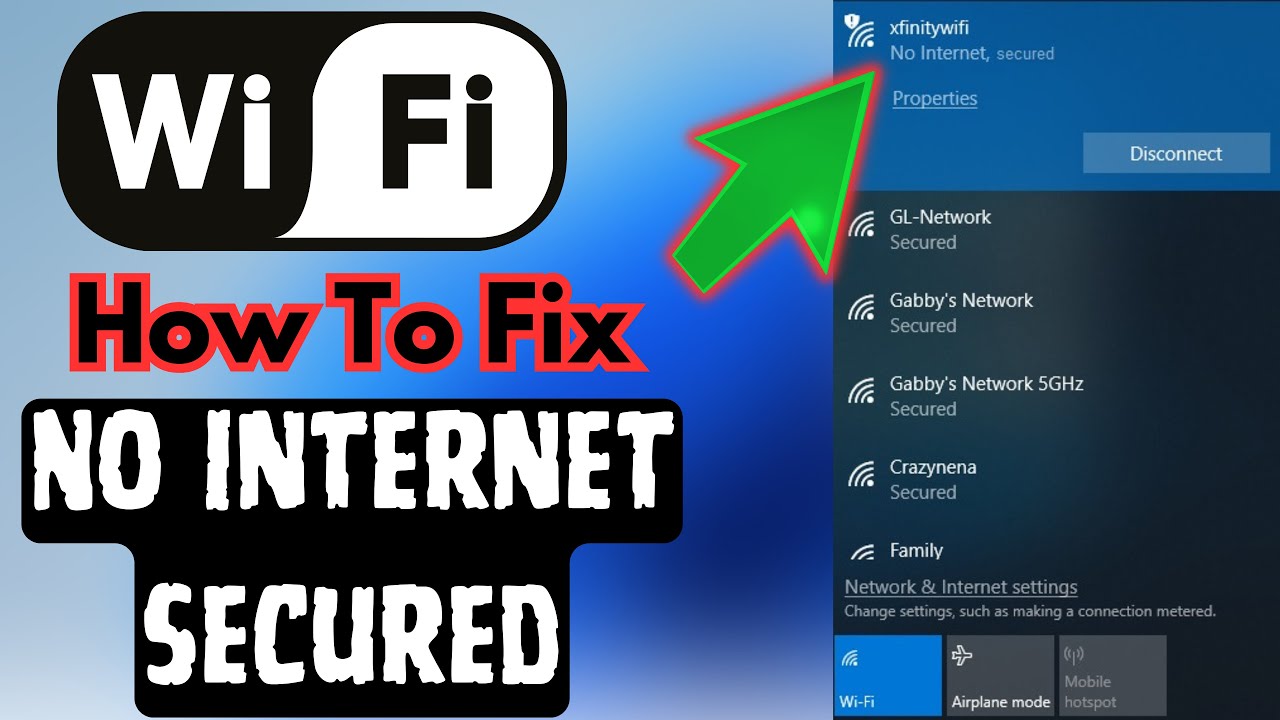
When you see "No Internet, Secured," it usually means your router is connected to your modem, but the modem isn't talking to your ISP. It's like the booking agent can't get through to the pizza place.
A Moment of Empathy for Your Devices
It's easy to get frustrated, but take a moment to appreciate your Wi-Fi router. It's like a loyal dog, always there, wagging its digital tail, ready to play fetch. It's just that sometimes, the stick isn't there to be fetched.
The "Secured" part is actually a little heartwarming, isn't it? It means your home network is doing its best to keep you safe. Your data isn't just floating out there for anyone to grab. It's being carefully protected, even when the rest of the internet is playing hard to get.
So, your router isn't broken; it's simply informing you of a bigger cosmic problem. It's a tiny, honest messenger, doing its duty with integrity.
The Universal Digital Sigh of Relief: The Reboot
When this happens, what's the first thing everyone tries? The legendary, almost magical, "turn it off and on again" trick. And more often than not, it works!
Why does this ancient ritual often solve our modern problems? Imagine our club scenario again. By rebooting your modem and router, you're essentially giving everyone a fresh start. You're telling the booking agent to try calling the pizza place again, and the doorman to reset his guest list.
It allows all the little digital handshakes to happen anew. Sometimes, connections just get a bit tangled, like headphones in your pocket. A good old restart often untangles everything, allowing the digital conversation to flow smoothly once more.
A Peek at the Lights
Next time you see the message, take a moment to look at the lights on your modem and router. They tell a story, like little digital mood rings.

If the modem's "internet" or "online" light is blinking or off, that's your cue. It’s saying, "I'm trying to get those party supplies, but they're just not coming!" This is usually when you might want to call your ISP, the grand architect of your internet connection.
But if all the lights on your modem look happy and solid, and it's still saying "No Internet, Secured," then perhaps your router just needs a little pep talk, or more likely, a simple reboot to remember how to talk to the modem.
The Joy of Connection Restored
There's a special kind of quiet joy when that "No Internet, Secured" message vanishes, replaced by the glorious signal bars. It's a small victory in our digital lives, a testament to the unseen forces working tirelessly behind the scenes.
So, the next time your Wi-Fi gives you that half-apology, try not to see it as a failure. See it as a loyal servant, diligently doing its job, while humbly admitting that the real party is just a little out of reach for now.
It's a reminder that our technology, for all its complexity, often communicates in surprisingly human ways. It’s secure, it knows you, but for now, the internet is just playing hard to get. A little patience, a quick reboot, and usually, the party comes roaring back to life.