Why Is My Discord Pfp Blurry 2021
Let's face it, your Discord profile picture, or PFP, is your digital handshake. It's how people recognize you in servers, and a blurry one is like offering a limp, sweaty hand – not the best first impression! Figuring out why your PFP is looking fuzzy in 2021 (and beyond!) is a surprisingly common and solvable problem. And honestly, who doesn't want their awesome avatar to shine?
This guide is for everyone, from Discord newbies just trying to figure things out to seasoned veterans wanting to up their PFP game. For beginners, understanding why your image looks blurry will help you avoid frustration and present yourself confidently online. Families using Discord can use this information to help younger members choose and optimize their PFPs, teaching them about digital representation. And for hobbyists, maybe you're part of a D&D group or a gaming community – a clear, crisp PFP helps you stand out and connect with your fellow enthusiasts.
So, what causes the blur? There are a few culprits. The most common reason is image size. Discord automatically resizes images to fit their PFP display, typically around 128x128 pixels. If your original image is much smaller than that, Discord will stretch it to fit, resulting in a blurry, pixelated mess. Think of it like blowing up a tiny photo on a billboard – the details get lost.
Must Read
Another factor is image compression. Discord, like most online platforms, compresses images to save bandwidth and storage space. This compression can reduce the image quality, making it appear blurry, especially if the original image was already low quality. Different file types also affect clarity. While Discord supports various formats, .PNG is generally preferred over .JPEG for PFPs because it retains more detail and handles sharp lines and text better. JPEG compression can introduce artifacts and blurriness, especially in images with lots of gradients or fine detail.
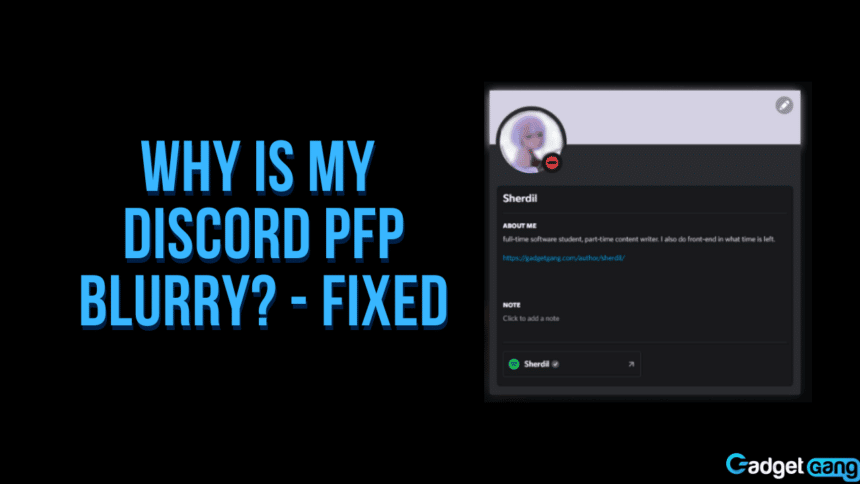
Here's the fun part: fixing it! The easiest solution is to upload a higher resolution image. Aim for an image that's at least 512x512 pixels, even though Discord will resize it. This gives the platform more information to work with and reduces the impact of compression. You can also try using an image editing program (even a simple online one) to resize your image to exactly 128x128 pixels before uploading it to Discord. This gives you more control over how the image is displayed.
Experiment with different images too! A detailed photograph might not translate well to a small PFP. Try using a simple cartoon, a clear logo, or a cropped version of a larger image. Sometimes, a less detailed image actually looks sharper when resized.
Finally, don't be afraid to try different image formats. Save your image as a PNG, even if the original was a JPEG. You might be surprised at the difference it makes. And remember to clear your Discord cache and restart the app – sometimes old image data can linger and cause display issues.
Ultimately, having a clear, crisp Discord PFP is about presenting yourself the way you want to be seen. It's a small detail, but it can make a big difference in how you connect with others online. So, go forth, experiment, and enjoy the process of finding the perfect, non-blurry you!