What Cameras Are Compatible With Google Home
Imagine this: you're cozied up on the couch, and you hear a bump in the night, or maybe the doorbell rings. Instead of scrambling for your phone or peeking through the blinds, you simply say, "Hey Google, show me the front door camera!" And just like magic, a live feed pops up on your smart display. That, my friends, is the wonderful world of cameras compatible with Google Home, and it's a truly fun, useful, and increasingly popular way to keep an eye on what matters most.
So, who benefits from this kind of smart setup? Practically everyone! For beginners, it offers peace of mind without a complex installation. You link a camera, name it, and then your voice becomes the remote control. It’s security made incredibly simple. Families find it invaluable for checking in on kids playing in another room, seeing if the dog is behaving, or verifying who’s at the door when they're busy. "Google, show me the backyard" becomes a common phrase, offering a quick visual check. And for the more tech-savvy hobbyists, integrating cameras into Google Home opens up a world of automation possibilities, like triggering lights when motion is detected or viewing multiple feeds seamlessly on a hub. It’s about creating a truly responsive and integrated smart home ecosystem.
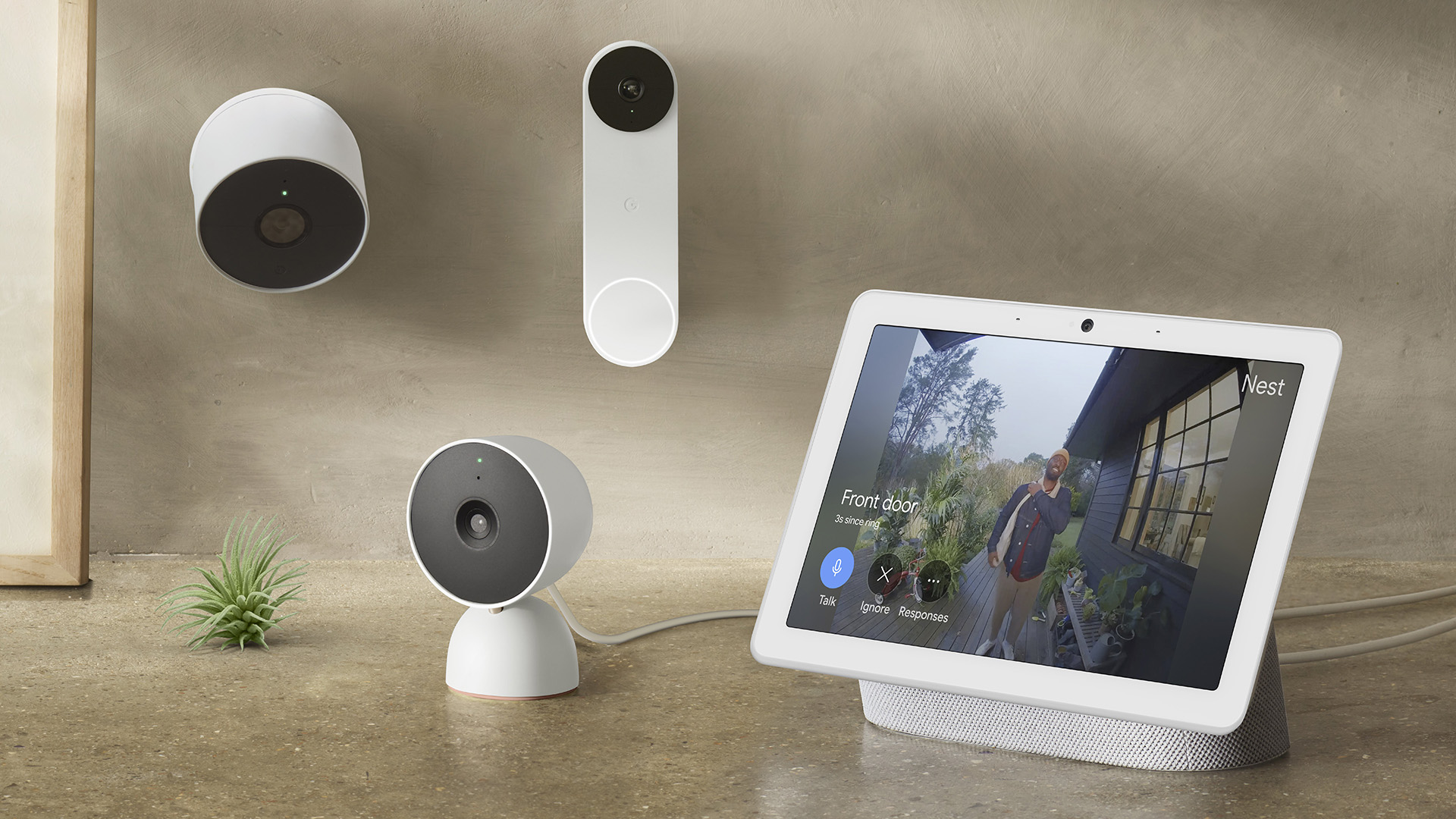
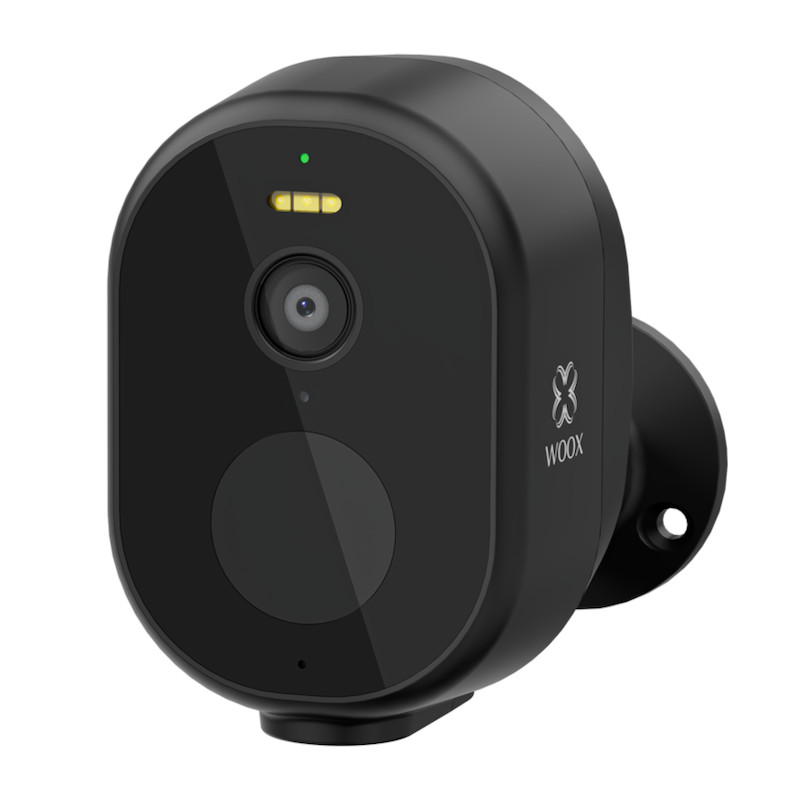
The good news is you have a wide array of choices when it comes to compatible cameras. Unsurprisingly, Google's own Nest Cams (like the Nest Cam Indoor, Outdoor, or Doorbell) are inherently the most integrated, offering a super smooth experience. But you're not limited to Google products! Many other popular brands play nicely with Google Home. You'll find great options from companies like Arlo, known for its wireless outdoor solutions; Ring, famous for its video doorbells and security cameras; Wyze, which offers incredibly affordable yet feature-rich devices; and even brands like TP-Link Kasa/Tapo and Eufy. The key is to always look for the "Works with Google Assistant" badge or mention on the product packaging or description.
Must Read
Ready to dive in? Getting started is surprisingly straightforward. First, always confirm compatibility before you buy. A quick search for "[Camera Brand] Works with Google Assistant" usually does the trick. Once you have your camera, you'll typically need to download its own dedicated app for initial setup, account creation, and connecting it to your home Wi-Fi. After that's done, open your Google Home app. Tap the '+' icon in the top left, then "Set up a device," and then "Works with Google." Here, you'll search for your camera brand, log in with your camera's app credentials, and grant permissions. Crucially, give your cameras clear, distinct names like "Front Door," "Living Room," or "Kids Playroom" to make voice commands a breeze. Then, practice those commands: "Hey Google, show me the kitchen camera on the living room display!"
Connecting your home security cameras to Google Home isn't just about added security; it's about adding a layer of effortless convenience and control to your daily life. The ability to check in on your home with a simple voice command truly makes your smart home feel smarter and more responsive. Enjoy the peace of mind and the subtle joy of having your home work for you!