
Why Does My Nest Keep Changing The Temperature

Alright, settle in, grab your coffee. We need to talk about your Nest. You know, that fancy little puck on your wall? The one that sometimes feels like it's throwing a surprise party for itself, changing the temperature whenever it darn well pleases? Yeah, that one.
Ever walked into your living room and thought, "Wait, why is it suddenly a sauna in here?" or "Did a polar bear just stroll through?" You're not alone, my friend. It's a common mystery, and honestly, sometimes it feels like your Nest has developed a bit of a rebellious streak. But don't worry, it's usually not trying to annoy you. It's just... being smart. Or trying to be.
It's Learning You (Whether You Like It Or Not!)
Okay, first things first. Your Nest thermostat is a bit of a data junkie. It's constantly watching you. Not in a creepy way, mostly. It's trying to figure out your rhythm, your preferences. This is its "Auto-Schedule" feature at work. Every time you twist that dial, every time you tap the app, Nest takes a little note.
Must Read
Think of it like a very enthusiastic, but sometimes clumsy, student. If you crank up the heat at 7 AM every Tuesday, it'll eventually say, "Aha! They like it toasty at 7 AM on Tuesdays!" and build that into its schedule. The tricky part? If you only did that once because you were freezing from that surprise snowstorm, Nest might have just added it to your routine forever. Oops!
It needs a bit of time to get it right, usually a week or two of consistent adjustments. But if it's still doing weird things, it might have learned something... wrong. Like that time I accidentally taught mine I love 85 degrees at midnight. Not ideal.
The Case of the Sneaky Sensors
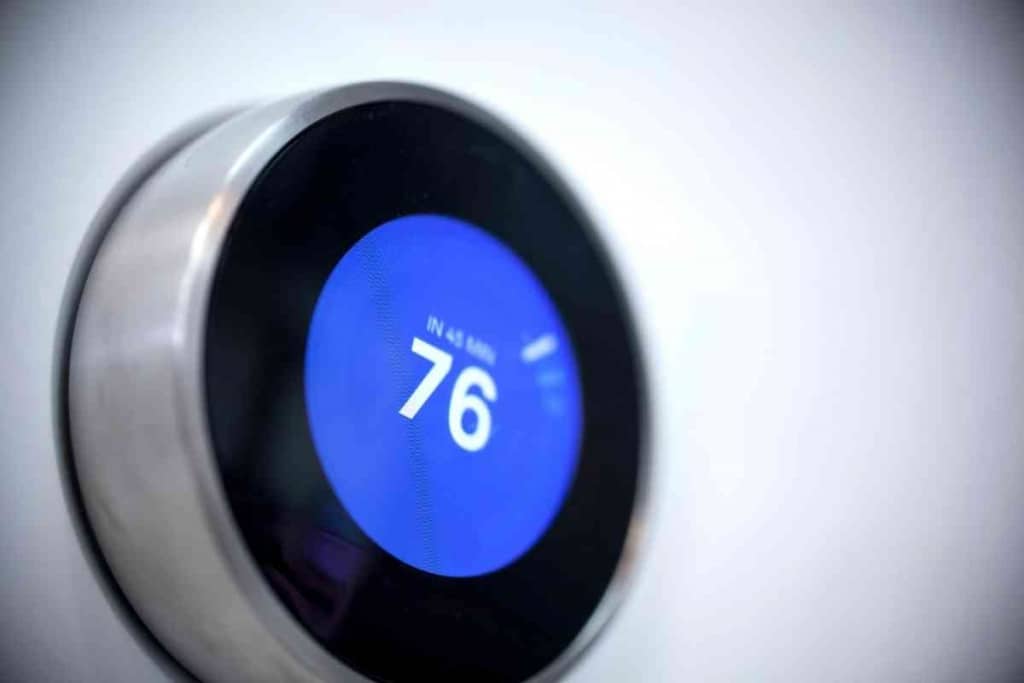
Your Nest isn't just a pretty face; it's packed with sensors. It knows the temperature right where it lives. But here's the kicker: where is your Nest? Is it basking in a beam of sunlight for a few hours a day? Is it near a drafty window? Close to a lamp that emits a little heat?
If your Nest thinks its immediate vicinity is warmer or cooler than the rest of the house, it'll adjust accordingly. It's trying to make you comfortable, but it's only got eyes for its own little spot. This is why placement is key, folks!
And if you've got those little remote Nest Temperature Sensors scattered around your home? Oh boy, they're all ganging up on the main unit! If the sensor in your chilly bedroom says "Brrr!" and the main unit says "We're fine here, thanks," your Nest will try to average things out or prioritize the sensor you've told it to. It's a little democracy of temperature.

"Are You Home, Or Are You Just Pretending?" (Auto-Away & Eco Modes)
This is probably one of the biggest culprits. Your Nest is designed to save energy (and your cash!), so it's constantly trying to figure out if anyone's actually home. It uses motion sensors, it can even use your phone's location (if you let it), and other clever bits of tech.
If it thinks the house is empty – poof! – it'll often switch to its "Eco Temperatures." These are those slightly less comfortable, energy-saving temperatures you set (or that come as default). It's trying to be a good little environmentalist.
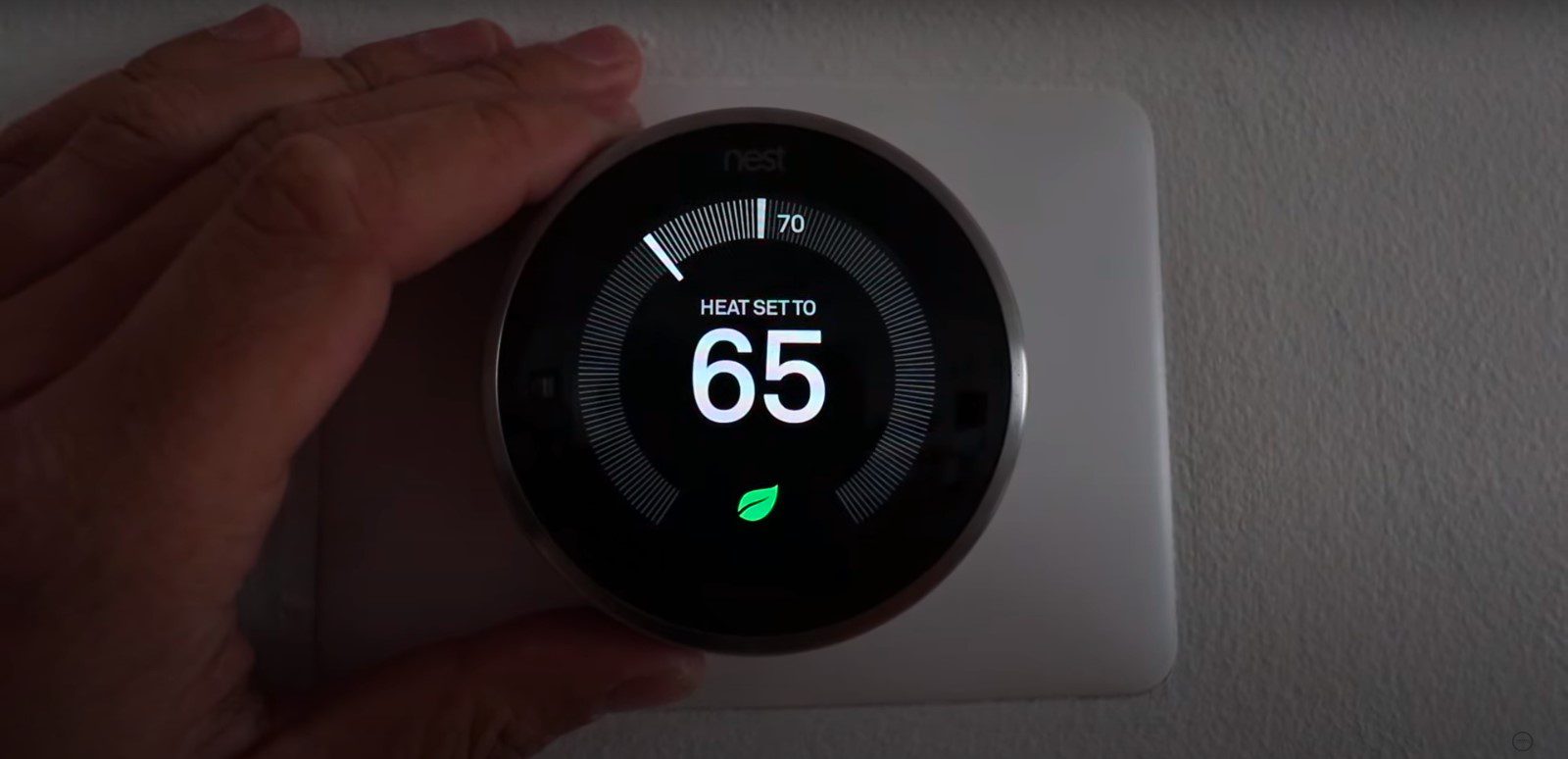
But sometimes, it gets it wrong. Maybe you're perfectly still, binge-watching Netflix under a blanket, and Nest assumes you've vanished. Or your phone is charging in one room while you're in another. Next thing you know, you're shivering, and Nest is humming happily about all the energy it's saving. "Hey, I'm right here!" you want to shout. It's called Home/Away Assist, and sometimes it needs a gentle nudge in the settings.
The Digital Puppeteers: Apps, Voices, and Integrations
Okay, be honest. Have you changed it? With the Nest app, it's so easy to tweak the temperature from anywhere. Did you forget you dropped it down before heading out, and now you're back wondering why it's so cold? Been there, done that.
What about other smart home gadgets? Do you have Alexa or Google Assistant connected? Maybe you said, "Hey Google, set the scene to cozy evening" and that scene included a temperature change for your Nest. Or perhaps a smart home routine kicked in without you realizing it. Your Nest is a team player, so it listens to its digital buddies.
And let's not forget the possibility of guest access. Has anyone else had a peek at your Nest settings? Your partner, your kids, that houseguest who was "just trying to help"? A rogue adjustment could be the mystery solved!
Taking Back Control (You're The Boss!)
So, what's a frustrated homeowner to do? Don't despair! You can totally wrangle this smart little beast.
- Check your Energy History: This is your Nest's diary. It will show you exactly when and why it changed the temperature. Seriously, it's super helpful.
- Review your Auto-Schedule: Go into the settings and look at the schedule it's built. Delete any rogue entries or adjust them. You can even turn off Auto-Schedule completely if you prefer to be the sole temperature dictator.
- Adjust Eco Temperatures: Make sure your "away" temperatures are still comfortable enough that you won't freeze if Nest mistakenly thinks you've left.
- Tweak Home/Away Assist: Play with the sensitivity. Maybe rely more on motion sensors than phone location, or vice versa.
- Sensor Check: Make sure your Nest and any remote sensors aren't being influenced by drafts, direct sunlight, or heat sources.
Ultimately, your Nest thermostat isn't trying to be a pest. It's just trying its best to be smart, save you energy, and keep you comfortable. Sometimes, it just needs a little coaching from its human companion. A little patience, a little tweaking, and you'll have it humming along to your tune in no time. Promise!