
Nest Thermostat Instructions For Use

In a world buzzing with smart gadgets and digital assistants, there’s something uniquely satisfying about a device that effortlessly blends into your life, making your home a sanctuary of perfect comfort. Enter the Nest Thermostat – not just a pretty face on your wall, but a clever companion designed to take the guesswork out of home climate control. Forget the clunky, complicated boxes of yesteryear; this is about intuitive elegance and a touch of everyday magic.
Setting the Stage: Getting Started with Your Nest
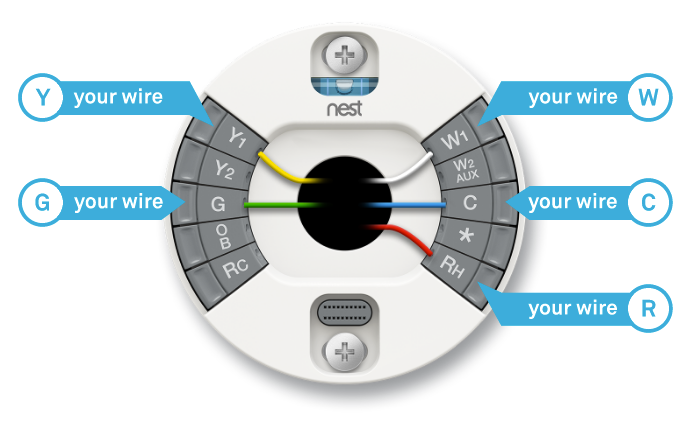
While the initial installation might involve a few wires (often best left to a pro, or a confident DIY-er with a YouTube tutorial on standby!), the real fun begins when you start using it. Once powered up, your Nest lights up, inviting you into its world. The first step? Getting it connected to your Wi-Fi and the Google Home app (or the Nest app, depending on your model). Think of the app as your command center, a digital bridge to your home’s cozy climate, accessible from anywhere.
It’s like setting up a new profile on your favorite streaming service, but for your house. You’ll tell it a bit about your home and your preferences, and then the Nest begins its most famous trick: learning.
Must Read
The Genius of Auto-Schedule: Your Personal Climate DJ
This is where the Nest truly shines. Unlike traditional thermostats where you meticulously program every single hour of the week (a task about as enjoyable as doing your taxes), the Nest learns your rhythms. For the first few days, simply adjust the temperature manually whenever you feel too warm or too cool. Twist the ring to your desired comfort, press to confirm, and watch the subtle glow of the display.
That’s it! Nest quietly observes when you like it cooler for sleeping, warmer for your morning coffee ritual, or a bit more temperate while you’re out for the day. Within about a week, it starts building an Auto-Schedule based on your habits. It’s like having a thoughtful roommate who always knows how you like the house, without ever having to ask!
The Ring & The App: Your Two Control Towers
You have two primary ways to interact with your Nest, giving you ultimate flexibility.
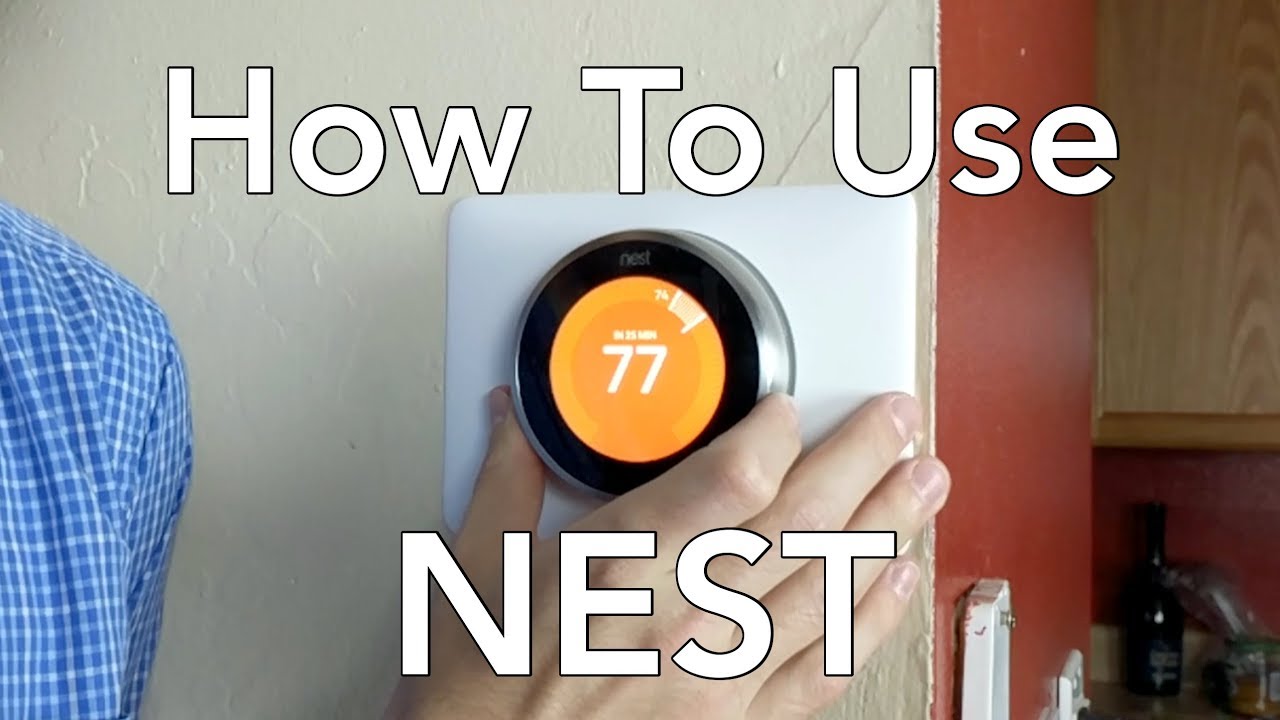
1. The Physical Ring: For immediate adjustments, nothing beats the satisfaction of twisting the outer ring. The display instantly shows the target temperature and changes color – red for heat, blue for cool – providing satisfying visual feedback. A quick press of the screen brings up the main menu, where you can switch modes (heat, cool, heat/cool, off) or dive into settings. It’s wonderfully tactile, a nod to classic design with modern tech inside.
2. The Google Home App: This is your portable portal. Whether you’re snuggled on the couch or halfway across the globe, the app allows you to:
- Adjust the temperature: Heading home early? Crank up the heat so it’s toasty when you arrive.
- Check your schedule: See what Nest has learned and tweak it if needed.
- View Energy History: Discover how much energy you’re using and why. More on this next!
- Enable Away Assist: Ensure Nest knows when you’ve left, automatically adjusting to an energy-saving temperature. Practical tip: Make sure your phone's location services are enabled for the app to work seamlessly with this feature!
Beyond Comfort: The Savvy Energy Saver
The Nest isn’t just about making you comfortable; it’s about making you comfortable sustainably.
The Nest Leaf: See a little green leaf appear on your display or in the app? That’s your Nest giving you a pat on the back for choosing an energy-saving temperature. It's a fun, subtle nudge towards greener habits, a little badge of honor for being eco-conscious. Don’t obsess over it, but appreciate the simple guidance.
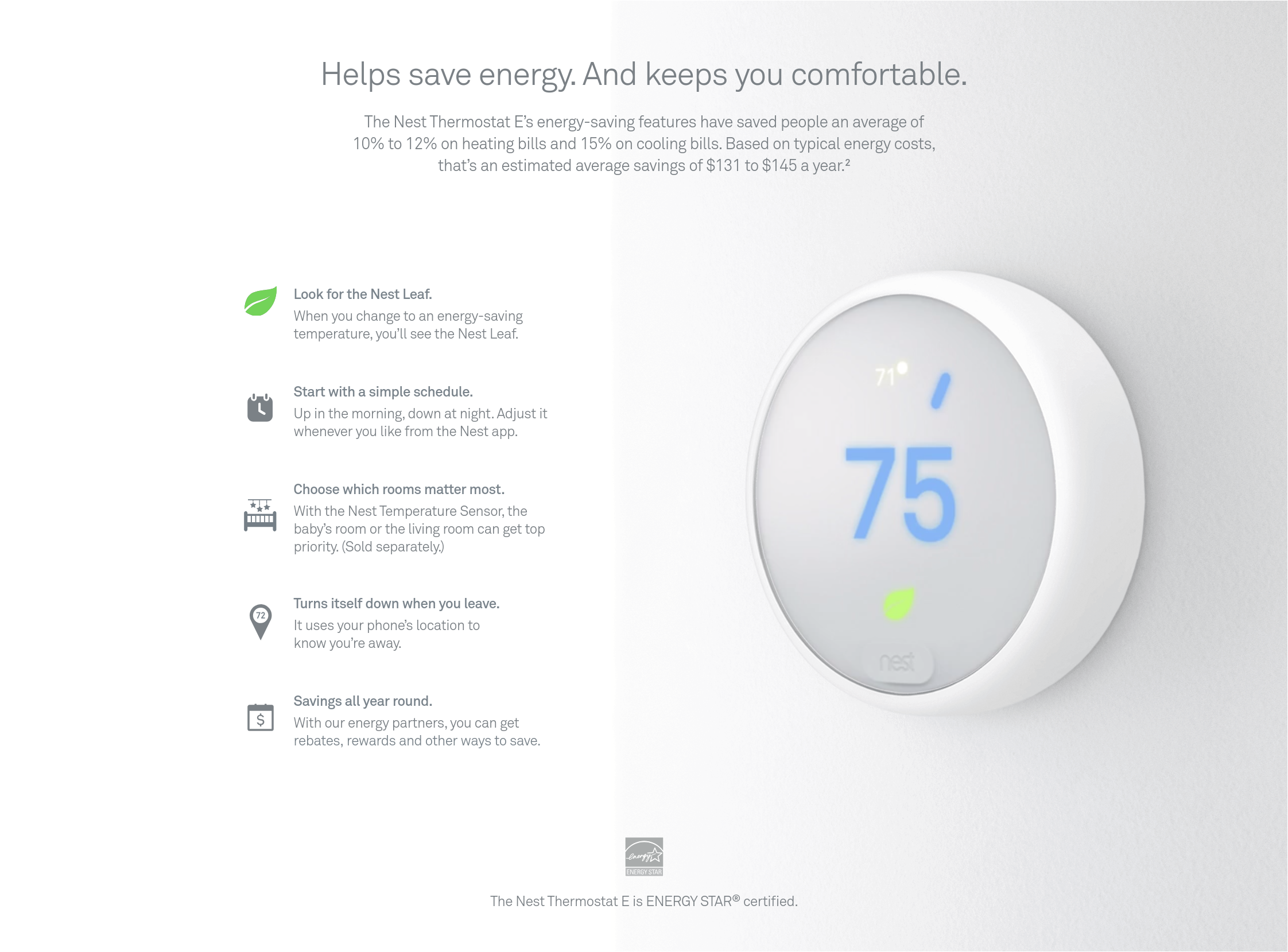
Energy History: Ever wonder what’s driving your energy bill? Nest provides detailed daily and monthly summaries, showing you when and why your heating or cooling kicked in. Was it a particularly cold snap? Did someone leave a window open? This insight empowers you to make smarter choices. It’s like a mini-audit for your HVAC, but way more fun to read.
Smart Home Synergies & Fun Extras
Your Nest doesn't live in a vacuum. It plays nicely with other smart home gadgets. Have a smart speaker? "Hey Google, turn up the heat!" is a phrase that quickly becomes second nature, making you feel like you’re living in a futuristic movie. Many Nest models also feature Farsight, which means the display lights up to show you the temperature, time, or weather as you approach it – a delightful, almost sentient touch that adds to its premium feel.
The Everyday Reflection
At its heart, the Nest Thermostat is about reclaiming a little bit of peace in your daily routine. It transforms a mundane household chore into an invisible act of comfort, allowing you to walk into a perfectly conditioned home, save a bit on your bills, and contribute to a greener planet – all without a second thought. It's more than a gadget; it’s a silent, intelligent partner making your home life just a little bit smoother, leaving you more time to simply live.
