
Fire Alarm Keeps Beeping After Battery Change
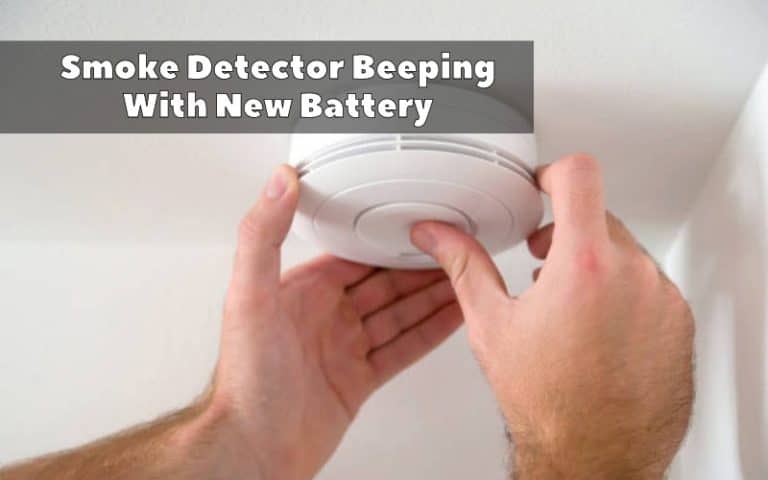
Oh, the joys of modern homeownership! You've faced the infamous, ear-splitting shriek, located the offending smoke detector, bravely swapped out its low-battery guts, and… wait for it… it's still beeping. Just a little, soft, intermittent chirp, perhaps. But it's there. Taunting you. Right? You're not alone, my friend. We've all been there, staring up at that ceiling-mounted sentinel, wondering if we accidentally adopted a very persistent, very annoying electronic cricket.
You did the right thing! You tackled the most common culprit head-on. So, why is this little monster still throwing a tantrum? Let's dive into the wonderfully weird world of fire alarm post-battery-change chirps, with a few laughs along the way. Because honestly, what else can you do?
The Post-Battery Beep Blues: Why?!
It feels like a betrayal, doesn't it? Like you've performed life-saving surgery, only for the patient to wink and say, "Nah, still gonna make noise." Most of the time, the reasons are surprisingly simple, and often, easily fixable. It's rarely a sign of impending doom (unless it's a full-on alarm, then please, check for actual fire!).
Must Read
Hold On, Did You Really Reset It?
This is often the big one. Many smoke detectors, especially newer models, need a little more than just a fresh battery to truly feel "reborn." Think of it like rebooting your computer; sometimes just pulling the plug isn't enough, you need to hit that power button a few times.
The Fix: After inserting the new battery, hold down the test button for a good 15-20 seconds. You might hear a short burst of the loud alarm (prepare your ears!), but this often clears any residual error signals. It's like an electronic exorcism, clearing out those stubborn little beep-demons.
The Phantom Power: Residual Charge
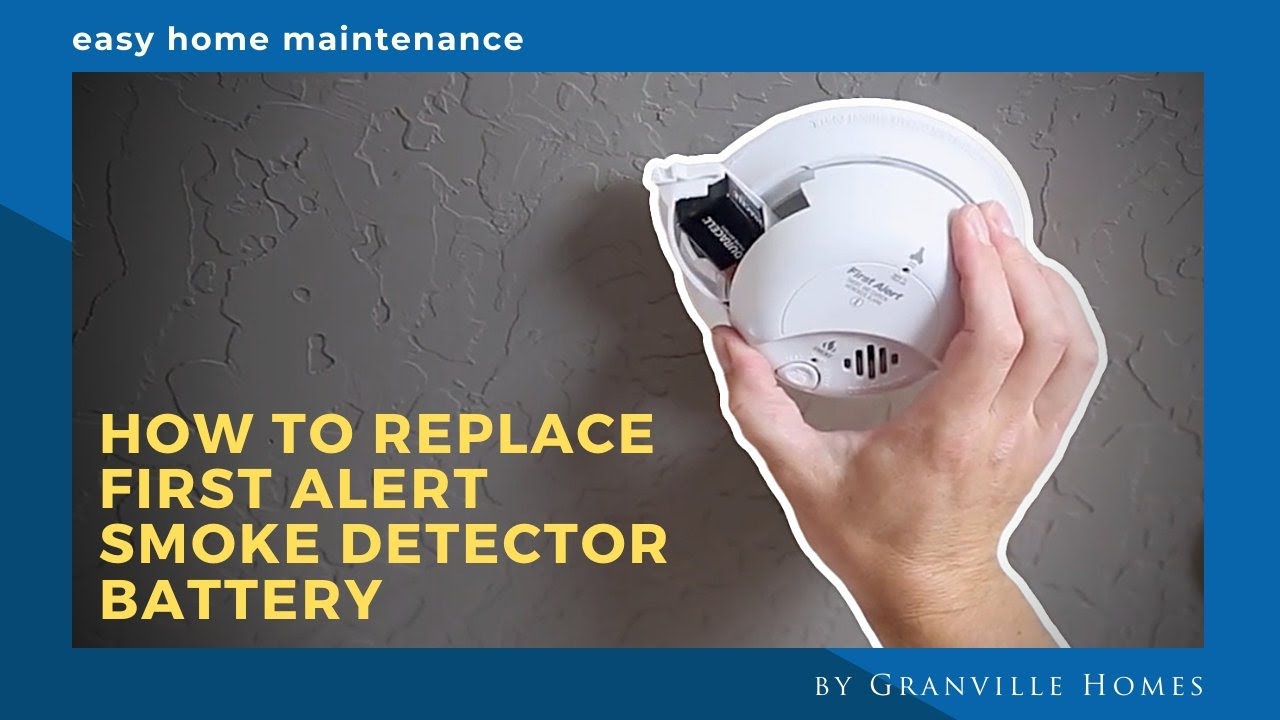
Even after you yank out the old battery, some alarms have a tiny bit of juice left in a capacitor. It's like when your phone dies, but you can still press the power button and see a "low battery" icon flicker. That little bit of stored energy can sometimes trigger a final, melancholic chirp.
The Fix: Remove the battery again. Now, press and hold the test button for about 15-30 seconds. This drains any leftover power from the capacitor. Release the button, wait a minute or two, and then pop the new battery back in. Fingers crossed, silence will reign!
Dust Bunnies & Tiny Invaders: It's a Jungle Up There!
Your smoke alarm isn't just listening for smoke; it's also got sensitive sensors that can be triggered by, well, junk. Dust, cobwebs, or even tiny winged overlords (AKA small bugs) can sometimes interfere with the sensor, making it think there's a problem, leading to an occasional chirp or even a full alarm.
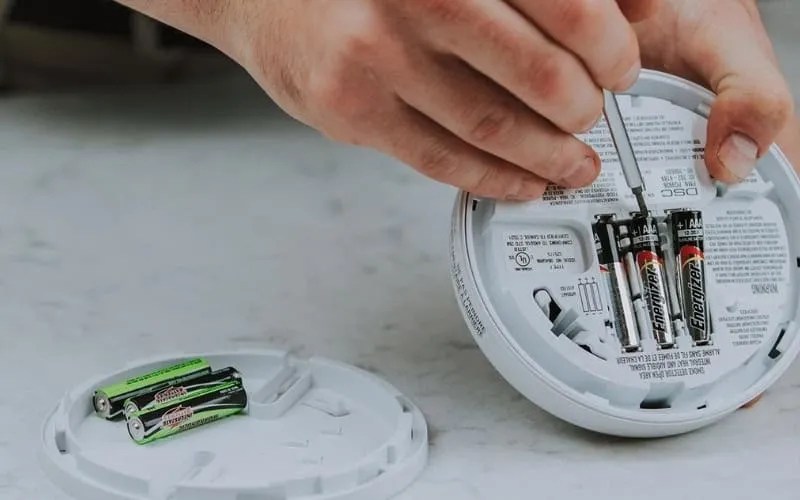
The Fix: Carefully take down the alarm (if it's easy to access and you're comfortable). Use a can of compressed air (the kind you use for keyboards) or a soft brush attachment on your vacuum cleaner to gently clean around the vents and inside any accessible crevices. Just be gentle, we don't want to break it!
The Old Timer's Last Gasp: End-of-Life Chirp
This one is a real heartbreaker. Like a trusty old car, smoke alarms have a lifespan, usually around 8-10 years. After this, their sensors become less reliable, and they start to chirp to let you know it's time for retirement. It's their way of saying, "I've served my time, human. My watch has ended."

The Fix: Look for a manufacturing date or an "install by" date on the back of the alarm. If it's nearing or past that 8-10 year mark, it's time to replace the whole unit. It might seem like an extra expense, but a properly functioning smoke alarm is priceless. Plus, new ones often come with 10-year sealed batteries, so no more battery changes for a decade!
The Choir Director: Interconnected Alarms
Do you have multiple smoke alarms wired together? If so, one alarm might be chirping, but the actual problem might be with a different unit entirely. It's like a game of telephone where only one alarm is telling the truth, and the others are just repeating the message. This can be super frustrating to diagnose.
The Fix: To find the true culprit, you might have to check each alarm individually. Some newer models have a digital display that tells you which unit is initiating the alarm. Otherwise, it's a process of elimination: go to each alarm, press its test/silence button, and listen closely to see if that's the one truly sounding the alarm.
Okay, So What's The Game Plan, Captain?
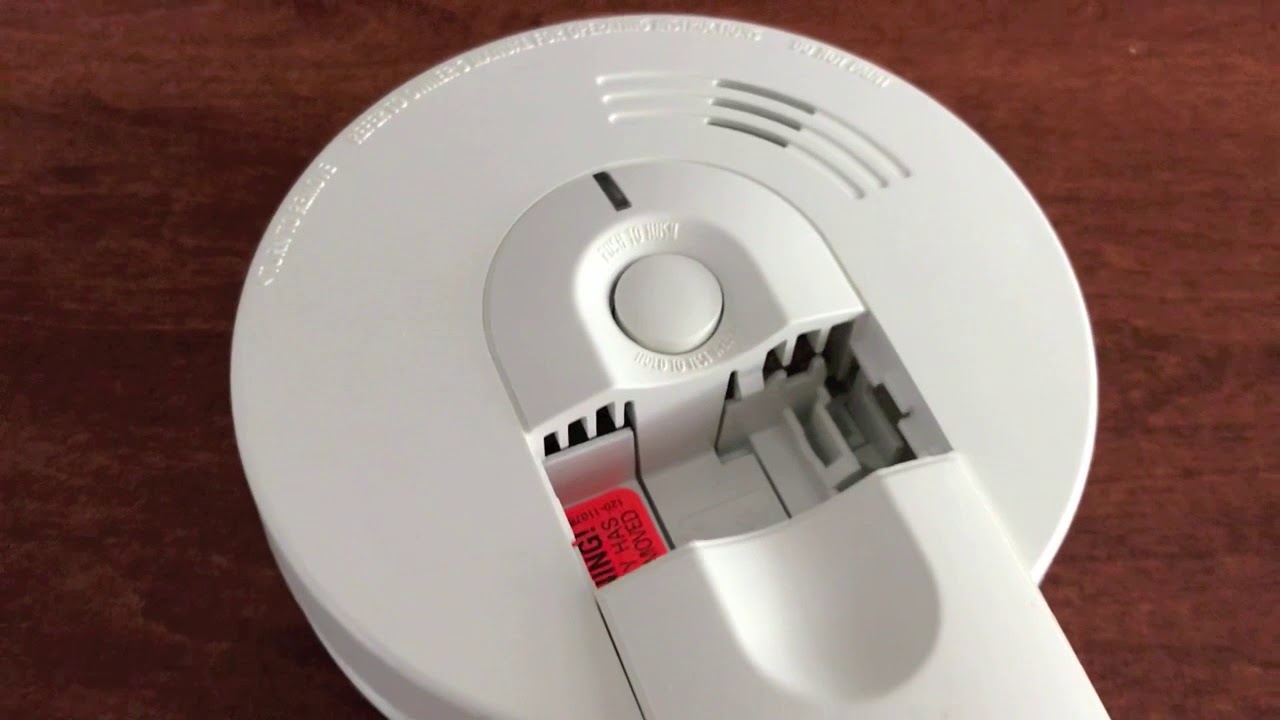
Don't despair! Here's your quick checklist for battling the post-battery beep:
- Perform the deep reset: New battery in, hold test button for 15-20 seconds.
- Drain residual power: Remove battery, hold test button for 15-30 seconds, then reinsert.
- Give it a spa day: Gently clean out any dust or debris.
- Check the birth certificate: See if it's past its prime (8-10 years).
- Play detective: If interconnected, listen closely to identify the lead chirper.
You Got This!
Dealing with a persistent beep can feel like a tiny form of psychological torture, but take heart! It's a super common issue, and with these tips, you're well-equipped to get your home back to its peaceful, beep-free self. Most of the time, a good reset or a quick clean is all it takes. And if not, hey, you've learned a lot about the inner workings of your household guardians!
So go forth, conquer that chirp, and enjoy the sweet, sweet sound of silence (or your favorite music, or cat purrs, or whatever brings you joy!). You've successfully navigated another quirky challenge of home life, and that's something to smile about!