Why Does My Nest Thermostat Keep Changing Temp

Ah, the Nest Thermostat! It sits there on your wall, a sleek circle of modern marvel, promising ultimate comfort and energy savings. It’s practically a piece of art itself, isn't it? A beacon of smart home ingenuity, revered for its ability to learn your habits and anticipate your needs. But then, you notice it: your Nest seems to have a mind of its own, subtly, or sometimes not-so-subtly, changing the temperature when you least expect it. Is it possessed? Is it moody? Fear not, fellow homeowner, for this isn't a glitch, but rather a fascinating dance of artificial intelligence trying its best to be your personal climate maestro.
Think of your Nest as an aspiring artist, constantly observing and creating. For the casual learner or even the most seasoned "home artist," understanding its "creative process" is incredibly rewarding. It’s not just arbitrarily tweaking numbers; it's leveraging a suite of intelligent features designed to optimize your comfort and energy footprint. This gives you, the homeowner, a unique benefit: the power to collaborate with technology to craft your perfect indoor environment, saving money and the planet simultaneously.
So, what are these "artistic styles" or "variations" your Nest employs? Here are a few:
Must Read
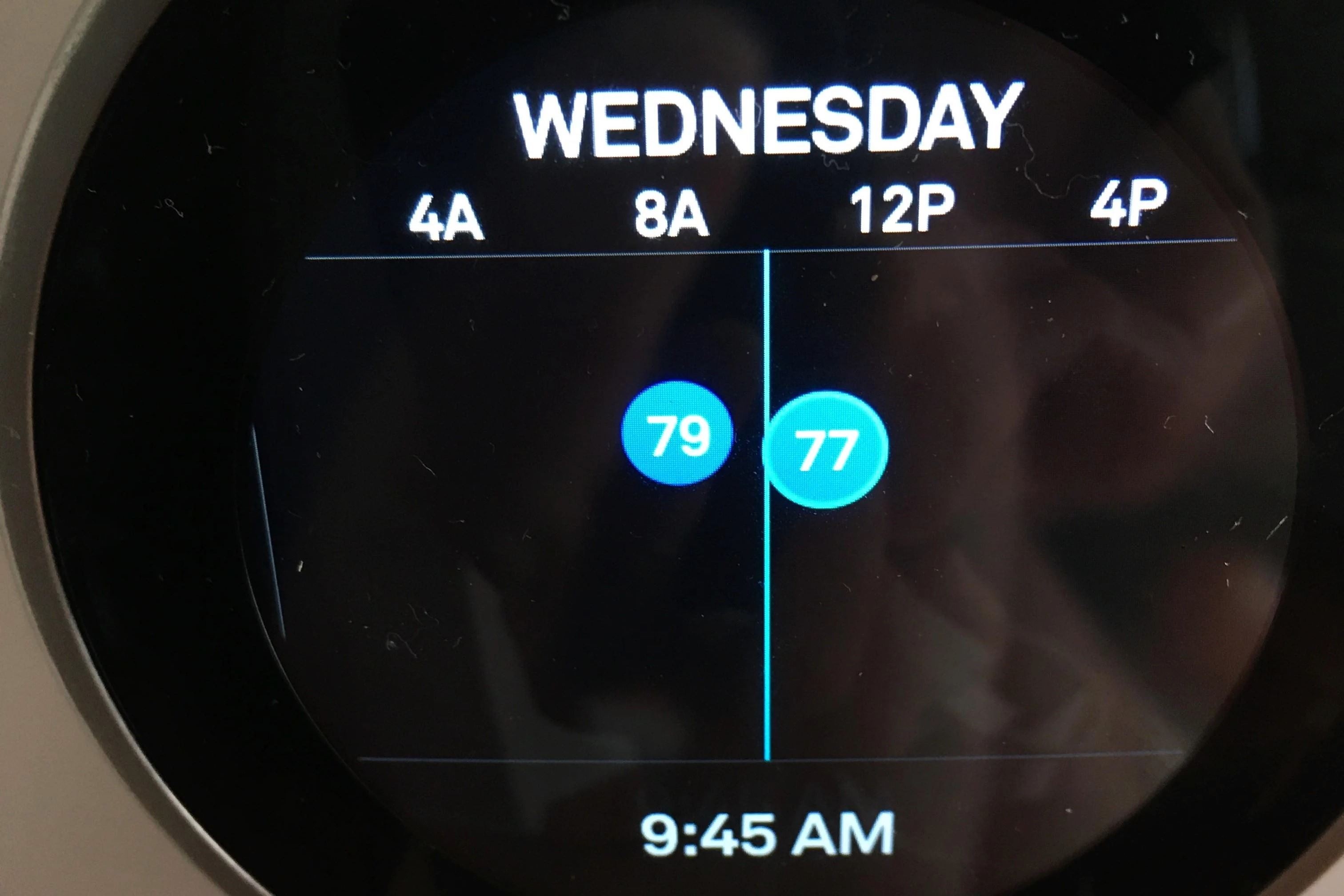
- The Auto-Schedule Impressionist: This is perhaps its most famous trick. Your Nest is constantly learning your preferences. If you consistently turn up the heat at 7 AM on weekdays, it will eventually start doing it for you. It’s building a detailed schedule based on your actual behavior, like an artist slowly painting a portrait of your daily life.
- The Home/Away Assist Minimalist: Ever notice it adjusts when you leave? That's Home/Away Assist sensing your presence (or lack thereof, via phone location or motion sensors) and kicking into an energy-saving Eco Temperature. It’s a beautifully simple way to avoid heating an empty house.
- The Eco Mode Eco-Warrior: Sometimes your Nest will proactively suggest or switch to an Eco Temperature to save energy, particularly if it notices you've been away for a while or during periods of low activity. It’s like a frugal artist finding beauty in efficiency.
- The Sunblocker/Heat Wave Realist: Believe it or not, your Nest also considers external factors. If it's placed in direct sunlight, or if there's a sudden draft, its internal sensors might read a skewed temperature, prompting it to adjust. Some models even use remote sensors to balance the temperature across different rooms.
Ready to try being the conductor of your home's climate orchestra? Here are a few tips for "trying it at home" and harmonizing with your Nest:
- Review Your Schedule: Head into the Nest app and look at the schedule it has built. You can edit it directly to fine-tune its "art."
- Check Home/Away Assist Settings: Ensure it's accurately detecting your presence. Sometimes phone permissions or sensor placement need a tweak.
- Understand Eco Temperatures: Adjust the specific temperature ranges for Eco Mode to ensure they're comfortable enough for you when active.
- Calibrate and Learn: If you find your Nest is consistently off by a degree or two, consider its placement or invest in remote sensors for a more balanced reading.
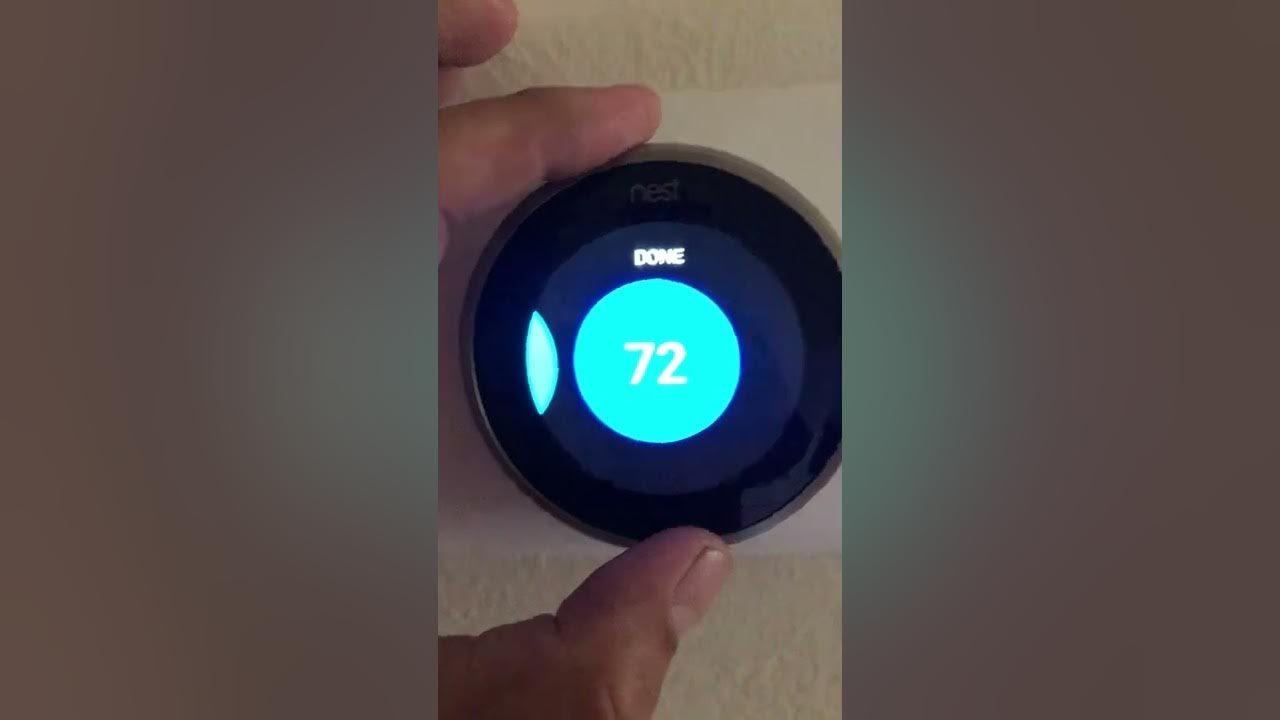
- Give it Feedback: Don't be afraid to manually override! Each time you adjust the temperature yourself, your Nest learns from your intervention. It's like giving your artist gentle guidance.
Ultimately, understanding why your Nest Thermostat keeps changing temperature isn't a chore; it's an opportunity to engage with the cleverness of modern technology. There's a profound joy in mastering your smart home, optimizing for comfort and efficiency, and watching your energy bills shrink. It’s the satisfaction of knowing you’re in sync with your intelligent living space, creating a perfectly balanced sanctuary. And that, dear reader, is truly something to enjoy!