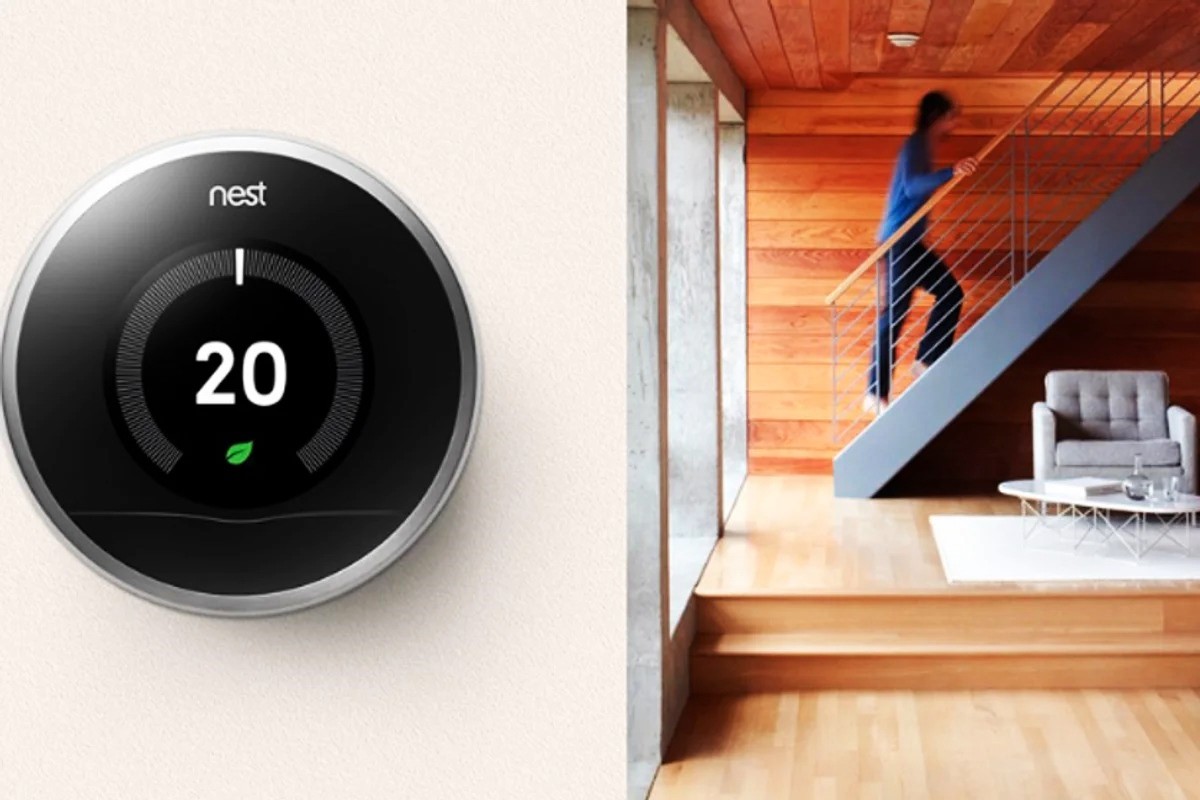
How To Transfer Nest Thermostat To New Owner

Moving is a whirlwind of boxes, packing tape, and the bittersweet tang of nostalgia. You’re sifting through memories, deciding what comes with you and what gets left behind. Amidst the chaos of decluttering and saying goodbye to your favorite corner coffee shop, there’s often a silent, unassuming hero watching over your home’s climate: your trusty Nest Thermostat. It’s been there through frosty winter mornings, learning your secret desire for an extra degree of warmth, and those sweltering summer afternoons, quietly anticipating your need for a cool breeze. It’s almost become a part of the family, a little round sentinel of comfort.
As you prepare to hand over the keys, you might wonder about this intelligent disc on the wall. Does it just... stay? Can it? The answer, delightfully, is yes! And leaving it behind isn't just convenient; it's one of the most thoughtful, almost heartwarming, housewarming gestures you can extend to the new occupants. Think of it not as abandoning an appliance, but as passing on a perfectly trained, incredibly polite houseguest. It’s like leaving behind a meticulously cared-for rose bush in the garden, or a well-behaved pet that already knows all the best spots for a nap. You’re not just transferring ownership of a gadget; you’re gifting a legacy of intelligent comfort, already tuned to the rhythms of the house itself.
A Gentle Farewell, A Fresh Start
The first step in this surprisingly tender handover involves a gentle, digital farewell. You’ll want to gracefully release your Nest from its past life, from all the personal preferences it diligently learned from you. This journey begins in the comfort of your own hand, through the Google Home app (or the venerable Nest app, if you’re still rocking the classic). Locate your thermostat within the app – it’s a quick tap and scroll, much like giving a friendly nod goodbye. With a few taps, you’ll instruct the app to remove the device from your account. It's a clean break, surprisingly devoid of digital tears, ensuring your personal data and temperature quirks fade into the digital ether. No lingering digital ghosts of your desire for a crisp 68 degrees at bedtime will haunt the new owners' future comfort.
Must Read
Next, it’s time to give the physical device a little pampering, a fresh start before its new chapter. Head to the Nest itself, that sleek, unassuming circle on your wall. Gently press and turn its outer ring to navigate to its settings. Within those digital menus, you'll find the magic phrase: reset to factory settings. It's like sending the thermostat to a spa for a full refresh, wiping the slate clean of all those late-night temperature tweaks, those precise seasonal schedule adjustments, and every energy-saving habit it so faithfully adopted from you. This crucial step ensures that the device is completely anonymized, a blank canvas ready to learn the unique comfort language of its new family. It’s ready to absorb new routines, new preferences, and new definitions of 'just right'.
“Welcome home! We left our beloved Nest Thermostat here for you. It’s all reset and ready to learn your preferences. Just download the Google Home app to set it up!”
A Welcome Gift, A Warm Embrace
Imagine the new owners, stepping into their new home, perhaps a little overwhelmed, but filled with excitement. And there it is – not a confusing, unfamiliar piece of technology, but a pristine, ready-to-learn Nest. They don’t have to rush out to buy a new smart thermostat, nor do they inherit your particular (and perhaps peculiar) habit of blasting the AC in winter or turning the heat up to tropical levels in summer. Instead, they’re greeted by a thoughtful gesture, a smart device that's eager to adapt to their comfort zone from day one. It’s a wonderfully practical housewarming gift, arriving even before the first box is unpacked.
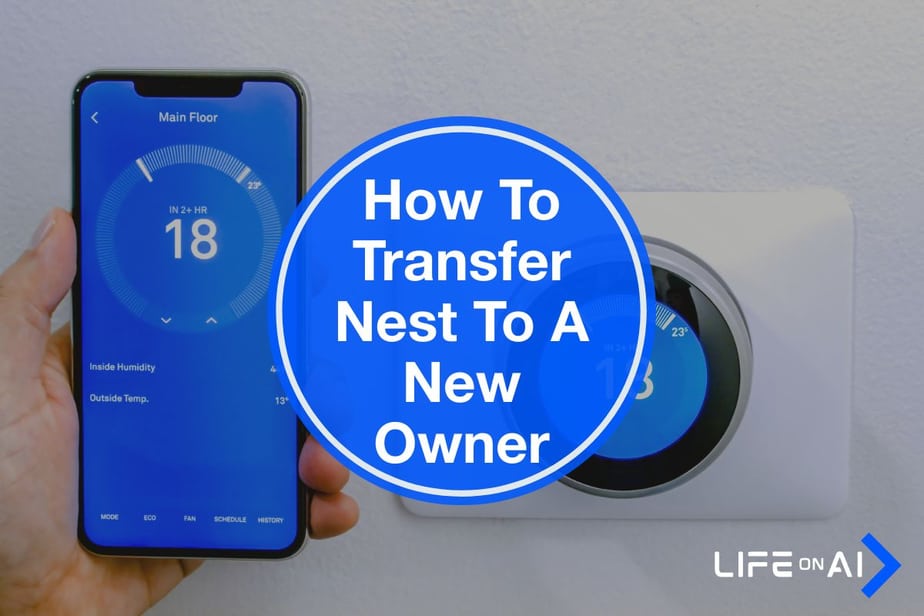
Consider leaving a friendly, handwritten note beside the thermostat. A simple message, perhaps on a pretty card, can transform this technological handover into a truly personal welcome. Something like,
“Welcome home! We left our beloved Nest Thermostat here for you. It’s all reset and ready to learn your preferences. Just download the Google Home app to set it up!”This small, human touch elevates the gesture from a mere transfer of property to a genuine act of kindness. It takes a potentially intimidating piece of smart home tech and makes it approachable, friendly, and instantly useful. It's a silent, yet powerful, promise of future coziness and efficiency.
This whole process is a surprisingly heartwarming exchange. You’re not just transferring ownership; you’re passing on a legacy of intelligent, adaptive comfort. This little round wonder, once your diligent temperature assistant, now becomes theirs, ready to learn their preferred morning chill, their ideal evening warmth, or their perfect weekend temperature. It’s a quiet testament to the idea that even in the most technologically advanced gadgets, there’s a human touch, a thread of thoughtfulness that connects us, house to house, owner to owner. So, next time you're moving on, remember your Nest. Don't think of it as just another appliance. Think of it as a silent ambassador of comfort, a little electronic friend ready to embrace new homeowners with open circuits and a fresh, warm start. It’s a surprisingly personal hand-off, full of more heart than you’d ever expect from a thermostat.
![How to Transfer a Nest Thermostat to a New Homeowner [2023] - BlinqBlinq](https://blinqblinq.com/wp-content/uploads/2022/04/2-2.png)
![How to Transfer a Nest Thermostat to a New Homeowner [2023] - BlinqBlinq](https://blinqblinq.com/wp-content/uploads/2022/04/1-2.png)