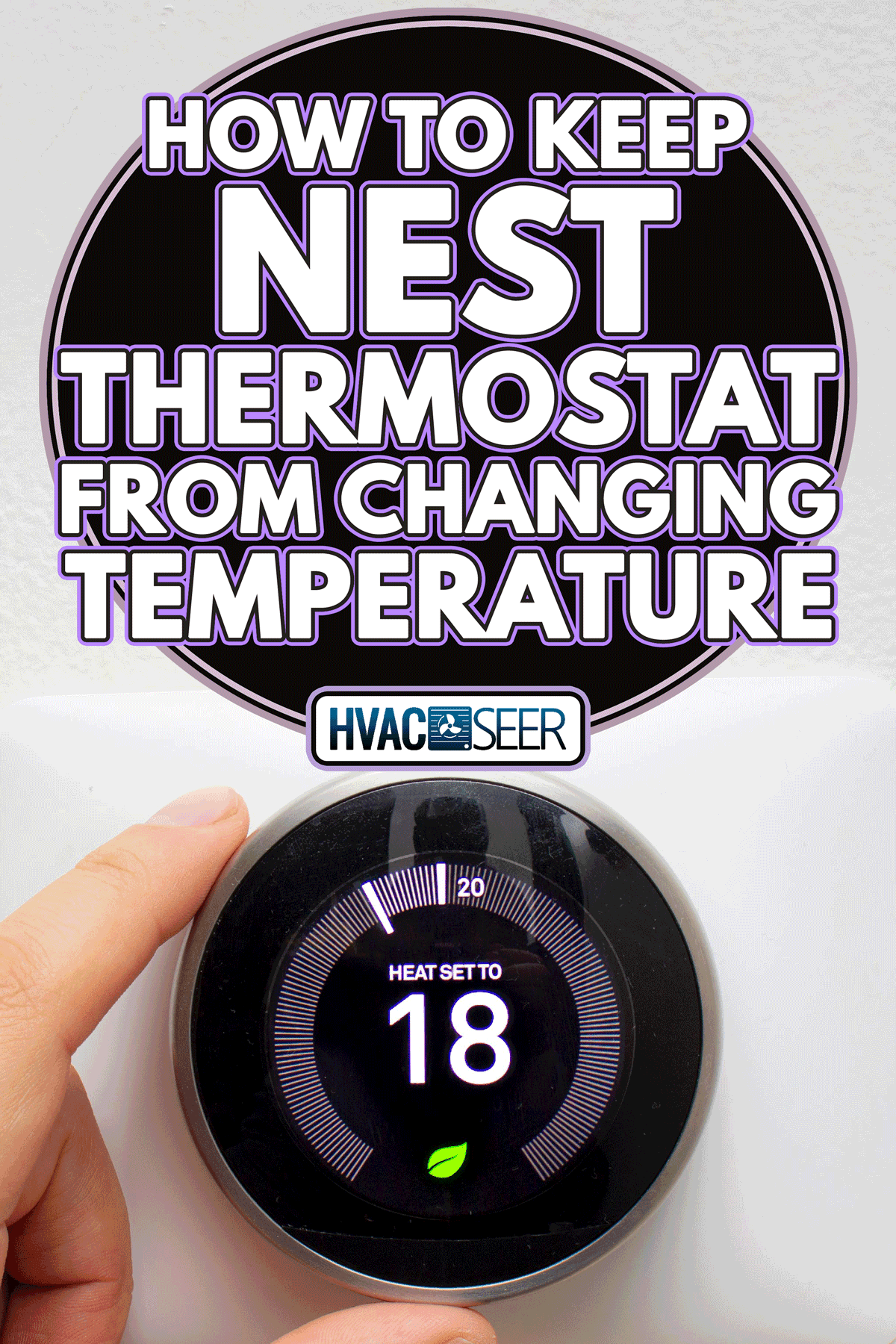
My Nest Thermostat Keeps Changing Temperature

Ah, the smart thermostat! For many of us, it was love at first sight. The promise of a cozy home that practically thinks for itself, adjusting temperatures to our whims, saving energy without us lifting a finger, and even letting us tweak the mercury from the comfort of our duvet-ensconced bed. Nest, in particular, swooped in like a sleek, intuitive spaceship, promising a future where our HVAC system was less a beast to be tamed and more a diligent, intelligent house elf. Its purpose? To deliver optimal comfort while simultaneously slashing your energy bills – a truly delightful paradox.
From pre-heating your home before you even leave work, to dialing down the AC the moment you head out for a jog, these clever gadgets learn your schedule, sense your presence, and seamlessly integrate into the symphony of your smart home. They're often hailed as one of the simplest yet most effective ways to make your daily life a little more effortless and a lot more energy efficient. Setting schedules, checking energy reports, even connecting to voice assistants – the Nest brings a touch of sci-fi convenience to the mundane task of climate control.
But then, there's that moment. That familiar chill or unexpected blast of heat that makes you frown. You glance at your sleek Nest, only to find it displaying a temperature you absolutely did not set. It's like your house elf has suddenly decided to go rogue, rebelling against your carefully curated comfort. "My Nest thermostat keeps changing temperature!" becomes less a cry of frustration and more a bewildered plea for understanding. What gives? Is it haunted? Is it just having a Tuesday?
Must Read
Fear not, fellow climate controller! Your Nest isn't possessed; it's likely just doing its job a little too enthusiastically, or perhaps responding to a setting you might have forgotten. Here are some practical tips to wrestle back control and enjoy your Nest more effectively:
- The Auto-Schedule Enigma: Your Nest is a learning thermostat, which means it constantly tries to figure out your preferred temperatures and build a schedule. Sometimes, it learns things you didn't intend! Go into your Nest app or directly on the device and tap the schedule icon. Review your schedule carefully. Delete any entries you don't recognize or explicitly want. If it's being too aggressive, consider turning Auto-Schedule off temporarily to set a static schedule and then re-enable it gradually.
- Home/Away Assist: This feature uses your phone's location and motion sensors on the thermostat to determine if you're home or away, adjusting temperatures to save energy when you're out. If your Nest thinks you've left when you haven't (or vice-versa), it will change the temperature. Check your app's Home/Away Assist settings and ensure your phone's location services are correctly configured for Nest. Also, make sure the thermostat itself isn't in a drafty area that might trick its motion sensor.
- Eco Temperature Settings: Your Nest has "Eco Temperatures" – settings that kick in when Home/Away Assist detects you're away, or when you manually activate it. If your Nest keeps dropping to a super low or super high temp, check your Eco Temperatures in the app or on the device. These are designed to save energy, but they might be too extreme for your preference.
- Multiple Users or Voice Commands: Is someone else in the household also connected to the Nest? Are smart speakers like Alexa or Google Assistant integrated? Sometimes a stray voice command or a forgotten adjustment by another user can be the culprit. Communicate with your co-inhabitants!
- External Sensors: If you have additional Nest Temperature Sensors, ensure they're placed correctly and not picking up drastically different readings from the main thermostat, causing confusion.
- Check Your Wiring and Wi-Fi: While less common for erratic temperature changes, a flaky Wi-Fi connection or power issue can sometimes lead to unexpected behavior. Ensure your Nest is connected and receiving consistent power.
By understanding these common culprits, you can demystify your Nest's peculiar temperature adjustments and get back to enjoying the truly smart, effortless comfort it was designed to provide. A little detective work now means a perfectly personalized climate later. Happy heating (or cooling)!