
How To Get A Custom Alarm
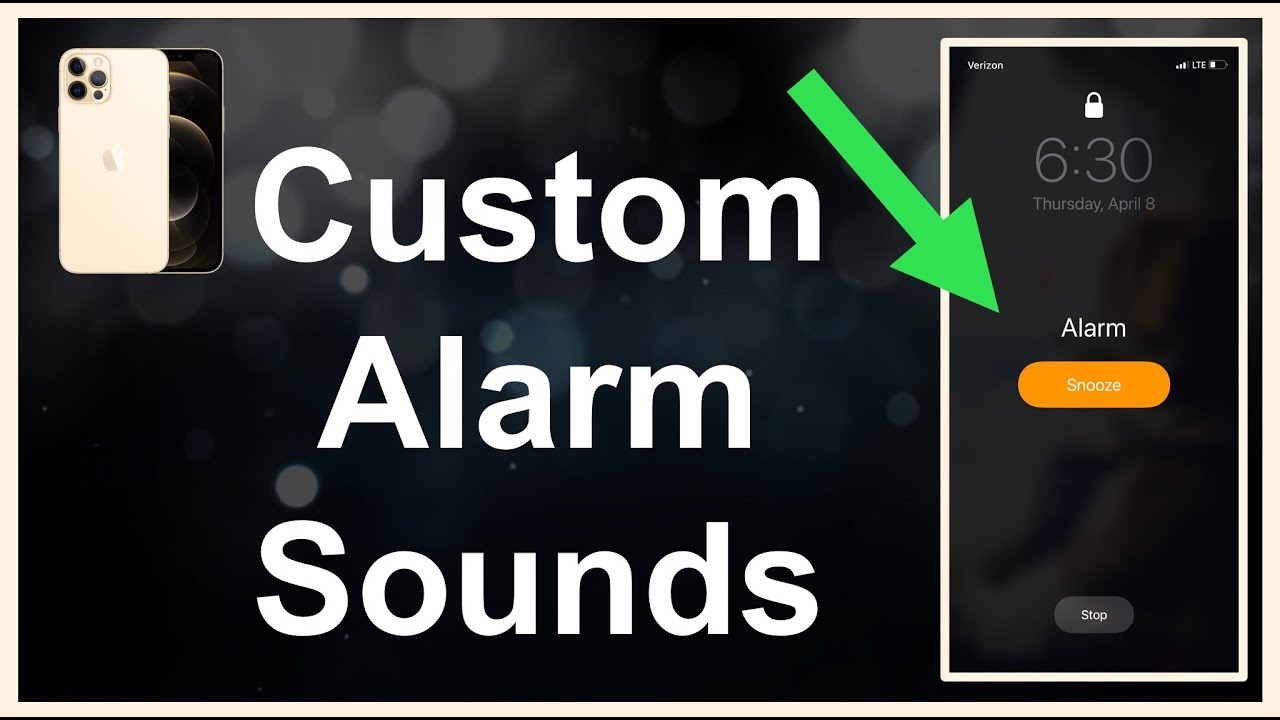
Alright, let's be real for a moment. What's the absolute worst sound in your life? For many of us, it's that jarring, generic, soul-crushing sound that rips us from the sweet embrace of dreamland every single morning. You know the one. That repetitive beep, that aggressive siren, that digital chirping that sounds less like a bird and more like a robot having a seizure.
But what if I told you it doesn't have to be this way? What if waking up could actually be... dare I say it... fun? Or at least, not actively awful? Friends, prepare to have your morning routine revolutionized because we're diving into the wonderful world of custom alarms!
Why Bother With A Custom Alarm?
Think about it. The first sound you hear each day sets a tone, doesn't it? Do you want that tone to be "urgent medical emergency" or "a gentle nudge into a day full of possibilities"? Opting for a custom alarm isn't just about escaping the tyranny of stock sounds; it's about personalizing your peace.
Must Read
It's about injecting a little bit of joy, a dash of motivation, or a whole lot of you into the very first moments of your waking day. Imagine waking up to your favorite song, a calming nature sound, a snippet from an inspiring podcast, or even the silly voice of your pet! Seriously, why settle for anything less?
How To Get Your Awesome New Alarm Sound
Good news! This isn't rocket science. Getting a custom alarm is surprisingly easy on most modern devices.
Your Trusty Smartphone: The Go-To
Whether you're team iPhone or Android, your phone is usually the easiest place to start.
-
For iPhones: Open your Clock app, tap "Alarm," then "Edit," and select an existing alarm or add a new one. Tap "Sound," and you'll see a list of Ringtones and Songs. If you have Apple Music or songs downloaded to your device, you can usually pick one right there. You can also purchase new tones from the Tone Store. It’s pretty intuitive once you dive in!

Android now lets you record your own alarms — here's how | Tom's Guide -
For Androids: The process varies slightly by manufacturer, but generally, you'll open your Clock app, tap "Alarm," then the alarm you want to edit. Look for "Alarm sound" or "Ringtone." You should then have options to pick from pre-loaded sounds, or browse your device's storage for an audio file you've downloaded. Many phones even let you record your own!
Smart Speakers: The Future Is Now!
Got an Amazon Echo or Google Home device? Oh, you are in for a treat! These smart speakers make setting custom alarms ridiculously simple.
-
Alexa: Just say, "Alexa, set an alarm for [time] to [song name] by [artist]." Or, "Alexa, set an alarm for [time] to the sound of [nature sound, e.g., 'birds chirping']." It's like magic! You can even wake up to specific radio stations or podcasts.
-
Google Assistant: Similar to Alexa, you can say, "Hey Google, set a music alarm for [time] to [song name]." You can also specify genres or moods! How cool is that?
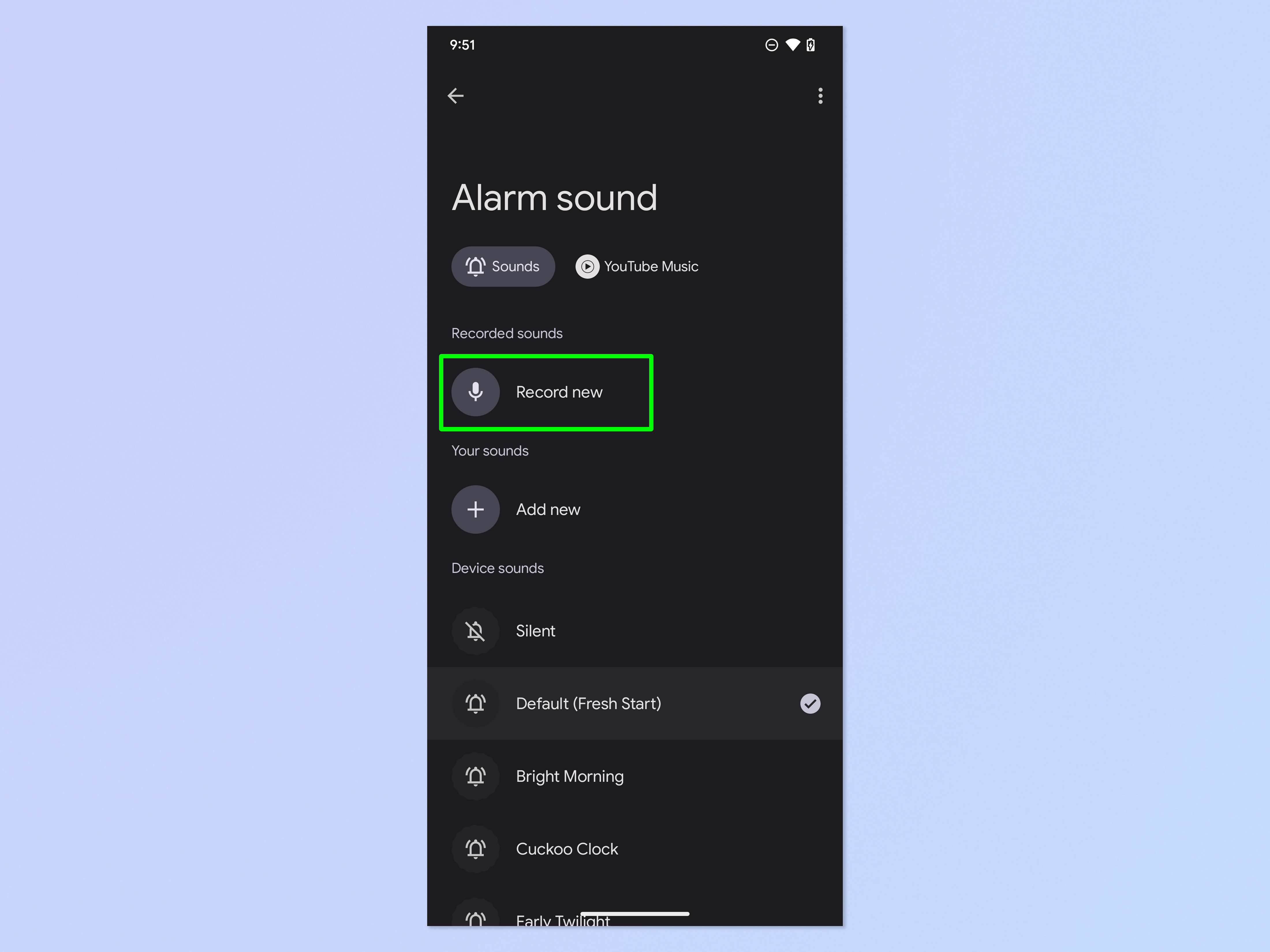
Android now lets you record your own alarms — here's how | Tom's Guide
Third-Party Apps: For The Power User
If you crave even more control, there are tons of fantastic alarm clock apps out there (search your app store for "alarm clock" or "sleep cycle"). Many of these offer advanced features like:
-
Integration with Spotify or Apple Music for virtually limitless song choices.
-
Puzzle alarms that make you solve a brain-teaser to turn them off (for those who really struggle to get up).
-
Gradual volume increase for a gentler wake-up.

How to Use Sound Recognition on iPhone
Choosing Your Perfect Wake-Up Call
This is where the fun really begins! What should you choose?
-
Your Favorite Pump-Up Jam: Something that makes you want to dance, even if it's just a little wiggle under the covers.
-
Calming Nature Sounds: Birds, ocean waves, a gentle rain. Perfect for a serene start.
-
Inspirational Quotes or Podcasts: Start your day with wisdom or a quick burst of learning.
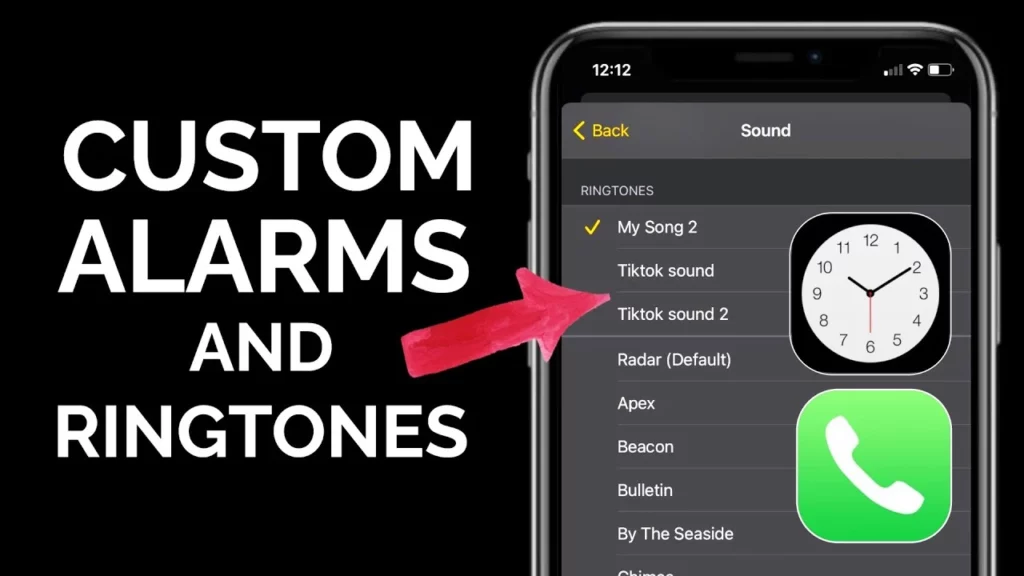
How to Make a Custom Alarm on iPhone | An Easy Guide -
A Voice Message: Record yourself, a loved one, or even your pet's cute noises (if you can get them to cooperate!). "Good morning, sunshine! Time to conquer the day!"
-
Theme It Up: Monday's alarm is upbeat pop, Tuesday's is a gentle classical piece, Friday's is a celebratory rock anthem!
A quick word of caution: Avoid choosing a song you absolutely adore if you think you'll grow to despise it after hearing it at 6 AM for a month straight. Find something you like, but maybe not your all-time desert island track.
Don't Just Wake Up, Awaken!
Customizing your alarm is such a small change, but it can have a surprisingly big impact on your morning mood. It's about taking control of that very first moment, injecting some personality, and making a conscious choice to start your day on a better note.
So, what are you waiting for? Ditch that dreadful default! Dive into your settings, explore the possibilities, and find the sound that truly makes you want to rise and shine. Your mornings (and your inner peace) will thank you. Go forth and customize, and make every wake-up call a little bit more you!