
How To Charge A Ring Doorbell Battery
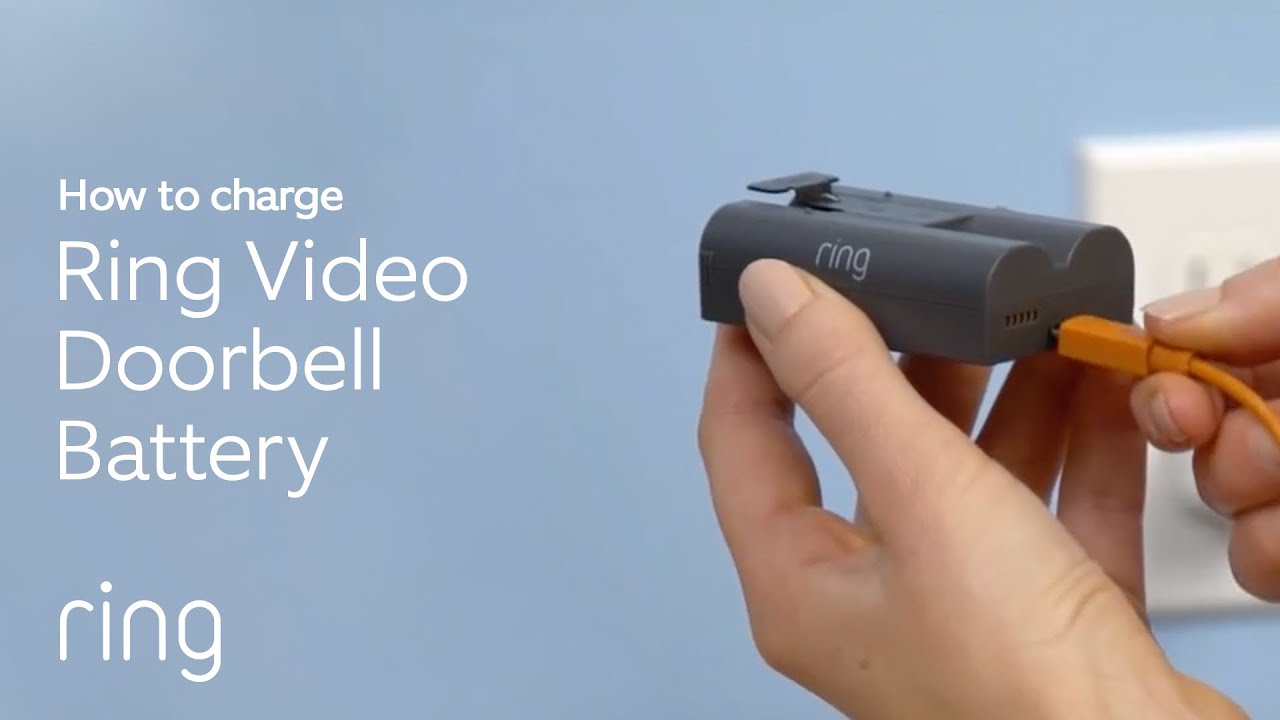
Ever thought about giving your doorbell a little spa day? No, really! We're talking about the fantastic, ever-vigilant Ring Doorbell. It’s that clever gadget standing guard at your front door, always ready to tell you who’s knocking or just passing by. But even superheroes need a little rest and recharge, right? And charging its battery is surprisingly one of the most satisfying little chores you'll encounter. It’s like tending to a tiny, futuristic pet!
The Great Battery Escape: A Mini Adventure
Imagine this: your Ring Doorbell sends you a friendly nudge. It's time for a power-up! This isn't just about plugging something in; it’s a delightful, quick adventure. First, you'll find the little screw at the bottom of your Ring. Just a quick twist with the special screwdriver it came with (how fancy!). It's like unlocking a secret compartment.
Then, with a gentle push, the battery pack slides right out. It’s surprisingly sleek, almost like a miniature candy bar of pure energy. This is your chance to give your Ring Doorbell a moment of quiet reflection, perhaps a tiny power nap. You’ve just completed the first thrilling step: the Great Battery Escape!
Must Read
“Whew! A little freedom, just for a bit!” your battery might exclaim if it could talk.
It’s truly a moment of connection with your home's digital guardian. You're not just a homeowner; you're the tech support, the pit crew, the personal energy assistant for your very own Ring Doorbell.
The Power-Up Party: Watching the Magic Happen
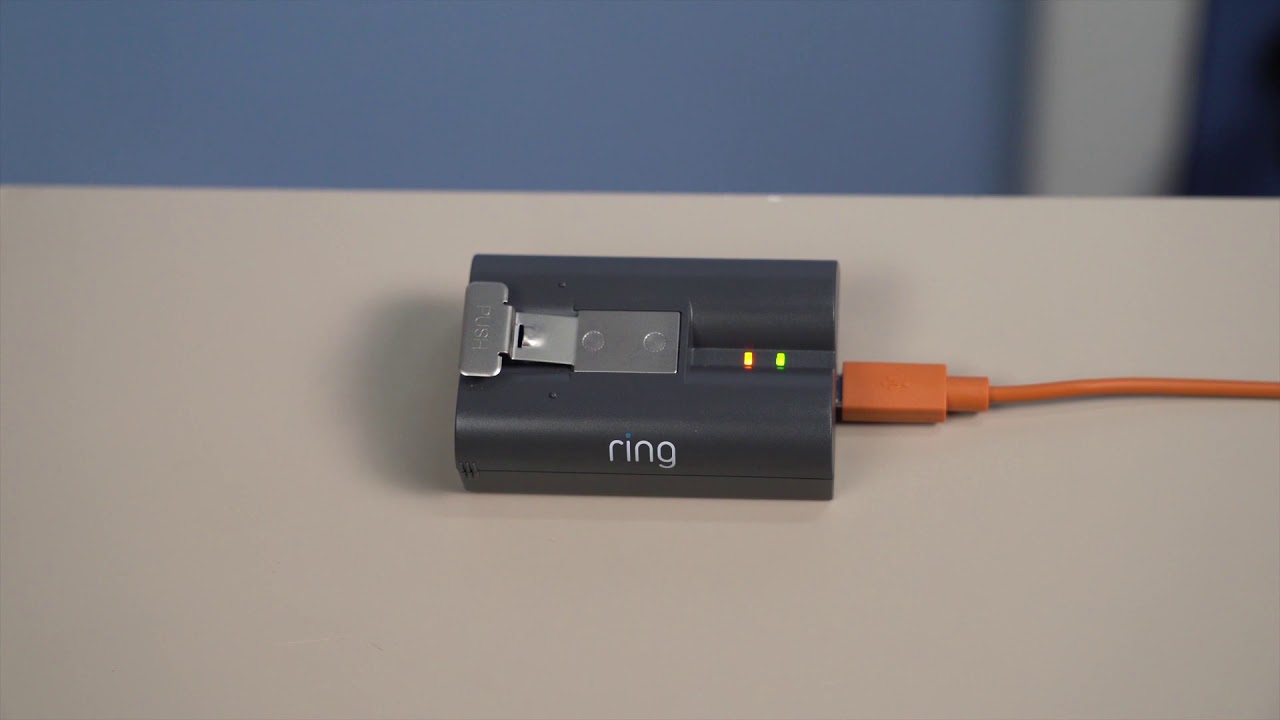
Now for the fun part: the charging itself! Take your sleek battery. You'll notice a little port on one end. Grab a standard USB cable – the kind you probably use for your phone. Plug it in, and then connect the other end to any USB power source. Think wall adapter, computer, even a portable power bank!
Immediately, you’ll see a little light on the battery spring to life. Often, it starts with a soft orange glow. This isn't just a light; it's a silent cheer, a little "thank you!" from your battery. It's absorbing energy, getting ready to protect your home with renewed vigor. Watching that light switch from orange to a bright, triumphant green is incredibly satisfying.

It’s like watching a progress bar fill up in real life. That green light means "mission accomplished!" Your battery is now bursting with power, ready for its next shift. It's a small victory, but a victory nonetheless. You've brought energy back to life!
The Grand Re-entry: Back to Being the Best Doorbell
Once your battery proudly displays its full green light, it’s time for the Grand Re-entry. Slide it back into your Ring Doorbell. It clicks into place with a reassuring thud. Then, replace that little security screw. It’s like locking in all that fresh energy, ensuring your doorbell is snug and ready.
And here’s the absolute best part: the moment your Ring Doorbell powers back up. You might hear a happy chime, or see a quick flash of its light. It’s like it’s waking up, stretching, and saying, "I'm back, baby! What did I miss?" The app on your phone will likely confirm its return to duty, showing its healthy battery percentage.

“All systems go! Ready for my next close-up!” your Ring might internally declare.
That feeling of knowing your home is once again fully monitored, all because of your simple act of charging, is surprisingly empowering. You’ve revitalized your home's watchful eye.
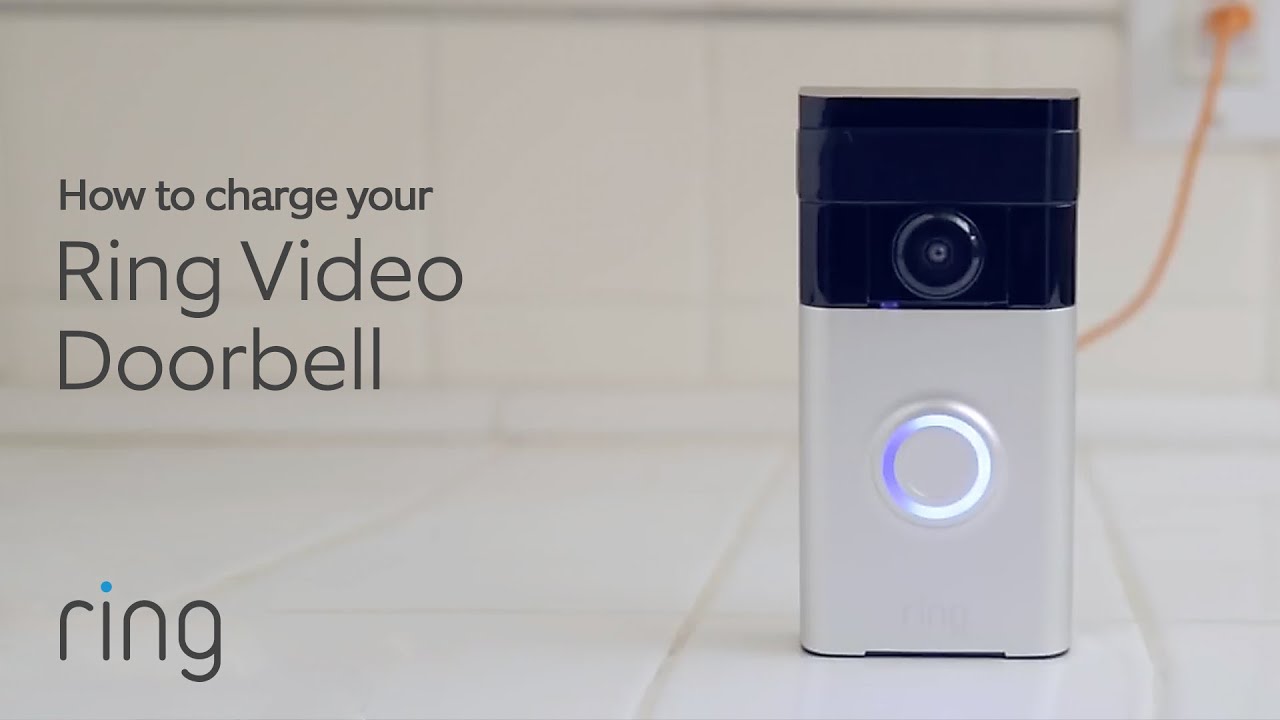
Why It's More Than Just a Charge
Charging your Ring Doorbell battery isn't just a chore; it's a little ritual. It’s a moment to appreciate the technology that keeps your home safe and connected. It’s a chance to engage with your smart home gadgets in a hands-on, satisfying way.
There’s a genuine pleasure in taking something that needs a little boost, giving it that boost, and then seeing it come back to life, ready to serve. It instills a sense of responsibility and capability. You’re not just passively using a device; you’re actively maintaining it, ensuring its peak performance.
So, the next time your Ring Doorbell whispers a hint about its battery, don’t dread it. Embrace it! See it as an opportunity for a mini adventure, a quick and fulfilling task that brings peace of mind and keeps your digital guardian in tip-top shape. It’s a small act with a big impact, and genuinely, a little bit of fun!