
Honeywell Home Thermostat Ac Not Working

Alright, picture this: it’s the height of summer, the kind of heat that makes you question all your life choices, and you walk into your living room expecting that sweet, sweet arctic blast from your AC. Instead, you get… nada. Zip. Zilch. Just the ambient hum of your own rising panic. And there, on the wall, mocking you with its blank stare or baffling error code, is your Honeywell Home thermostat. The supposed guardian of your domestic bliss, now looking like it just quit its job and moved to a tropical island without telling you.
Before you declare a full-scale war on your smart home devices or start eyeing that ice cream maker as a last resort cooling solution (don’t lie, you’ve thought about it), let’s take a deep breath. Because often, the culprit behind your Honeywell’s sudden refusal to chill out is something surprisingly simple. Or, at least, simple enough that you won't need a degree in advanced thermodynamics to fix it.
The Obvious Culprits: Because We All Overlook the Basics
First up, the absolute no-brainer that 99% of us forget when we're in a heat-induced stupor: power. Is your thermostat even on? Did a squirrel declare war on your electrical grid and trip a breaker? Head to your electrical panel. Find the breaker labeled "AC" or "Furnace" (they often share one). If it’s tripped (usually halfway between ON and OFF), flip it all the way to OFF, then back to ON. It’s like a reset button for your entire AC’s central nervous system. Sometimes, that’s all it takes. Seriously, sometimes our HVAC systems just need a little "have you tried turning it off and on again?" moment.
Must Read
Next, the silent assassin of comfort: batteries. Yes, even your fancy-pants Honeywell thermostat often relies on a couple of AA or AAA batteries to power its display and functions, even if it’s wired into your home’s electrical system. They're like the secret snack stash your thermostat needs to keep going. When those little power pucks run dry, your thermostat can throw a digital tantrum, refusing to communicate with your AC unit. Pop that bad boy open (usually it just pulls off the wall plate) and swap out the batteries. And here's a surprising fact: low batteries can cause intermittent issues long before the display dies, making it seem like a bigger problem than it is!
The "Are You Even Listening?" Check: Settings Shenanigans
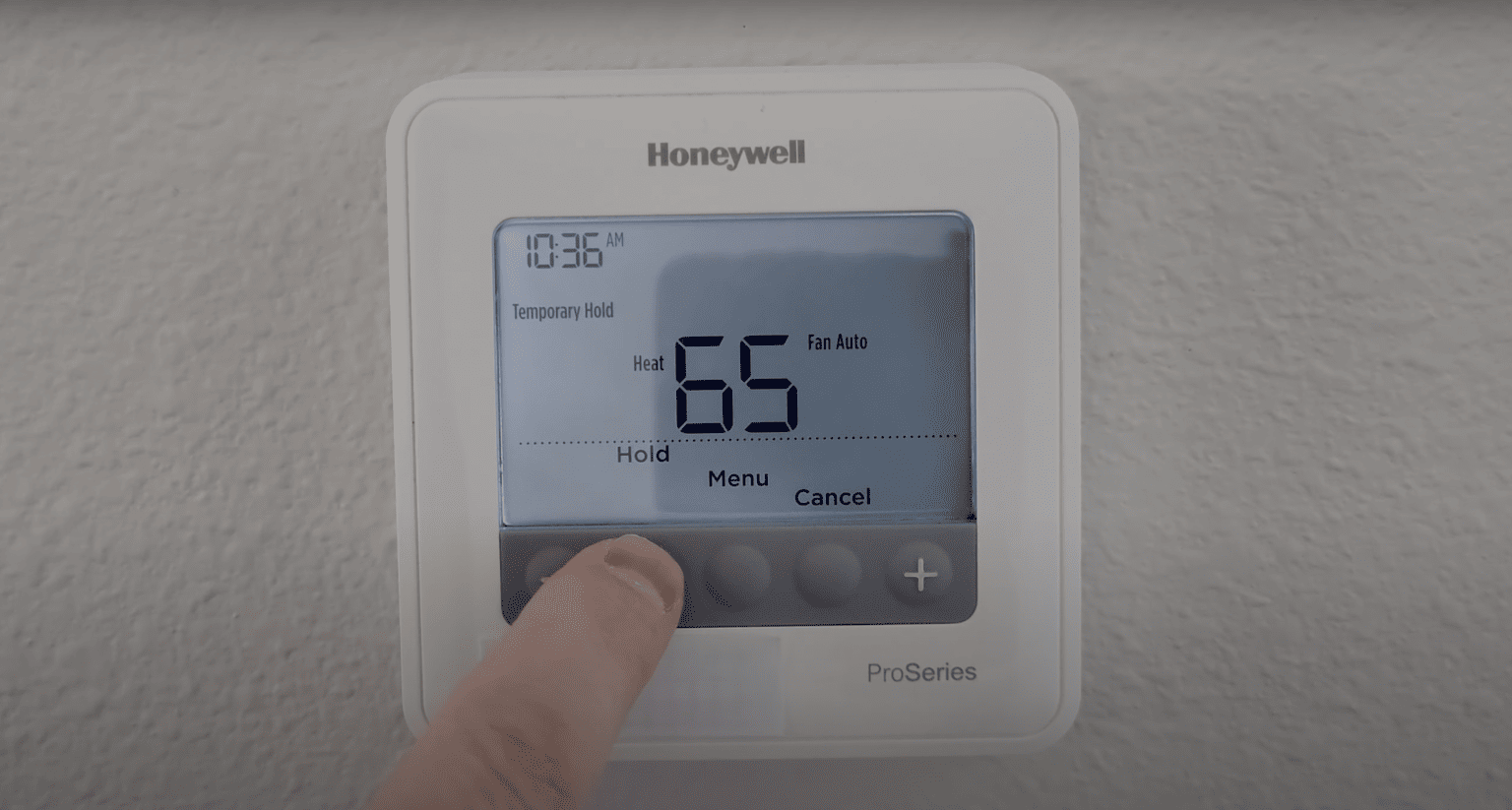
Okay, batteries are fresh, power is flowing. Now, let’s talk about communication. Is your thermostat actually telling your AC to, you know, cool? It sounds silly, but how many times have we accidentally bumped a setting? Check the mode. Is it set to COOL? Or is it chilling (pun intended) on HEAT, OFF, or FAN ONLY? Your Honeywell isn't a mind-reader; it needs explicit instructions. Set the temperature significantly lower than the current room temperature to give it a clear command. If you’ve got a "hold" or "run schedule" option, make sure it’s not overriding your manual input.
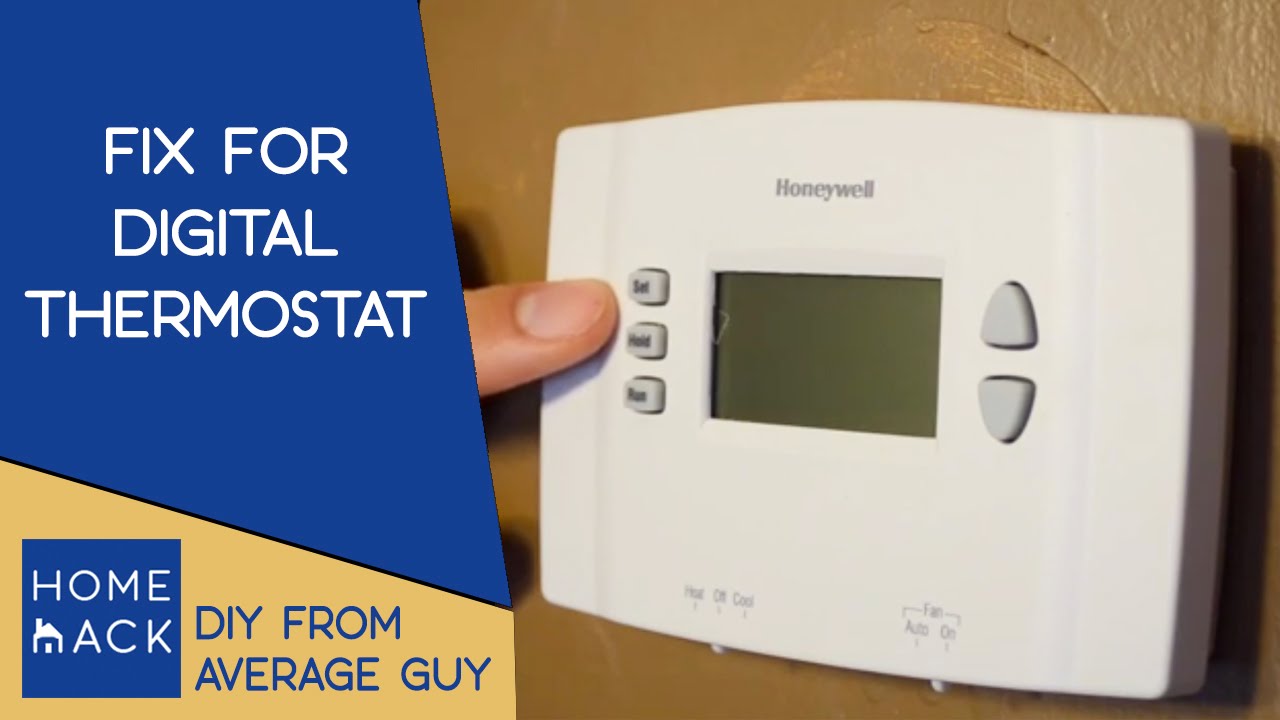
Also, give your system a moment. After making changes, especially if it's been off, the AC usually has a built-in delay (often 3-5 minutes) to protect the compressor from short-cycling. So, don’t expect an instant Arctic breeze. Patience, young Jedi. Or, you know, just stand there sweating slightly less aggressively for a few minutes.
The Gunk and Grime Gauntlet: When Your AC Needs a Spa Day
If your Honeywell is powered up and giving all the right commands but your AC unit is still stubbornly refusing to blow cold, it’s time to get a little hands-on. And by hands-on, I mean looking at the things that get… well, gross.
First up: the air filter. This is the unsung hero of your HVAC system, and also its biggest drama queen. A clogged filter is like trying to breathe through a pillow. Your AC struggles, airflow drops, and eventually, it might just give up the ghost to avoid overworking itself. Find your filter (usually in the return vent or at the air handler/furnace), pull it out, and hold it up to the light. If you can’t see through it, it’s not just dirty, it’s hosting a whole lint monster convention. Replace it! They’re cheap, and changing them regularly saves you a ton of headache (and money) in the long run.
Next, venture outside to your outdoor unit, the big noisy box that sits there looking important. Is it running? Can you hear the fan? If not, check if it’s covered in leaves, grass clippings, or that particularly enthusiastic ivy from next door. Your condenser coils need to breathe to dissipate heat. Give them some space. A gentle spray with a garden hose can clean off surface grime, but be careful not to bend the delicate fins. Never stick anything inside or mess with electrical components – leave that to the pros. But clearing debris from around it? Totally fair game.
And then there's the unsavory topic of the condensate drain line. Your AC pulls humidity out of the air, and that water has to go somewhere. Usually, it drips down a PVC pipe and out of sight. But if that pipe gets clogged with algae (it happens, trust me), a safety switch will trip, shutting down your AC to prevent water damage. You might see standing water in the drain pan near your indoor unit. A little wet/dry vac action on the end of the drain line can often clear it, or a gentle pour of distilled vinegar down the access port can help too. Just be ready for some gross sludge.

When to Throw in the Towel (and Call a Pro)
You’ve checked the power, swapped the batteries, confirmed the settings, changed the filter, cleared the outdoor unit, and even stared down the slimy abyss of the condensate drain. And yet, your Honeywell thermostat is still smugly displaying "78°" while you're dripping like a forgotten popsicle. This, my friends, is where you wave the white flag and call in the HVAC wizard.
There are some things that are simply beyond the realm of DIY, unless your last name is MacGyver and you have a paperclip and some chewing gum handy. If you hear strange noises, smell something burning, suspect a refrigerant leak (which requires special tools and certifications), or if your outdoor unit is running but blowing warm air, it's time for professional help. Trust me, messing with refrigerant lines or high-voltage wiring is not a fun weekend project. An expert can diagnose everything from a faulty capacitor to a dying compressor, saving you from a potentially very expensive mistake.
So, the next time your Honeywell Home thermostat decides to take a vacation without you, don't despair! Most often, it's a minor hiccup that a little elbow grease and common sense can fix. And if not? At least you’ll have a great story about your thermostat’s rebellion to tell at the café while you wait for the cavalry to arrive. Stay cool out there!
