Honeywell Ac Thermostat Blinking Cool On

Ever noticed your Honeywell AC thermostat blinking "Cool On" and felt a tiny pang of worry? Don't sweat it! This common household occurrence isn't usually a sign of disaster, but rather a little signal from your home's brain, letting you know it's working diligently behind the scenes. Understanding what this blink means can actually be quite empowering, turning a moment of potential confusion into a satisfying "aha!" moment. It's useful for anyone wanting to feel more in tune with their home's systems, ensuring comfort and saving a few bucks on unnecessary service calls.
For beginners, deciphering this blinking light is a fantastic first step into understanding your home's cooling system without needing a technical degree. Families, in particular, will appreciate knowing how to quickly troubleshoot this common scenario to restore comfort to their living spaces, especially on a sweltering day. Instead of panicking or immediately calling a professional, you'll be equipped with simple, practical knowledge. Even those who enjoy a bit of DIY troubleshooting around the house will find satisfaction in understanding this subtle cue from their Honeywell thermostat. It's about taking charge of your home's comfort, one blinking light at a time.
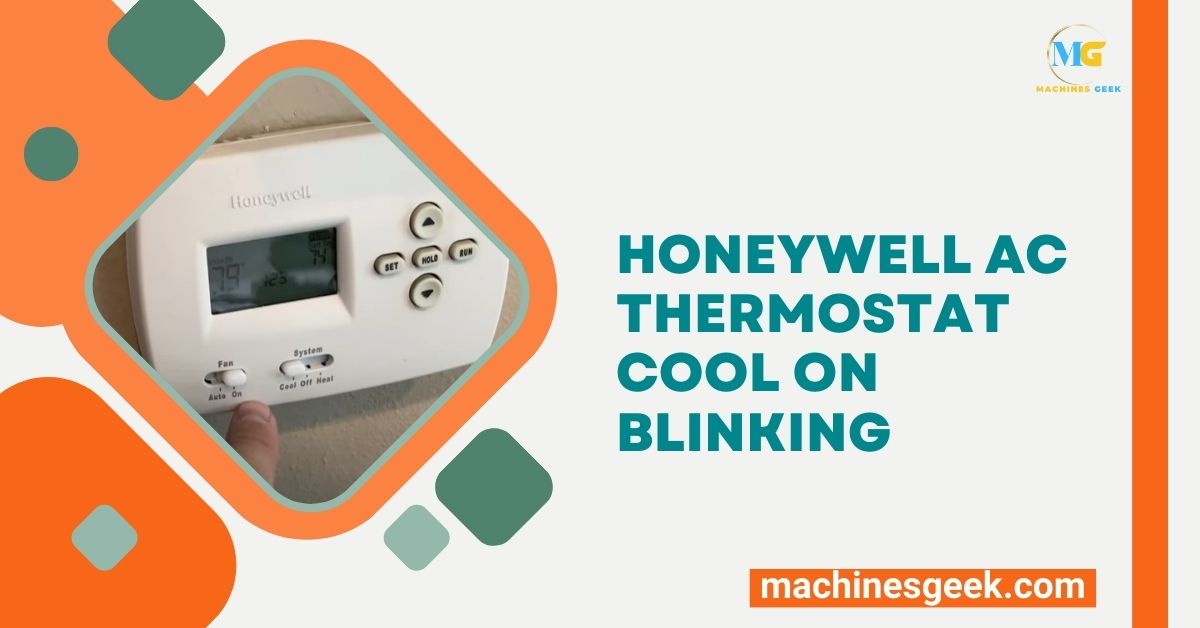
So, what does that blinking "Cool On" usually mean? The most frequent and reassuring answer is that your Honeywell thermostat is indicating a safety delay. Your AC compressor needs a brief pause between cycles to protect itself from damage. If your system just turned off and then quickly received a command to turn back on (maybe you just adjusted the temperature, or there was a brief power flicker), the thermostat will intentionally wait a few minutes – typically 3 to 5 – before kicking the compressor back in. During this time, "Cool On" will blink, letting you know the command has been received and is being processed, but with a protective delay. It's like your AC taking a deep breath before diving back into work!
Must Read
While the safety delay is the prime suspect, there can be other variations. Sometimes, a blinking "Cool On" could follow a power cycle (like after a power outage), or even signal an issue with the system trying to engage the compressor. Certain advanced Honeywell models might even display "Delay" alongside the blinking "Cool On" to make it extra clear. It's less common, but a faulty sensor or low refrigerant can also prevent the compressor from starting immediately, causing the thermostat to keep trying, resulting in the blinking.

Ready for some simple, practical tips to get started?
- Wait it out! Seriously, for most blinking "Cool On" situations, the best first step is to simply wait 5 minutes. Chances are, your AC will kick on automatically once the safety delay is over.
- Check your power supply. Ensure the breaker for your AC unit (both indoor and outdoor) hasn't tripped. Also, check the switch near your furnace/air handler – sometimes it's accidentally flipped off.
- Inspect your air filter. A severely clogged air filter can restrict airflow, causing your system to struggle. While less directly related to a blinking "Cool On," a clean filter is crucial for overall AC health.
- Try a simple thermostat reset. For many Honeywell models, turning the thermostat to "Off" for a minute, then back to "Cool," can often resolve minor glitches.
- Don't forget the batteries! If your Honeywell thermostat uses batteries, weak ones can sometimes cause erratic behavior. Swapping them out is an easy fix.
There you have it! The next time your Honeywell AC thermostat is blinking "Cool On", you'll know exactly what's happening. No need for panic, just a calm understanding of your home's intelligent systems. This small piece of knowledge makes you a more informed homeowner, keeps your living space comfortable, and potentially saves you money. It's truly a cool feeling to stay in control of your cool air!