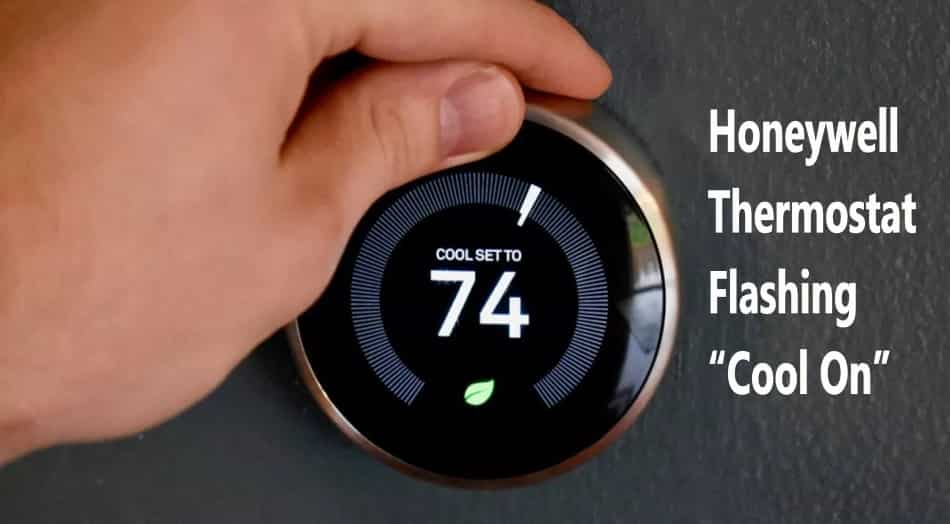
Heat On Flashing On Thermostat Honeywell

Ever found yourself staring at your Honeywell thermostat, noticing the "Heat On" message blinking, and feeling a tiny pang of panic? You're not alone! It's one of those little household mysteries that can make you wonder if your cozy sanctuary is about to stage a dramatic temperature rebellion. But here's the fun part: this flashing light is usually not a dire warning, but rather your thermostat being an incredibly smart and protective guardian of your home's comfort system. Understanding this simple signal can save you stress, potential service calls, and give you a satisfying sense of being in tune with your home.
So, what's the big deal with the blinking "Heat On"? In most cases, it signifies a system delay. Your Honeywell thermostat, whether it’s a modern smart device or a more traditional model, is built with clever safeguards to protect the delicate components of your furnace or heat pump. When you switch from cooling to heating, or vice-versa, or even if there's been a brief power interruption, the thermostat initiates a short waiting period before fully engaging the system. This isn't your thermostat playing hard to get; it's a crucial act of mechanical preservation.
The primary beneficiary of this delay is often your HVAC system's compressor. Imagine trying to run a marathon, stopping abruptly, and then immediately sprinting again – not great for your body, right? The same goes for your compressor. Rapidly turning on and off (what's called "short cycling") can put immense strain on this expensive and vital component, leading to premature wear and tear or even complete failure. The flashing "Heat On" is your thermostat enforcing a protective cooldown period, typically around 3 to 5 minutes, allowing pressure to equalize within the system. This ensures the compressor starts under optimal conditions, extending its lifespan and keeping your heating (and cooling!) running efficiently for years to come.
Must Read
But the benefits don't stop there. Beyond compressor protection, the delay can also be part of the furnace's own ignition sequence. Modern furnaces have intricate safety checks and warm-up procedures, and your thermostat's flashing light might be acknowledging this internal process. Furthermore, if you've recently changed batteries or experienced a power outage, the flashing "Heat On" often indicates the system is simply rebooting and re-establishing communication, ensuring everything is in proper order before delivering that comforting warmth.
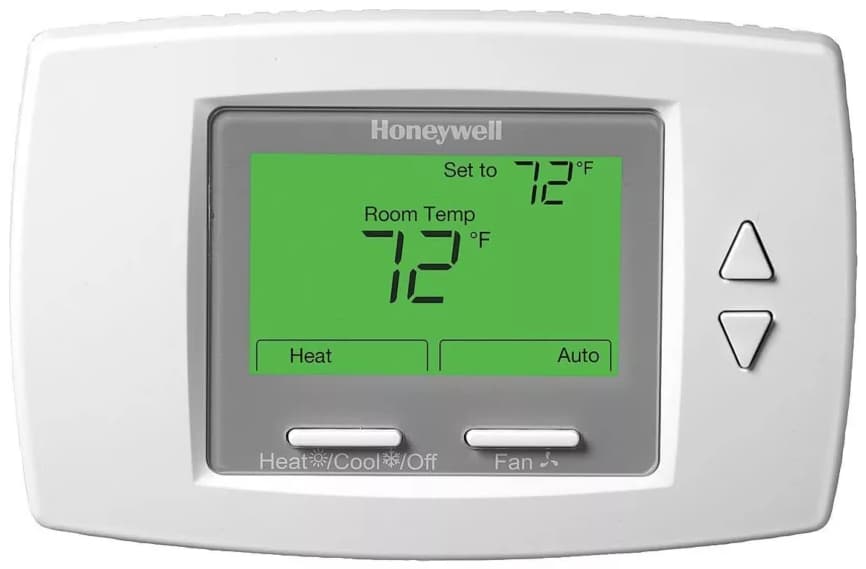
So, what should you do when you see it? Most of the time, the best action is simply wait patiently. Grab a cup of tea, check your phone, or admire your perfectly controlled indoor climate (once it kicks in!). After a few minutes, you should see the "Heat On" light become solid, indicating the system is fully engaged and heat is flowing. This understanding brings immense peace of mind, saving you from unnecessary worry or the expense of calling a technician for what's often normal operation. It truly empowers you to be a more knowledgeable homeowner.
However, if the "Heat On" continues to flash for an unusually long time (say, more than 10-15 minutes) and you're not feeling any heat, then it might be time to investigate further. Check your circuit breaker, ensure your furnace filter isn't completely clogged, or if all else fails, then consider reaching out to a professional. But in 90% of cases, that blinking light is just your Honeywell thermostat giving you a friendly heads-up that it's taking good care of your home's heart.