Why Does Smoke Detector Beep After Replacing Battery
There’s a quiet, unsung hero in countless homes, diligently standing guard, often overlooked until it lets out a piercing shriek. We’re talking, of course, about your smoke detector! While you might not "enjoy" interacting with it in the traditional sense, there’s a profound sense of security and peace of mind that comes with knowing these little sentinels are on duty. They are the silent protectors that allow us to sleep soundly at night, knowing that if danger lurks, we’ll be given a crucial head start.
The primary benefit of a smoke detector is undeniably its ability to save lives. By providing an early warning of fire, they give families precious minutes to evacuate, call for help, and potentially prevent catastrophic damage. It’s a simple device, yet its purpose is monumental. You'll find them everywhere from cozy family homes to bustling office buildings and apartments, often hardwired into electrical systems or running on simple batteries. Whether they’re ionization detectors, sensing invisible fire particles, or photoelectric detectors, which are better at detecting smoldering fires, their mission remains the same: alert you to danger, fast.
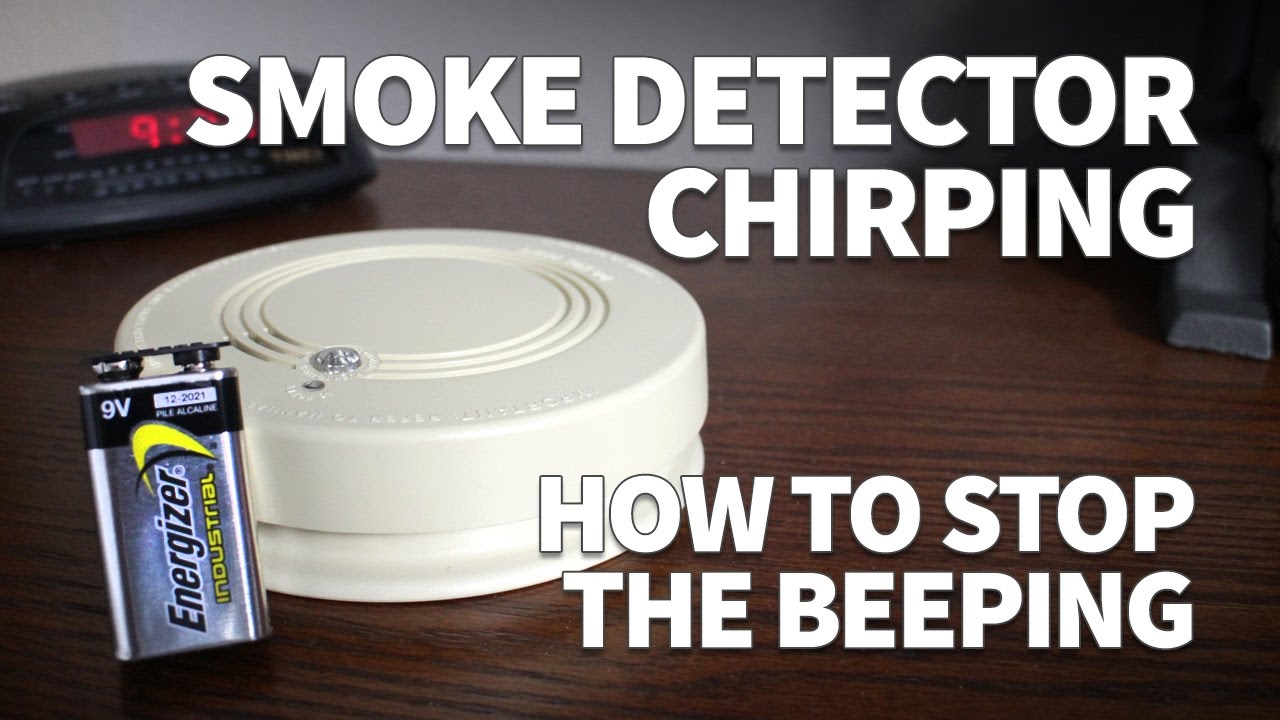
But then comes the moment that puzzles many: you diligently replace the battery, confident you've done your civic duty, only for the detector to keep on beeping! This isn't your smoke detector being dramatic, or suffering from a case of mistaken identity. There are a few clever reasons why this happens, and understanding them can turn frustration into a quick fix.
Must Read
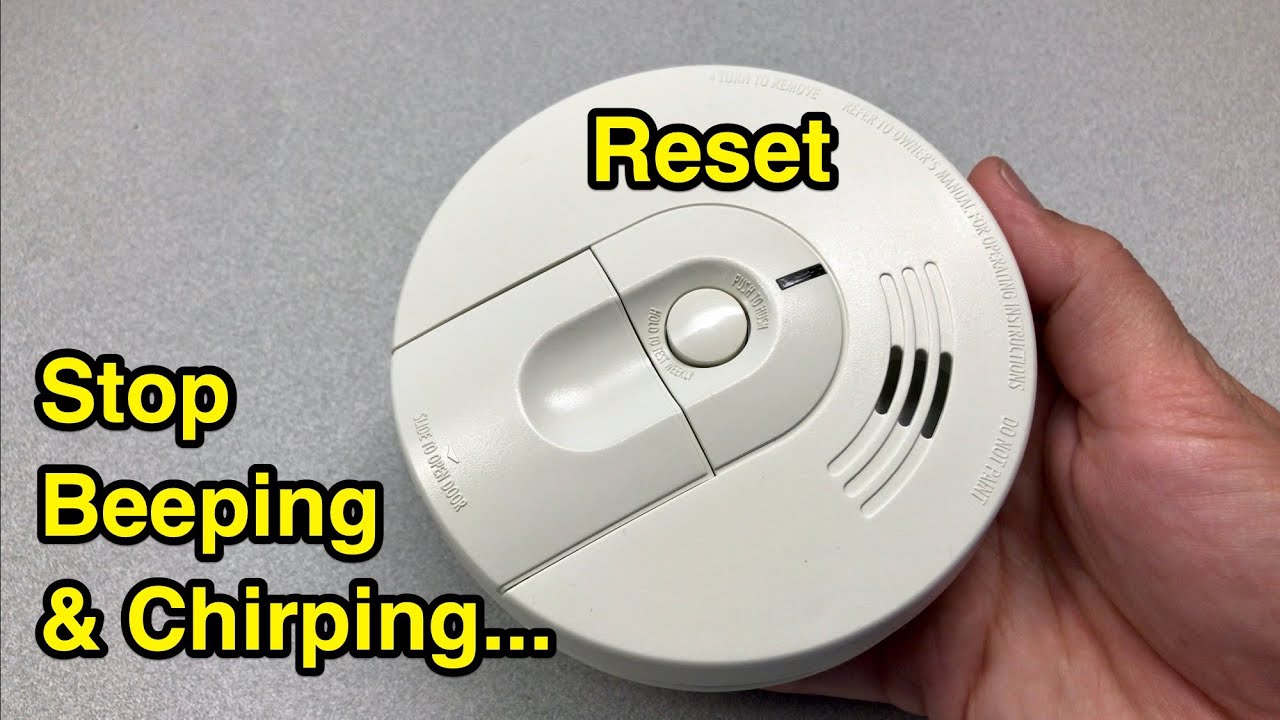
The most common culprit is residual power or "memory" within the unit. Even after removing the old battery, a tiny bit of electrical charge can linger in the detector's internal components, like a persistent echo. This residual power can keep the "low battery" flag raised, or at least confuse the detector’s internal diagnostics into thinking something isn't quite right. It needs a proper, unambiguous reset.
Another reason is the unit’s self-diagnostic cycle. When new power is introduced, the detector often performs a brief internal health check. Sometimes, it might beep during this process, or there could be a slight delay before it fully registers the new, healthy power source and silences its alarms. For hardwired units with a backup battery, or interconnected systems, this can be even more complex, as the entire network might need to resynchronize before all units confirm they are happy and fully powered.

So, how do you "enjoy" the maximum peace of mind from your smoke detectors and ensure they stop their post-battery-change chirping effectively? Here are some practical tips:
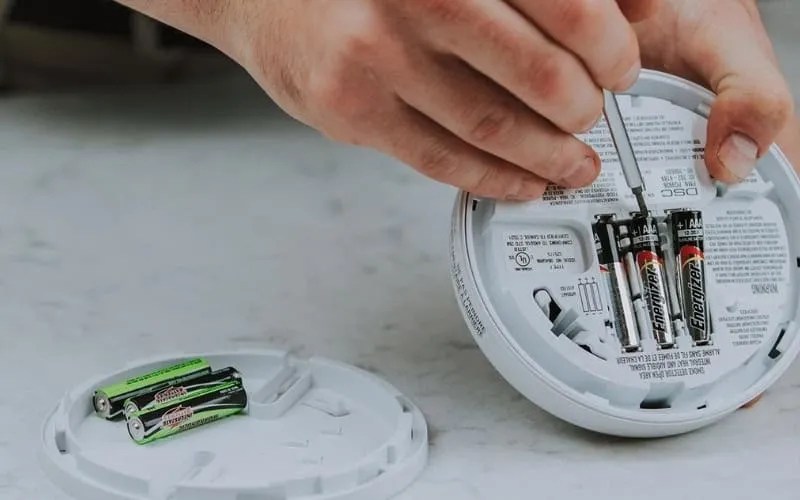
- The Reset Dance: After removing the old battery, try pressing and holding the test button for about 15-30 seconds. This helps drain any lingering residual power and gives the unit a hard reset. Then, install the brand new battery (ensure it's the correct type!).
- Test, Then Re-test: Once the new battery is in, press the test button again to ensure it sounds a full alarm. This confirms the battery is correctly installed and the unit is working.
- Check the Date: Smoke detectors aren't forever. They have an expiration date, typically 10 years from the date of manufacture. After this, their sensors can become less reliable. Check the back of your unit; if it’s past its prime, replace the entire detector.
- Keep it Clean: Dust and debris can accumulate inside the detector, sometimes triggering false alarms or interfering with its function. Gently vacuum around the vents or wipe the exterior with a damp cloth annually.
- Regular Testing: Even without a battery change, remember to press that test button monthly. It’s a quick habit that ensures your silent guardian is ready when it matters most.
By understanding these simple quirks and following these steps, you can quickly silence that annoying beep and let your smoke detector return to its crucial role, giving you confidence and security every single day.