
Why Are My Iphone Alarms Not Working

Ah, the gentle hum of morning... or perhaps, the deafening silence where your oh-so-important iPhone alarm should have been! Sound familiar? You’re not alone, my friend. We’ve all been there: jolting awake in a cold sweat, staring at the clock in disbelief, muttering, “But I set it!”
It’s a truly universal experience, isn't it? One minute you're dreaming of flying unicorns, the next you're sprinting out the door, fueled purely by adrenaline and a desperate need for coffee. But what if I told you that this frustrating, heart-stopping moment can actually be a fun little detective game? A chance to become a true tech whisperer, mastering the mysteries of your own pocket-sized supercomputer?
The Case of the Silent Wake-Up Call: Unmasking the Culprits!
Let’s dive into the fascinating (and sometimes bewildering) world of iPhone alarms. It's often not a conspiracy, but rather a playful game of hide-and-seek between you and your settings. Ready to put on your deerstalker hat?
Must Read
Culprit #1: The Vanishing Volume Act!
This might seem obvious, but how many times have we silenced our phones for a meeting, a movie, or just a moment of peace, and then completely forgotten to turn the ringer volume back up? Your alarm clock volume is tied to your ringer and alerts volume. So, if that slider is all the way down, your alarm is essentially shouting into a pillow. Go ahead, check it now! Head to Settings > Sounds & Haptics and slide that "Ringer and Alerts" bar. A little boost can make all the difference!
Culprit #2: The Stealthy Silent Treatment (Do Not Disturb & Focus Modes)!
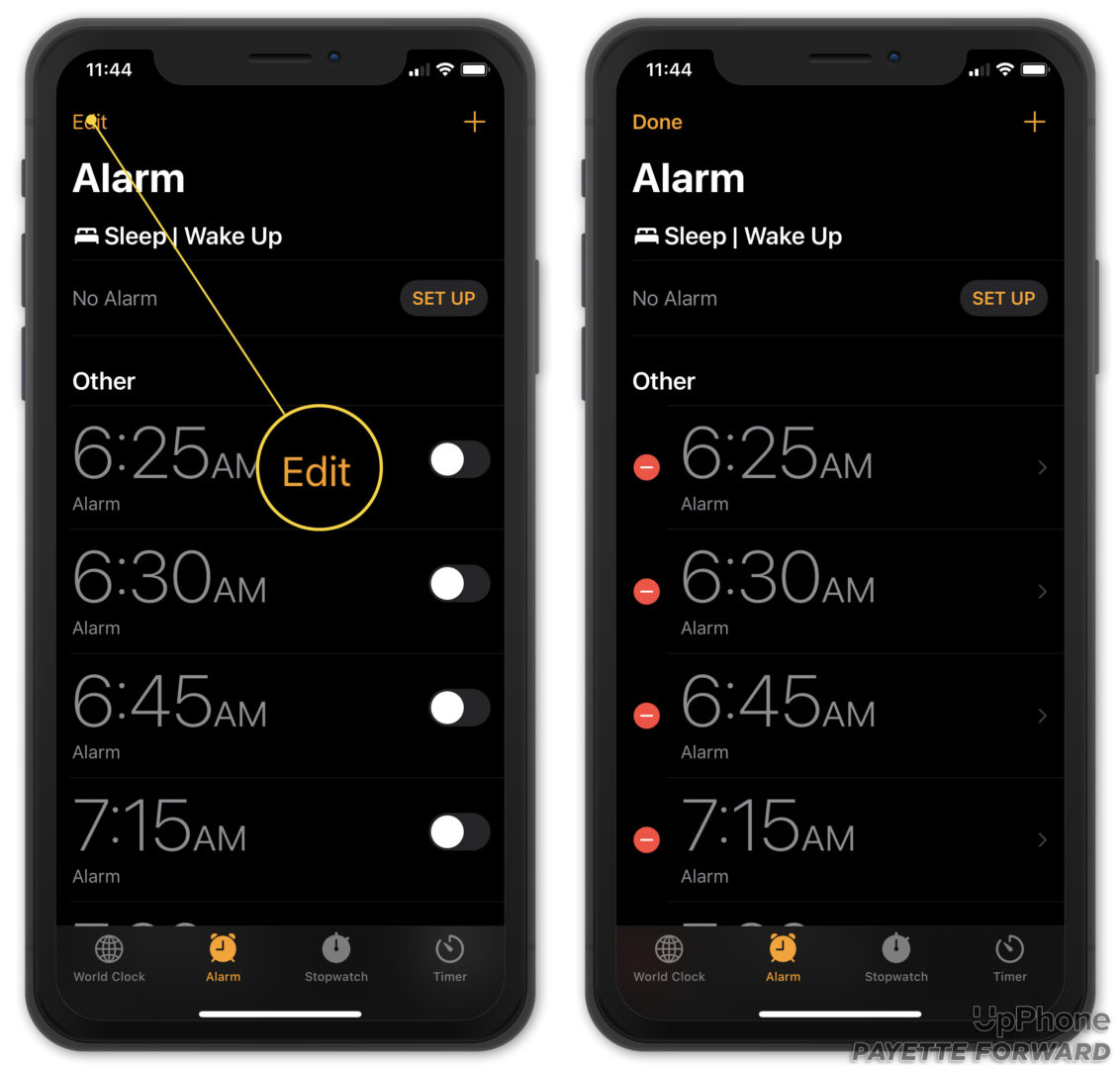
Oh, these sneaky little devils! Apple’s Focus modes (like Do Not Disturb, Sleep, Personal, Work) are brilliant for maintaining concentration, but they can be alarm-killing ninjas if not managed carefully. While alarms should theoretically bypass these, sometimes a specific setting within a Focus mode or an older "Bedtime" schedule might override your intentions. Are you accidentally telling your phone, "Hey, I really don't want to hear anything right now, even if it's super important"? Double-check your Focus settings in the Control Center or Settings app. Ensure your critical alarms are allowed to break through the digital quietude.
Culprit #3: The Muted Melody: Is Your Alarm Sound... Silent?
This is a classic! You’ve set the time, you’ve set the day, but did you pick an actual sound? Sometimes, in a rush, we might accidentally select "None" for the alarm sound, or perhaps a custom sound was deleted. Imagine setting a brilliant trap, but forgetting to put any bait in it! Go to your Clock app, edit your alarm, and make sure there’s a vibrant, unmistakably loud sound selected. Maybe even try a new one! Who knows, "Radar" might be your new favorite wake-up call.

Culprit #4: The Digital Dust Bunnies (App Glitches & Updates)!
Even the most sophisticated software needs a little spring cleaning now and then. Sometimes, the Clock app just needs a quick refresh. Try closing the Clock app completely (swipe up from the bottom and swipe the app card away) and then reopening it. If that doesn't work, a simple restart of your iPhone can often work wonders, clearing out any minor software hiccups. And of course, always make sure your iOS is up-to-date! New updates often squash those pesky bugs.
Culprit #5: The Bedtime Bureaucracy: Your Sleep Schedule's Secret Agenda!

The Health app’s Sleep Schedule is fantastic for encouraging consistent sleep, but it can sometimes interfere if you have conflicting alarms. If you rely on Sleep Schedule for your primary alarm, make sure it’s enabled and set correctly. If you prefer using the standard Clock app alarms, ensure they aren't being inadvertently overridden by an older, forgotten Sleep Schedule setting. It’s all about clear communication with your digital assistant!
Turning Frustration into Fun: Why It Matters!
Now, why embrace this tech sleuthing with a smile? Because understanding these little quirks isn't just about avoiding a missed meeting; it’s about empowerment. It’s about taking control of your daily rhythm, turning a potential disaster into a minor, solvable puzzle. Think of it as your phone asking you to play a game, a delightful challenge that makes you feel more connected to the tech that powers your day.
Every time you solve one of these little mysteries, you're not just fixing an alarm; you're building confidence, sharpening your problem-solving skills, and genuinely making your life a little smoother. Plus, who knows what other cool features you’ll stumble upon while exploring your settings? Maybe a new widget, a handy shortcut, or a personalized Focus mode that truly transforms your productivity!
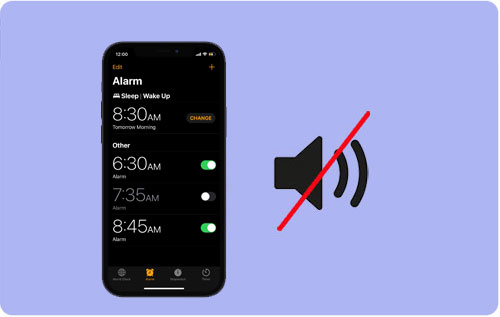
Imagine this: you wake up gently, precisely when you intended, feeling refreshed and ready to seize the day. No more frantic dashes, no more sheepish apologies. Just pure, unadulterated morning bliss. That’s the power of a working alarm, and the satisfaction of having outsmarted those silent saboteurs!
Your Mission, Should You Choose to Accept It...
So, the next time your alarm pulls a disappearing act, don't just sigh in exasperation. See it as an invitation! An invitation to explore, to learn, and to master a tiny corner of your digital world. It's a reminder that even small acts of curiosity and problem-solving can lead to a more joyful and less stressful existence.
Let this be your sign to dive deeper into your iPhone's settings. Explore! Tinker! Ask questions! You'll not only guarantee a timely wake-up but also unlock a richer, more intentional relationship with your technology. After all, life’s too short for missed alarms, and far too exciting not to learn something new every day!