
How To Turn Off A Beeping Fire Alarm
Alright, friend, let's talk about that sound. You know the one. That ear-piercing, soul-shattering, "Is the world ending or did I just burn toast again?" BEEEEEEEEEP! It's the sound equivalent of a dentist drill mixed with a banshee wail, and it usually starts at 3 AM. But fear not, my intrepid home hero! We're going to tackle this noisy menace together, with a few laughs along the way.
Step 1: Don't Panic! (Probably Not a Real Fire)
First things first: take a deep breath. Unless you see actual smoke or flames (in which case, ignore me and get out safely, then call 911!), that obnoxious beeping is almost always a sign of something much less dramatic. Most often, it's your trusty fire alarm telling you, "Hey, I'm running low on juice!" or "Psst, I'm getting old and tired!" So, let's assume it's just a diva alarm looking for some attention.
A single, short, intermittent chirp (like a "chirp... chirp... chirp...") is the classic "low battery" signal. If it's a constant, loud, full-alarm blare, then do check for actual danger. But for the purpose of this chat, we're dealing with the intermittent "I'm needy!" beep.
Must Read
Step 2: Silence the Beast (The Temporary Fix)
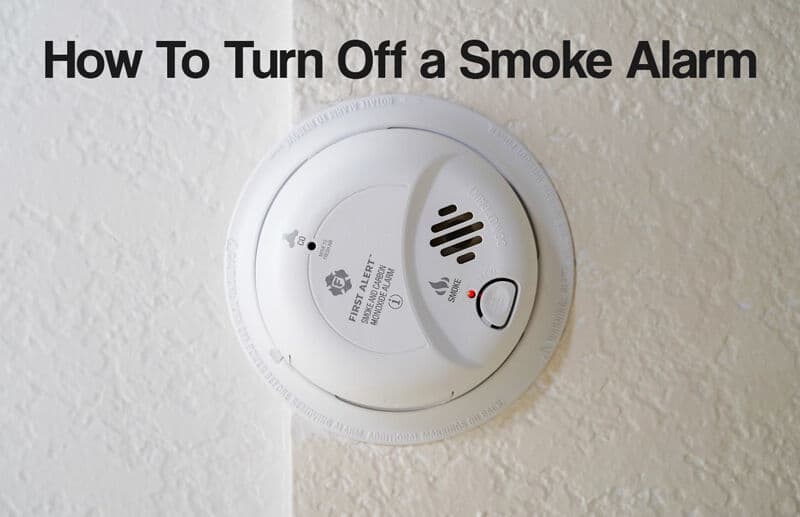
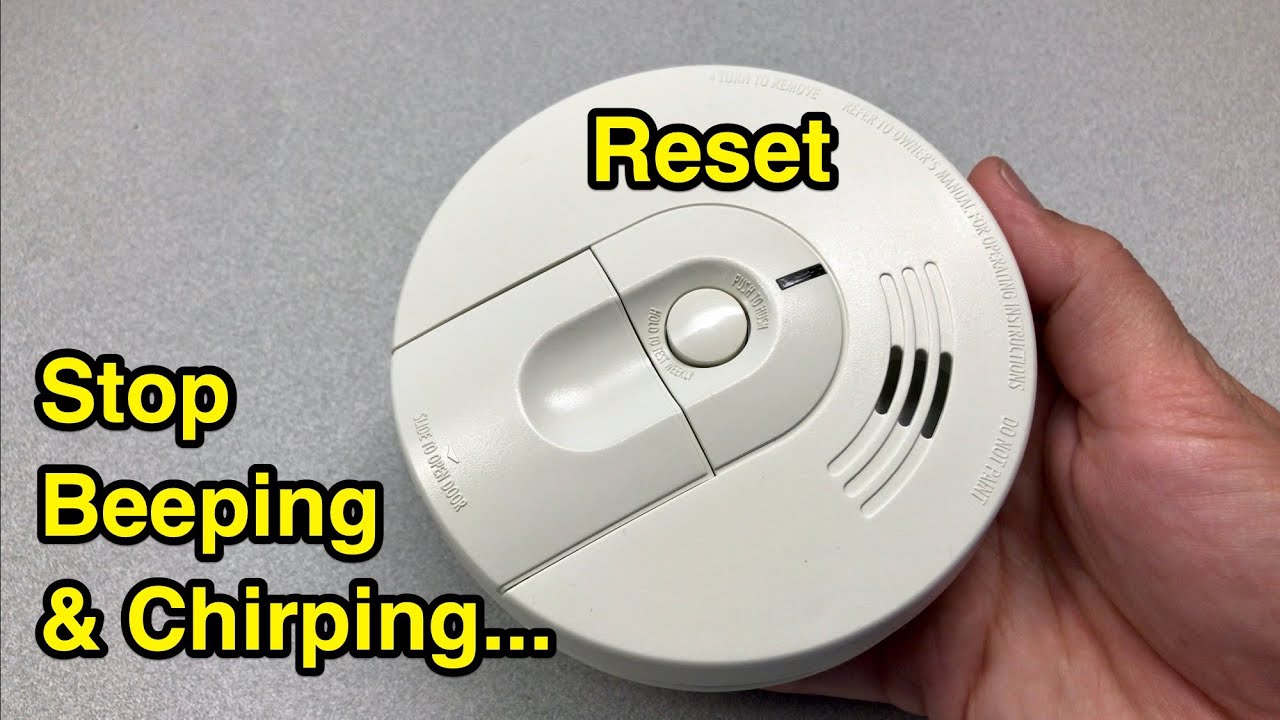
Your immediate mission, should you choose to accept it, is to get some blessed quiet. Most modern fire alarms have a "hush" or "test" button right on the front. Give it a good, firm press. Sometimes one press does the trick for a few minutes, buying you time. Sometimes you have to hold it for a few seconds. And sometimes (let's be real), you end up frantically mashing it like you're trying to win an arcade game. No judgment here!
This button usually silences the low-battery chirp for a short period (around 7-15 minutes), giving you a window to proceed to the next steps without wanting to rip your hair out. Ah, sweet temporary silence!
Step 3: Pinpoint the Culprit (Which One Is It?!)
This is where it gets fun, like a scavenger hunt with an incredibly annoying soundtrack. If you have multiple alarms, they might all be interconnected. This means when one goes off, they all go off. But usually, only one of them is the actual source of the low-battery chirp. Your task is to play detective and find the specific alarm that's making the noise.
Cup your hands around each alarm, listening closely. Or better yet, send a brave volunteer (perhaps a significantly less annoyed family member or pet) to sniff out the source. Once you've identified the chief noisemaker, congratulations! You've found your target.

Step 4: The Battery Swap Extravaganza!
Okay, it's time for some light acrobatics! Grab a sturdy chair or a stepladder. Safety first! Make sure it's stable. Now, reach for your noisy friend. Fire alarms usually open in one of two ways: either they twist off counter-clockwise from their mounting bracket, or they have small clips or tabs you need to press to release the cover.
Once open, you'll see the battery. Most commonly, it's a 9-volt battery (that little rectangular prism with two nubs on top). Some newer models might use AA or AAA batteries. Take out the old, tired battery. Now, here's the crucial part: replace it with a BRAND NEW, FRESH battery. Don't just swap it with another old one from the junk drawer – that's like giving your alarm decaffeinated coffee when it needs an espresso.

Insert the new battery, making sure the positive (+) and negative (-) terminals match up. Close the cover, twist it back onto its bracket if needed, and give the test button a quick press to confirm it's working. You should hear a short, loud burst – a sign of life!
Step 5: The "Still Beeping?!" Nightmare (And What To Do)
You've changed the battery, you've done everything right, and... chirp. Uh oh. Don't throw your hands up in despair just yet! Here are a few troubleshooting tips:
- Double-check the battery: Is it in correctly? Is it actually new?
- Dust bunnies: Sometimes, dust or small insects can interfere with the sensor. Give it a gentle vacuum or a blast of compressed air (from a safe distance, of course!).
- The "End-of-Life" Signal: Fire alarms don't last forever. They have a lifespan, typically 7 to 10 years. If your alarm is constantly beeping (even with a new battery) or giving a very specific "triple chirp" pattern, it might be telling you, "My time has come." Look for a manufacturing date on the back. If it's old, it's time to replace the whole unit. In fact, it's a good idea to replace all your alarms every 10 years for optimal safety.
Consider it an upgrade! Your home (and your ears) will thank you.
Step 6: Reset and Rejoice!
After all that detective work and DIY heroism, your alarm might still need a proper reset to fully understand its new lease on life. If it's hardwired (connected to your home's electricity, usually with a battery backup), you might need to temporarily cut the power to that specific circuit at your breaker box for a minute or two, then restore it. For battery-only alarms, simply inserting the new battery and pressing the test button usually does the trick. You might also try holding down the test/hush button for 10-15 seconds.
And there you have it! The sweet, sweet sound of... nothing. Absolute, glorious silence. You've faced the beeping beast, emerged victorious, and potentially saved yourself (and your neighbors) a lot of grief. Give yourself a pat on the back, maybe make a celebratory cup of tea, and enjoy the peace. Your home is safer, and your sanity is restored. You're not just a homeowner; you're a fire alarm whisperer, a true legend of the quiet domain!