How To Reset Kidde Carbon Monoxide Alarm

Alright, picture this: It's 3 AM. You're in a deep, beautiful sleep, dreaming of… well, who knows, maybe a giant, fluffy marshmallow. Suddenly, a piercing, insistent BEEP-BEEP-BEEP rips through the silence. Your heart launches itself into your throat, your eyes snap open, and your brain immediately starts cycling through worst-case scenarios: fire? Intruder? Is that just my alarm clock having an aneurysm? You scramble out of bed, adrenaline coursing, trying to pinpoint the source of the infernal noise. Your pet, if you have one, is probably looking at you like you personally offended the universe. And then, there it is: that familiar, glowing red light on your Kidde carbon monoxide alarm, just… doing its thing. Again.
Sound familiar? You've been there, haven't you? That moment of sheer panic followed by the groggy realization that your beloved CO alarm, designed to be a silent guardian, has decided to throw a midnight tantrum. It's not always a doomsday scenario, folks. Sometimes, these little lifesavers just need a gentle nudge, a firm talking-to, or in our case, a good old-fashioned reset. And that, my friends, is exactly what we're going to dive into today.
Why Does It Even Act Up? (Besides Liking the Drama)
Before we get our hands dirty (figuratively, hopefully), it’s good to know why your Kidde CO alarm might be serenading you at odd hours. It’s not always a carbon monoxide leak – though you should always take that possibility seriously! Often, it's a simple low battery warning (that annoying single chirp every 30-60 seconds), an end-of-life signal (yes, these things expire!), or sometimes, just a glitch in the matrix. Or perhaps, it sensed a tiny, fleeting whiff of something that wasn't quite right and then decided to be extra cautious. Whatever the reason, resetting it is often the first logical step after confirming there’s no immediate danger.
Must Read
The Grand Reset: Your Guide to Silence
Let's get down to business. How you reset your Kidde CO alarm largely depends on whether it's a battery-operated or hardwired unit. Don't worry, we'll cover both. And remember, a quick reset isn't just about silence; it's about peace of mind.
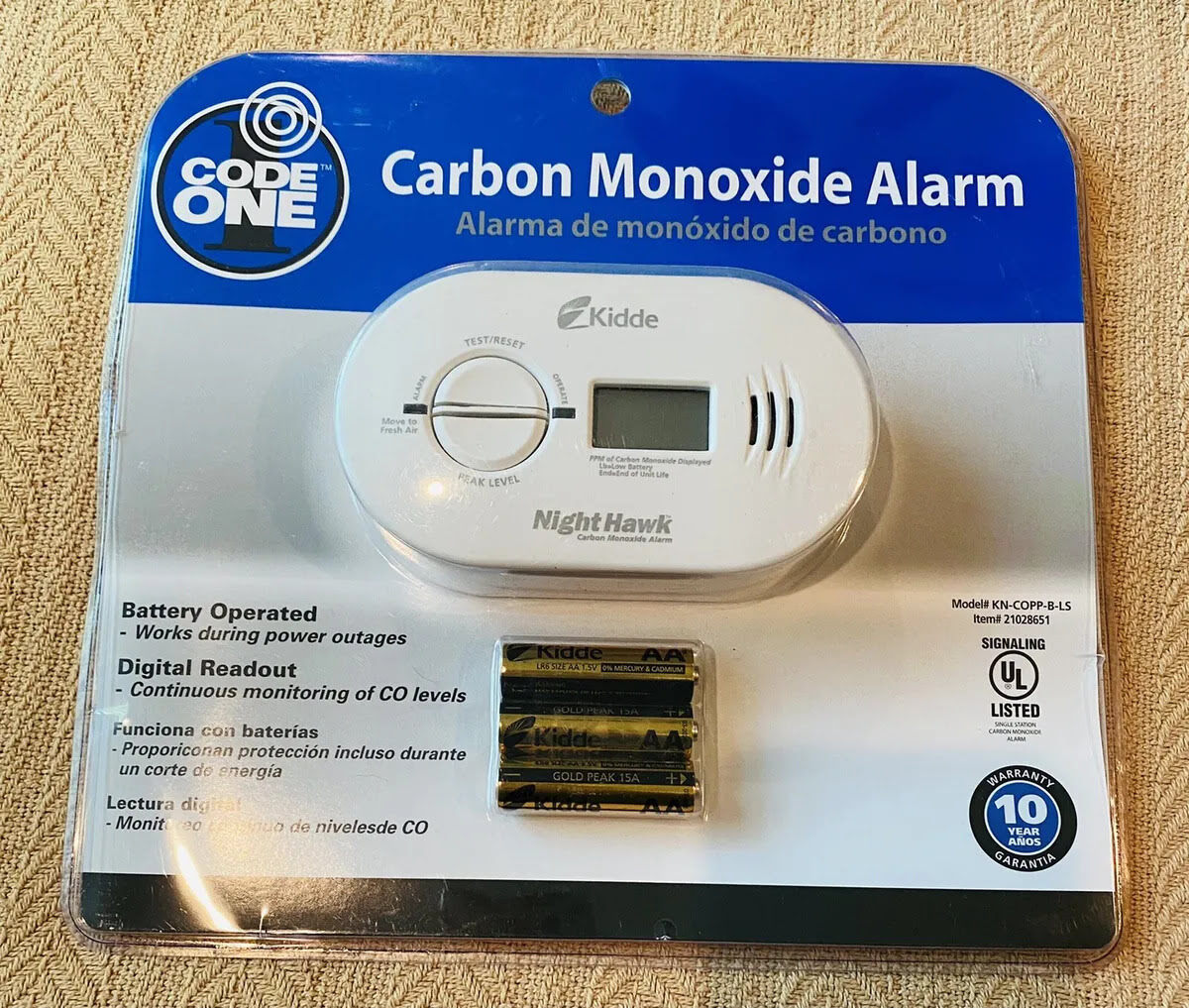
For Your Battery-Operated Kidde CO Alarm (The Independent Spirit)
This is usually the easier one, bless its heart. If your alarm is battery-powered, follow these steps:

- Locate and Remove: Gently twist the alarm counter-clockwise off its mounting bracket. It should pop right off.
- Unleash the Power: Open the battery compartment. This might be a slide-out drawer or a cover you unclip. Remove all the batteries. Yes, all of them. Don't be shy.
- The Deep Drain (This is Crucial!): With the batteries out, find the Test/Reset button on the alarm. Press and hold this button for at least 15-20 seconds. You're doing this to drain any residual power from the unit. Think of it as giving its tiny brain a full reboot. Do not skip this part!
- Fresh Power: Insert brand new, fresh alkaline batteries. Seriously, don't try to reuse old ones or mix and match. These devices need full juice to work correctly.
- Test and Re-Mount: Close the battery compartment. Press the Test button to ensure it chirps or sounds correctly. Then, twist it back onto its mounting bracket. You should hear a satisfying click.
And voilà! Hopefully, blissful silence, interrupted only by the happy hum of your life.
For Your Hardwired Kidde CO Alarm (The Integrated Overachiever)
Hardwired units are a bit more involved because they're connected to your home's electrical system, but still totally doable. They usually have a battery backup too, just for good measure.
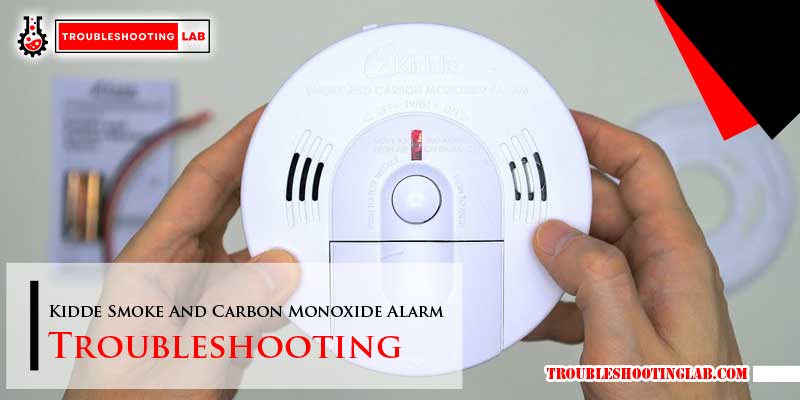
- Safety First: Head to your electrical panel. Locate the circuit breaker that controls your smoke/CO alarms and flip it OFF. Trust me, you don't want any sparks flying while you're fiddling with wires.
- Detach from the Wall: Just like the battery-only model, twist the alarm counter-clockwise off its mounting bracket.
- Disconnect the Juice: You'll see a power connector plugged into the back of the alarm. Gently unclip or slide it off.
- Battery Backup, Begone!: Open the battery compartment and remove the backup batteries.
- The All-Important Drain: Again, find that Test/Reset button. Press and hold it for a good 15-20 seconds to fully discharge any stored energy. This step is non-negotiable for a proper reset.
- New Life: Install fresh, new backup batteries.
- Reconnect and Re-Mount: Plug the power connector back into the alarm. Twist the alarm back onto its mounting bracket until it clicks securely.
- Power Up!: Go back to your electrical panel and flip the circuit breaker for your alarms back ON.
- Final Check: Press the Test button on the alarm to confirm it’s working.
Phew! Take a breath. You've successfully wrestled with electricity and emerged victorious.
When a Reset Isn't Enough (The Serious Bit)
Okay, so you've done the dance, changed the batteries, held the button like your life depended on it, and still… nothing? Or worse, it keeps beeping, chirping, or goes into full alarm again. Here are a few things to consider:
- End of Life: Most CO alarms have a lifespan, typically 7-10 years. Check the back of your unit for a "replace by" date. If it's expired, no amount of resetting will bring it back to life. It's time for a new one.
- Persistent Alarm: If your Kidde alarm goes into a full, continuous alarm after a proper reset with fresh batteries, and you haven't identified any obvious causes (like that old gas stove acting up), do not mess around. Evacuate everyone from the building immediately, call 911 or your local fire department from outside, and let the professionals investigate. Better safe than sorry, always.
- Faulty Unit: Occasionally, you might just have a faulty alarm. If it's relatively new and still acting up after troubleshooting, contact Kidde customer support.
Knowing how to reset your Kidde carbon monoxide alarm can save you a lot of headache, sleep, and maybe even a call to the fire department for a false alarm. It empowers you to take control when your tech acts up, turning that 3 AM panic into a quick, calm resolution. So, next time that familiar beep starts, you'll know exactly what to do. You got this!