
How To Reset A Surge Protector
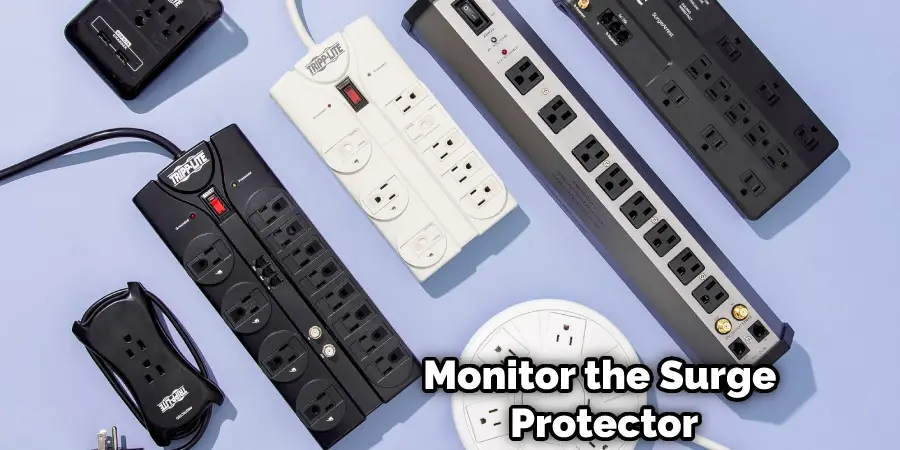
Okay, so your surge protector's decided to take a vacation, huh? Don't panic! It happens to the best of us. And resetting it is usually a breeze. Think of it as giving your electronic bodyguard a little nudge to get back to work. Let's dive in!
First things first: Safety First! Seriously. I know, I sound like your mom, but electricity is no joke. Make sure you're not standing in a puddle and that your hands are dry. We don't want any accidental light shows that weren't planned, right?
Step 1: Unplug EVERYTHING!
Yes, I mean everything. I know it's tempting to just unplug the toaster, but trust me, you need to clear the whole deck. Unplug your computer, your TV, your phone charger, that weird gadget you bought on impulse at 3 AM… you know the one I'm talking about. The goal here is to completely remove the load from the surge protector. Think of it as clearing the table before you set up for a fancy dinner.
Must Read
Why? Well, the surge protector probably tripped because it detected an overload, or maybe even a power surge (duh!). Unplugging everything gives it a chance to reset properly and prevents any further weirdness.
Step 2: Locate the Reset Button (The Star of Our Show!)
Now for the main event: finding that elusive reset button. It's usually a small, often red, button located somewhere on the surge protector itself. Look closely! It might be hiding. Sometimes, it's on the front near the outlets, other times it’s lurking on the side or even the back. Think of it as an Easter egg hunt, but with less chocolate and more electricity (so, you know, still be careful!).
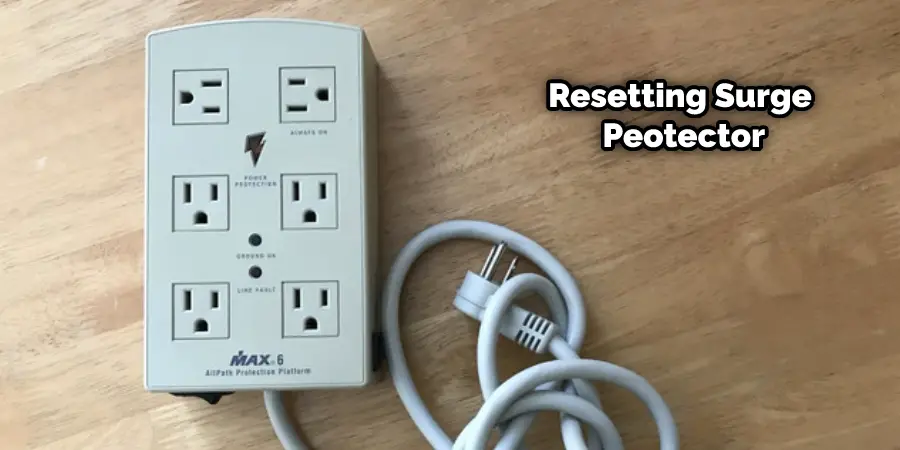
Can't find it? Don't feel bad. Sometimes they're sneaky! Check the user manual if you have it. If not, a quick Google search for your surge protector model number should do the trick. Just type in "[Your Surge Protector Model] reset button location" and boom! Instant answer. (Technology is pretty cool, isn't it?)
Step 3: Push That Button! (Gently!)
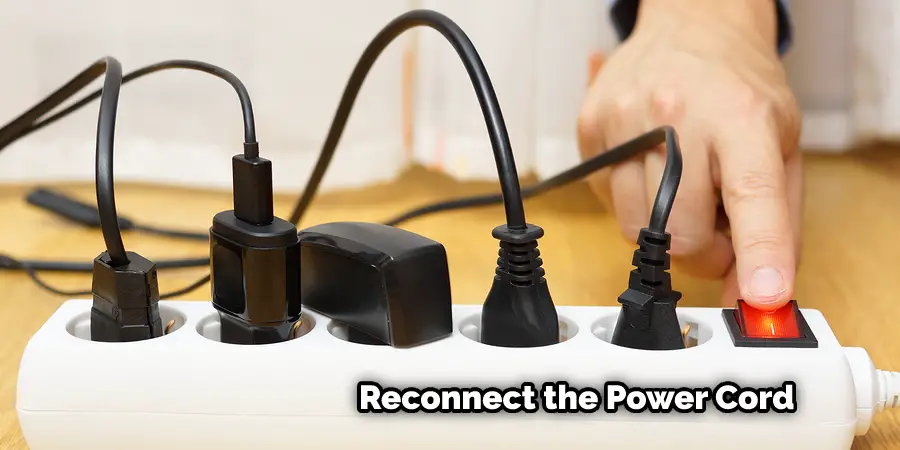
Found it? Awesome! Now, using your finger (or a pen if you’re feeling extra cautious), gently press the reset button. You should feel a little click. If you don't feel a click, try pressing a bit harder, but don't force it! You don't want to break the poor little button. It's doing its best.
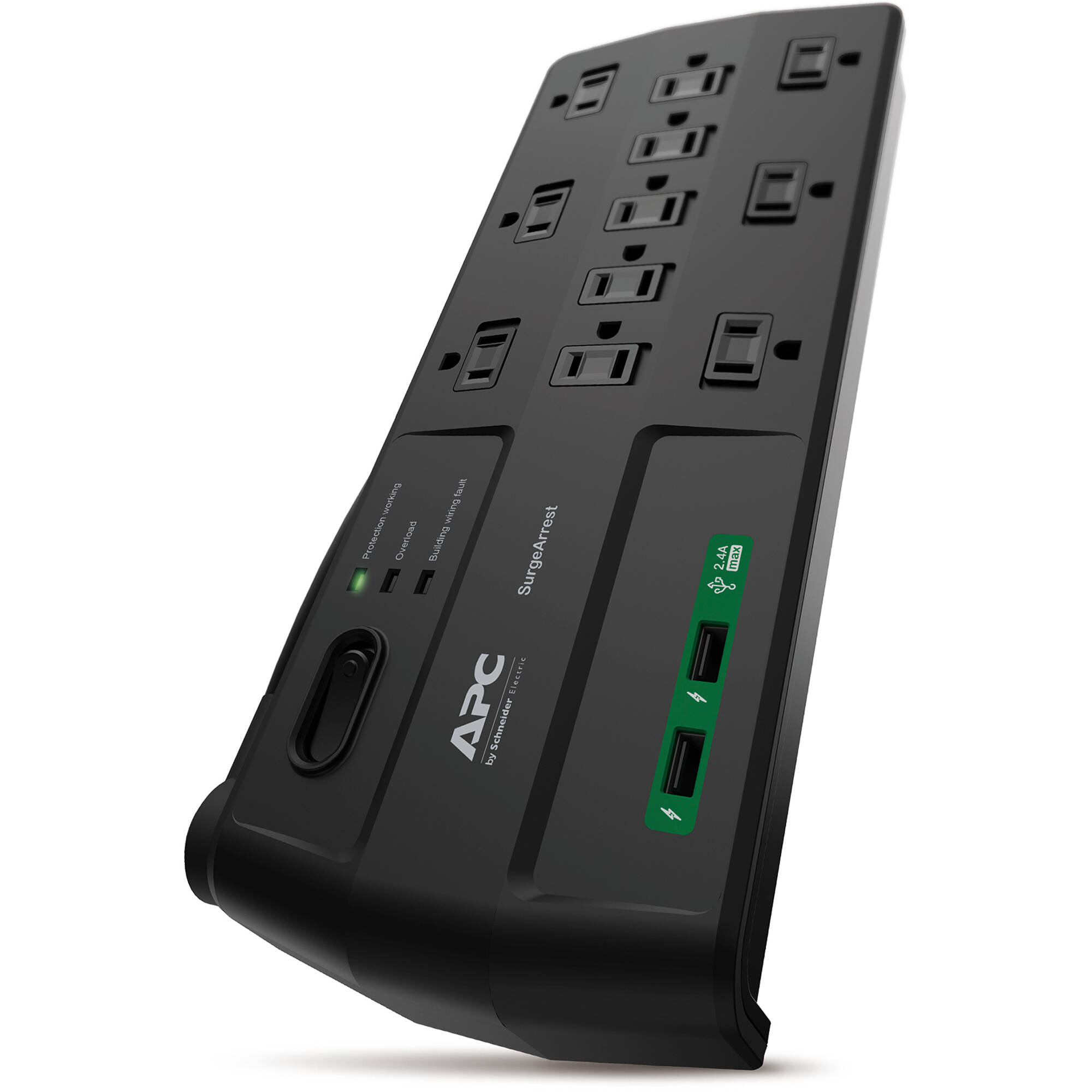
Think of it like giving a firm, but friendly, handshake. Assertive, but not aggressive. Get it?
Step 4: Testing, Testing, 1, 2, 3…
Now for the moment of truth! Plug something simple back in – like a lamp. If it turns on, congratulations! You’ve successfully resurrected your surge protector. You are a champion! You've conquered the electrical beast! Okay, maybe I'm getting carried away, but still, good job!
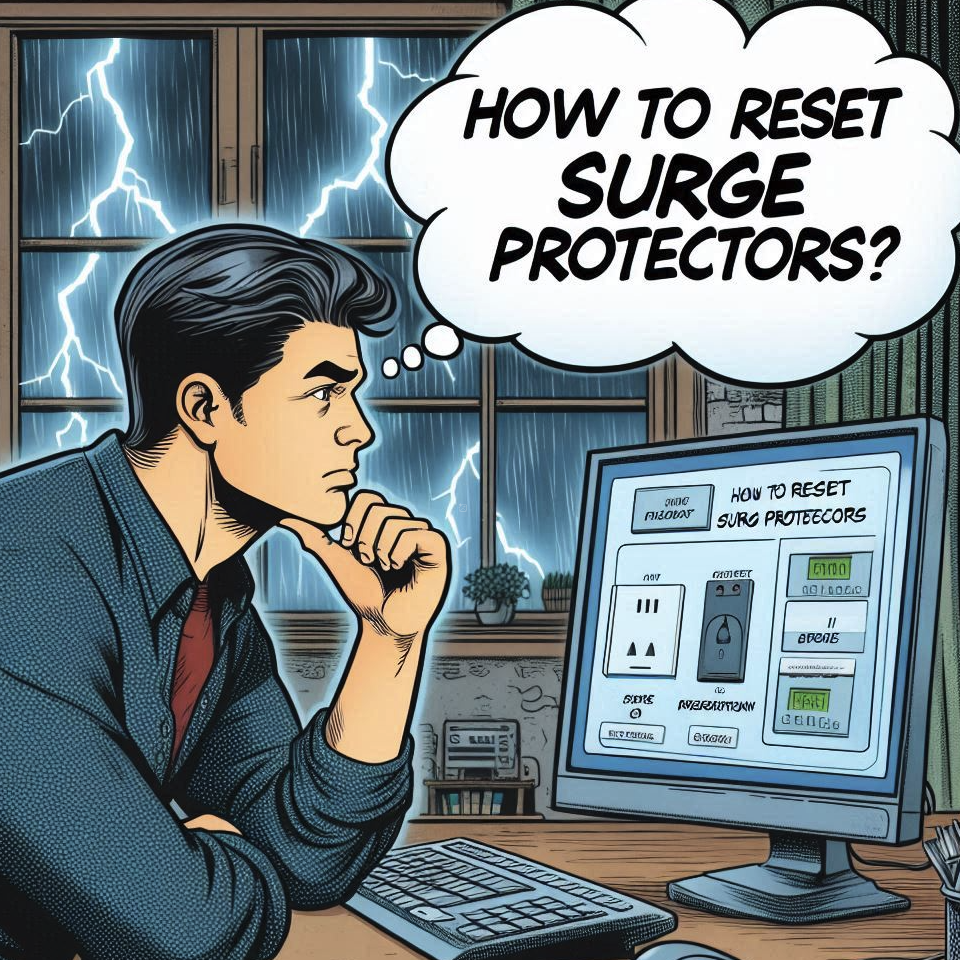
Once you've confirmed that the surge protector is working, you can start plugging everything else back in, one at a time. This is a good way to make sure one of your devices isn’t causing the problem in the first place. If it trips again after plugging something specific in, well, you've found your culprit. Time to investigate that device!
If It Still Doesn't Work...
Okay, sometimes, even after all that, the surge protector still refuses to cooperate. Don't despair! It might be that the surge protector has reached the end of its lifespan. Surge protectors, like all good things, don't last forever. Over time, they can wear out, especially if they've absorbed a lot of surges. Consider replacing it with a new one. It's a small price to pay for protecting your valuable electronics.
Alternatively, there might be a more serious electrical problem in your home. If you're unsure, it's always best to call a qualified electrician. They can diagnose the problem and make sure everything is safe and sound.
Important Note: If your surge protector trips frequently, even after resetting it, there might be an underlying electrical issue that needs attention. Don't ignore it! Recurring surges can damage your electronics, and, even worse, pose a fire hazard.
So there you have it! Resetting a surge protector is usually a simple process. With a little patience and a touch of caution, you can get your electronics back up and running in no time. Remember to always prioritize safety, and if in doubt, call a professional. Now go forth and conquer your electrical challenges! And remember to treat yourself to a celebratory snack. You deserve it!