
How To Remove Battery From First Alert Carbon Monoxide Alarm

Ah, the dreaded chirp! You know the one. It starts subtly, a quiet "beep... beep..." from somewhere in your home, slowly escalating its frequency and its ability to drive you absolutely bonkers. It's not a smoke alarm, you think, because there's no smoke. It's your First Alert Carbon Monoxide alarm, gently (or not so gently) letting you know it's time for a battery change. And guess what? Becoming the hero who silences that incessant chirping is not only incredibly useful but also surprisingly satisfying. Think of yourself as a household superhero, armed with knowledge and ready to restore peace!
So, why bother learning how to remove that battery? Beyond the obvious benefit of stopping the noise that could drive a saint to distraction, there are a few key reasons and benefits. Firstly, a chirping alarm usually means the battery is low. Carbon Monoxide (CO) is an invisible, odorless, and deadly gas, often called the "silent killer." Your alarm is your vital safeguard, and a dead battery means no protection. Changing it ensures your alarm is always on duty, keeping your family safe. Secondly, sometimes you might need to temporarily power down an alarm for cleaning, testing, or during a move. Knowing how to safely and correctly remove the battery gives you control and peace of mind.
Let's get this done! Here's your friendly guide to becoming a battery-changing champion:
Must Read
Step 1: Safety First, Always!
Before you do anything, ensure that the alarm's chirp is genuinely a low battery warning and not a full-blown carbon monoxide alert. A low battery usually chirps once every 30-60 seconds. A true CO alarm will typically sound a much louder, more continuous alarm (e.g., four short beeps followed by a pause). If you suspect a real CO leak, evacuate immediately and call emergency services. This guide is for the low-battery chirp only!
Step 2: Locate Your Alarm and Prepare.
Your First Alert CO alarm might be on the ceiling, a wall, or even a tabletop. If it's mounted high, grab a sturdy step stool or ladder. Safety first, no wobbling! You might also want a small flathead screwdriver, though many models are tool-free.
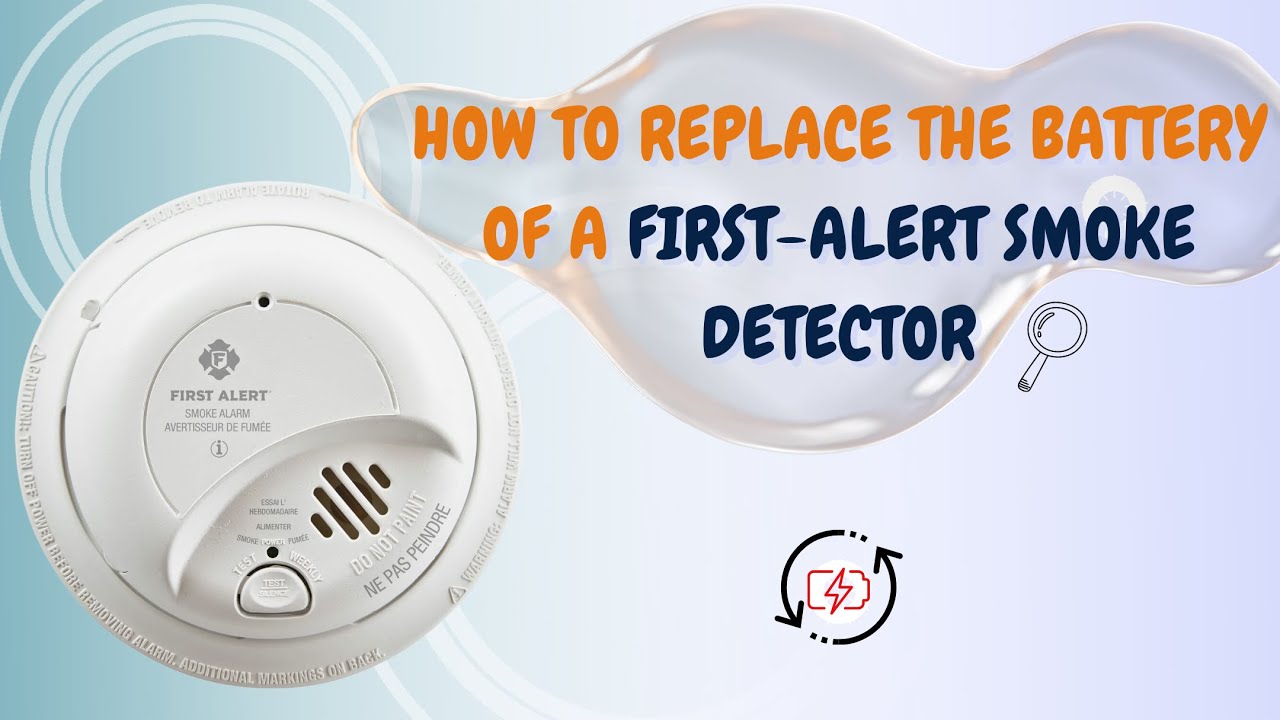
Step 3: Access the Battery Compartment.
Most First Alert CO alarms have a battery compartment that's relatively easy to open. Look for a latch, a slide mechanism, or a twist-off cover. You might see an arrow indicating which way to twist or slide. For wall/ceiling mounted units, you might need to twist the entire unit counter-clockwise off its mounting bracket first. Don't be afraid to gently explore; these are designed for user access.
Step 4: Remove the Old Battery.
Once the compartment is open, you'll see the battery. Most First Alert alarms use AA, AAA, or 9-volt batteries. Gently pry it out. If it's a 9-volt, it will have two snaps; just pull it away from them. For AA/AAA, simply pop them out. Remember which way the positive (+) and negative (-) ends were oriented – it helps for replacement!

Step 5: Insert the New Battery (and Test!).
While this article is about removing the battery, you'll almost certainly want to put a fresh one in right away! Pop in your new battery, making sure to match the correct polarity. Close the battery compartment securely. Now, press the "Test" button on your alarm. You should hear a loud series of beeps, confirming it's working. If not, double-check the battery insertion.
Step 6: Proper Disposal.
Don't just toss the old battery in the regular trash! Many communities have battery recycling programs. Be a responsible citizen and recycle it properly.
There you have it! You've successfully removed and likely replaced the battery in your First Alert Carbon Monoxide alarm. You've restored quiet to your home, ensured your family's safety, and proven yourself a true household champion. Give yourself a pat on the back – you've earned that silence!

