
How To Program A 3d Printer
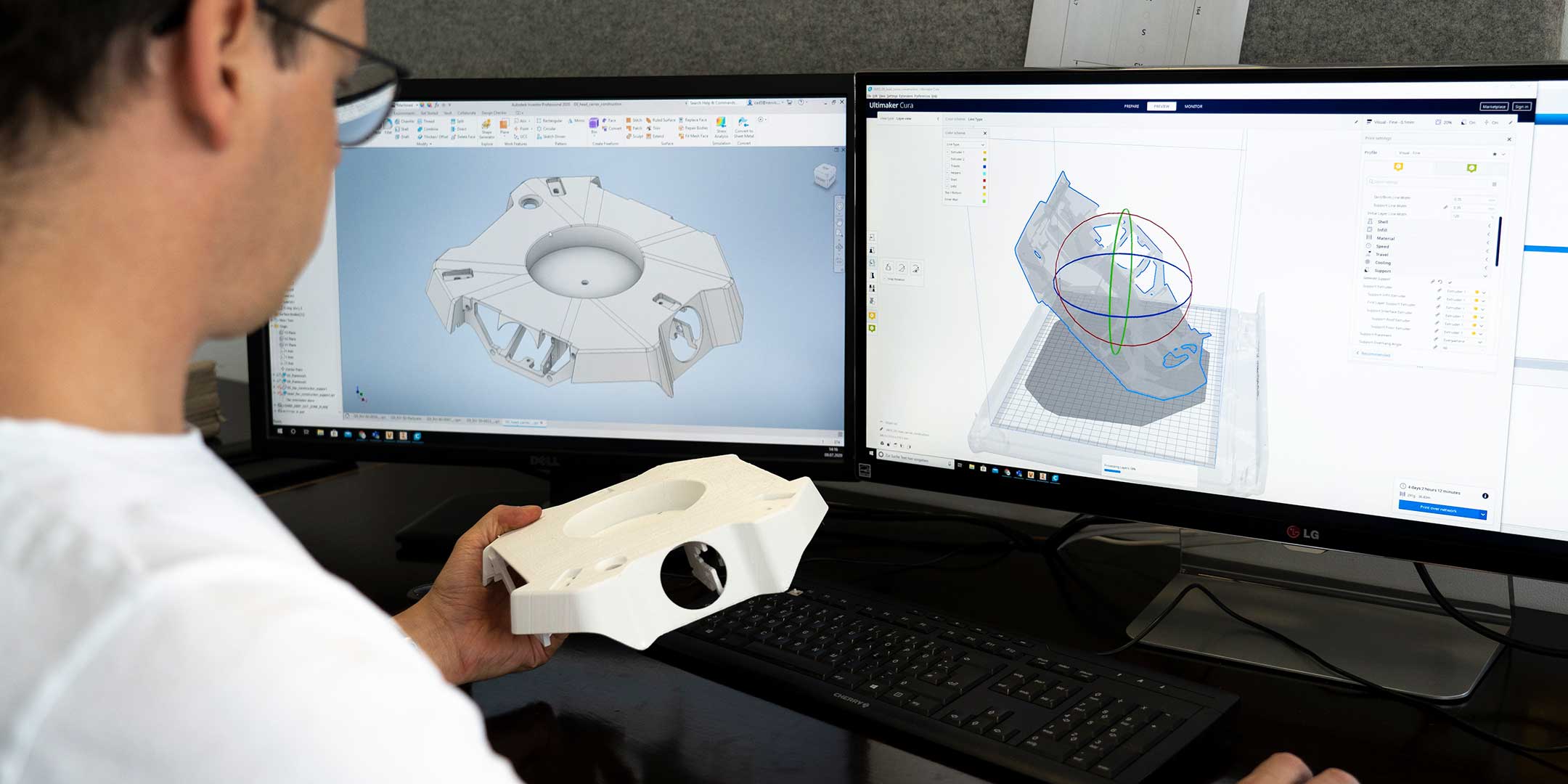
Ever gazed at a cool 3D print and wondered, "How in the heck does it know what to do?"
It's not magic, folks. Well, okay, it's a little bit magic. But mostly, it’s about giving your printer some serious instructions. We're talking about programming a 3D printer!
And no, you don’t need a computer science degree to get started. Think of it more like teaching a really eager, slightly clumsy robot how to build tiny masterpieces.
Must Read
Your Printer, Your Rules!
Imagine you have this incredible machine sitting on your desk. It can make anything! From a tiny desk buddy to a functional part for your broken gadget.
But it’s also a bit like a puppy. It needs to be told what to do, how to do it, and exactly where to put its plastic goo.
That’s where the "programming" comes in. It’s all about communicating your brilliant ideas to the printer in a language it understands.
And trust us, printers are very literal. Tell it to print mid-air, it will try!
So, What Even Is "Programming" a 3D Printer?
For most of us, when we talk about programming a 3D printer, we’re not writing lines of code from scratch. Nope, we’re usually using a fantastic piece of software called a slicer.
Think of it as the ultimate translator. You give it a 3D model – that's your design, usually a .STL or .OBJ file – and the slicer breaks it down.
It chops your 3D model into hundreds, even thousands, of super-thin layers. Like a digital salami slicer, but for plastic.
Each layer then gets its own set of instructions. "Move here! Squirt plastic there! Move up! Repeat!"

The slicer is essentially creating a recipe for creation.
Meet the Slicer: Your Digital Chef!
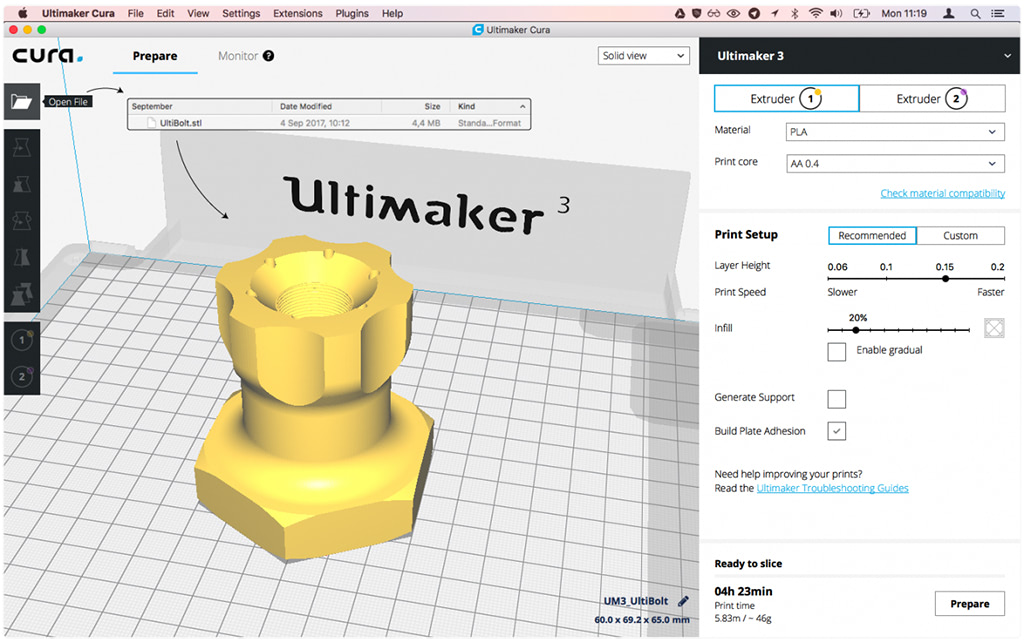
These slicer programs (like Cura, PrusaSlicer, or Simplify3D) are where the real fun begins for most users.
You drag your model in, and then you start playing with settings. And oh, the settings!
Do you want your object to be strong and solid, or light and hollow?
How fast should the printer move? Like a speed demon, or a cautious snail?
What temperature should the nozzle be? Too hot, and it’s a stringy mess. Too cold, and nothing comes out!
You’re essentially telling your printer how to behave at every single step. It's like being a director, stage manager, and chef all at once!
And sometimes, despite your best efforts, the printer still decides to make abstract art instead of your perfectly designed cube. It’s all part of the charm!
A Peek at G-code: The Printer's Secret Language
Once you’ve tweaked all your settings in the slicer, it spits out a file. This file is full of something called G-code.
G-code is the printer's native tongue. It's a series of simple commands.
G1 X10 Y20 Z0.2 E10 F1500
Looks like hieroglyphics, right? But it's just telling the printer: "Move to X position 10, Y position 20, at a Z height of 0.2mm, extrude 10 units of plastic, and do it at a speed of 1500 mm/minute."
See? Super literal!
You rarely need to write G-code yourself, thankfully. The slicer does all the heavy lifting.
But knowing it exists gives you a peek behind the curtain. It's the instruction manual for every microscopic movement.
Sometimes, if a print goes wrong, you might even dive into the G-code to see exactly what the printer was planning to do. It's like being a digital detective!
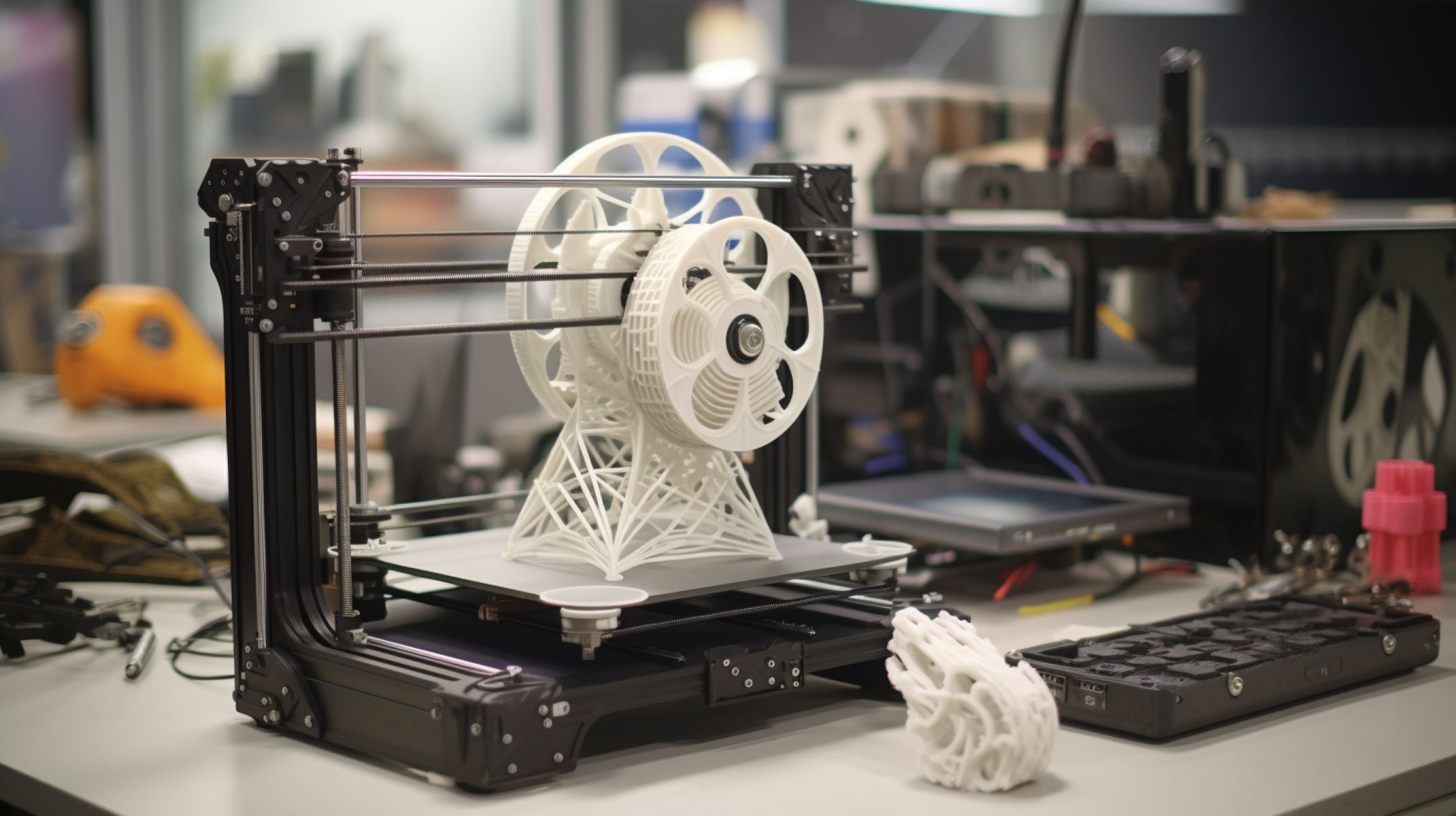
When Things Get Really Quirky (And Fun!)
The beauty of 3D printing is that it’s still a bit wild west. Printers can be opinionated!
One minute, it’s perfectly extruding a tiny frog. The next, it’s decided the bed is lava and starts printing spaghetti in mid-air.
This is where your "programming" skills (and troubleshooting instincts!) really shine.
Did you set the bed temperature correctly? Is the filament tangled? Did you tell it to print a support where there should be none?
Every failed print is a hilarious learning opportunity. And trust us, you'll have some epic failures. Pictures of print fails are a whole genre of internet humor!
The satisfaction of finally getting that perfect print after wrestling with settings is immense. It's like winning a tiny, plastic-based war.
Beyond the Basics: Firmware Fun for the Brave!
Okay, for the truly adventurous, there's another level of "programming": firmware.
This is the actual operating system inside your printer. Think of it as the printer's brain.
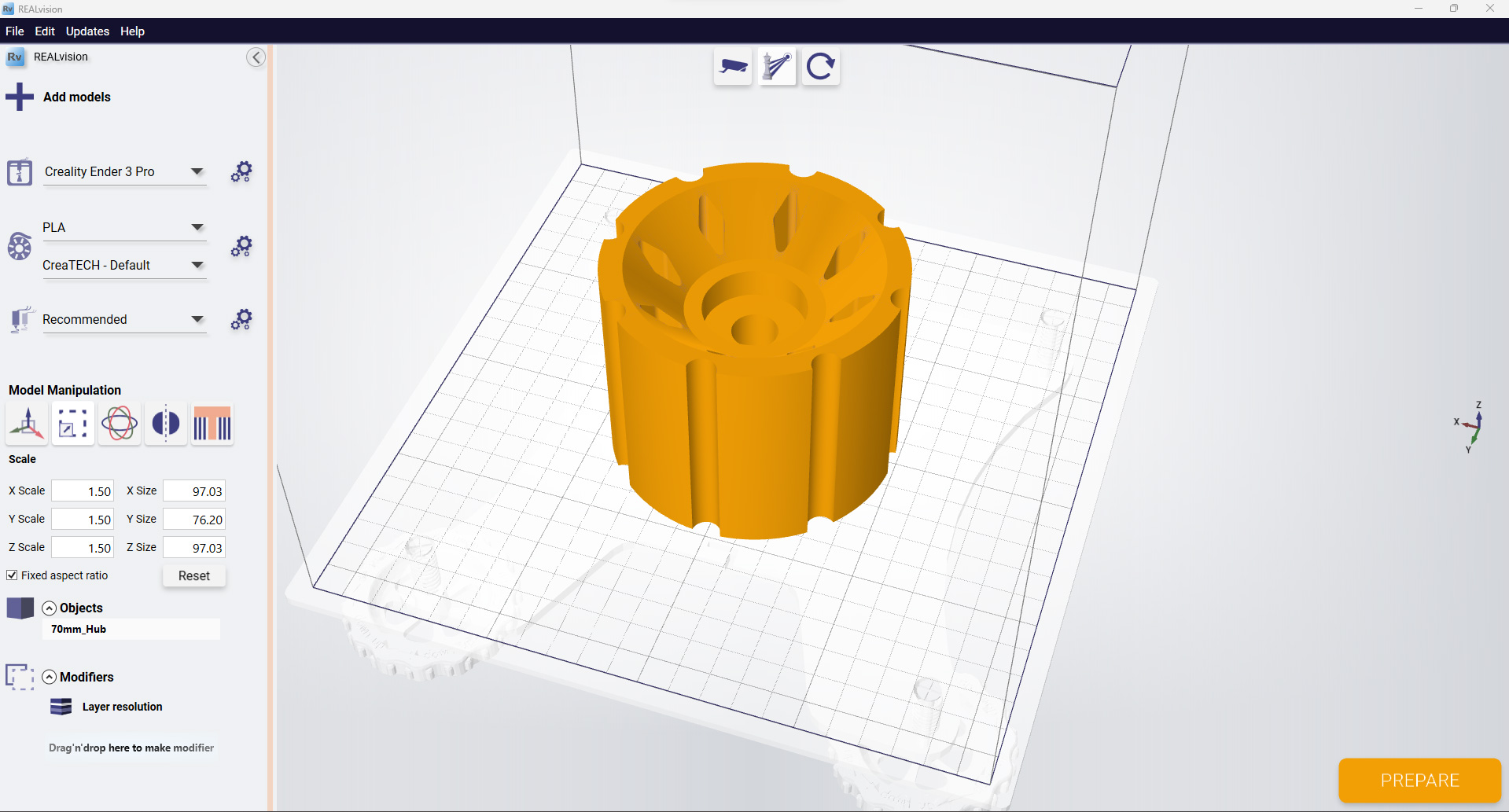
Many printers use open-source firmware like Marlin or Klipper. And yes, you can actually dive into that code!
You can customize acceleration, fine-tune temperature sensors, even add new features like automatic bed leveling if your printer didn't come with it.
This is coding, usually in C++. It’s a bit more advanced, but incredibly rewarding if you like to tinker and really get under the hood.
It’s like giving your robot puppy an entirely new personality, complete with bespoke tricks!
Why Bother? Because It's Awesome!
So, why dive into the quirks and commands of 3D printer programming?
Because it empowers you! You're not just buying things; you're creating them.
You're turning digital dreams into tangible objects. You're solving problems with custom-made parts.
You're bringing your imagination to life, one perfectly layered, plastic line at a time.
It’s a journey of discovery, a bit of problem-solving, and a whole lot of fun. So, go on, give your printer some instructions. See what marvelous madness you can create!