
How To Improve Wireless Internet Signal
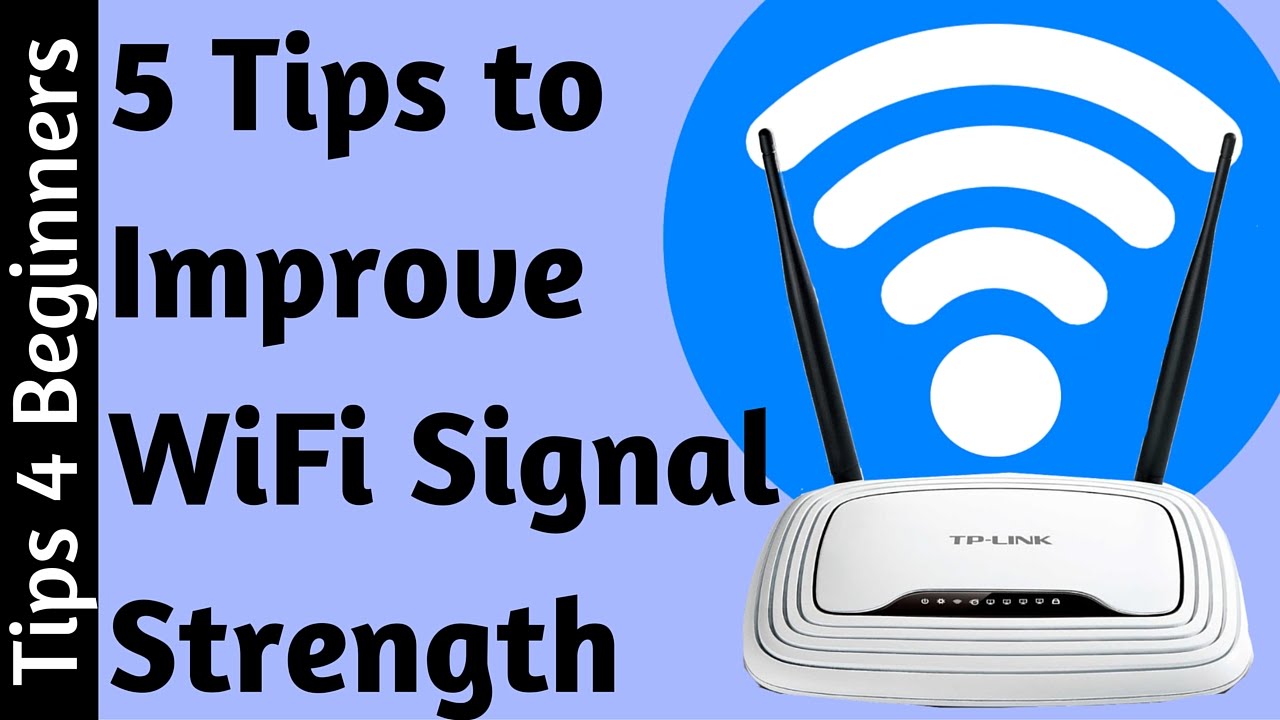
Ever feel like your Wi-Fi signal is playing hide-and-seek with you? One minute you’re binge-watching your favorite show, the next you’re staring at that dreaded spinning wheel of doom. In our always-on world, a sluggish internet connection isn’t just annoying; it’s a full-blown modern-day drama. But fret not, digital traveler! Optimizing your wireless internet isn't rocket science, and with a few simple tweaks, you can transform your home into a smooth-streaming, lag-free oasis.
Let's dive into some easy-going ways to boost your signal and get back to what truly matters – whether that's seamless video calls or conquering your next gaming quest.
Your Router's Sweet Spot: Location, Location, Location
Think of your router as the heart of your home's digital universe. Where it sits matters more than you might imagine. Walls, floors, and even furniture can act as signal blockers. The ideal spot? A central, open location, ideally off the floor and away from other electronics.
Must Read
Consider placing it on a high shelf or mounted to a wall. This helps the signal broadcast outwards with fewer obstructions. Avoid tucking it away in a cabinet or behind your TV – those are Wi-Fi black holes!
Out with the Old: Upgrade Your Gear
Just like your smartphone, routers have a shelf life. If your current router is looking a little dusty and dates back to the days of dial-up (okay, maybe not that old, but close!), it might be time for an upgrade. Newer routers support the latest Wi-Fi standards like Wi-Fi 6 (802.11ax) or even Wi-Fi 6E, offering faster speeds and better efficiency, especially in homes with many connected devices.
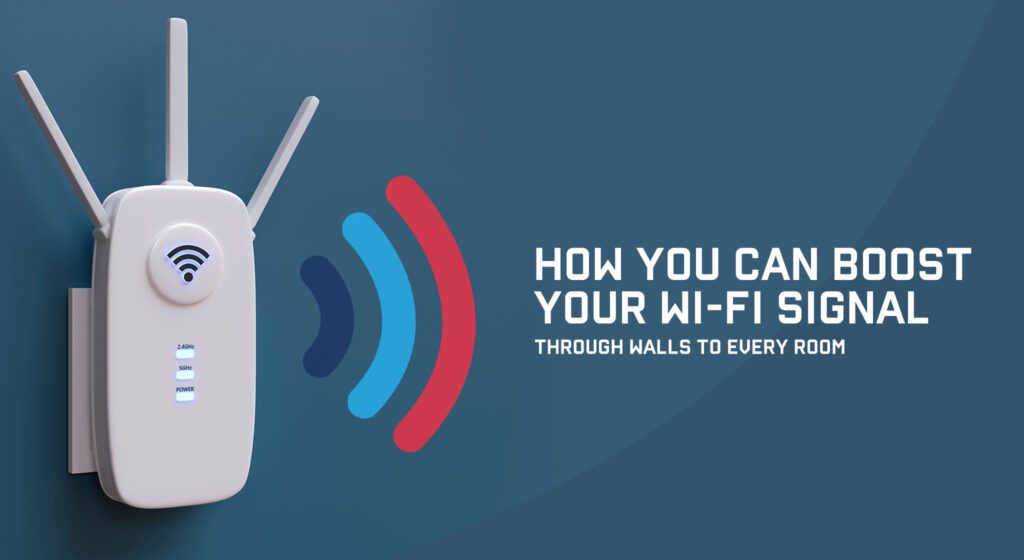
It's like upgrading from a leisurely bicycle to a sleek electric scooter – same journey, but oh-so-much smoother and quicker!
Combatting Invisible Interference
Did you know your microwave oven could be sabotaging your Wi-Fi? Or that cordless phone sitting by the kitchen window? Many household appliances operate on similar frequencies (2.4 GHz) to older Wi-Fi bands, creating an invisible traffic jam.
Try to keep your router away from these potential interferers. Think of it as creating a clear communication lane for your data packets.
A Little Digital Housekeeping: Firmware Updates
Just like updating your phone's operating system, your router needs regular firmware updates. These updates often include performance improvements, security patches, and bug fixes that can significantly boost your Wi-Fi's reliability and speed. It's a bit like giving your router a fresh cup of coffee and a pep talk!
Check your router's manufacturer website or app for instructions. It’s usually a straightforward process and well worth the minimal effort.
Extending Your Reach: Mesh Systems & Extenders
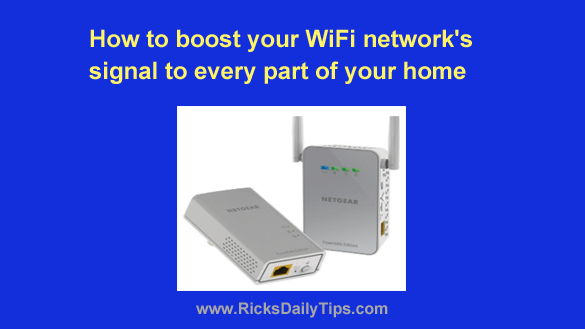
Got a larger home with dead zones that feel like the Bermuda Triangle for Wi-Fi signals? A single router might not cut it. This is where Wi-Fi extenders or, even better, a mesh Wi-Fi system come into play.
![How to Boost up WiFi Signal [8 Simple Tips] - YouTube](https://i.ytimg.com/vi/SeP-b853LzE/maxresdefault.jpg)
Mesh systems are the new kids on the block, creating a single, seamless network throughout your home by using multiple nodes. They're fantastic for eliminating those frustrating signal drops as you move from room to room. No more trying to find that one sweet spot in the house to stream your show!
Channel Surfing for Better Speeds
Imagine your Wi-Fi signal as a car on a multi-lane highway. Sometimes, certain "lanes" (channels) get congested, slowing everything down. Your router can often be set to use different channels. Tools exist (like Wi-Fi analyzer apps) that can help you identify less congested channels in your area.
Switching from a crowded default channel to a less used one can make a surprising difference, giving your data packets a clearer, faster route to their destination.
The Mighty 5GHz Band: Speed vs. Range
Most modern routers offer two frequency bands: 2.4 GHz and 5 GHz. The 2.4 GHz band offers a wider range and better penetration through walls but is slower and more prone to interference. The 5 GHz band is like the express lane – much faster but with a shorter range and less ability to penetrate solid objects.
For devices closer to the router that demand high bandwidth (like your streaming TV or gaming console), connect to the 5 GHz band. For devices further away or those that don't need blistering speed (like smart home gadgets), the 2.4 GHz band might be more reliable. Some smart routers handle this automatically, which is super convenient!
A Final Thought: Reclaim Your Digital Flow
In our increasingly connected lives, a strong, stable Wi-Fi signal isn't just about convenience; it's about peace of mind. It’s about effortlessly working from home, enjoying movie nights without interruption, and staying connected with loved ones across the globe. By making a few mindful adjustments, you’re not just improving your internet; you’re enhancing your daily life, one stable connection at a time. Go forth and stream!