
How Long To Disconnect Battery To Reset

Hey there, fellow car whisperer (or aspiring one)! Ever had your car throw a little digital tantrum? Maybe a mysterious check engine light decided to make a dramatic appearance, or a quirky electrical glitch is making you scratch your head. Before you panic and call a tow truck (unless it's something truly dire, of course!), there's an old trick in the book: the battery disconnect reset. It’s like giving your car a tiny, temporary memory wipe. But then comes the big question, the one that’s plagued humanity for ages (or at least, car owners): how long do you actually need to disconnect the battery to reset everything?
Don't worry, your car isn't going to forget who its owner is, or where you parked it. It’s not quite that dramatic!
Why Are We Even Doing This?
First, let’s quickly cover the "why." Your car, bless its metallic heart, is basically a giant rolling computer network. All sorts of modules – for the engine, transmission, infotainment, airbags, you name it – are constantly chattering away. Sometimes, like any computer, one of these modules might get a little confused, store a wonky error code, or just need a good old-fashioned reboot.
Must Read
Disconnecting the battery is the automotive equivalent of turning your computer off and on again. It clears temporary data, some minor error codes, and forces all those modules to restart fresh. Think of it as hitting the reset button on your brain after a long Monday.
So, How Long Do I Play the Waiting Game?
Alright, the moment of truth! You've got your wrench, you're ready to liberate your battery cable, but for how long should it remain disconnected? A quick coffee break? An entire Netflix series? A cross-country road trip (without the car, obviously)?
The internet, in its infinite wisdom, will offer you a range of answers from 30 seconds to overnight. But let's cut through the noise and get to the sweet spot.
The sweet spot? Aim for 15 to 30 minutes.
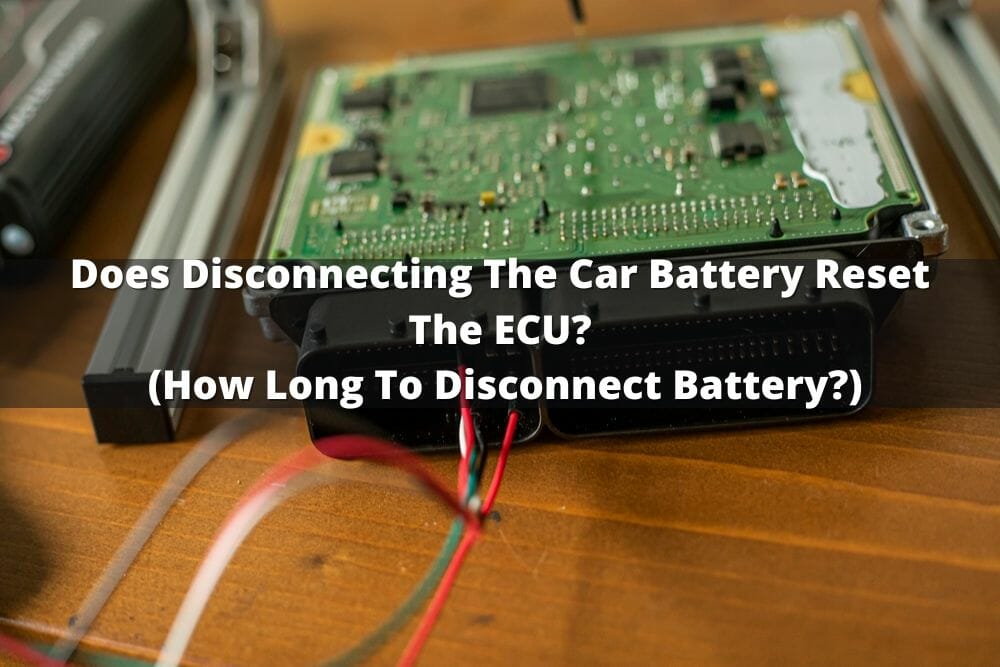
Yep, that's it! Not an eternity, but not a blink either. Here’s the reasoning:
-
Capacitors, glorious capacitors! Even when the battery is disconnected, various electrical components in your car (especially those little computer modules) have capacitors that can hold a residual charge. These tiny power banks need time to fully drain. Think of them as miniature energy reservoirs that keep the memory alive for a bit.
-
Giving everything a chance to "forget." While some systems might lose their memory instantly, others are a bit more stubborn. A 15-30 minute window generally ensures that all the volatile memory has been cleared and everything is ready for a fresh start.
Anything less than 15 minutes, and you might not fully achieve the desired reset. Anything much longer than 30 minutes? Well, you're just extending your snack break or getting a head start on that Netflix show. Your car won't get more reset after an hour, usually!
Quick & Dirty "How To" (Safety First!)
Before you dive in, a quick safety reminder! Electricity can bite, so be careful.

-
Turn everything off. Car off, lights off, radio off. You get the picture.
-
Locate your battery. Usually under the hood, sometimes in the trunk, or even under a seat (looking at you, quirky Europeans!).
-
Identify the terminals. You'll see a + (positive) and a - (negative) symbol. The negative cable usually connects to the car's chassis (ground).
-
Disconnect the negative terminal first. This is crucial for safety. It prevents accidental short circuits if your wrench touches the car body while you’re messing with the positive terminal.
-
Wait it out! Set a timer, grab a beverage, contemplate your life choices, admire your sparkling clean garage. Give it those glorious 15-30 minutes.
How Long to Disconnect Battery to Reset Check Engine Light in 2026 -
Reconnect the positive cable first. Then the negative. Make sure they're snug!
-
Fire it up! Start your car. It might idle a little funny for a minute or two as it "relearns" things. Drive it around for a bit, and see if your problem has magically vanished.
Things Your Car Might Forget (Oops!)
While this is a fantastic trick for minor glitches, be prepared for a few casualties of the reset:
-
Radio presets: Say goodbye to your favorite stations. You'll need to reprogram them. Sorry, Classic Rock station, it was fun while it lasted!
-
Clock: It’ll be flashing 12:00. A minor inconvenience.

How Long To Leave Battery Disconnected To Reset Car Computer: A Genius -
Power window "auto-up/down" features: Some cars need you to "re-index" them by holding the button down until the window fully closes, then fully opens again.
-
Engine readiness monitors: For emissions testing, your car performs various diagnostic checks. These will be reset and might take a few driving cycles to complete again. So, don't disconnect your battery right before an inspection!
And remember, if your check engine light comes back, or the problem persists, this means it's not just a temporary glitch. It's a real issue that needs proper diagnosis from a professional. Your car isn't that easily fooled!
The Grand Finale!
So there you have it! The next time your car is acting a little funky, you'll know exactly how long to give it a digital detox. It’s a simple, free, and often effective DIY solution that can save you a trip to the mechanic for minor issues. Think of it as giving your car a refresh, a clean slate, and a chance to behave itself again.
Now go forth, fellow car enthusiast, and confidently wield that wrench. You've just added another feather to your automotive cap, and hopefully, put a smile back on your car's (and your!) face!