How Do You Stop Nest Thermostat From Changing Temperature
Ever feel like your thermostat has a mind of its own? Like a friendly but slightly mischievous housemate, your Nest thermostat is packed with smart features. It’s designed to make your life easier and your home cozier. It learns your habits. It tries to save you energy. It's truly a marvel of modern tech!
But sometimes, this brilliant brainiac decides it knows better than you do. You set the perfect, cozy temperature. You step away for a moment. You come back, and poof! It’s different. It’s like your personal weather wizard, but sometimes it casts spells you didn't ask for. It can be a little baffling, a little frustrating, and honestly, a bit entertaining.
Picture this: you’re snuggled on the couch, just right. Then, suddenly, a chill creeps in. You glance at your Nest, and sure enough, the temperature has shifted. Or maybe you wake up sweating, wondering if your home is trying to turn into a tropical rainforest. "Why did it just do that?" you might ask the silent little circle on your wall.
Must Read
The good news is, you're not alone in this delightful dance with your smart home. Many Nest users have experienced this "temperature tango." It's not broken; it's just really, really smart – sometimes a little too smart for its own good! It has a few tricks up its sleeve that cause these mysterious shifts.
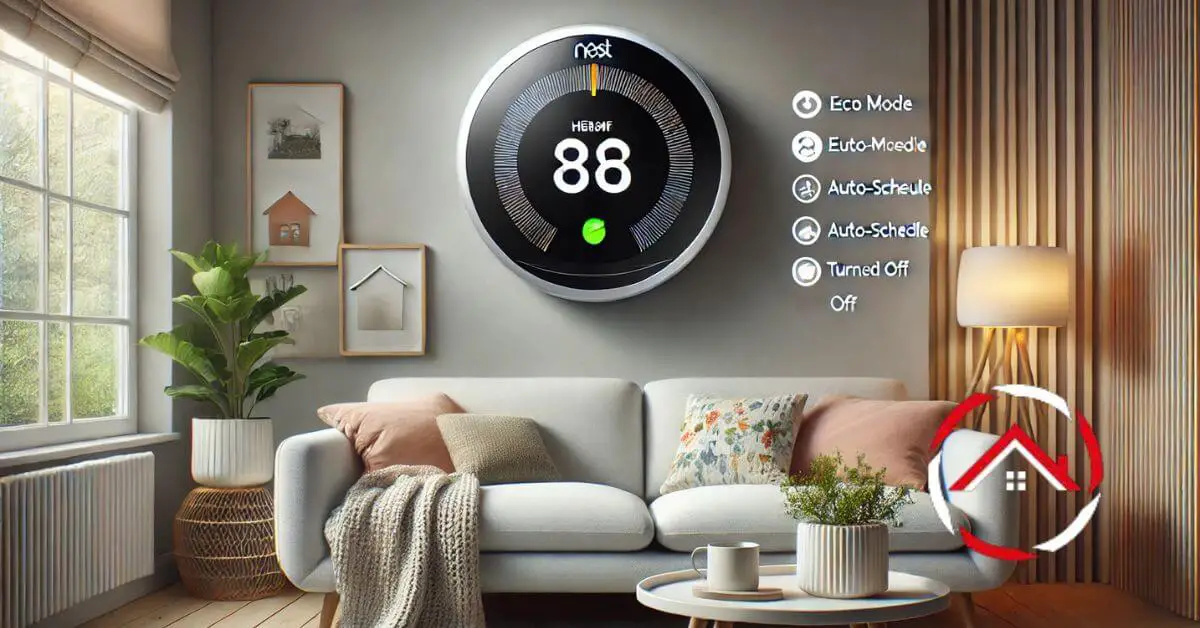
One of Nest's most famous features is its ability to learn. It observes your temperature adjustments over time. This creates something called an Auto-Schedule. It’s meant to predict your preferences. It aims to set the ideal temperature automatically. It’s like having a butler who learns your morning coffee order. But sometimes, this learned schedule can be a bit overzealous. Maybe you had a weird week, or guests visited. The Nest remembered those changes. Now it thinks that’s your new normal. You can easily tell your Nest to stop learning if you prefer to take the reins yourself. Just dive into the settings and look for the Auto-Schedule option. A simple tap can bring the control right back to you.

Then there’s Home/Away Assist. This clever feature uses sensors and your phone's location. It tries to figure out if anyone is home. When everyone leaves, it switches to an energy-saving temperature. When you return, it brings the temperature back to your comfort zone. This is fantastic for saving energy! But sometimes, it can get confused. Maybe you stepped out for just a minute. Perhaps you left your phone at home. Suddenly, your cozy living room starts feeling like an empty office after hours. If you find your Nest constantly switching temperatures when you’re just popping to the garden, you might want to adjust how sensitive Home/Away Assist is. Or, you can disable it entirely. This gives you full manual control. No more guessing games about who’s home and who isn’t!
Don't forget about Eco Mode. This is Nest’s dedicated energy-saving champion. When it’s active, it sets your temperature to a very efficient, but perhaps not super comfortable, range. It often kicks in with Home/Away Assist. But you might have it set to come on at certain times too. If you're feeling a bit too chilly (or toasty!) and your Nest screen says "Eco," then you’ve found the culprit! You can simply turn the dial past the Eco Mode setting to override it. Or, you can adjust its settings to make sure it only activates when you truly want it to.

Sometimes, the mystery isn't with a smart feature at all. It might just be an old schedule. Maybe you set up a schedule for a specific event last year. Perhaps someone else in your household created one. These hidden schedules can pop up unexpectedly. They can change your temperature without a clear reason. It's always a good idea to check your schedules. Open the app or look at the device. Make sure there aren't any surprise entries. You can easily delete any old or unwanted schedules. This helps streamline your heating and cooling.
Finally, for ultimate control, especially if you have guests or a very specific need, you can lock your Nest thermostat. This prevents anyone from changing the temperature. It also stops any automated schedules from kicking in. It's like putting a friendly "do not disturb" sign on your climate control. Your Nest will maintain your chosen setting. It will wait for your command to change. This is perfect for maintaining consistency. It’s great when you need a break from its intelligent interventions.
Your Nest thermostat is an amazing piece of technology. It genuinely wants to help you save energy and stay comfortable. But like any good companion, it sometimes needs a gentle nudge. With a few simple adjustments, you can guide your Nest. You can ensure it perfectly aligns with your personal comfort zone. No more surprise temperature shifts. Just smooth, consistent warmth or cool, just how you like it. Go ahead, dive into those settings. Take back the reins. Enjoy a perfectly predictable home climate!