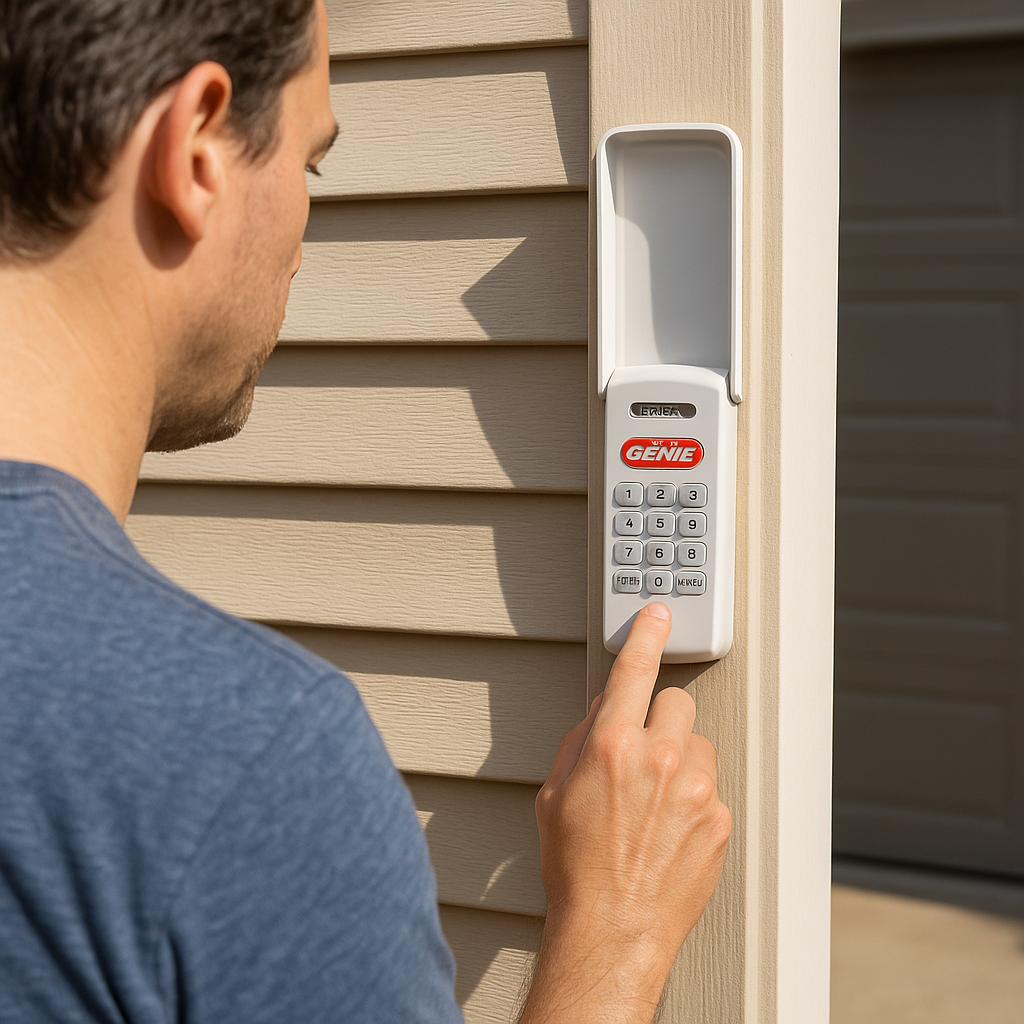
How Do You Program A Garage Door Keypad

Alright, let's talk about that magical little box on the outside of your garage, the one that lets you in with just a few button presses. We're talking about the garage door keypad. For many of us, it feels like a piece of high-tech wizardry, something only accessible to secret agents or people who actually read appliance manuals cover-to-cover. But fear not, my friend, because programming one of these bad boys is usually about as complicated as making toast – if toast required pressing a 'learn' button.
You know the drill. You're juggling three bags of groceries, a toddler, and that rogue soccer ball your kid just kicked under the car. Your hands are fuller than a teenager's social calendar. Reaching for keys? Forget about it. This is where the keypad swoops in like a superhero, silently asking for your secret code. No fumbling, no frantic digging in pockets, just a quick tap-tap-tap and voilà! Instant entry. It’s pure, unadulterated convenience, a little slice of smart home bliss that doesn't require a degree in rocket science.
The Grand Unveiling: Finding Your Opener's Brain
First things first, you need to introduce your keypad to your garage door opener. Think of your opener, that big contraption hanging from the ceiling, as the wise old wizard, and the keypad as the eager new apprentice. They need to have a little chat. To facilitate this, you'll need to locate the opener's "Learn" button. Now, this isn't always screaming its name from the front. Sometimes it's on the back, sometimes on the side, usually near where the antenna wire dangles like a sad little tail.
Must Read
It’s often a brightly colored button – red, purple, green, yellow, or orange. It practically begs to be pressed, but in a shy, understated way. Sometimes it’s even hidden under a light cover. Finding it can feel like a mini treasure hunt, a real "Aha!" moment when you finally spot that little beacon of hope. Don't be afraid to pull up a step stool and get cozy with your garage ceiling for a moment. Just remember which button it is; some openers have multiple, and we don't want to accidentally reprogram your car remote to open your neighbor's chicken coop.
The Secret Handshake: Entering Your PIN
Once you've given that "Learn" button a quick, firm press (it usually lights up or blinks to confirm it's ready to listen), you've got about 30 seconds to hustle over to your keypad. This isn't a race against time, but don't dawdle. This is where you punch in your chosen PIN. Pick something memorable, but maybe not "1234" or your house number. We're aiming for security, not just convenience. Then, you'll usually press the "Enter" or "#" button on the keypad.
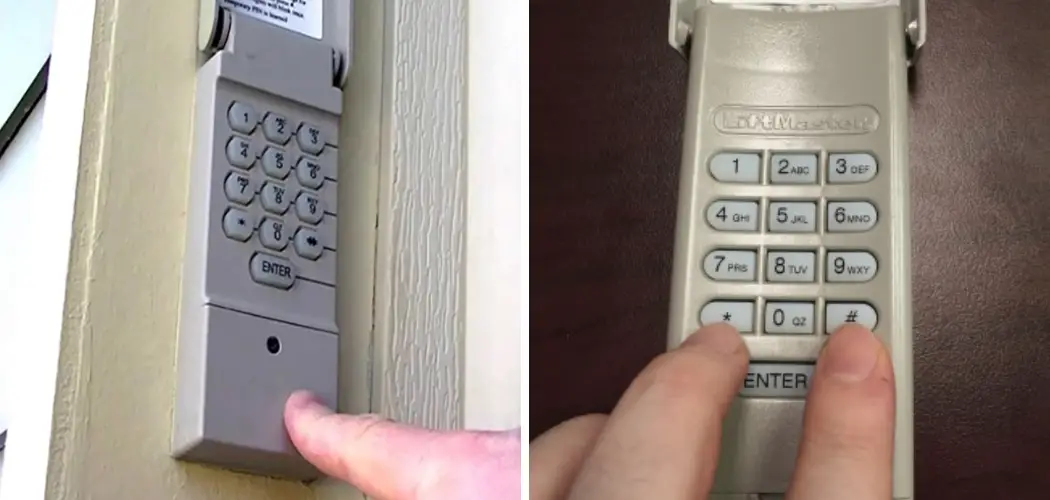
At this point, you're essentially telling the opener, "Hey, wizard, this is the secret password for the new guy!" The opener will likely flash its lights or make a little clicky sound to acknowledge it heard you. This is like the opener nodding sagely, "Understood, young Padawan."
The Moment of Truth: Testing Your Genius
Now for the grand finale! Step back, take a deep breath, and enter your freshly programmed PIN on the keypad again, followed by "Enter." If all goes well, your garage door will gracefully glide open or closed, like a curtain rising on your personal stage. It’s a small victory, but oh-so-satisfying. You’ve done it! You’ve tamed the technological beast and made your life just a tiny bit easier.

When Things Get Quirky: Troubleshooting with a Smile
What if it doesn't work? Don't panic! This isn't a tech disaster, just a slight detour. It's like trying to get that stubborn jar open – sometimes it just takes a different angle. Here are a few common hiccups:
- Did you press the "Learn" button long enough? Sometimes it needs a proper, firm press, not just a gentle tap.
- Did you make it to the keypad in time? That 30-second window is real. If you got sidetracked by a squirrel convention, just repeat the "Learn" button step.
- Is the keypad's battery dead? Oh, the classic! It's like trying to call someone on a phone with no charge. Check those batteries!
- Is the old PIN still active? Some keypads have a clearing or resetting process. A quick glance at the keypad's specific manual (yes, those ancient scrolls of wisdom) can clarify.
- Is it the right "Learn" button? As mentioned, sometimes there are two. Make sure you’re poking the one associated with linking accessories.
Remember, every brand is slightly different, so if you're truly stumped, a quick peek at the manufacturer's manual for your specific opener and keypad is always your best bet. It’s usually a short, simple guide that cuts right to the chase.
So there you have it. Programming your garage door keypad isn't brain surgery; it’s more like teaching a very agreeable robot a secret handshake. You've just unlocked a new level of convenience for your home, all without breaking a sweat (or a key). Go forth and enjoy your newfound, hands-free garage access!