
How Do You Know If A Cctv Camera Is On
The Curious Case of the Winking Lens
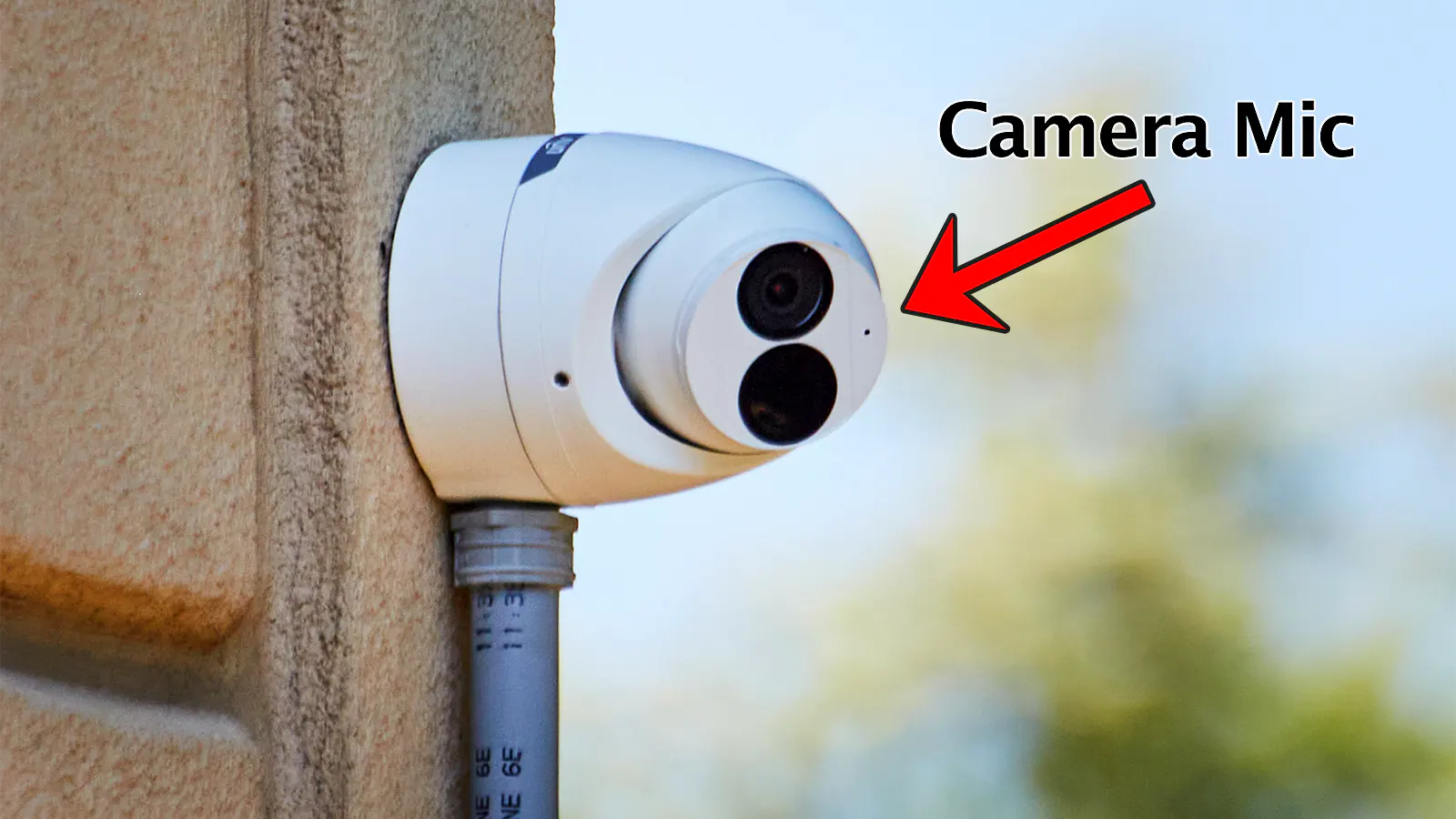
Ever walked past a sleek, dark eye on a wall and wondered, "Is it watching me right now?" You’re not alone! That little CCTV camera perched above a storefront or peeking from a porch can spark all sorts of questions.
It’s like a silent, unblinking sentinel, and sometimes, you just want to know if it's taking notes on your fabulous new hat or just enjoying the view.
The Elusive Red Light: A Popular Myth
Many of us grew up thinking that a camera was only "on" if it had a glowing red light. It’s a classic movie trope, isn't it?
Must Read
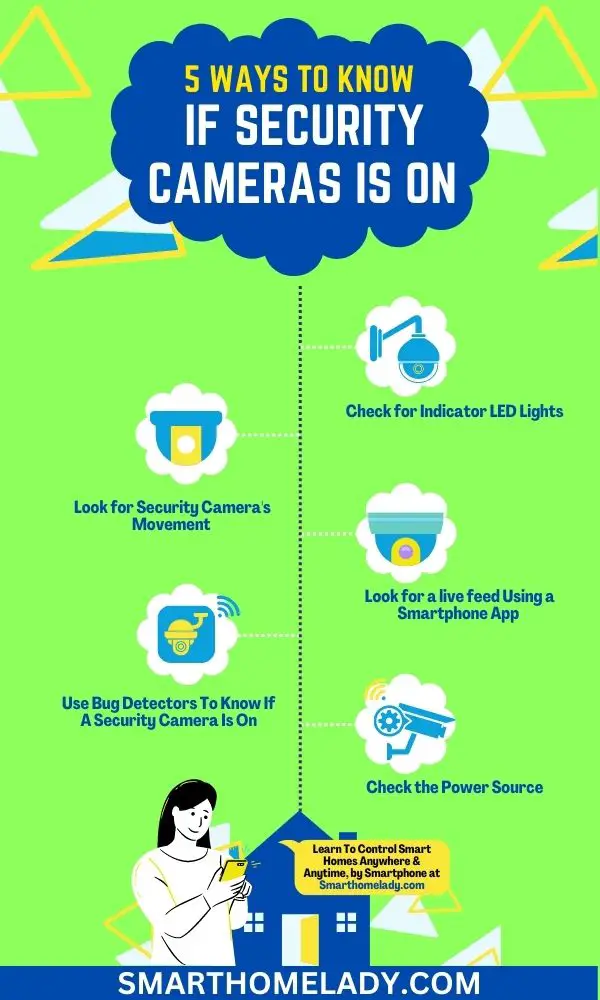
That little ruby eye, almost winking at you, signalizing it’s recording your every move. But here's a little secret: most modern CCTV cameras don't actually have a visible red light when they're actively recording during the day.
Sometimes, if a light is there, it might just be a power indicator, telling you the camera has electricity flowing. So, no blinking red light doesn't mean it's taking a nap; it's often just being discreet!
The Subtle Nudge: When Cameras Come Alive
One of the most surprising ways to tell if a camera is active is if it actually moves! Some fancy cameras, known as PTZ (that’s Pan-Tilt-Zoom for the curious), can swivel, tilt, and zoom in all by themselves.
Imagine seeing a camera slowly pan across an empty parking lot, then gently tilt down as if admiring a particularly interesting pebble. It's a bit like watching a tiny robotic head thoughtfully observing its surroundings.
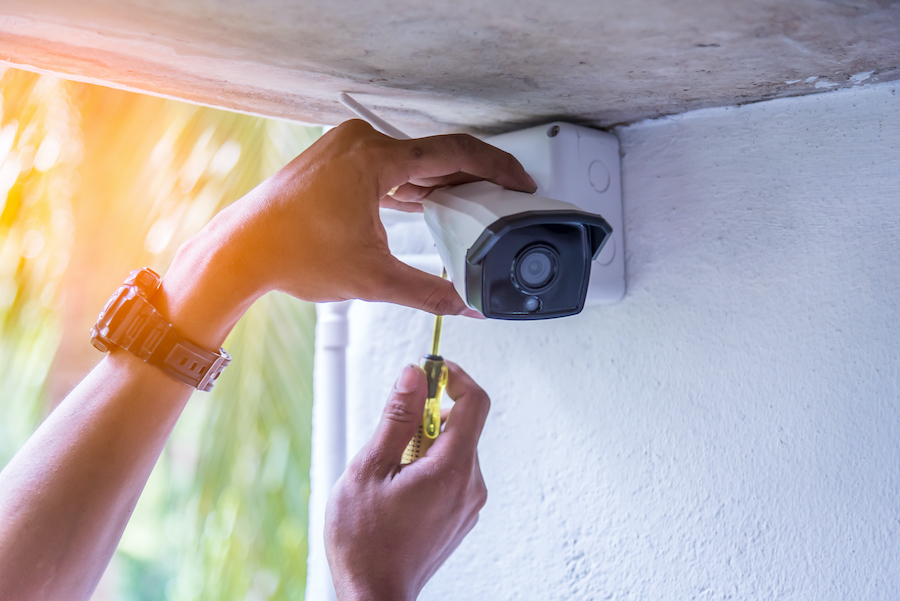
If you see a camera subtly shifting its gaze, it’s a pretty good bet that someone, or something, is controlling it or it’s on an active patrol schedule.
Your Phone's Secret Superpower: The Invisible Light
This is where it gets really fun and a little bit magical! Many security cameras use infrared (IR) lights to "see" in the dark.
These lights are usually invisible to the human eye, making the camera blend seamlessly into the night. But guess what? Your smartphone camera can often see them!
The next time you’re wondering, especially at night, point your phone camera at the security camera. If you see an array of tiny, glowing purple or white dots around the lens on your phone screen, congratulations, you've found the invisible light source!
It's like having a secret x-ray vision superpower, revealing the camera's hidden night-vision capabilities. This trick often elicits a little "aha!" moment for those trying it for the first time.
The Whisper of the Machine: Listening In
Sometimes, the oldest tricks are the best. Get a little closer to the camera (respectfully, of course) and listen carefully.
Some older models, especially those with mechanical parts, might emit a very faint, almost imperceptible hum or buzzing sound. It’s like the gentle purr of a sleeping cat, letting you know it’s alive and well.
This subtle sound is often the whirring of internal components, working diligently to capture images. It's not always present, but when it is, it's a clear giveaway.
The Plumbing Detective: Following the Wires
This method isn't exactly Sherlock Holmes-level mystery, but it's practical. A camera, much like your favorite toaster, needs power to do its job.

Look for cables running from the camera to a power source, or even a network cable connecting it to the internet. If it’s physically plugged in, chances are it’s ready for action.
Wireless cameras still need power, often from batteries or a hidden power adapter. No wires or obvious power supply? It might be a dummy camera, or just incredibly well-concealed!
The Heartwarming Hello: Just Ask!
Perhaps the most straightforward, and often most overlooked, method is simply to ask! If you're at a shop, a friendly cafe, or a community center, why not politely inquire?
More often than not, the staff or owner will be happy to tell you about their security setup. They might even explain what areas their cameras cover and why they have them.
"Oh, that one? It's on 24/7, mostly to make sure Mrs. Henderson's prize-winning petunias don't get accidentally squashed," a shop owner might cheerfully tell you.
This approach not only clarifies your curiosity but also often leads to a pleasant, human interaction. It reminds us that behind the technology are real people, often with heartwarming reasons for their watchful eyes.
Beyond the Glare: A New Perspective
Understanding if a camera is on can transform your perspective from feeling observed to feeling secure. These cameras are often there for everyone’s safety, protecting what’s dear to us.
They might be watching over a playful puppy waiting for its owner, ensuring the safety of a beloved community park, or simply providing peace of mind for a small business owner.
So, the next time you spot a camera, instead of just wondering, try a little detective work! You might just uncover a fascinating detail or share a smile with someone who's just trying to keep things safe and sound.