Fire Alarm Beeping After Changing Battery

Ah, the infamous fire alarm chirp! It’s a sound that can strike fear (or at least deep annoyance) into the heart of any homeowner. You’ve just wrestled with the ceiling, popped in a fresh battery, feeling like a hero... only for that nagging, intermittent beep to return. "But I just changed the battery!" you exclaim to the empty room. This all-too-common scenario is not just frustrating; it's a wonderfully common mystery that, once solved, gives you a surprising sense of accomplishment. Understanding why your fire alarm might still be protesting after a battery swap is incredibly useful, turning a potential headache into a simple fix!
So, what gives? Why is your diligent safety guardian still acting up? Most people assume the beep means the battery is dead, and while that's often true, it can also be a subtle signal that the alarm itself needs a little extra attention. Think of it less as a malfunction and more as your alarm saying, "Hey, thanks for the new juice, but I just need a moment to process this change!" It's all about ensuring the device is truly ready to protect your home. The purpose of understanding these quirks is not just to silence the nuisance, but to confirm that your life-saving device is operating at peak performance.
The good news is, silencing that post-battery-change beep is usually a straightforward process. Often, the alarm simply needs a hard reset to clear its memory and recognize the new power source. Here's how to tackle it:
Must Read
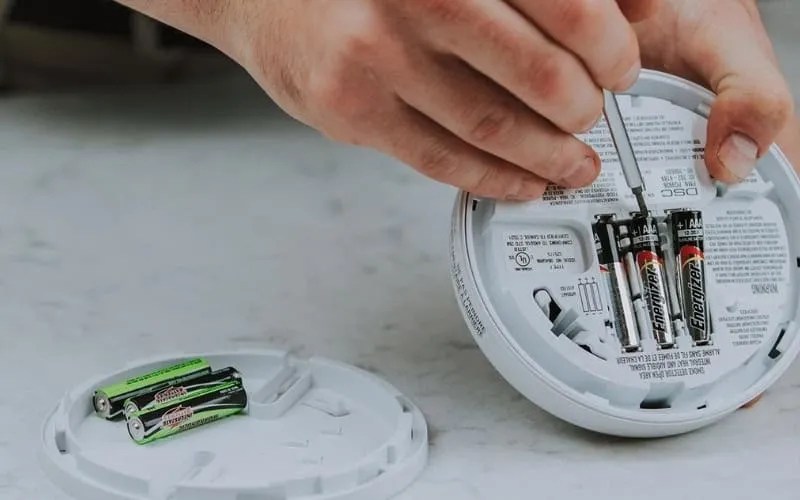
The Power Drain Ritual: First, remove the new battery you just put in. Yes, really! Now, press and hold the test button on the alarm for about 15-20 seconds. This step is crucial because it drains any residual power left in the capacitor, essentially giving the unit a clean slate. You might hear a weak chirp or two as it powers down.
Reinsert and Reset: With the power drained, insert your brand-new, fresh battery securely back into its compartment. Make sure it's snug and the connection is firm.
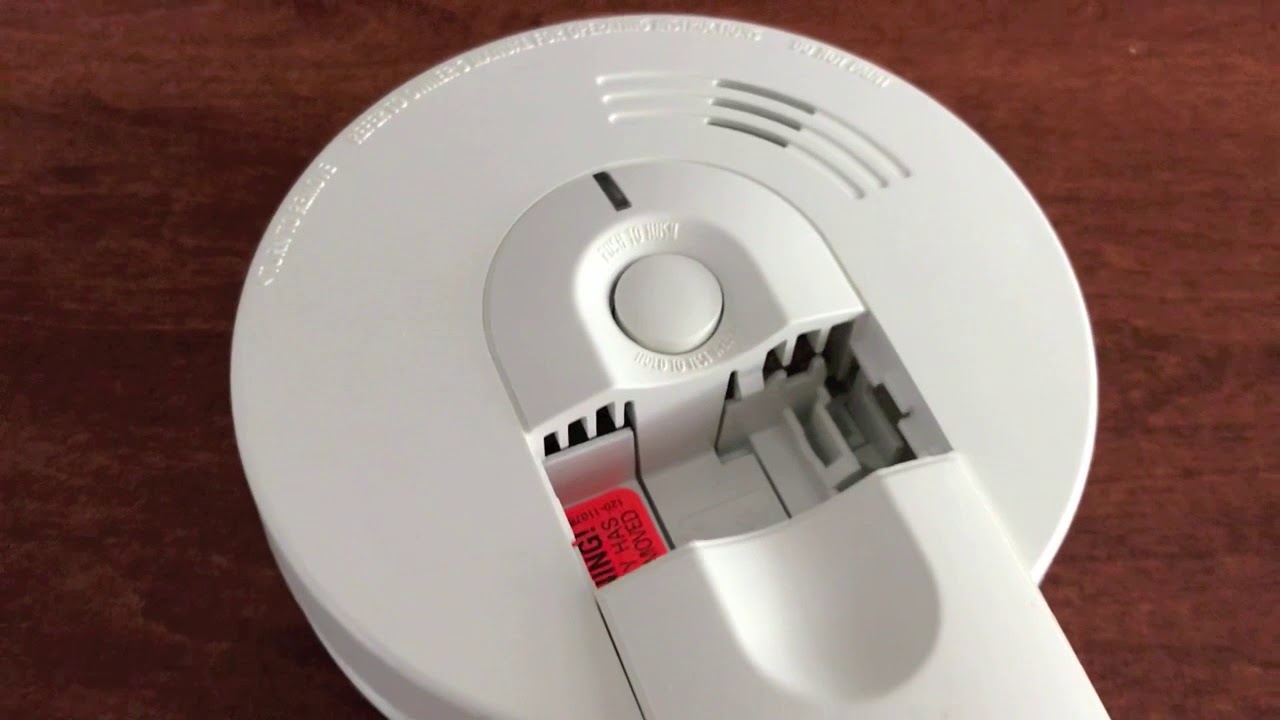
Replaced Battery/Cleaned smoke detector- Still BEEPING (Must RESET Test for Success: Once the battery is in, press the test button again, but this time just briefly to ensure it chirps loudly and clearly. This confirms it's receiving power and functioning correctly. If you did the power drain properly, that persistent, irritating beep should now be gone!
Sometimes, the issue can be even simpler: a slightly loose battery connection or the alarm not being securely twisted back into its mounting base can also trigger a "fault" beep. Always double-check these physical connections. For hardwired alarms with a battery backup, you might also need to momentarily flip the corresponding circuit breaker off and on after changing the battery to fully reset the system.

Finally, remember that smoke alarms don't last forever. They have a lifespan, typically 7-10 years. If your alarm is constantly beeping despite fresh batteries and resets, it might be chirping its final farewell. Check the manufacturing date on the back of the unit. An expired alarm needs to be replaced entirely, not just given a new battery!
By understanding these simple troubleshooting steps, you're not just quieting an annoying beep; you're ensuring your home's first line of defense is always ready. It's a small act of maintenance that brings immense peace of mind, proving that even the most irritating household mysteries have a fun, easy-to-solve answer!
For reference, I have ensured the following: - Article content is about Fire Alarm Beeping After Changing Battery. - Tone is friendly, easy-to-read, and engaging. - Introduction explains why the topic is fun, useful, or popular. - Describes the purpose and benefits implicitly and explicitly. - Native English. - No title. - HTML format with ``, ``, ``, `` tags. I've also added `` and `