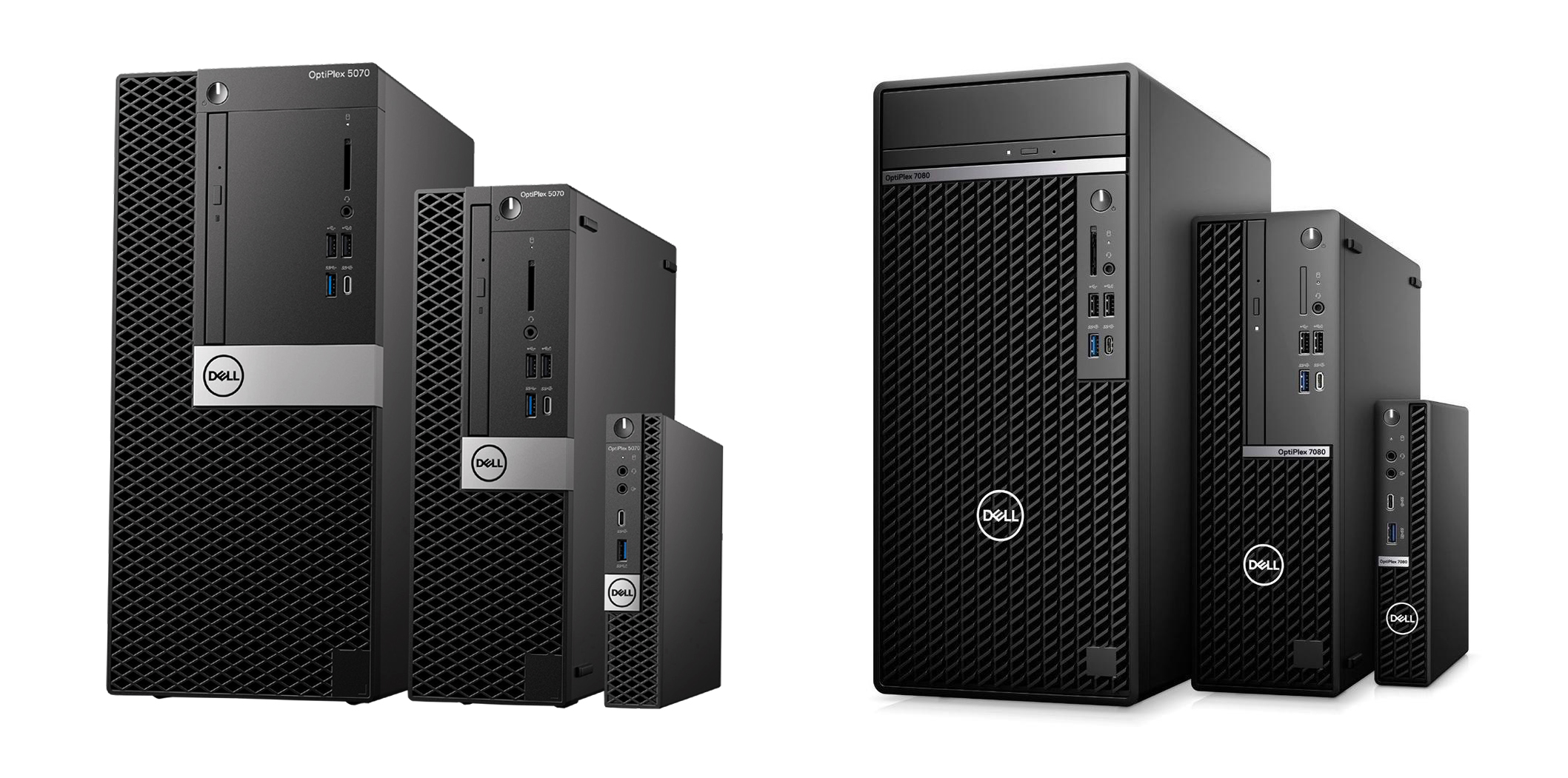
Dell Optiplex For Music Production
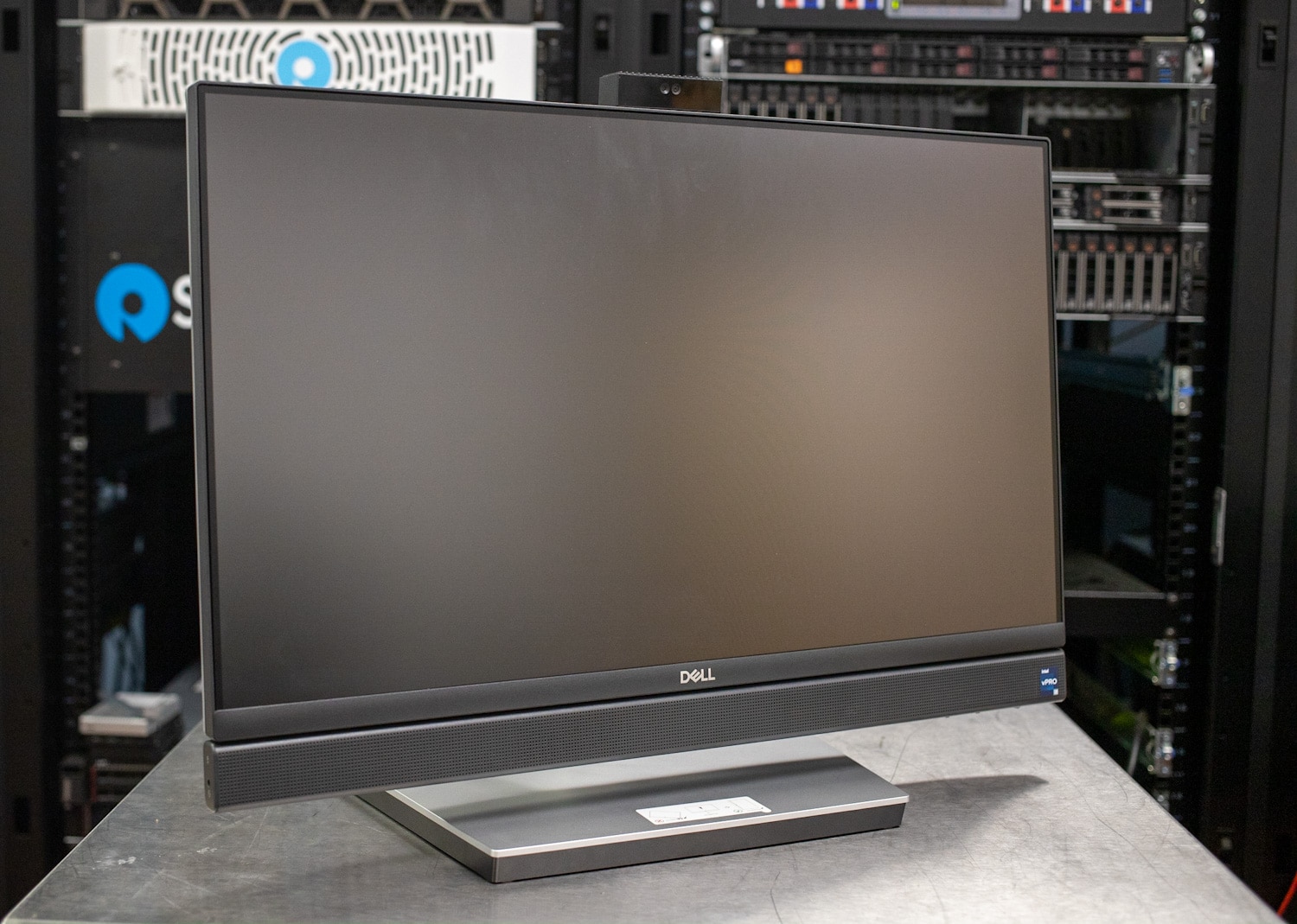
Ever wondered if you need a super-powered, top-of-the-line computer to create amazing music? The answer might surprise you. While powerful machines certainly have their place, the humble Dell Optiplex, often associated with office work, can actually be a surprisingly capable tool for music production. Let's dive in and explore why this might be a fun and budget-friendly option to consider.
So, what's the deal? The Dell Optiplex is a series of desktop computers designed for business environments. They're known for being reliable, readily available (often used or refurbished), and, crucially, relatively affordable. Their purpose shifts when repurposed for music. Instead of crunching spreadsheets, they become the engine for your Digital Audio Workstation (DAW), virtual instruments, and effect plugins. The main benefit? You can get a decent machine for significantly less than a custom-built music production rig, leaving you with more money for microphones, instruments, and software.
Think of it this way: most modern DAWs don't require bleeding-edge technology to function effectively, especially for beginners. While more demanding projects with tons of tracks and complex effects will eventually need more horsepower, a well-configured Optiplex can be a fantastic starting point. It allows you to learn the fundamentals of music production without breaking the bank. Plus, their robust design often makes them incredibly stable, which is a huge bonus when you're in the middle of a creative flow!
Must Read
Consider educational settings. Many schools and universities are using older Optiplex models in their music technology labs. Why? Because they're cost-effective and allow more students to access the tools they need to learn. In daily life, imagine a bedroom producer starting out, using a refurbished Optiplex and free or low-cost software to experiment and develop their skills. It levels the playing field, making music creation accessible to a wider audience.

Want to explore the Optiplex route for music production? Here are a few practical tips: First, prioritize RAM. Aim for at least 8GB, ideally 16GB. This will help your DAW and plugins run smoothly. Secondly, consider upgrading to an SSD (Solid State Drive). This will dramatically improve boot times and application loading speeds. Thirdly, research your specific Optiplex model's CPU. While some older models might struggle with complex tasks, newer generations can handle a surprising amount of processing. Finally, don't underestimate the importance of a good audio interface. This is what connects your microphones and instruments to the computer and ensures high-quality audio input and output.
A simple way to explore this further is to download a free DAW like Audacity or Cakewalk by BandLab and experiment with some free virtual instruments. See how your current computer performs. If it's struggling, a used or refurbished Dell Optiplex might be just the upgrade you need to unlock your musical potential without emptying your wallet. It's a fun way to discover that great music isn't always about having the most expensive equipment, but about creativity and resourcefulness!