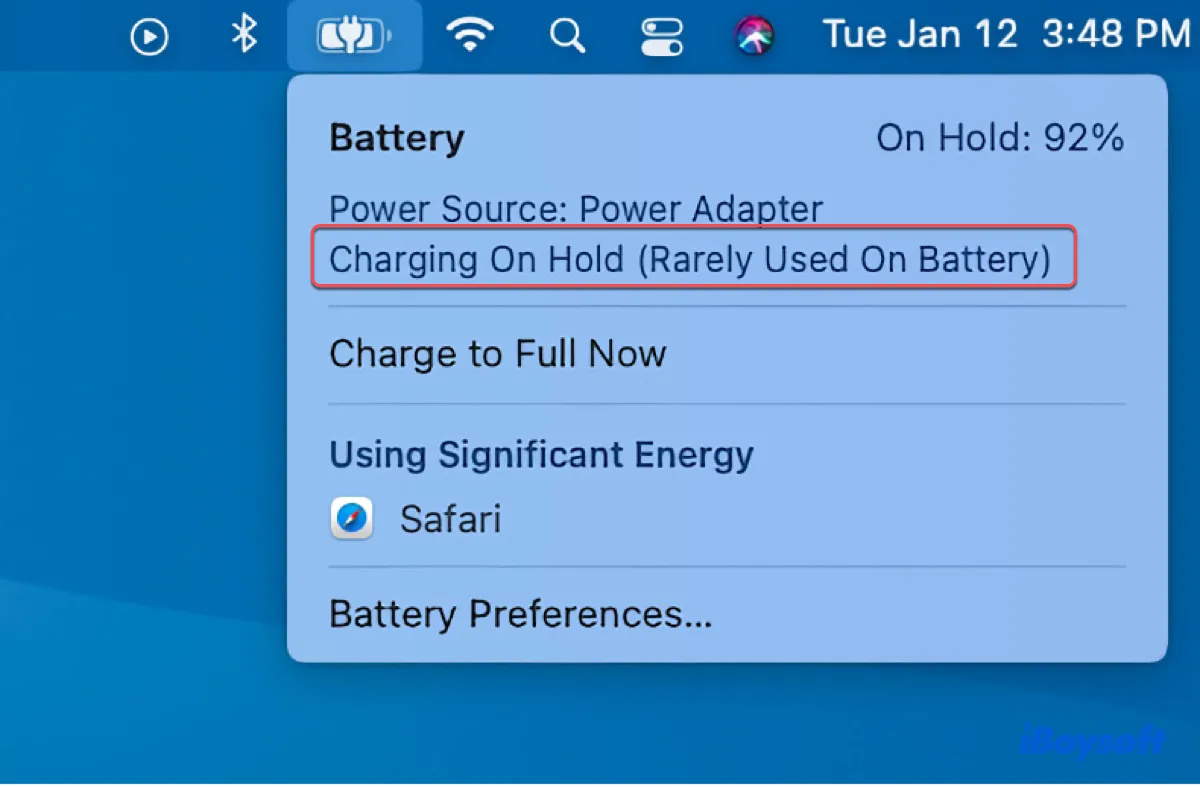
Charging On Hold Rarely Used On Battery
Ever noticed your phone says "Charging On Hold. Rarely Used On Battery"? It's like your phone's whispering a little secret! Don't panic; it's not a glitch. It's actually a pretty neat piece of battery tech doing its thing. But what exactly is it?
What’s This "Charging On Hold" Business?
Basically, your phone is learning your routine. Think of it as your phone becoming your own personal battery butler. It's observing how you typically use your phone and figuring out when it needs to charge and when it can chill. This feature is all about optimizing your battery health. Cool, right?
Instead of just slamming the battery with a full charge all the time, which, let's be honest, can be a bit like force-feeding it, your phone is taking a more gentle approach. It's like the difference between chugging a whole soda in one go versus sipping it slowly and enjoying the flavor.
Must Read
So, when you see "Charging On Hold," it means your phone has charged to a certain percentage (usually around 80%), and then it's paused. It's waiting for the right moment to top it off, ideally just before you usually unplug it. Smart, eh?
Why Does My Phone Do This?
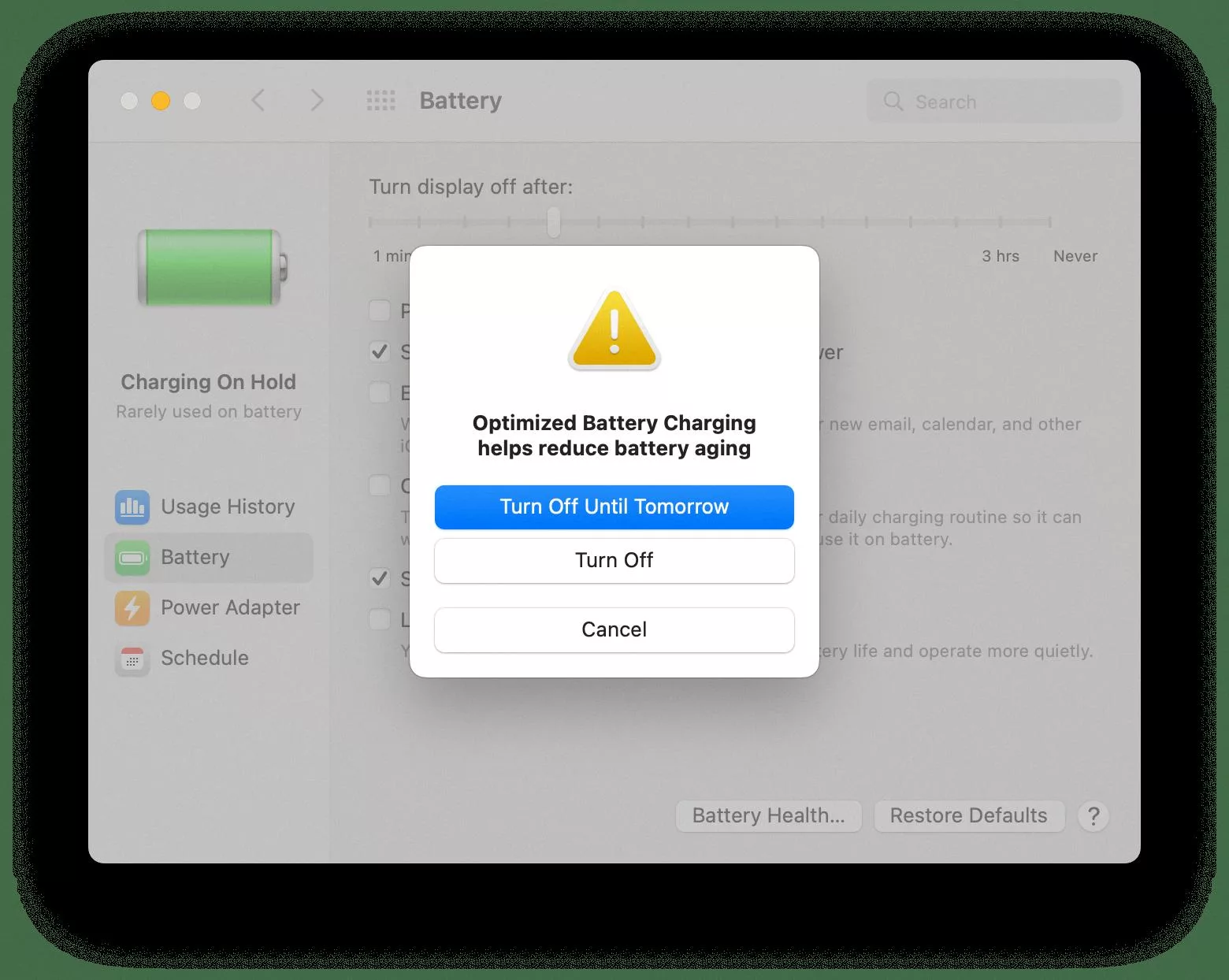
The main reason? To prevent premature battery aging. You see, lithium-ion batteries, the kind that power our smartphones, tablets, and even electric cars, degrade over time. Charging them to 100% constantly and keeping them there can actually shorten their lifespan. It's a bit like over-inflating a balloon – eventually, it's going to pop (or at least lose some of its elasticity).
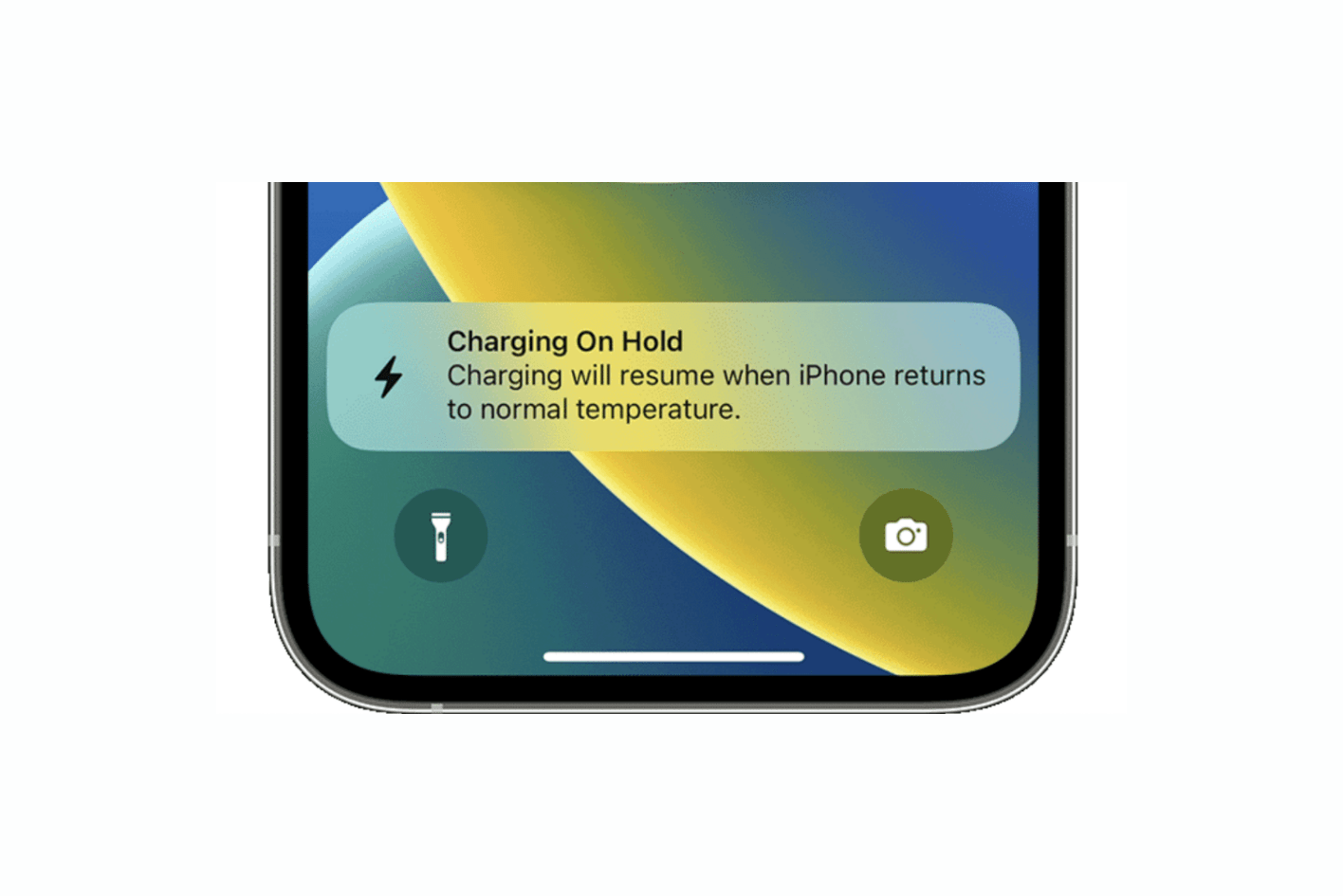
This "Charging On Hold" feature helps to minimize the time your battery spends at 100%, which in turn extends its overall lifespan. So, by being patient and holding off on the final charge, your phone is essentially giving its battery a longer and healthier life. It's like feeding your pet a balanced diet instead of just giving them treats all the time!
Is it Always a Good Thing?
Well, mostly yes. But there are a few situations where it might not be ideal. For example, if you have an unpredictable schedule and might need a fully charged phone at any moment, this feature could be a bit frustrating. Imagine you suddenly need to go on a long road trip and your phone's only at 80%! Not ideal, right?
However, most modern phones allow you to turn off or adjust this feature in the battery settings. So, if you find it's not working for your lifestyle, you have the option to customize it. It's all about finding what works best for you.

How Does My Phone Know My Routine?
That's the magic of machine learning! Your phone is constantly collecting data about your charging habits – when you plug it in, when you unplug it, how long it stays plugged in, etc. It then uses this data to predict your future behavior. It's like your phone is studying you (in a non-creepy way, of course!).
Think of it like Netflix suggesting shows you might like. It's based on your past viewing habits. Your phone does something similar, but with battery charging.
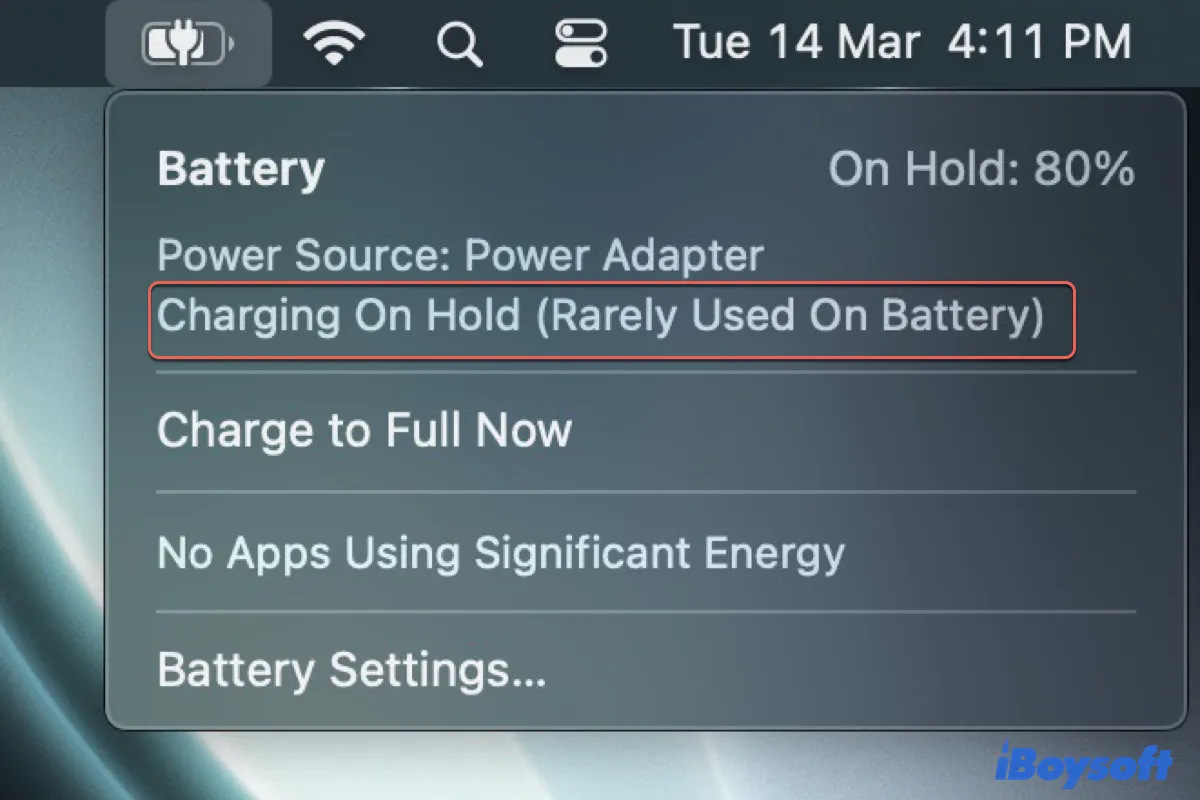
So, Should I Worry About "Charging On Hold"?
Absolutely not! Embrace it! It's a sign that your phone is trying to take care of its battery and ensure it lasts as long as possible. It's like having a little battery guardian angel working behind the scenes.
Just remember, if you ever need a full charge quickly, you can usually override the feature in your settings. But for everyday use, letting your phone do its thing with "Charging On Hold" is a great way to keep your battery happy and healthy for longer.
It’s just another example of how our devices are getting smarter and more efficient, making our lives a little bit easier (and our batteries a little bit longer-lasting!). So next time you see that "Charging On Hold" message, give your phone a little nod of appreciation. It's looking out for you!