Why Does My Arlo Camera Keep Going Offline
Ah, the modern dilemma! You’ve invested in a sleek Arlo camera, promising peace of mind and a watchful eye over your abode, only to find it’s decided to take an unscheduled digital sabbatical. One minute it’s streaming crisp HD footage, the next it’s just… gone. A phantom limb in your smart home ecosystem, leaving you wondering, “Why does my Arlo camera keep going offline?”
It’s a feeling many of us know all too well, like your favorite streaming service suddenly buffering mid-cliffhanger. Frustrating, right? But fear not, fellow digital denizen! More often than not, the culprit isn't a complex conspiracy, but rather a few common, easily remedied tech quirks. Let's peel back the layers of this digital mystery with an easy-going attitude, because life's too short for persistent Wi-Fi woes.
Why the Digital Disconnect? Unpacking the Offline Enigma
Think of your Arlo camera like a tiny, vigilant scout. For it to do its job, it needs a clear line of communication and a steady supply of energy. When either of those falters, it’s going to go quiet.
Must Read
Let's dive into the usual suspects:
The Wi-Fi Whisperer (or Yeller)
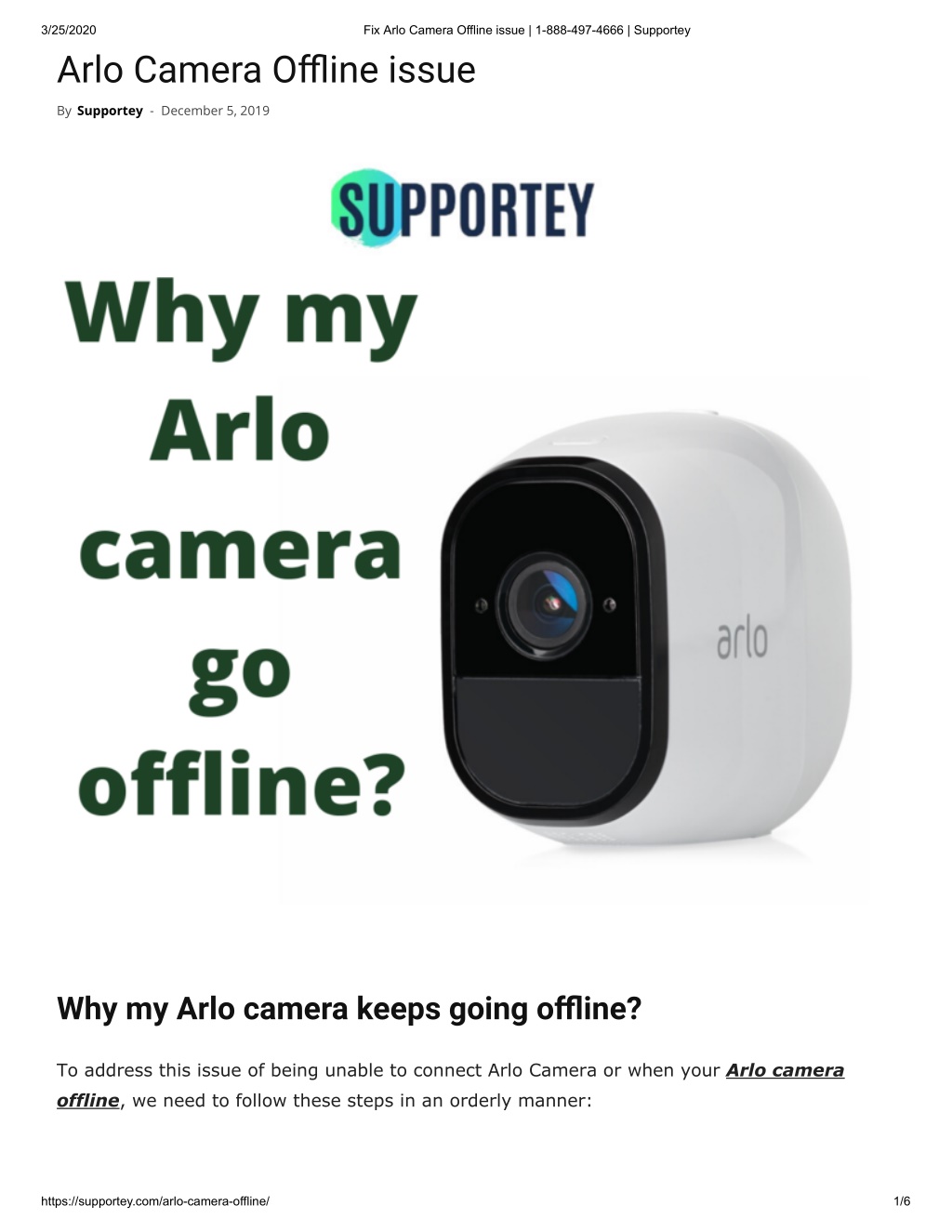
This is probably the most common reason. Your Arlo camera relies on a strong, stable Wi-Fi signal to communicate. If it's too far from your router or Base Station, or if there are walls, furniture, or even other electronics causing interference, that signal gets patchy. Imagine trying to have a conversation with someone across a noisy stadium – eventually, you just give up trying to hear them.
- Tip: Concrete walls, fish tanks (yes, seriously!), and large metal objects are notorious signal blockers.
- Fun Fact: Wi-Fi signals operate on radio waves, just like your old-school FM radio. Interference is their arch-nemesis!
Battery Blues
It might sound obvious, but we’ve all been there. A dead battery on your smartphone, your TV remote, and yes, even your Arlo camera can lead to it falling off the grid. If your camera is battery-powered, a low charge will often cause it to disconnect before completely shutting down, trying to conserve its last bits of juice.
- Key takeaway: Don't underestimate the power of a fresh charge or new batteries!
The Brains of the Operation: Your Base Station/SmartHub
Many Arlo systems use a Base Station or SmartHub to connect your cameras to your home network. If this central brain experiences a hiccup – perhaps due to a power flicker, network congestion, or just needing a good old-fashioned reboot – your cameras will lose their connection to the internet.
- It's the digital equivalent of the CEO of a company taking an unexpected vacation; things tend to grind to a halt.
Software Snags & Firmware Funk
Just like your phone or computer, your Arlo cameras and Base Station periodically receive firmware updates. These updates often include bug fixes, security enhancements, and performance improvements. If your device’s firmware is outdated, it can lead to instability and connectivity issues.
- Pro-tip: Keeping your tech updated is like giving it a regular health check-up!
Environmental Eccentrics
Arlo cameras are built tough, but extreme temperatures can sometimes affect their performance. If your camera is exposed to blistering heat or freezing cold beyond its operating range, it might temporarily shut down or struggle with its connection.
- A little bit like us on a sweltering summer day – we might just want to sit down and chill for a bit!
Getting Your Arlo Back in the Game: Practical Plays
Now that we’ve identified the usual suspects, let’s get your digital sentry back on duty. Here’s a quick troubleshooting guide:
- Reboot Your Base Station/SmartHub: Unplug it from power, wait 30 seconds (go grab a snack!), and plug it back in. This often clears minor glitches.
- Check Your Wi-Fi Signal:
- Move your Arlo camera closer to your Wi-Fi router or Base Station.
- Consider a Wi-Fi extender or a mesh Wi-Fi system if your home has dead zones.
- Ensure there aren't too many devices hogging your Wi-Fi bandwidth. Sometimes, your Netflix binge is the real villain!
- Charge or Replace Batteries: If your Arlo is battery-powered, pop out the old ones and replace them with fresh ones, or fully charge your rechargeable battery.
- Update Firmware: Check the Arlo app to see if there are any pending firmware updates for your cameras or Base Station. Install them!
- Reduce Interference: Try to move your camera away from large metal objects, thick walls, or other electronics that might be causing signal interference.
- Check the Arlo App: Sometimes the Arlo app itself will provide specific diagnostics or warnings about why a camera is offline. Always worth a quick peek!
Remember, troubleshooting is often a process of elimination. Start with the easiest fixes and work your way up.
A Little Digital TLC Goes a Long Way
In our increasingly connected world, smart devices like Arlo cameras offer incredible convenience and peace of mind. But like any relationship, they thrive on a little attention and understanding. When your Arlo camera goes offline, it’s not always a sign of a major breakdown, but often a gentle nudge for you to check in on its digital well-being.
Taking a few moments to ensure its Wi-Fi signal is strong, its batteries are charged, and its software is up-to-date isn't just about getting your camera back online. It's about maintaining that seamless, smart-home experience we all crave. After all, a little digital TLC now means fewer headaches later, leaving you free to enjoy the real-world moments that truly matter, knowing your home is safely watched over.