What Is Seeding In Qbittorrent
Ever downloaded something cool using qBittorrent and then seen the word "seeding" pop up? Maybe you've even wondered, "What on earth does that even mean?" Don't worry, you're not alone! Seeding might sound a bit technical, but it's actually a simple and essential part of how torrenting works. Think of it like this: if downloading is like taking a piece of pie from a bakery, seeding is like baking a new pie and putting it back on the shelf for others to enjoy. So, let's dive in and explore what seeding in qBittorrent is all about!
At its core, seeding is about sharing. When you download a file via qBittorrent (or any torrent client), you're essentially downloading it in small pieces from other people who have already downloaded it. Once you have all the pieces and the file is complete, you become a source for others. This is where seeding comes in. Seeding means that you keep your qBittorrent client running and allow others to download the file from your computer.
The purpose of seeding is to keep the torrent alive and healthy. Think of it like a chain of helpful people. The more people seed a torrent, the faster and more reliably others can download it. Without seeders, torrents would eventually die out as no one would have the complete file to share. The benefits of seeding are numerous. Firstly, you're being a good internet citizen by giving back to the community. Secondly, you’re helping to ensure that the files you enjoyed remain available for others. Thirdly, many private torrent trackers require a certain seeding ratio (the amount you've uploaded versus the amount you've downloaded) to maintain your account.
Must Read
While torrenting might seem mostly about entertainment, the principles of distributed file sharing it uses are surprisingly relevant in other areas. For instance, consider online learning platforms. While they don't use torrents directly, the idea of learners contributing resources and knowledge to a shared pool is similar to seeding. In daily life, cloud storage services utilize similar concepts of distributed servers to store and share your data efficiently. The act of backing up your data and making it accessible to others in case of emergency also mirrors the spirit of seeding: ensuring continued availability of important information.
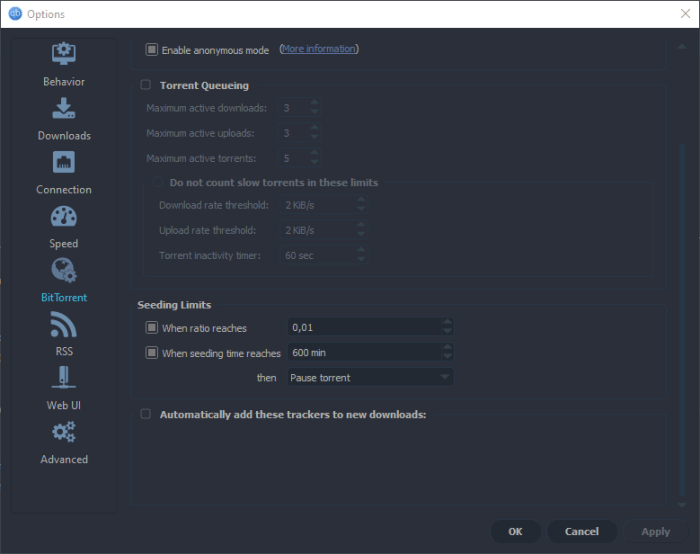
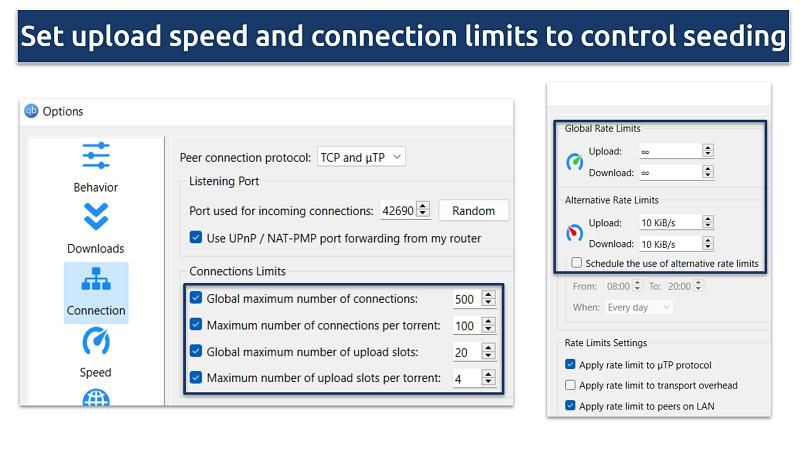
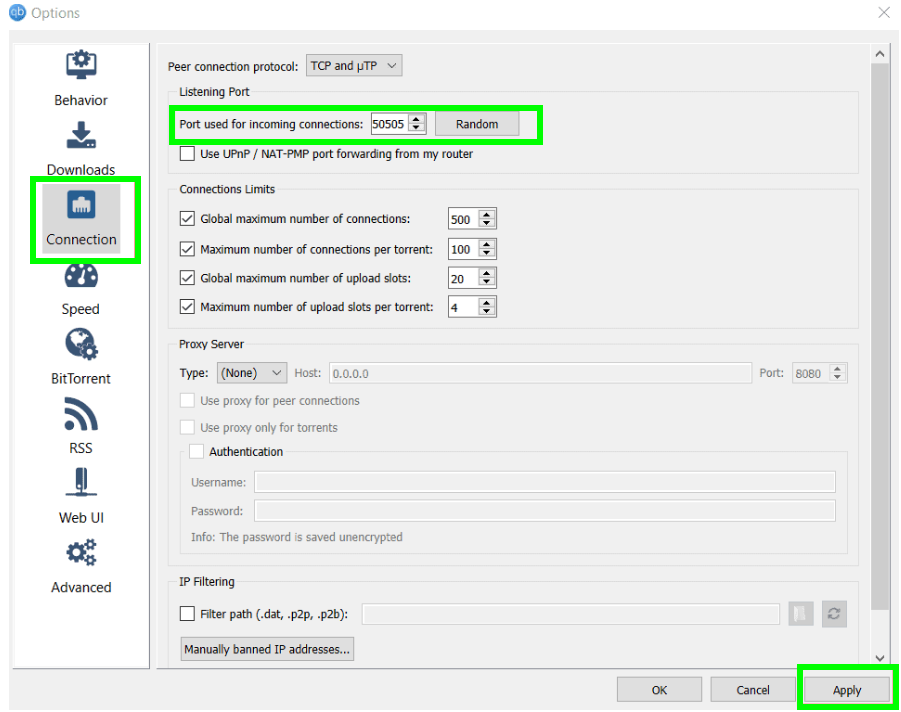
Ready to try seeding? It's incredibly easy! After you download a file in qBittorrent, simply leave the program running. As long as the file remains in your download folder and qBittorrent is active, you're seeding! You can even adjust your qBittorrent settings to control how much bandwidth you dedicate to seeding. Look for options related to upload limits or seeding ratios. Experiment with different settings to find a balance that works for you. Try downloading a small, popular open-source file and then leave qBittorrent running for a few hours. You'll see your upload activity increase as others download from you, and you'll be contributing to the health of the torrent ecosystem. Explore the "peers" tab in qBittorrent to see who you're sharing with! Seeding: It's easy, it's helpful, and it keeps the torrent world spinning!