
What Is A Hidden Network On Wifi
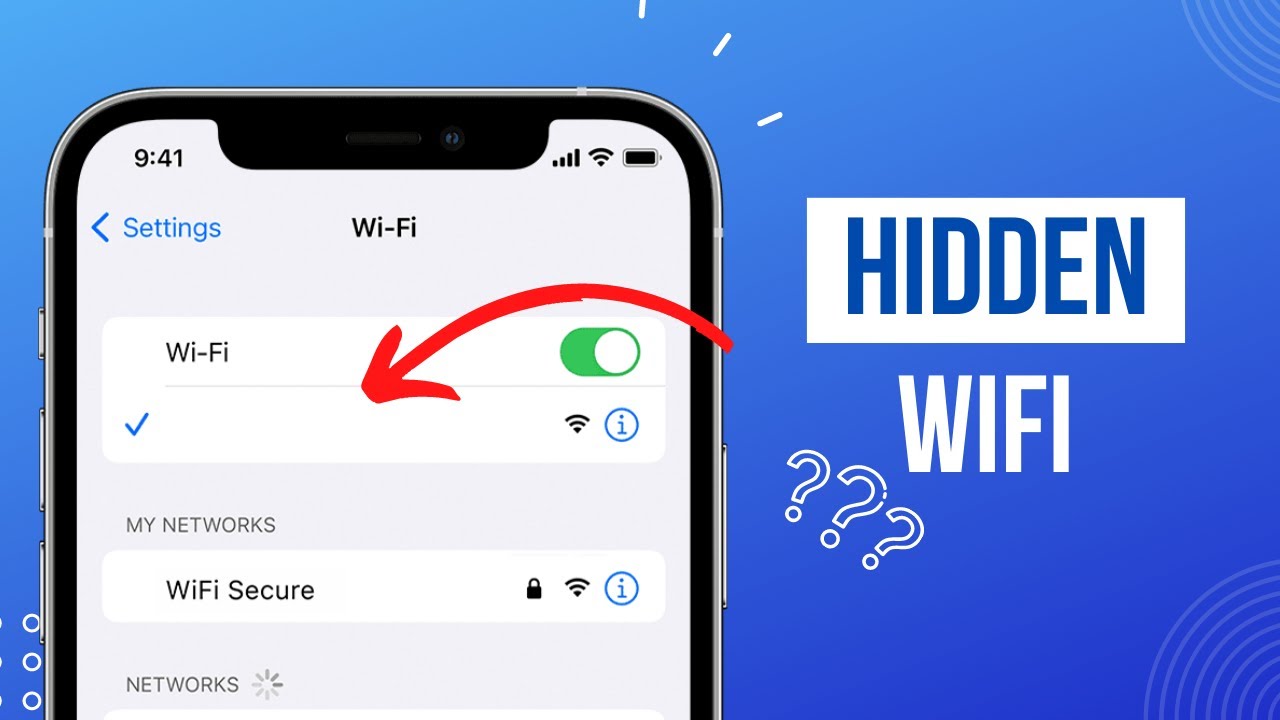
Ever felt like you're playing Wi-Fi hide-and-seek? You scan for networks, but something's missing. It's like a ghostly Wi-Fi, a whisper in the digital wind. That, my friends, might just be a hidden network!
What's the Big Secret?
Think of a regular Wi-Fi network as someone shouting their name at a party. Everyone knows they're there. A hidden network, though, is more like a secret agent, whispering only to those who know the password and precise designation.
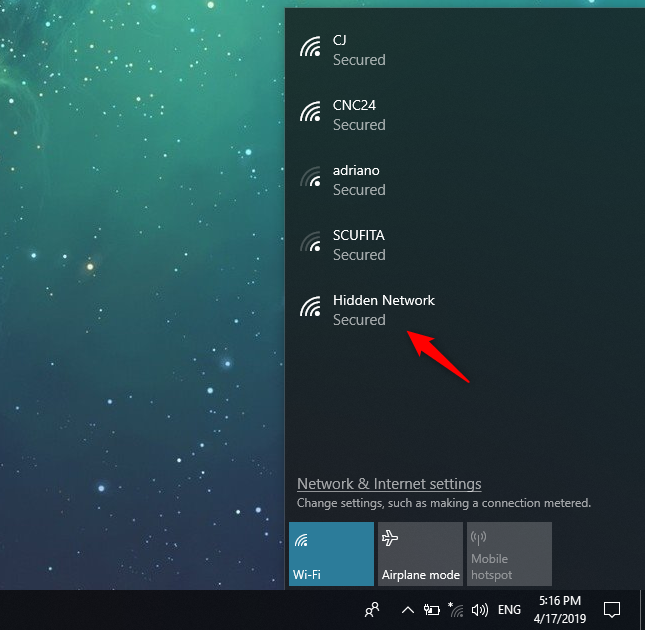
Instead of broadcasting its name (the SSID, if you want to get technical), it keeps quiet. It's like a shy Wi-Fi that prefers to be directly introduced.
Must Read
But Why the Secrecy?
People often think hidden networks offer extra security. The logic is simple: if nobody knows the network exists, nobody can hack it, right? Think of it like hiding your keys under a particularly inconspicuous flowerpot.
The truth is a bit more nuanced, and sometimes a bit humorous. It's like thinking your cat is really well hidden when its tail is sticking out from under the sofa.
In reality, hiding the SSID doesn't provide rock-solid security. There are tools and techniques that can sniff out even the most secretive Wi-Fi signals. It mostly just keeps out casual lurkers, those who simply browse available networks.
The Hidden Network Adventure
Connecting to a hidden network can feel a bit like a mini-adventure. You can’t just click and connect, which is a shame.
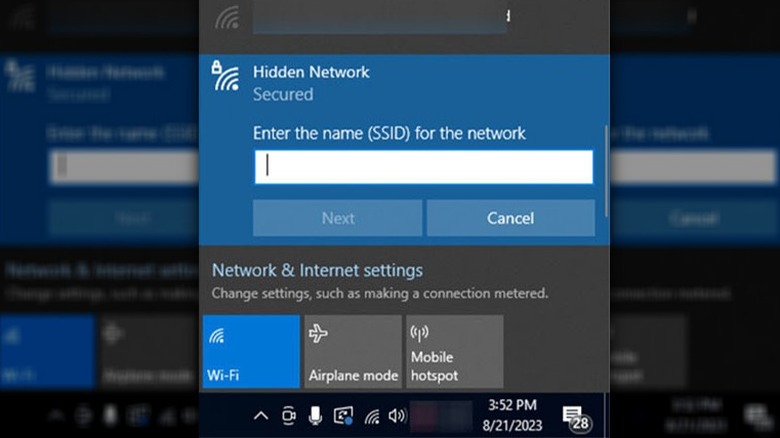
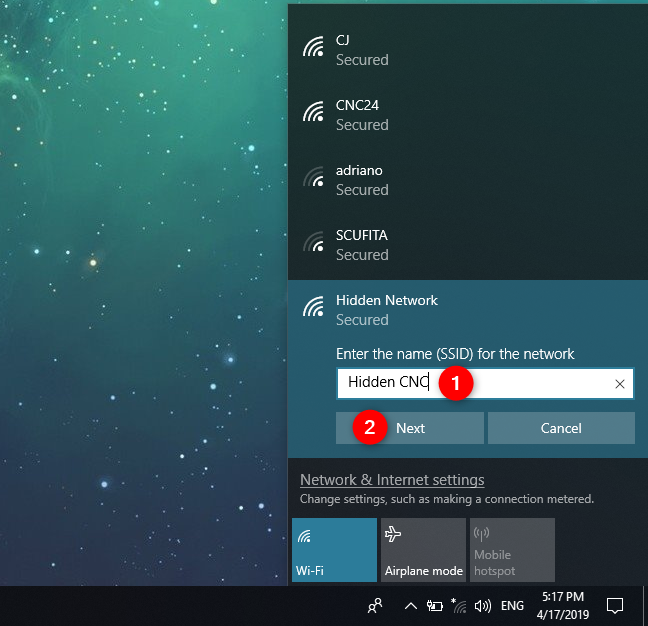
First, you need the exact network name (SSID). Then, you need the password, of course! This requires a bit more manual fiddling with your device settings. It’s a little bit like inputting cheat codes into an old video game.
You type in the details, cross your fingers, and hope for the best. When it connects, you get a small victorious feeling. You're in! You've found the Wi-Fi unicorn!
Hidden Networks: A Few Funny Scenarios
Imagine this: you're at a friend's house, and they proudly declare they have a hidden network for extra security. But then they write the network name and password on a sticky note attached to the router.
Or what about the time you spent twenty minutes trying to connect to a hidden network, only to realize you typed one letter wrong. We've all been there!
And there's the classic "I can't connect to the Wi-Fi" conversation where everyone stares blankly at each other, because it's on a hidden network and nobody bothered to explain.
Are Hidden Networks a Good Idea?
The jury's still out on this one. They can offer a slight deterrent to casual users, like a "no soliciting" sign on your door. But they’re not a substitute for real security measures. It's more like a gentle suggestion than a locked gate.
A strong password and up-to-date security protocols are far more important. These are like the sturdy walls and reliable locks of your digital house.
Also, hidden networks can sometimes cause connectivity issues with certain devices. So they may not be the best option. It's all about finding the right balance for your needs.
Hidden Networks: A Change of Heart?
Historically, some argued that hidden networks increased security. This belief, however, is losing traction.
Modern security protocols (like WPA3) offer far more robust protection. In contrast, using a strong password is the best starting point.

Many experts now recommend against hiding your SSID. This can actually make things harder on your devices, especially those that are constantly searching for known networks. It creates unnecessary network traffic.
The Heartwarming Side of Hidden Networks
Despite the security debates, there's something slightly romantic about the idea of a hidden network. It's like a secret handshake with your router. The network is only available to those who know the code!
Maybe it's used to create a separate, more secure network for sensitive work. Or maybe, someone has set it up to share a beloved Wi-Fi connection only with close family.
In those moments, it transforms from a technical setting to a personal, almost intimate connection. This is particularly true when it is used to create separate, personal Wi-Fi.
The Future of Hidden Networks
As technology evolves, the role of hidden networks is likely to diminish. Better security protocols will become the norm.
The need to hide the SSID as a security measure will become even less relevant. It’s the way of modern technology.
But the idea of a private, carefully managed network will probably stick around in some form. Even in the future, there will always be a time and a place to use hidden networks. After all, sometimes it's nice to have something just for those in the know.
Hidden Networks: A Conclusion
So, the next time you see a "hidden network" on your device, you'll know it's not some mythical beast. It's simply a Wi-Fi network that prefers to keep a low profile.
Whether you choose to use one is up to you. Hopefully this gives you better insight.
Just remember to choose a strong password, keep your router updated, and don't write the password on a sticky note attached to the router! The hidden network is a fun quirk of the Wi-Fi landscape, but it should not be the foundation of your security strategy.