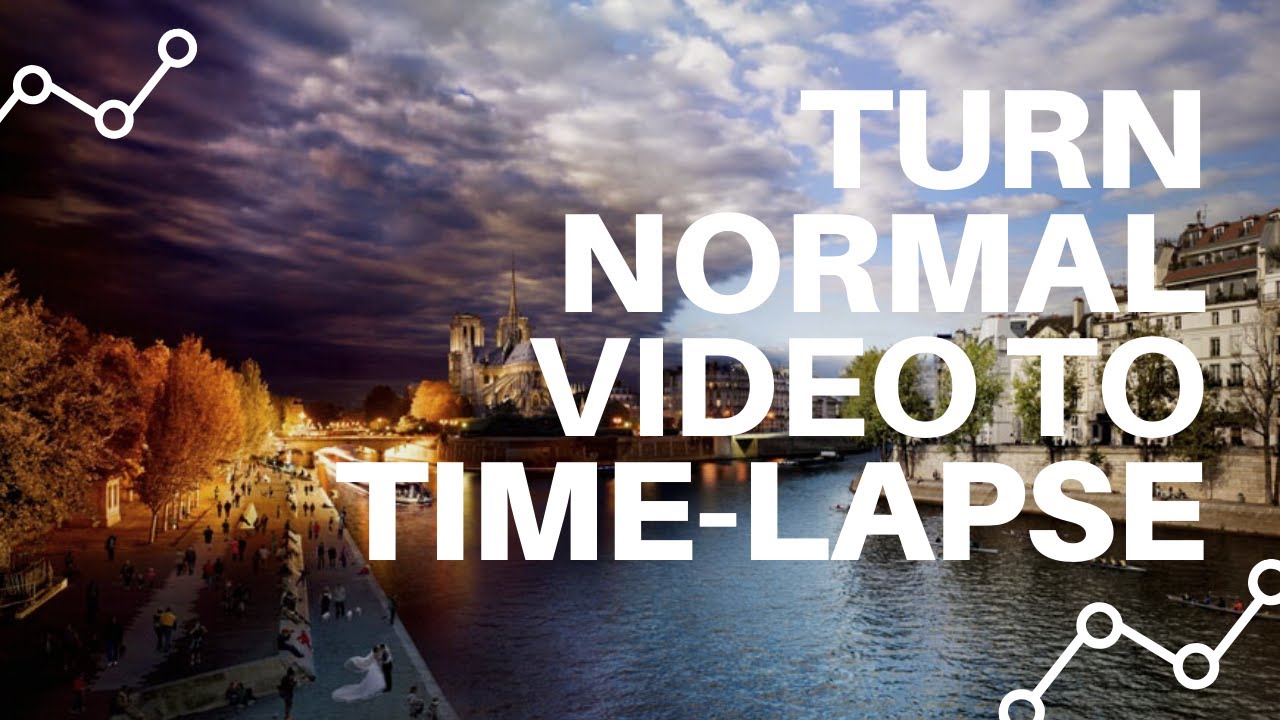
Turn Photos Into Time Lapse Video

Okay, picture this: a blooming flower unfolding in seconds, a construction site morphing into a skyscraper before your very eyes, or even the hypnotic dance of clouds across a vibrant sunset. Sounds captivating, right? That's the magic of time-lapse photography! And guess what? You don't need to be a professional photographer to create your own stunning time-lapse videos. It's easier than you think, and we're here to guide you through the process.
What Exactly IS a Time-Lapse Video?
Simply put, a time-lapse video is a series of still photos taken over a period of time and then stitched together to create a video. The result is an accelerated view of a slow-moving event. Think of it as the visual equivalent of fast-forwarding real life. It's like watching a plant grow from seed to flower in mere minutes – the kind of thing David Attenborough would narrate with his soothing voice.
Why Should You Bother?
Why not? It's a fun, creative way to document the world around you! Time-lapses can transform the mundane into the extraordinary. Imagine capturing the changing seasons in your backyard, the bustling energy of a city street, or even the meticulous process of creating a work of art. It’s a fantastic way to tell a story and share your unique perspective.
Must Read
The Gear You’ll Need (or Maybe You Already Have It!)
Good news! You don't need fancy equipment to get started. Here's a breakdown of what you might need:
- A Camera: This could be your smartphone, a DSLR, or even a GoPro. Most modern smartphones have a built-in time-lapse feature, making it super convenient.
- A Tripod (or Something Stable): This is crucial. You want your camera to stay perfectly still between shots to avoid shaky, disorienting footage. A stack of books can work in a pinch, but a tripod is a worthwhile investment.
- Intervalometer (Optional): This is a device that automatically triggers your camera to take photos at set intervals. Many cameras have this function built-in, but if yours doesn't, an external intervalometer can be a lifesaver.
- Editing Software: There are tons of options, from free apps on your phone to professional software like Adobe Premiere Pro. We'll talk more about this later.
Setting Up Your Shot: The Key to Success
Planning is everything. Here are a few tips to consider before you start snapping:

- Choose Your Subject Wisely: Think about what you want to capture. Sunsets, cloud formations, traffic patterns, and construction projects are all great options.
- Consider the Interval: This is the time between each photo. For fast-moving subjects like clouds, you might use a shorter interval (e.g., 1-2 seconds). For slower subjects like plant growth, you might use a longer interval (e.g., 5-10 minutes). Experiment!
- Lock Your Focus and Exposure: Ensure your focus and exposure are locked to prevent flickering in your final video. Most cameras have a manual mode that allows you to do this.
- Composition is Key: Think about the framing of your shot. Use the rule of thirds to create a visually appealing composition.
Turning Photos into Time-Lapse Gold: Editing
Once you've captured your photos, it's time to bring them to life. This is where editing software comes in. Here's a simplified workflow:
- Import Your Photos: Import all your photos into your chosen editing software.
- Sequence the Images: Make sure the photos are in the correct order.
- Adjust Speed: This is where you create the time-lapse effect. Most software allows you to adjust the frame rate (e.g., 24 frames per second or 30 frames per second).
- Color Correction and Grading: Enhance the colors and overall look of your video.
- Add Music (Optional): A good soundtrack can elevate your time-lapse video to the next level. Think chill, ambient tunes for nature scenes, or upbeat electronic music for cityscapes.
- Export Your Video: Choose a suitable resolution and file format (e.g., 1080p or 4K, MP4).
Pro-Tip: Many photo editing softwares include functionalities to remove slight image imperfections, like subtle differences in white balance. Use this to create a professional result.
Beyond the Basics: Leveling Up Your Time-Lapse Game
Want to take your time-lapses to the next level? Consider these advanced techniques:
- Holy Grail Time-Lapses: This involves smoothly adjusting the exposure over time to compensate for changing light conditions, like during a sunrise or sunset. It's tricky but rewarding.
- Motion Control: Use a motorized slider or pan/tilt head to add subtle movement to your time-lapses, creating a more dynamic and cinematic feel.
Time-Lapse: A Reflection on Life
Time-lapse photography is more than just a cool visual trick. It's a reminder that even the most seemingly static things are constantly changing. It encourages us to slow down, observe, and appreciate the beauty of the world around us. It teaches us that patience is a virtue and that even the smallest moments can contribute to something truly remarkable. So, go out there, capture the passage of time, and create your own visual stories. You might just surprise yourself with what you discover.