
Turn Old Cellphone Into Security Camera

Ever peek into that drawer of forgotten tech? Old smartphones, dusty tablets – digital ghosts from a bygone era. Before you let them gather more dust, what if one of these relics could become your home’s newest, savviest security guard?
That's right! Turning an old cellphone into a fully functional security camera isn't just a quirky DIY; it’s a smart, sustainable, and surprisingly simple way to add peace of mind without dipping into your savings. It’s about giving your trusted old gadget a well-deserved second act.
Why Bother? Smart & Green Peace of Mind
Dedicated security camera systems can be pricey. Your old phone? Already paid for! This is truly a "free" security solution, saving you significant cash.
Must Read
Beyond savings, it's eco-friendly. By repurposing, you extend electronics' lifecycle, reducing e-waste. Marie Kondo would approve – finding new purpose in what you already own.
Imagine keeping an eye on your playful pet, checking in on a sleeping baby, or monitoring your front door for package deliveries. Your old phone can do it all, offering a glimpse into your home whenever you need it.
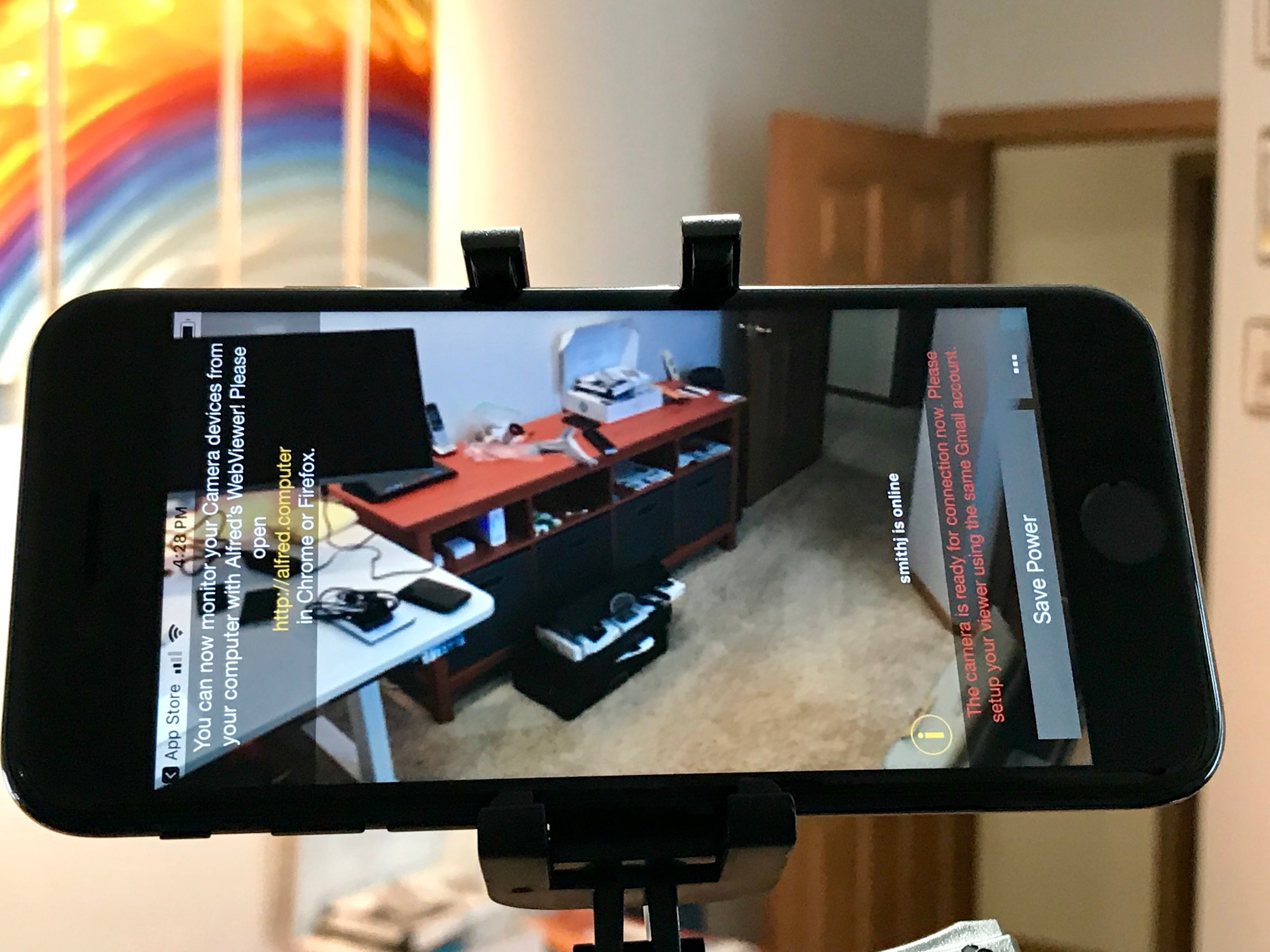
What You'll Need: The Essentials
The beauty here is simplicity. You probably have most of these on hand:
- An old smartphone or tablet (Android or iPhone) with a working camera.
- A charging cable and adapter for continuous power.
- A reliable Wi-Fi connection at home.
- A security camera app.
- A simple stand or mount for positioning.
The "How-To" Fun: Giving Your Phone a New Purpose
Step 1: Choose Your Guardian
Most smartphones, even several generations old, have capable cameras. Android (5.0+) or iPhone (iOS 7+) should work. Just ensure the camera functions and it powers on.

Step 2: Power Up, Stay On!
Your new security sentinel needs 24/7 power. Plug it in! Place it in a well-ventilated spot to prevent overheating. A longer cable offers placement flexibility.
Step 3: App It Up! Your Digital Eyes
This is where the magic happens. Search your app store for "security camera app." Top contenders include:
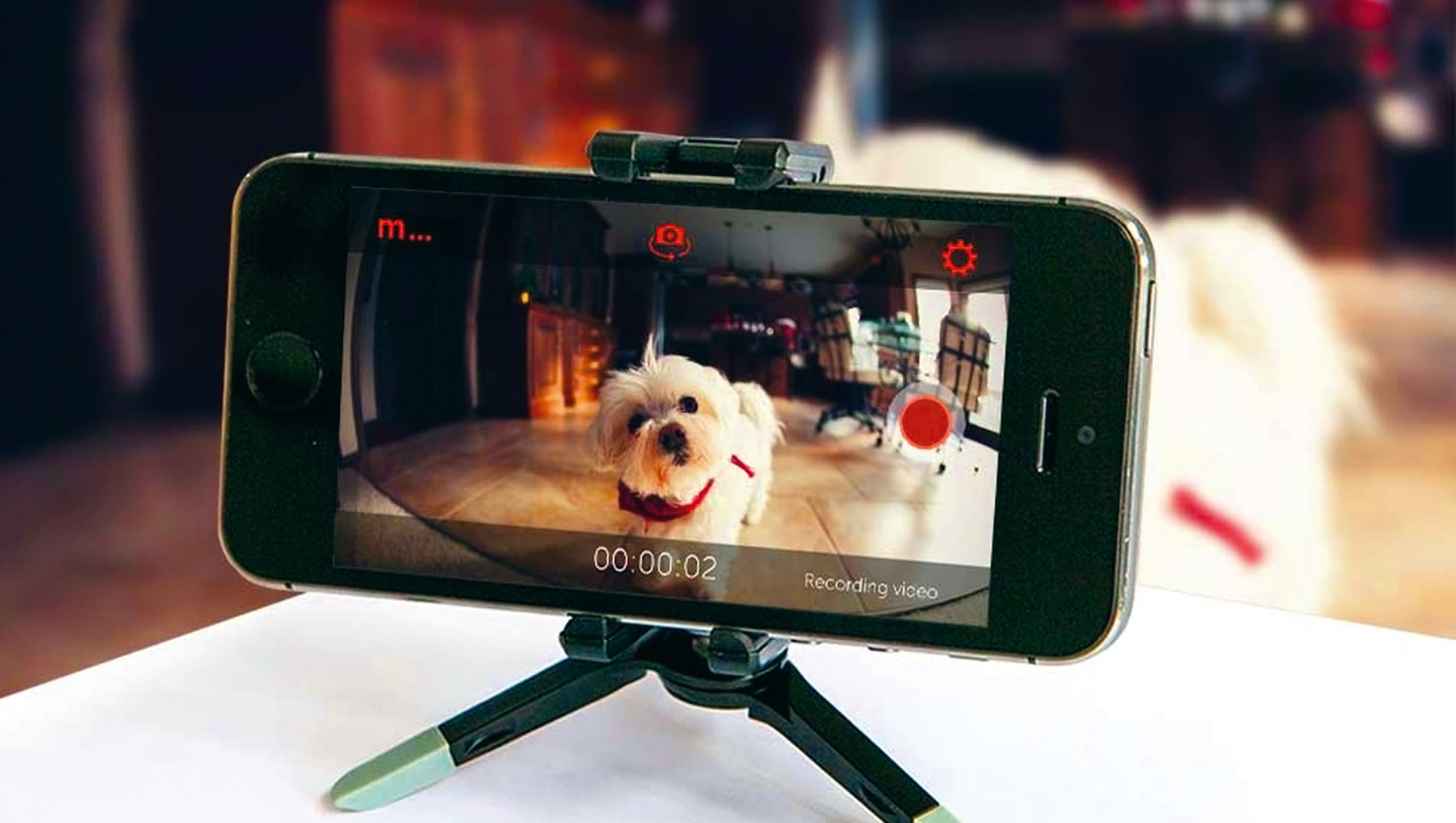
- Alfred Camera: User-friendly, cross-platform, motion detection, two-way talk.
- Manything: Motion detection, cloud recording (free/paid).
- IP Webcam (Android only): Turns Android into a network camera.
Most apps guide you through a simple QR code setup between your old "camera" phone and your current "viewer" phone. It's surprisingly intuitive!
Step 4: Find Its Perch
Strategic placement is key! Consider the area you want to monitor. A high shelf, windowsill, or wall mount offers a great vantage point. Angle it for optimal coverage. A small tripod or gooseneck holder helps immensely. Pro tip: Avoid direct window glare during the day.
Step 5: Connect and Monitor
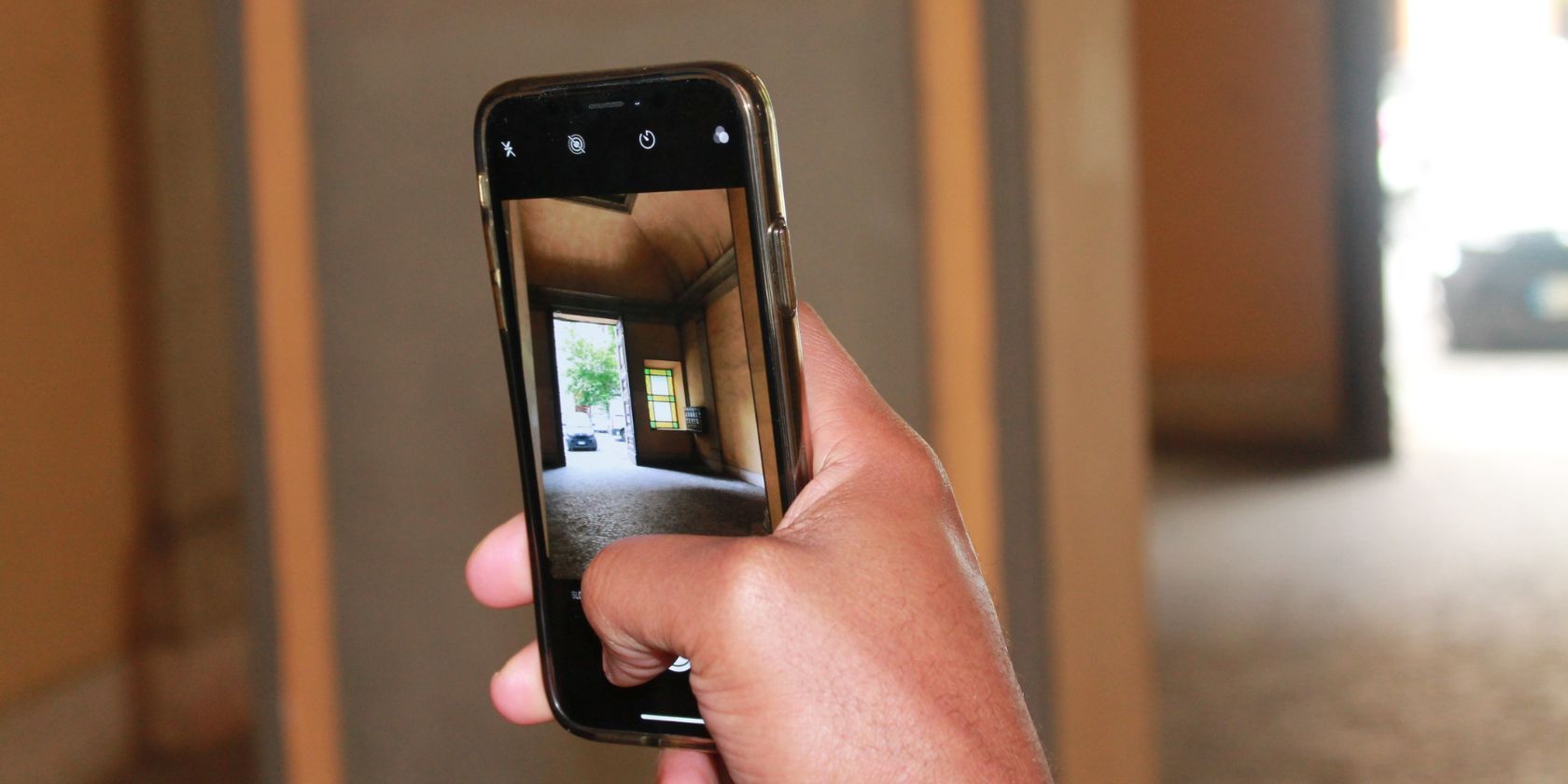
Once set up, access the live feed from your current phone, tablet, or web browser. Many apps offer push notifications for motion detection, instantly alerting you if anything stirs. It's like having a little guardian angel sending real-time updates!
Pro Tips & Extra Fun Facts!
- Low-Light: Some apps enhance low-light sensitivity. For true night vision, a separate IR illuminator is needed.
- Two-Way Talk: Many apps let you speak through your old phone, great for pets or deliveries.
- Data Usage: Monitoring live feeds on your current phone uses its data plan if not on Wi-Fi.
- Security First: Always secure your home Wi-Fi with a strong password. Protect your window into your home.
Did you know the first phone with a built-in camera, the Kyocera VP-210 (1999), could only store 20 images? Today, even an old smartphone offers impressive live video capabilities!
A Little Reflection on Resourcefulness
In a world obsessed with the "next big thing," there's satisfaction in breathing new life into old tech. This project isn't just about saving money; it's a testament to ingenuity. It reminds us that often, the solution to a modern problem might just be gathering dust in a forgotten drawer, waiting for us to give it a second look. Dust off that device, give it a new lease on life – your home (and your wallet) will thank you!