Smoke Detector Beeping After Power Outage
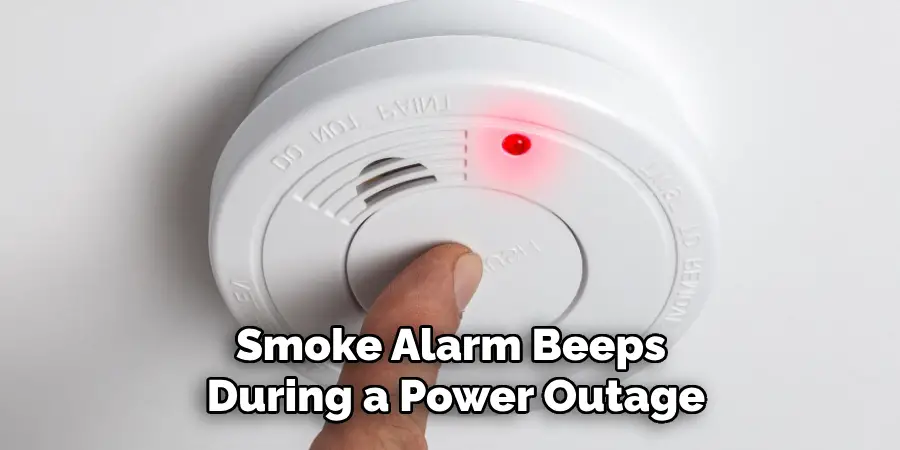
Ah, the sweet sound of silence after a power outage. You’ve successfully navigated the dark, found the flashlights, maybe even managed to make a fort out of blankets. You’re feeling like a true survivalist, a champion of calm in the face of temporary chaos. Then, just as you’re basking in your domestic triumph, it happens. A subtle, yet unmistakable, BEEP! A moment later, another. BEEP! And suddenly, your house transforms into a tiny, insistent alarm clock that absolutely refuses to be snoozed. Yes, we’re talking about that infamous smoke detector beeping, echoing through the newfound quiet like a persistent, metallic cricket.
Don't you dare roll your eyes! Before you start plotting its untimely demise with a broomstick, let’s get one thing straight: this isn't your smoke detector trying to annoy you into oblivion. Oh no, my friend. This is your trusty little sentinel, your ever-vigilant guardian, waking up from its own unexpected nap and making sure it’s still ready for action. Think of it like a grumpy old wizard who just got jostled awake. It needs to stretch its magical powers and make sure everything is in tip-top shape!
The Great Post-Outage Beep: A Feature, Not a Foe!
So, why the persistent performance? Well, when the power flickers back on, your hardwired smoke detector (the one connected directly to your home’s electrical system) suddenly gets a jolt of energy. It’s like it’s saying, "WHOA! Light’s back on! Is everyone okay? Is I okay?!" It performs a quick, internal self-check. During this little diagnostic dance, if its trusty backup battery (its tiny, ever-prepared sidekick) is a bit low on juice, or if it just feels the need to announce its reawakening to the world, it starts beeping.
Must Read
It's basically saying: "Hellooooo! I’m back from the darkness, and I’m ready to protect you! Just making sure I’m here and my little battery buddy is doing okay!"
Sometimes, the power outage itself might have given the battery a workout, draining it just enough to trigger the "low battery" warning once the main power returns. Or, it could simply be needing a good old reset after the electrical interruption. Whatever the precise reason, rest assured, this isn't a sign that your house is about to spontaneously combust. It’s a sign that your safety device is doing its job, albeit a very loud one.
Becoming the Beep-Buster: Your Heroic Mission!
Fear not, intrepid homeowner! You, my friend, are about to become a Smoke Detector Whisperer. Conquering this post-outage beeping is usually a quick, satisfying win that will have you feeling like a true domestic superhero. Here’s your step-by-step guide to restoring peace and quiet:
Step 1: Pinpoint the Persistent Pest!
Sometimes, locating the exact beeping culprit can be harder than finding a specific sock in a laundry basket. Walk around, cup your ear, and follow the sound. Is it the one in the hallway? Upstairs? In the basement? Once you’ve zeroed in on the noisy little guy, you’re halfway there!
Step 2: The Test Button Tango!
Almost all smoke detectors have a test button. Give it a good, firm press and hold for a few seconds. If it stops beeping immediately, great! You might have simply reset its internal sensor. If it continues its insistent tune, it's time for the next move.
Step 3: The Battery Swap Spectacular!
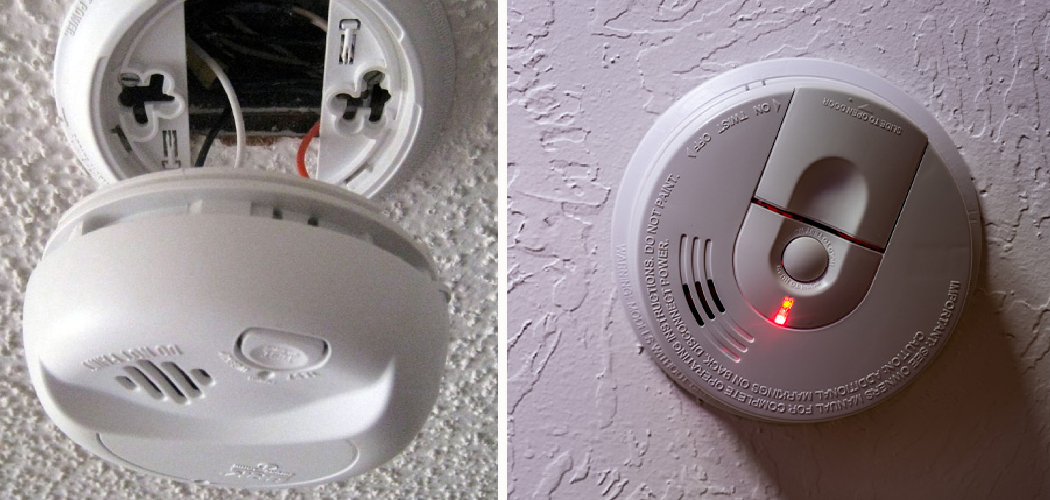
This is often the main event! Even hardwired detectors have a backup battery (usually a 9-volt or AA/AAA pack) to keep them operational during power outages. It’s absolutely crucial. So, grab a step stool, open the battery compartment (they usually twist off or have a small latch), and take out the old battery. This is where you pause for dramatic effect!
Now, pop in a brand-new, fresh-from-the-pack fresh battery. Seriously, don't try to reuse an old one you found in a drawer – it’s like giving a race car half a tank of gas. Make sure you match the battery type and orientation (+/-). Close the compartment tightly. You might hear a quick chirp or two as it powers up. This is a good sign!
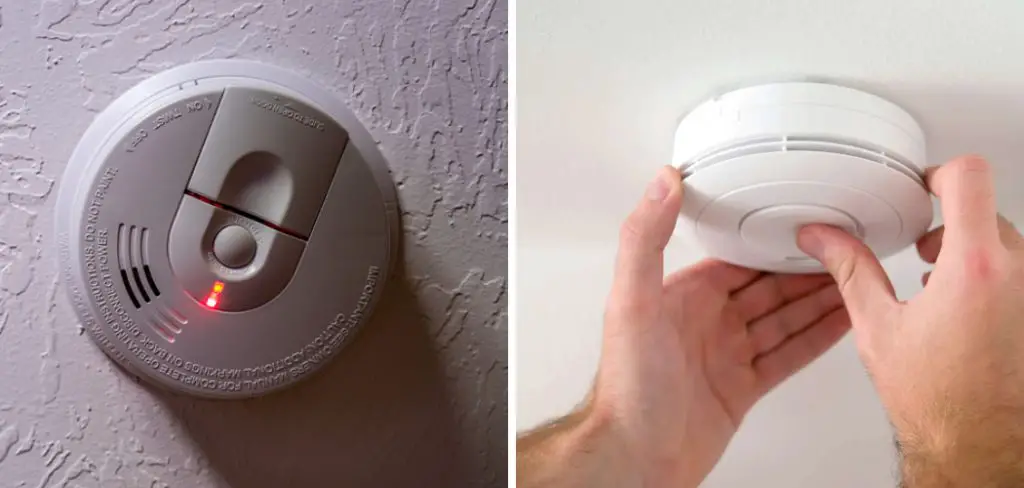
Step 4: The Grand Reset Ritual!
After changing the battery, your smoke detector needs a proper reset to fully recognize its fresh power source and get back to its prime. If it’s hardwired, you might need to temporarily cut the power to that circuit at your breaker box for about a minute, then restore it. Or, more commonly, simply press and hold the test button again for 15-20 seconds. This fully clears any lingering error codes and signals to the detector that it's time to be calm and collected once more.
Step 5: Awaiting the Silent Victory!
Once you’ve performed these steps, give it a few minutes. Most often, the beeping will cease, and you'll be left with the glorious, peaceful hum of your quiet home. If, by some rare chance, it's still making noise, it might be time to check the detector’s age (they usually have a "replace by" date on the back, and generally need replacing every 10 years), or consult with an electrician. But for 99% of post-power-outage beeps, you've just saved the day!
So, the next time the lights come back on and you hear that cheeky little beep, don't despair! You're not just silencing an annoying sound; you're performing essential home maintenance, ensuring your safety system is fully functional, and showing that little detector who's boss. Go forth, conqueror of the beep, and enjoy the blissful silence you so heroically earned!