
Smart Home Security System Installation
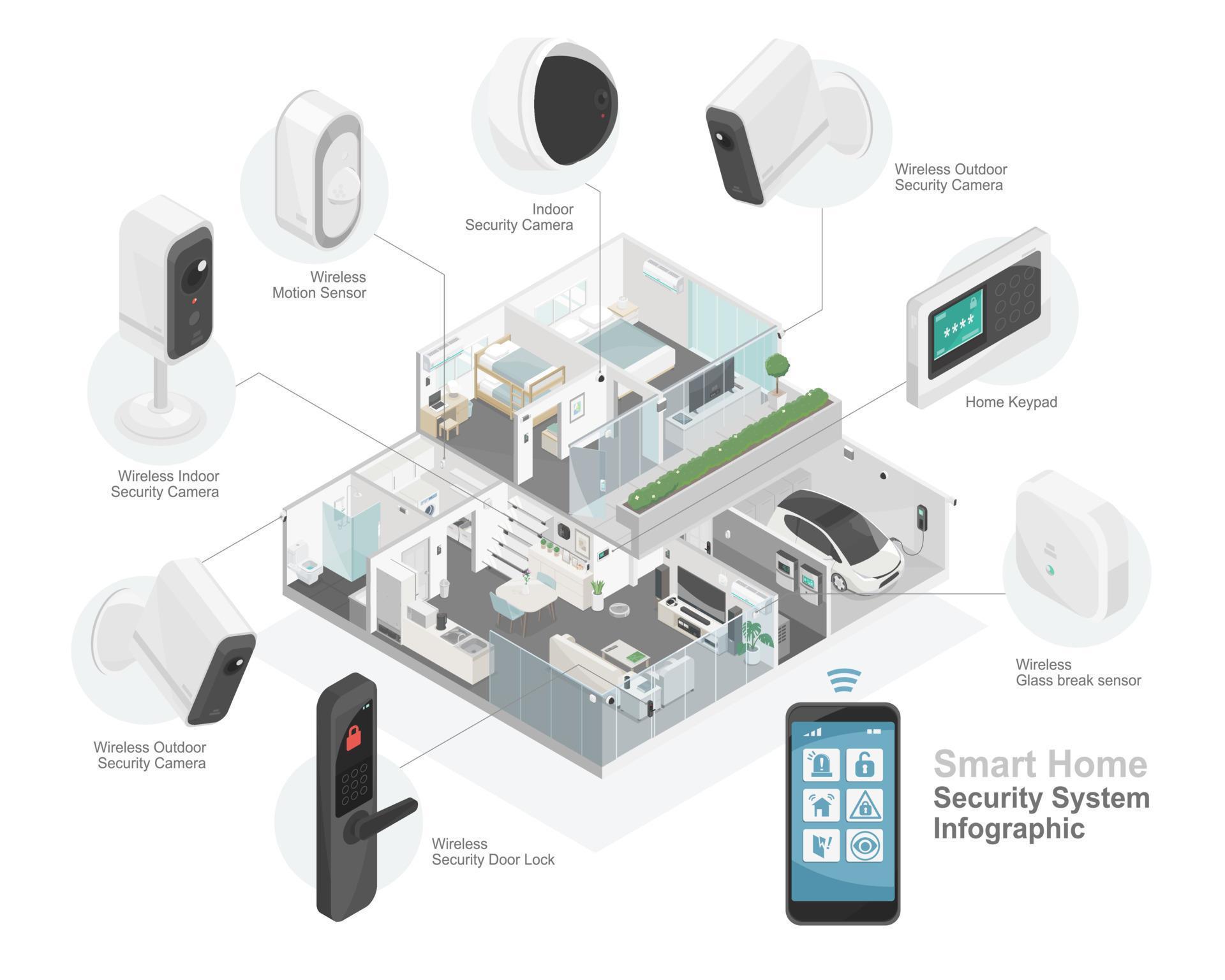
Hey there, security superstar! Ever find yourself wondering if that creak downstairs was just the house settling... or perhaps a rogue squirrel attempting a heist? (They're getting bolder, I tell ya!) Well, good news! Getting your very own smart home security system installed is probably a lot easier and way more fun than you think.
Forget complicated wiring diagrams and scary tech jargon; we're talking about making your home feel like a fortress, but one you can control with your smartphone while lounging on the sofa. Ready to dive in? Let’s make your home feel super safe and smart!
So, why bother with smart security? Beyond the obvious 'keeping the bad guys out' part (which, let's be real, is pretty important), it’s about a whole heap of peace of mind. Imagine checking in on your furry friend from work, getting alerts if a package arrives, or even just making sure you locked the back door after a chaotic morning rush.
Must Read
It’s like having a friendly digital guardian angel for your home, without the wings or the awkward small talk. Plus, it just looks cool, right?
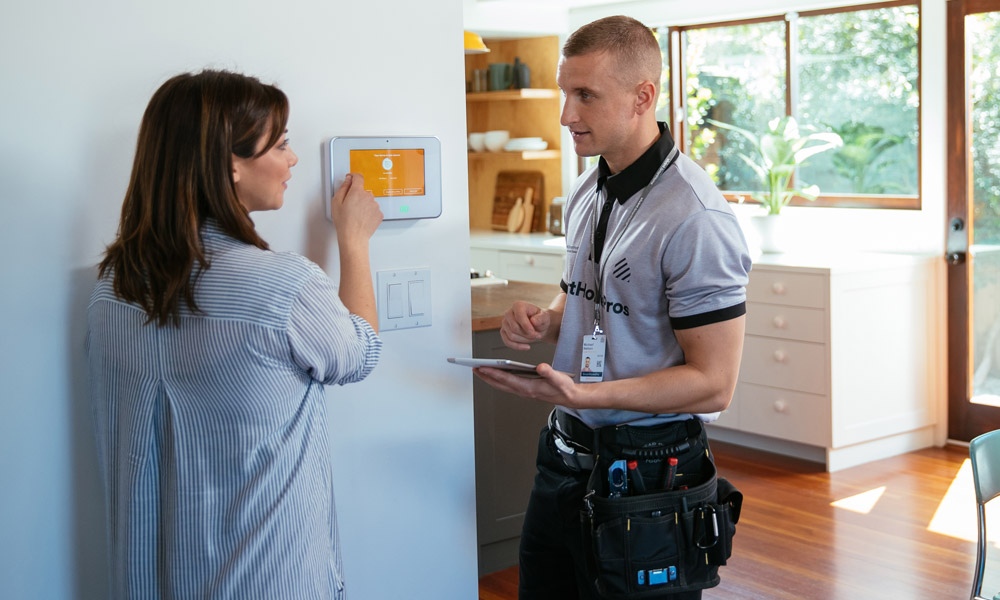
Alright, let's talk about the 'fun' part – planning! Don't roll your eyes; this is where you get to play architect. First, decide: DIY or professional install? Many smart systems are incredibly user-friendly for DIY, but if you're allergic to screwdrivers (no judgment here!), a pro can swoop in.
Next, what's on your wish list?
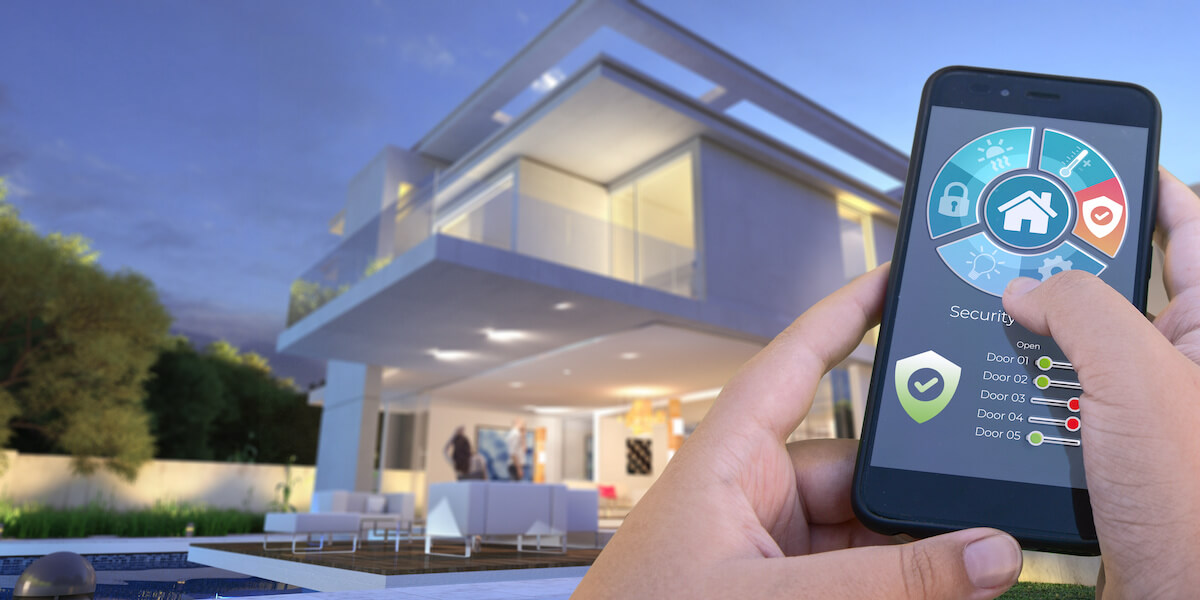
- The Hub: This is the brain, the central command. It's like the conductor of your security orchestra.
- Door/Window Sensors: These little guys are like tiny gossips, telling you immediately if an entry point is breached.
- Motion Sensors: Great for high-traffic areas, or catching that aforementioned squirrel.
- Cameras (Indoor/Outdoor): Your eyes on the prize! Keep an eye on the front door, the backyard, or even your cookie jar.
Think about your home's layout. Where are the main entry points? Any ground-floor windows? That tempting back door? Plan where each component will live to give you the best coverage. It's like a strategic game of digital hide-and-seek!
Okay, game face on! But seriously, no actual game face needed, just maybe a cup of coffee.
Step 1: Unbox and 'Ooh!'
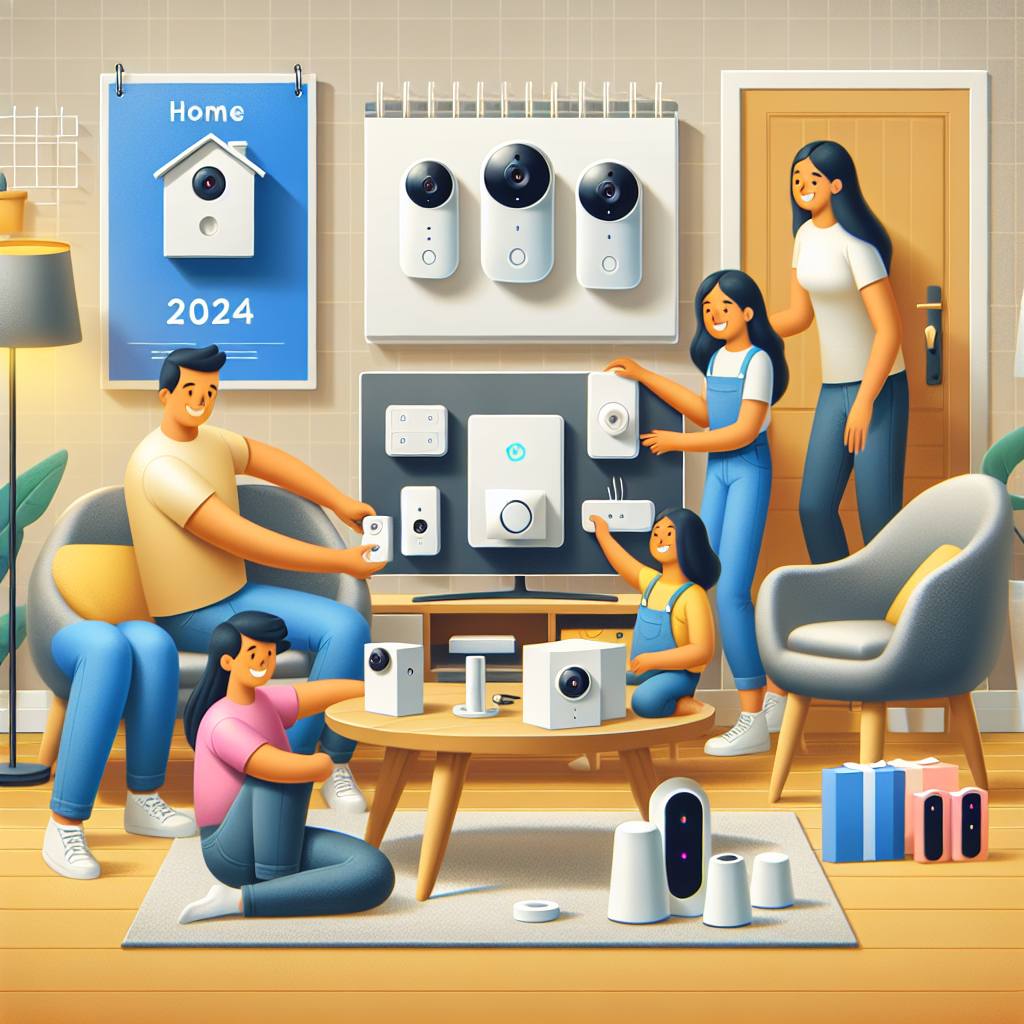
First, the glorious unboxing! Take everything out. Admire your new tech gadgets. (Maybe even give them little names. Just me? Okay.) Make sure all the bits and bobs are present and accounted for.
Step 2: The Hub Takes Center Stage
Next, set up your central hub. This is usually the easiest part – plug it in, connect it to your Wi-Fi (often via an Ethernet cable initially), and follow the app instructions. Think of it as introducing the brain to its new home.
Step 3: Sensors, Assemble!
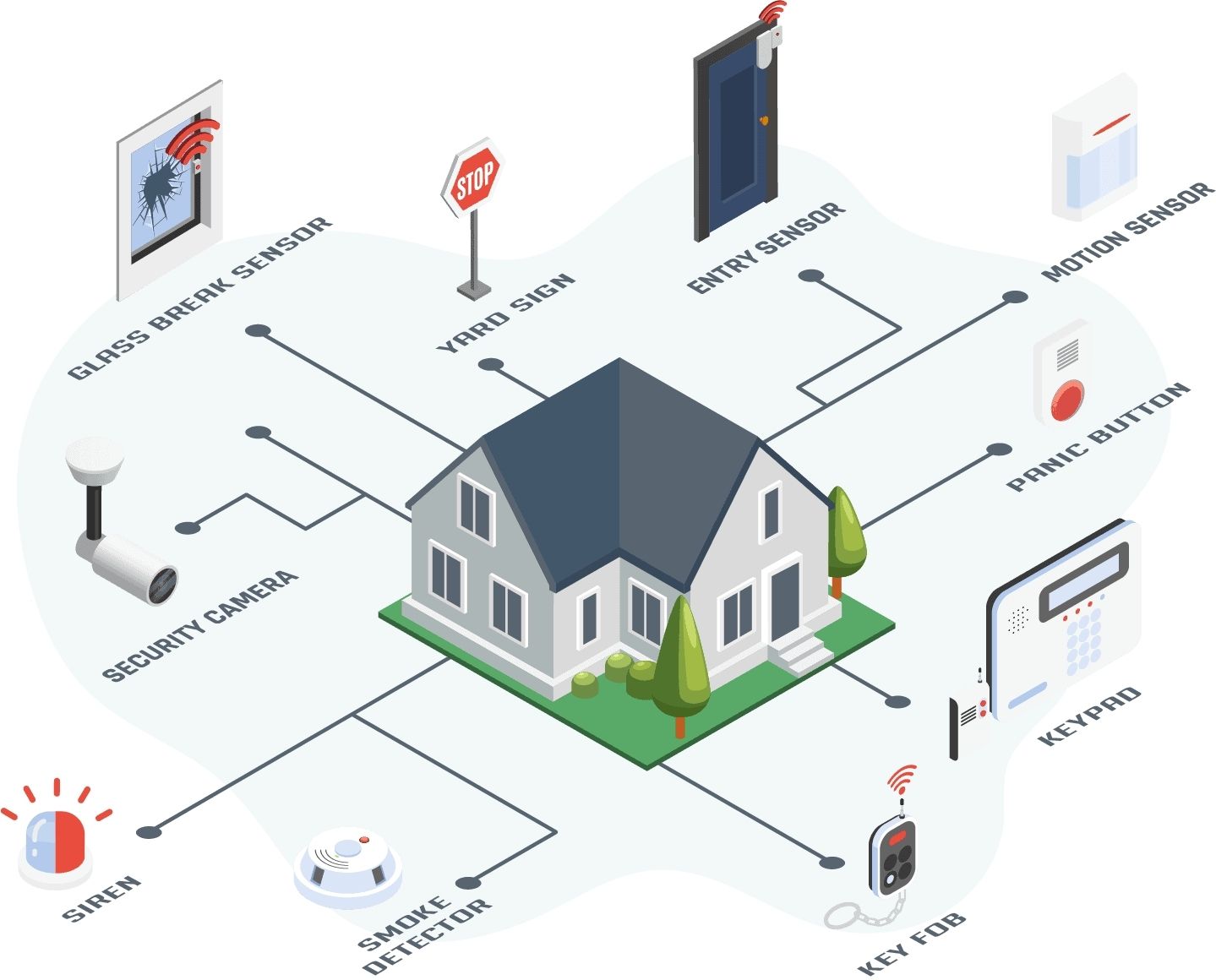
Time for your door and window sensors. These are usually peel-and-stick or screw-in. The trick is to place the two parts of the sensor so they line up when the door/window is closed. When they separate, ding-dong! – an alert is sent. Pretty satisfying!
Step 4: Camera Action!
For cameras, pick a spot with a good vantage point. Outdoor cameras often need power, so consider an outlet or a battery-powered option. Indoor cameras are typically plug-and-play. Mount them, angle them, and ensure they’re capturing what you want (and not just your cat's sleeping habits, unless that's the goal!).
Step 5: The Grand App Setup & Test
Finally, download the system’s app (if you haven't already). This is where the magic happens! You'll pair all your devices, name them ('Front Door,' 'Kitchen Window,' 'Evil Squirrel Cam'), and customize your settings. Then, the most important part: test everything! Open a door, wave at a motion sensor, trigger an alarm. Get comfortable with it. It’s like learning to ride a bike, but with way less scraped knees.
A few friendly pointers from someone who may or may not have learned these the hard way:
- Wi-Fi is Your Best Friend: Ensure your Wi-Fi signal is strong where you're placing devices, especially cameras. A weak signal is like trying to have a conversation underwater – not ideal.
- Battery Check-Up: For battery-powered sensors, keep an eye on those battery levels in your app. Nobody likes a surprise 'low battery' alert at 3 AM.
- Practice Makes Perfect: Arm and disarm your system a few times. Get used to the timing. You don't want to accidentally trigger the siren when the pizza delivery person arrives (awkward!).
- Pet Patrol: Have a furry friend? Look for pet-immune motion sensors to avoid false alarms. Unless your cat is the actual threat, then maybe keep that sensor low!
- Sticker Power: Don't underestimate the power of a visible security system sticker. Sometimes, just knowing you're protected is enough to deter unwanted visitors.
There you have it! Installing a smart home security system isn't some daunting tech challenge; it's a super empowering way to take control of your home's safety and your peace of mind. You're not just installing gadgets; you're building a smarter, safer sanctuary for yourself and your loved ones.
So go forth, embrace your inner tech guru, and enjoy the wonderful feeling of knowing your home is watched over, digitally hugged, and ready for whatever life throws at it. Now go forth and be secure – you've earned that extra dose of calm!