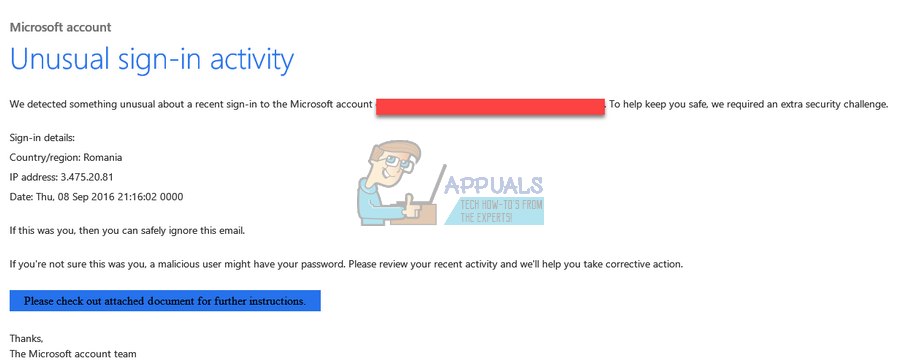
Scam Microsoft Account Unusual Sign In Activity

Okay, let’s talk about something that probably landed you here – that dreaded email or notification about “Unusual Sign-In Activity” on your Microsoft account. Cue the dramatic music. Is it a hacker from a faraway land trying to steal your prized collection of cat videos? Maybe. Is it a sophisticated phishing scam designed to trick you out of your password? Possibly. Is it just Microsoft being overly cautious? More likely than you think. But either way, it's worth investigating.
First off, don't panic. Deep breaths. Think of it like finding a weird ingredient in your fridge. You wouldn't automatically throw everything out, would you? You'd probably check the expiration date and maybe sniff it cautiously. The same principle applies here.
The Anatomy of an "Unusual Activity" Alert
Microsoft's security algorithms are constantly monitoring logins. They look for patterns and, well, unusual activity. This could be anything from logging in from a new location (say, suddenly from Timbuktu when you usually log in from Topeka), using a different device, or attempting to sign in multiple times with the wrong password. It's their way of saying, "Hey, something seems off. Just making sure it's you."
Must Read
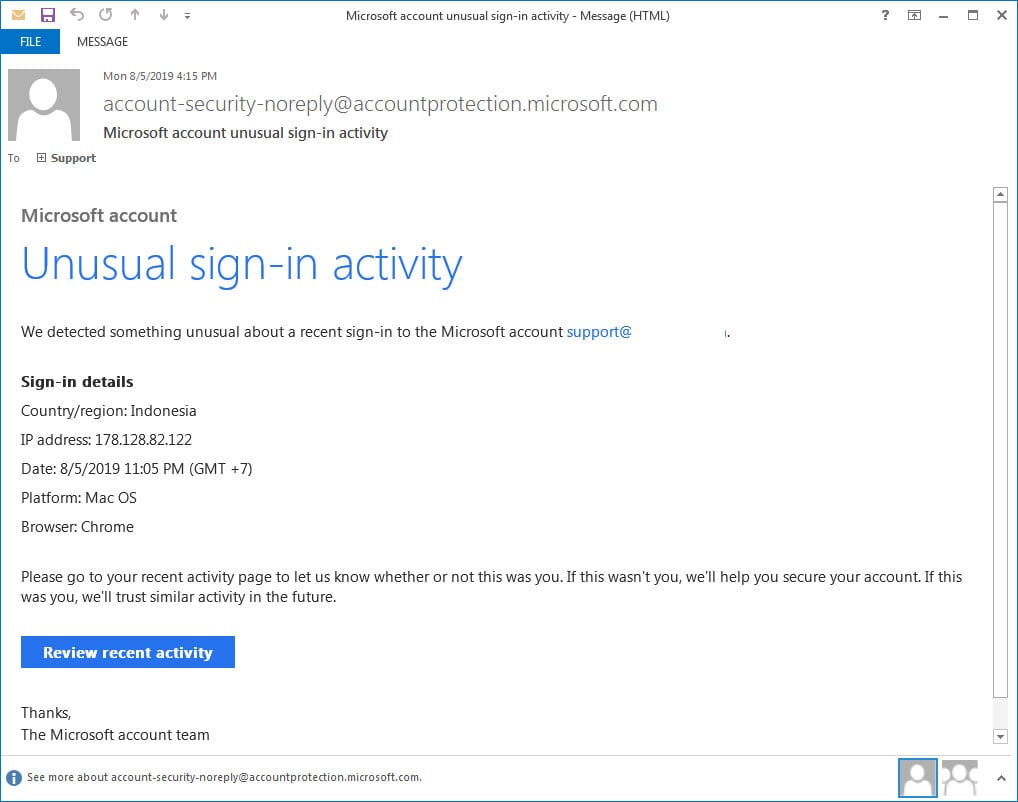
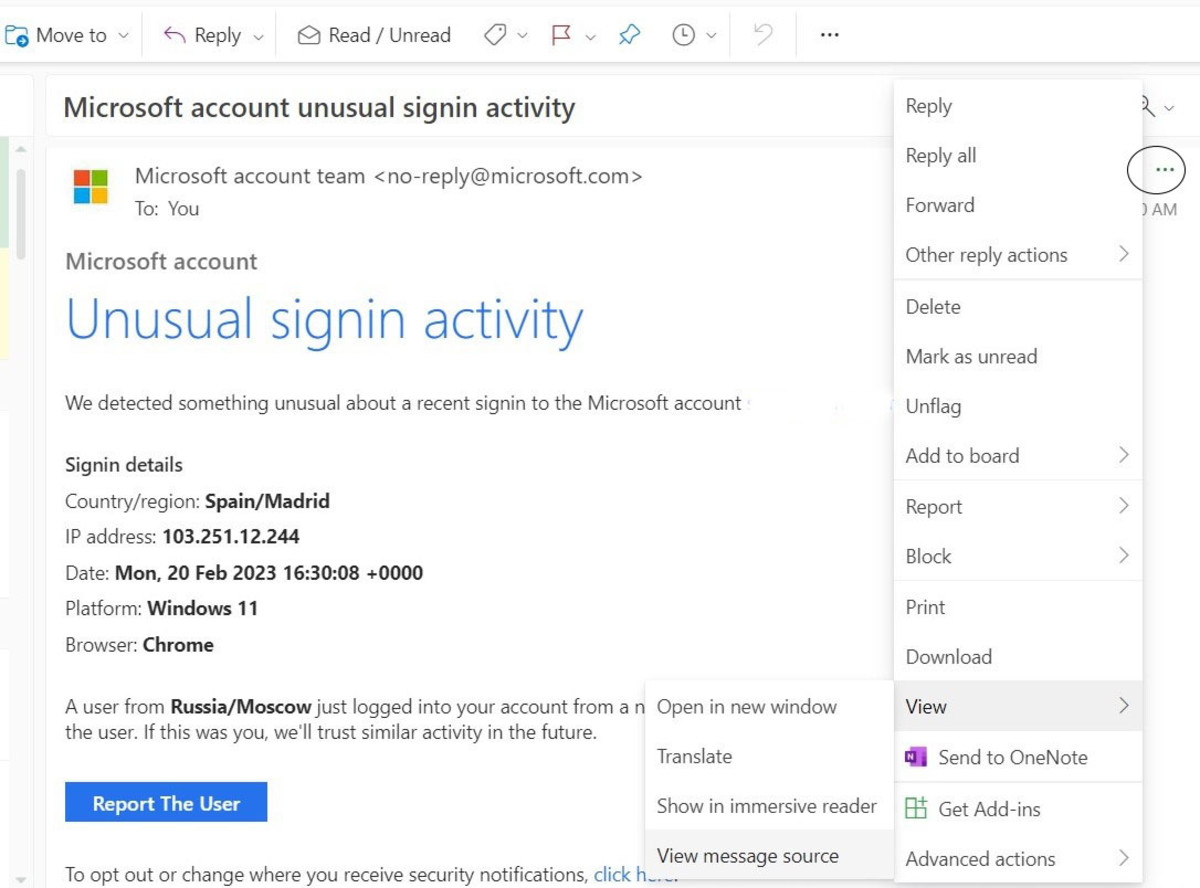
Pro Tip #1: Always, always, always scrutinize the email itself. Is the sender address legit? Does it contain grammatical errors or a generic greeting like "Dear Customer"? Hackers are getting craftier, but typos and generic greetings are still red flags. Hover your mouse over links (but don't click!) to see where they actually lead. If it’s anything other than a Microsoft domain (microsoft.com or outlook.com), run. Run far, run fast.
Is it a Scam or the Real Deal?
This is where the detective work begins. The golden rule is to never click on links in the email. Instead, go directly to Microsoft's website (by typing it into your browser!) and log in. This way, you bypass any potentially malicious links that the email might contain.
Once you're logged in, look for a security section or recent activity log. You should be able to see a list of recent logins, including the date, time, location, and device used. If you spot something that looks genuinely suspicious – like a login from Nigeria at 3 AM when you were sound asleep – then you know you have a problem.
Pro Tip #2: Enable Two-Factor Authentication (2FA). Seriously, do it. Think of it as adding a deadbolt to your front door. It requires a second form of verification (usually a code sent to your phone) in addition to your password. Even if someone steals your password, they won't be able to log in without that code. It’s like having a bouncer at the door of your digital life.
Okay, It's a Real Threat. Now What?
If you've confirmed that there was indeed unauthorized access, take action immediately.
- Change your password. And make it a strong one. Think less "password123" and more "randomstringofcharacterswithnumbersandsymbols." Password managers are your friend.
- Review your security settings. Double-check your recovery email and phone number.
- Enable or strengthen Two-Factor Authentication. Did we mention this already? It’s worth repeating.
- Report the incident to Microsoft. They have resources to help you secure your account.
Cultural Moment: Remember that scene in "WarGames" where Matthew Broderick almost starts World War III by hacking into a military computer? While that's an extreme example, it highlights the importance of online security. Digital security is not just for the tech-savvy. It’s everyone's responsibility.
The Overly Cautious Microsoft
Sometimes, those "unusual activity" alerts are just Microsoft being a bit too cautious. Maybe you logged in from your phone instead of your laptop, or maybe you're traveling. In these cases, you can usually mark the activity as "This was me" to let Microsoft know everything is okay.
Fun Fact: Did you know that the average person has over 90 online accounts? Keeping track of all those passwords can feel like herding cats. That’s why password managers are so helpful!
Reflection
In a world increasingly reliant on digital connections, safeguarding our online identities is paramount. Just as we lock our doors at night, we must also diligently protect our virtual spaces. Dealing with a "Unusual Sign-In Activity" alert might feel like a minor inconvenience, but it's a reminder that vigilance is key. Stay alert, stay informed, and don’t let those digital villains ruin your streaming binge.