
Is My Thermostat Compatible With Nest
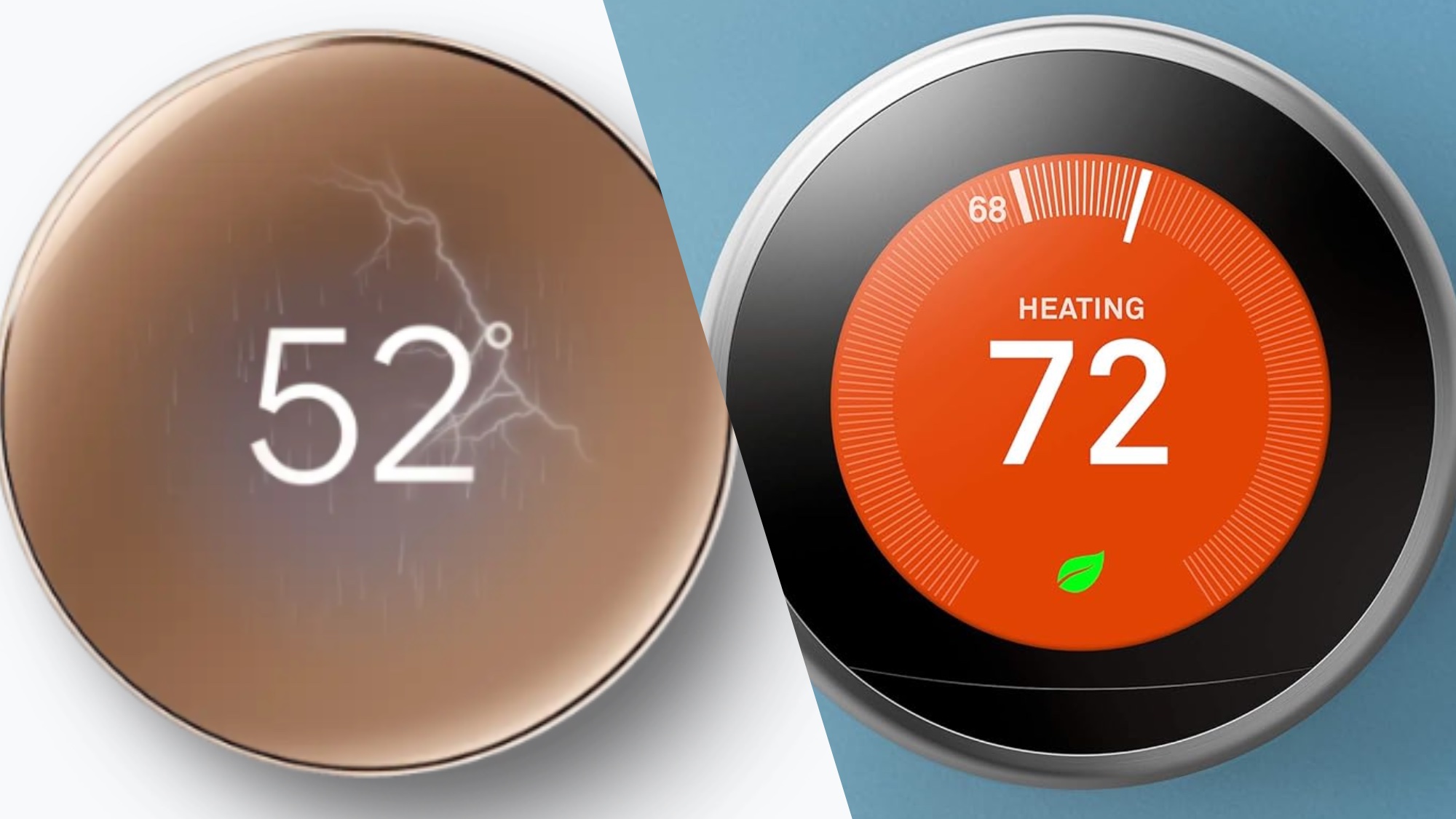
Ever found yourself scrolling through glossy smart home magazines or admiring a friend’s perfectly climate-controlled abode, wondering if you, too, could join the ranks of the effortlessly cool, energy-saving homeowners? The Nest thermostat, with its sleek design and promise of intuitive comfort, often tops the wish list. But then comes the inevitable, slightly less glamorous question: “Is my current setup even compatible?”
Fear not, fellow comfort-seeker! Deciphering thermostat compatibility isn't as daunting as translating an ancient scroll. Most homes built in the last few decades are likely to be compatible with a Nest thermostat. Think of it less as a hurdle and more as a quick check-in with your home's inner workings. Let's peel back the layers and see what makes your home tick, shall we?
The Nitty-Gritty: What Nest Needs to Know
At its heart, a thermostat is just a switchboard telling your heating and cooling system what to do. Smart thermostats like Nest just do it with a lot more panache and intelligence. Here are the main players you need to identify:
Must Read
1. Your Wiring Situation: The Colorful Crew
This is usually the biggest compatibility factor. Before you do anything, always turn off the power to your HVAC system at the breaker box! Safety first, always. Now, gently remove the faceplate of your old thermostat. What do you see?
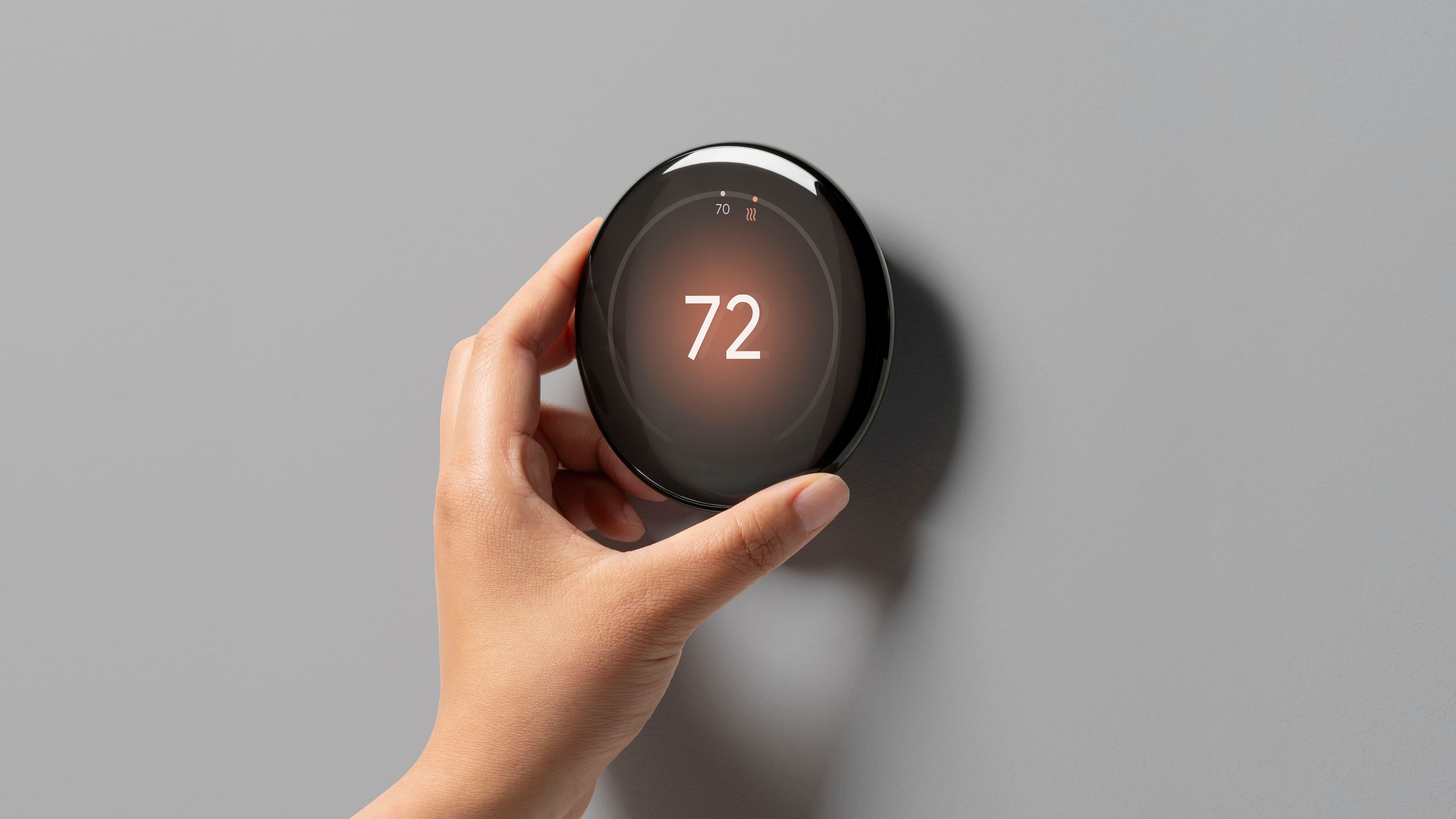
- R Wire (Red): This is your power wire, often labeled R, Rh, or Rc. It's like the main power line for your thermostat. You absolutely need one of these.
- C Wire (Common): This is often the MVP of compatibility. The 'C' wire provides continuous 24V power to your thermostat, which smart devices like Nest need to stay charged and connected to Wi-Fi. Many older homes might not have one. If you don't, don't panic! Nest has solutions, which we'll get to.
- Y Wire (Yellow): Controls your air conditioner.
- W Wire (White): Controls your heater.
- G Wire (Green): Controls your fan.
- O/B Wire (Orange/Blue): For heat pump systems, these control the reversing valve.
Pro Tip: Snap a picture of your current wiring before you touch anything. It’s your future self’s best friend if you get stuck!
2. Your Heating & Cooling System Type: The Big Picture
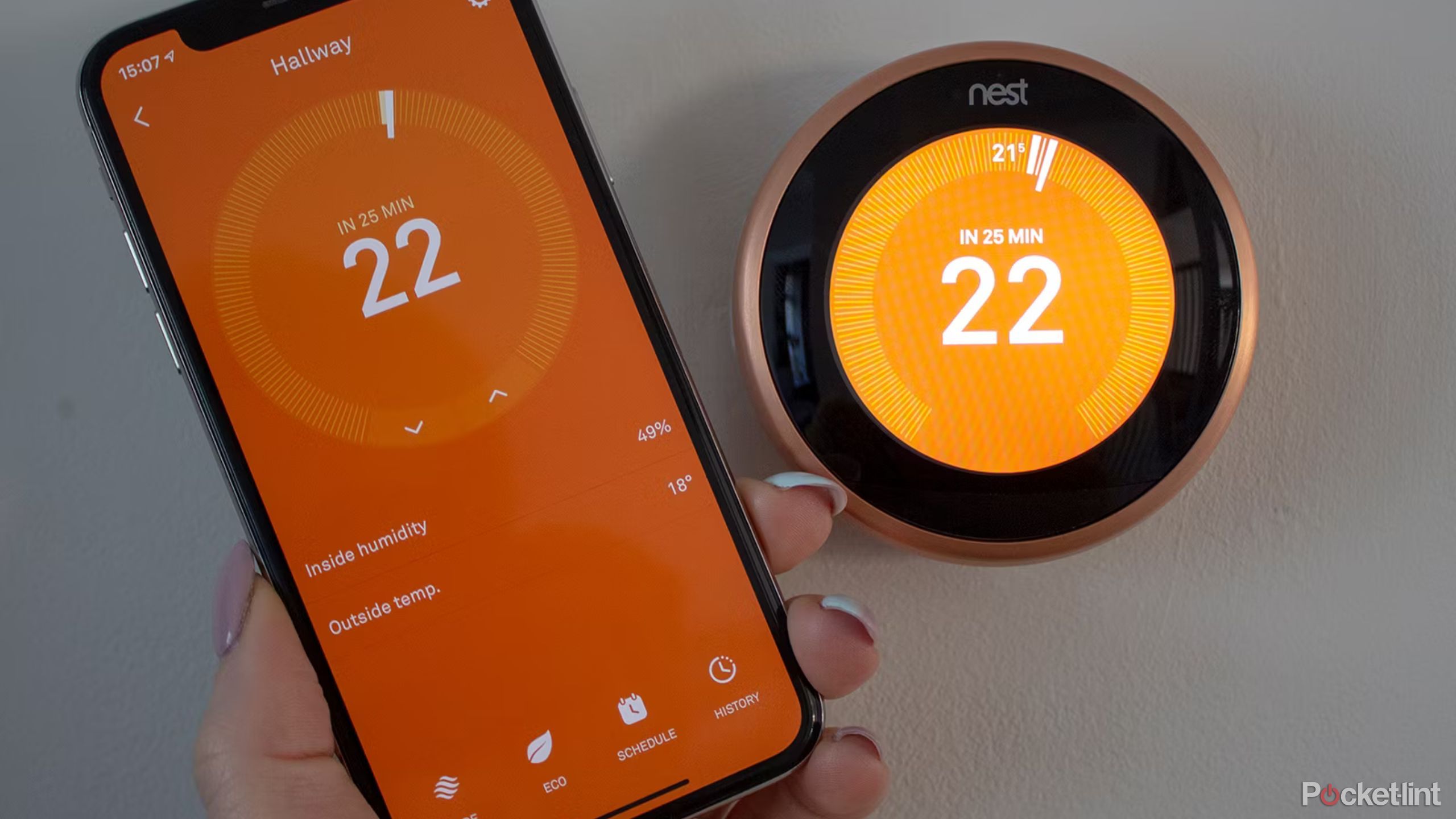
Most conventional systems—think forced air furnaces, central air conditioners, boilers—play nicely with Nest. However, there are a few exceptions:
- High-Voltage Systems: If your thermostat has thick wires with wire nuts and says "120V" or "240V" anywhere, you likely have a high-voltage system (common with electric baseboard heaters in older homes or some radiant systems). These are NOT compatible with Nest.
- Millivolt Systems: Found in some gas fireplaces or floor heaters, these also operate differently and are generally not compatible.
- Zoned Systems: If you have multiple thermostats controlling different areas of your home, you'll likely need a Nest for each zone, or a professional installer might be best to integrate them seamlessly.
"I Don't Have a C-Wire! Is My Smart Home Dream Over?"
Absolutely not! This is a very common scenario, especially in homes built before the 2000s. While smart thermostats prefer a C-wire for optimal performance, Nest offers a neat little workaround: the Nest Power Connector.
This clever device is installed at your furnace or air handler and uses existing wires to provide a consistent power supply to your Nest thermostat. It’s a relatively simple DIY fix for most homeowners, transforming that "no C-wire" frown into a "smart home smile." It’s certainly more budget-friendly than running a brand-new wire through your walls.
The Easiest Way to Check: Nest's Compatibility Checker
Google, the parent company of Nest, wants you to succeed! They have an excellent online compatibility checker. Simply visit their website, answer a few questions about your wiring, and it will tell you if your system is compatible and which Nest model is best for you. It's like having a personal HVAC expert in your pocket, without the service call fee.

Why Bother? The Everyday Benefits
Beyond the tech talk, why embark on this compatibility quest? Because a Nest thermostat isn't just a gadget; it's a small upgrade that delivers big comfort and savings. Imagine a world where your home actually learns your schedule, automatically adjusting temperatures to save energy while you're out, and ensuring it's perfectly cozy when you return. No more arriving home to a freezing house, fumbling for the thermostat, and impatiently waiting for the warmth to kick in. It’s the "set it and forget it" ethos, but for your entire home's climate.
With features like geofencing (it knows when you leave and return!), energy reports, and remote control from your phone, Nest puts you in charge, even when you're miles away. Plus, according to Nest's own studies, users often save between 10-12% on heating and about 15% on cooling annually. That's real money back in your pocket, perhaps for that fancy new coffee maker or a weekend getaway!
A Small Step Towards a Smarter Life
Checking your thermostat's compatibility might seem like a small, technical task, but it’s often the first step towards a home that works smarter for you. It's about taking control of your environment, saving a little money, and enjoying that understated luxury of walking into a perfectly comfortable space, every single time. So, go on, take that picture of your wiring – your future self and your perfectly climate-controlled home will thank you.