
Informatica Etl Tool Tutorial
Ever felt like you're playing Tetris with your data? You've got all these different shapes – spreadsheets, databases, maybe even random text files – and you're trying to cram them into a neat little box, hoping everything fits perfectly. Well, that's pretty much what ETL (Extract, Transform, Load) is all about! And when it comes to ETL tools, Informatica is like the king of the hill... or maybe the grandmaster of Tetris.
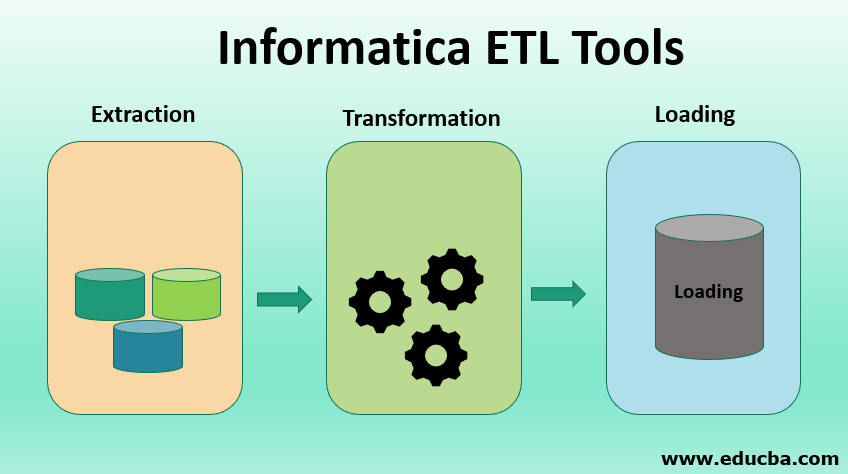
Think of your data sources like a bunch of messy drawers. One drawer is full of receipts, another with old love letters, and another with… well, who knows what else? Informatica PowerCenter (that's the big dog in the Informatica world) helps you go through those drawers, extracting the important stuff, transforming it into something useful, and then loading it all into a nice, organized filing cabinet (your data warehouse).
Why Bother with Informatica? (Besides Sanity)
Okay, so you might be thinking, "Why can't I just do all this manually? Spreadsheet to spreadsheet? Copy and paste? I've got time!" Well, sure, you could. But imagine doing that every single day, with constantly changing data sources and stricter deadlines. That's like trying to build the Taj Mahal out of Lego bricks while riding a unicycle. Possible? Maybe. Recommended? Definitely not.
Must Read
Informatica brings structure and automation to the chaos. It’s like hiring a professional organizer for your data. Suddenly, everything is in its place, and you can actually find what you need when you need it. Plus, it can handle massive amounts of data, so you won't be spending all day waiting for things to load.
Informatica PowerCenter: A Quick Tour
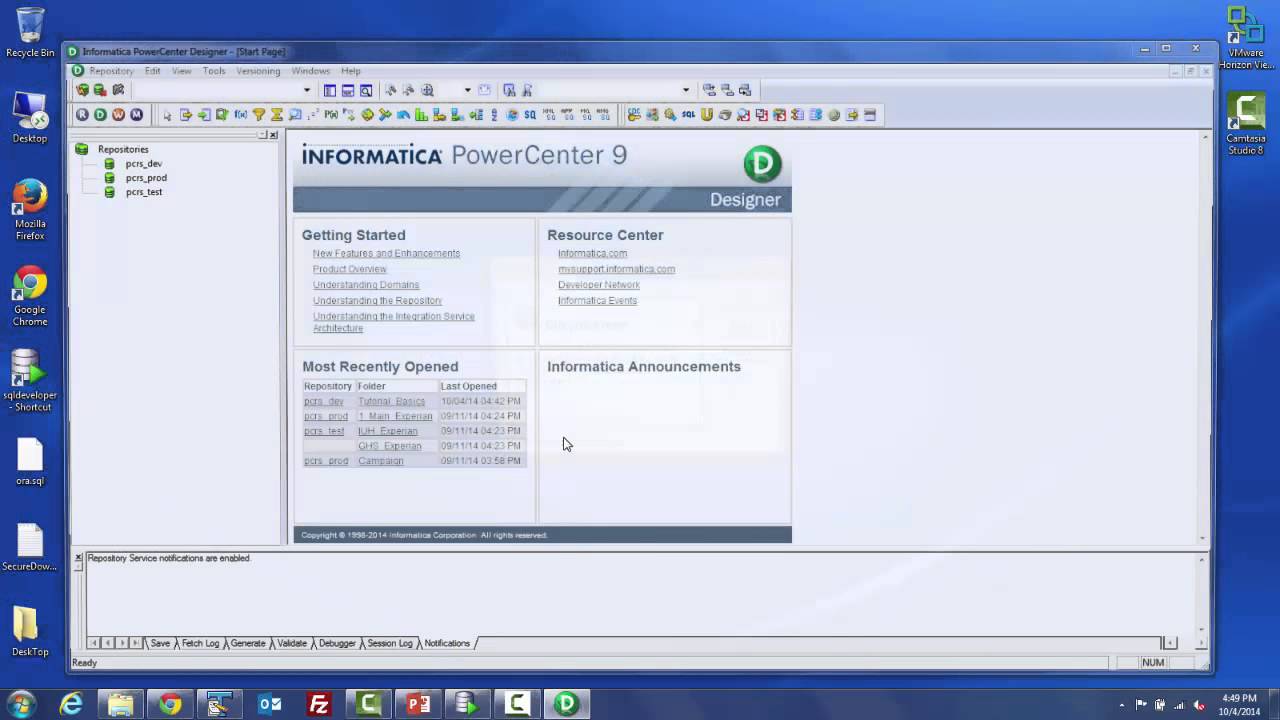
PowerCenter has a few key parts to get familiar with. Think of them like different tools in your data-organizing toolkit:
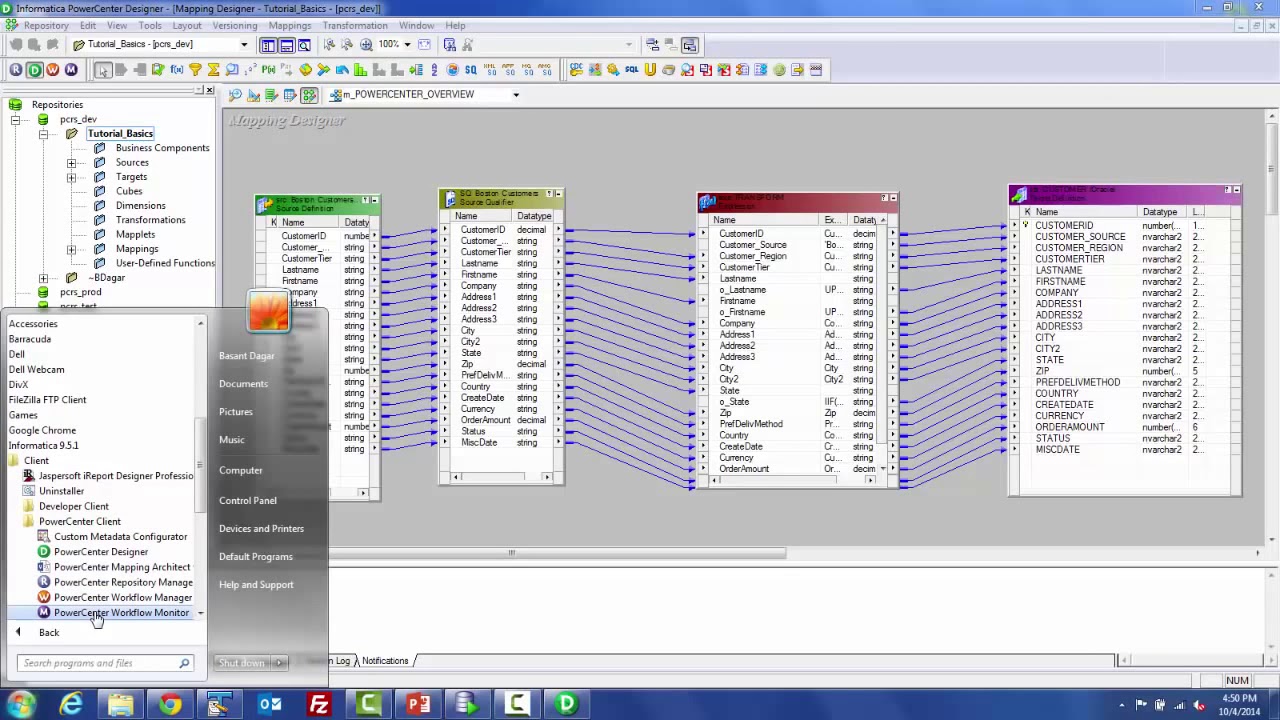
- Designer: This is where you visually design your ETL processes (also called mappings). You drag and drop different "transformations" onto the canvas and connect them together. It's like building a flowchart, but for data.
- Workflow Manager: This is where you schedule and monitor your ETL processes. Think of it like setting a timer for your data-organizing robot to wake up and do its thing.
- Repository Manager: This is where all your metadata (information about your ETL processes) is stored. It’s like the librarian of your data library.
A Simple Example: From Mess to Magic
Let’s say you have a CSV file with customer data, but the names are all in ALL CAPS and the phone numbers are missing area codes. Informatica can help!
- Extract: Informatica reads the CSV file.
- Transform: You use transformations to:
- Convert the names to proper case (e.g., "JOHN DOE" becomes "John Doe").
- Add a default area code to the phone numbers.
- Load: Informatica writes the cleaned-up data to a new database table.
Boom! Clean data, happy customers (or at least, happy data analysts!).
Getting Started: Don’t Be Intimidated!
Informatica can seem daunting at first, with all its features and jargon. But don't worry, everyone starts somewhere. There are tons of online tutorials, documentation, and communities to help you along the way. Think of it like learning a new language – at first, it sounds like gibberish, but with practice, you'll be fluent in "data transformation" in no time.
Start with simple examples, play around with the different transformations, and don't be afraid to experiment. The best way to learn is by doing. And remember, even the most experienced Informatica developers were once beginners. We all have those "oops, I accidentally deleted the entire database" moments. It's part of the learning process! Good luck, and happy data wrangling!
Now go forth and conquer your data chaos! And remember, if things get too overwhelming, take a break, have a cup of coffee, and remind yourself that you're not alone in the ETL trenches. We've all been there!

