
How To Use A Johnson Controls Thermostat

Ah, the thermostat. That mysterious little box on the wall, often overlooked until it’s either Arctic tundra indoors or a steamy jungle. We’ve all been there, right? Staring blankly, wondering if it’s judging our comfort choices. But fear not, fellow comfort-seekers! Today, we’re tackling the Johnson Controls thermostat, and I promise, it’s less like rocket science and more like ordering a coffee – once you know the lingo, you’re golden.
Johnson Controls thermostats are often the quiet workhorses of the HVAC world. They might not have all the flashy bells and whistles of some of those newer, super-smart gadgets that talk to your phone, but they are incredibly reliable and, most importantly, understandable. Think of it as a trusty old friend, perhaps a little stoic, but always there when you need it.
The Basics: On, Off, and the Goldilocks Zone
Most Johnson Controls thermostats keep things wonderfully simple. You'll usually spot a display and a few buttons. Let's break it down:
Must Read
The Display: Your Comfort Dashboard
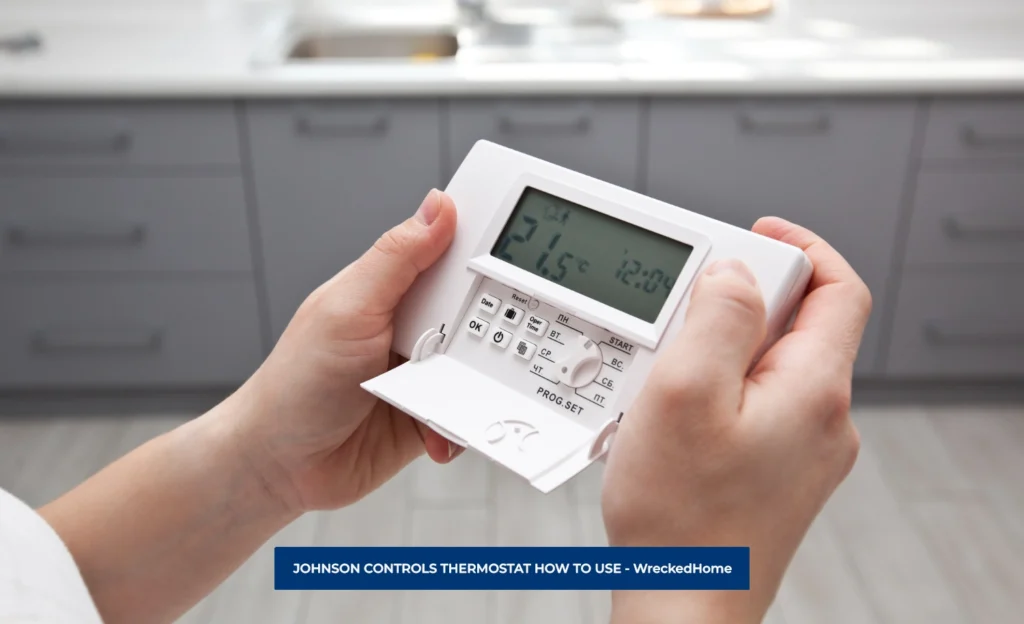
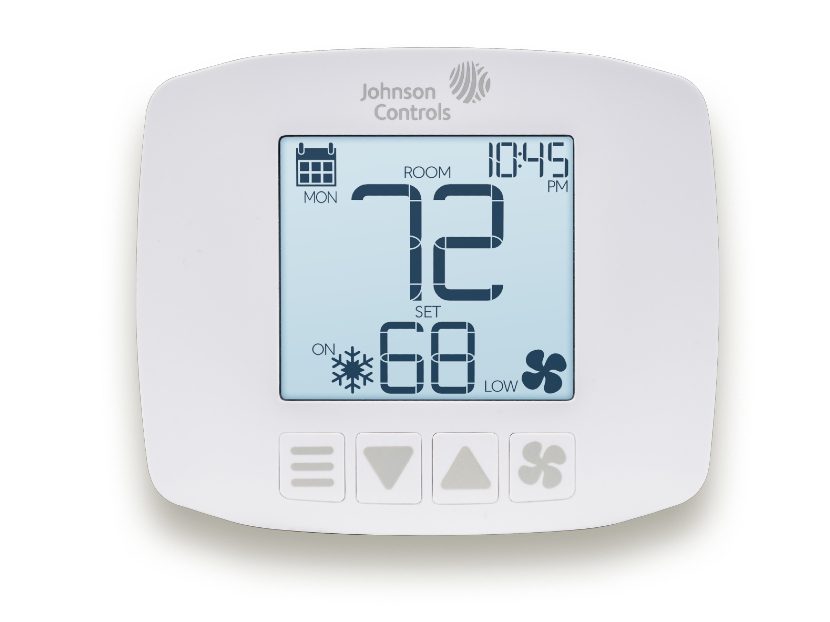
This is where all the magic happens. You’ll typically see the current temperature in your room and the set temperature – that’s the temperature you’ve told your house to aim for. Sometimes there’s a little icon to show if the system is heating or cooling. It’s like the speedometer and fuel gauge for your home’s climate.
Adjusting the Temperature: Finding Your Happy Place
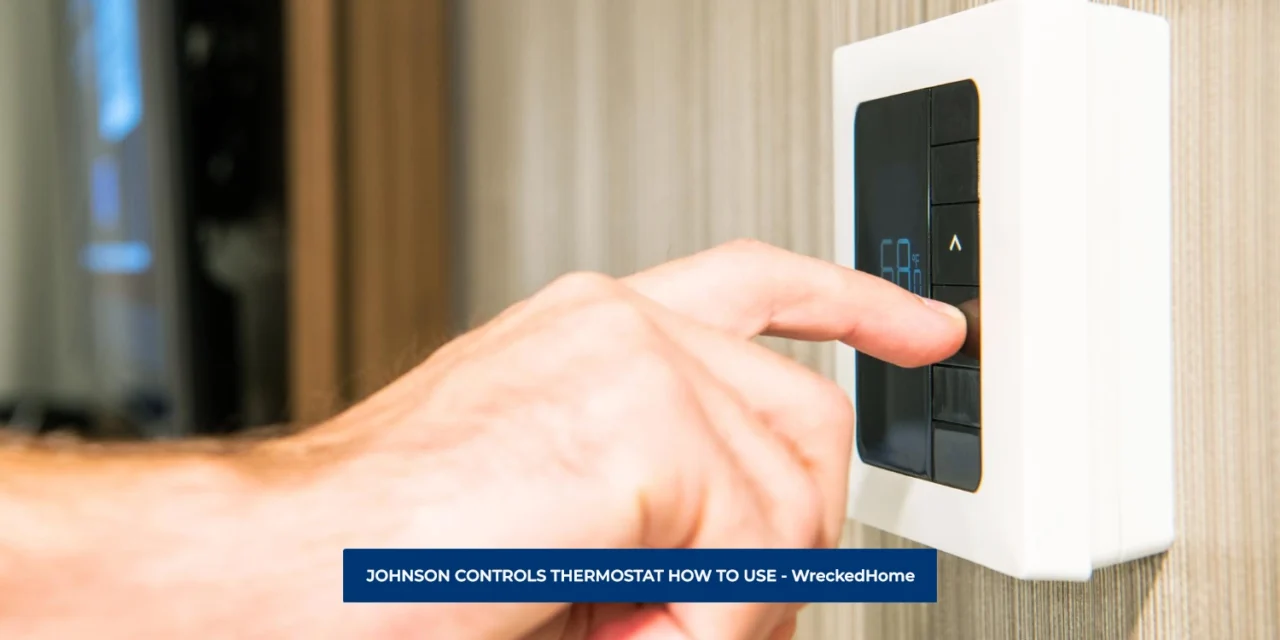
This is probably the most common interaction you’ll have. Look for the "Up" and "Down" arrows, sometimes labeled "Temp" or simply pointing. Pressing these will change your desired temperature. Want it warmer? Up arrow. Cooler? Down arrow. It’s as intuitive as turning the volume up or down on your car radio. Find that Goldilocks zone where it’s not too hot, not too cold, but just right.
Mode Selection: The Great Debate (Heat or Cool?)
This is where you tell your thermostat what job you want it to do. You’ll often find a button labeled "Mode," "System," or a slider switch. The common options are:
- Heat: When autumn arrives with a chill, and you start dreaming of cozy sweaters and hot cocoa. This tells your furnace to kick in.
- Cool: Ah, summer! The air conditioning’s time to shine. This mode activates your AC to battle the humidity and heat.
- Off: When the weather is absolutely perfect, or you’re going away for a long weekend and don’t want the system running unnecessarily. It’s like putting your HVAC system on vacation.
- Auto: This is the clever one! In "Auto" mode, your thermostat will automatically switch between heating and cooling to maintain your set temperature. It’s like having a little climate concierge who decides if it needs a jacket or a swimsuit. Most people love Auto mode for seamless comfort.
Fan Control: The Breeze Whisperer
Another important button or switch is for your fan. You'll usually see "Fan" or "Blower" and two primary options:
- Auto: This is the default, and what most folks use. The fan only runs when your heating or cooling system is actively working. It's energy efficient and keeps things quiet.
- On: This keeps the fan running constantly, circulating air even when your system isn't heating or cooling. Why would you do this? Maybe you want to even out temperatures in your house, or you just cooked something smelly and need to clear the air. It’s like having a constant, gentle breeze indoors. Just remember, it uses a bit more electricity.
Programming (If You Have It): Set It and Forget It!
Some Johnson Controls thermostats are programmable, meaning you can set different temperatures for different times of day or days of the week. This is where you tell your house, "Hey, I'm usually at work from 9-5, so you can chill out a bit, but have it warm by the time I get home!"
The buttons for programming usually involve "Program," "Schedule," or "Set." This feature can save you a fair bit on energy bills, as your system isn't working overtime when nobody's home. It’s like meal prepping for your HVAC – a little effort upfront, a lot of convenience later. Don't worry if yours isn't programmable or if you never use it; many people just adjust it manually, and that's perfectly fine too!
Quick Troubleshooting & Final Thoughts
Sometimes, your thermostat might seem to be having a grumpy day. Before you call in the cavalry (aka an HVAC technician), here are a few things to consider:

- Batteries: Yes, many thermostats run on AA or AAA batteries. A low battery icon is usually a giveaway. Swapping them out is often the magical fix.
- Give it a Minute: Your HVAC system isn't a microwave. When you change the temperature, it takes a moment for the system to kick in and for the house to respond. Patience, young Jedi.
- Check Your Vents: Are they open? Is furniture blocking them? Sometimes the simplest things make the biggest difference.
There you have it! Your Johnson Controls thermostat, demystified. It's not a complicated beast, but rather a faithful servant, ready to adjust your indoor climate with just a few button presses. So go forth, embrace your inner comfort commander, and make your home the perfect temperature sanctuary it was meant to be. You've got this!
I hope this article was helpful and easy to read!