
How To Temporarily Turn Off Ring Camera
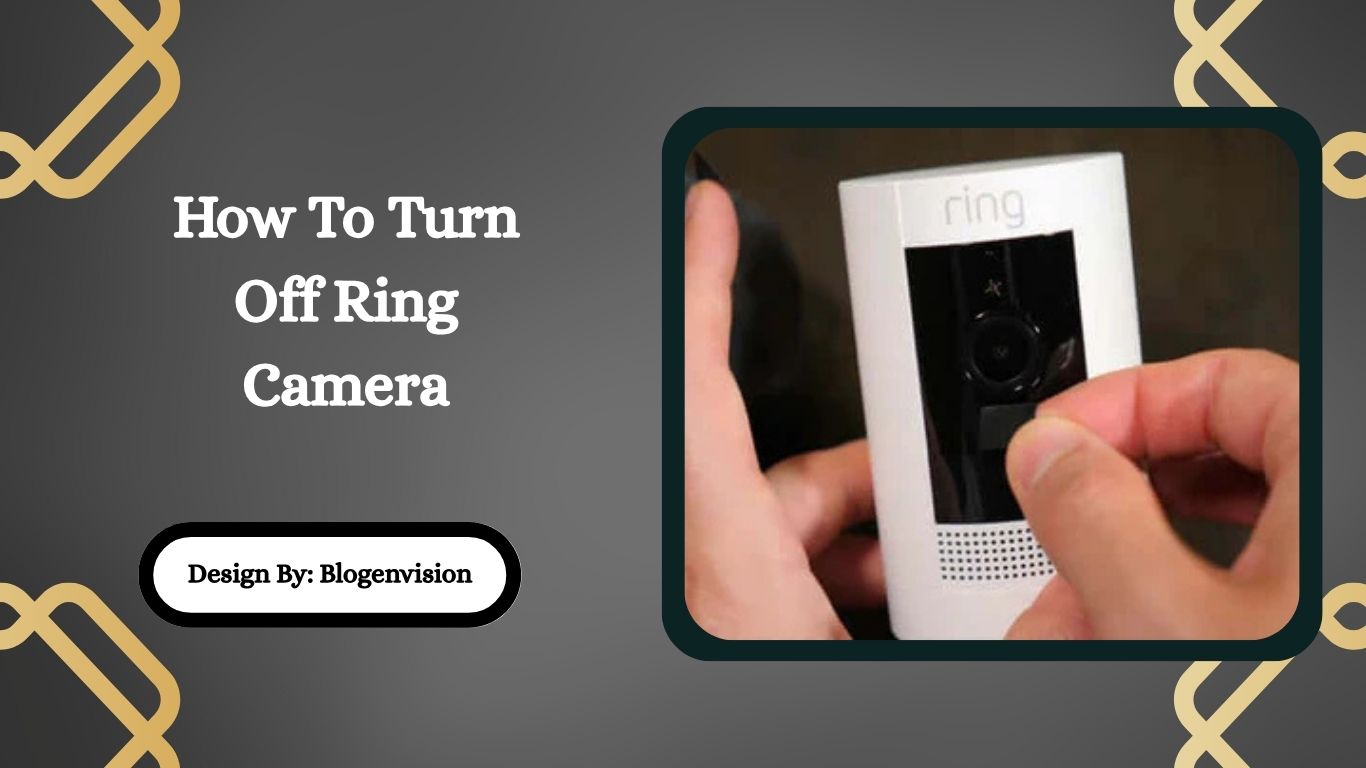
We absolutely love our smart home gadgets, don't we? From intelligent lights to voice assistants, they make life easier, safer, and sometimes, a whole lot more entertaining. And top among these helpful guardians are our Ring cameras. They're fantastic for keeping an eye on packages, deterring porch pirates, and just generally adding a layer of peace of mind. But let's be honest, sometimes our vigilant digital sentinels can be a little too enthusiastic. Ever tried to enjoy a quiet afternoon gardening only to get a notification every time a leaf flutters? Or perhaps you've got family visiting, and they're unknowingly starring in a mini-documentary every time they step onto your porch. That's where knowing how to temporarily turn off your Ring camera comes in handy, and trust us, it's a superpower you'll want to master!
So, why would you want to hit the pause button on your trusty Ring camera? The benefits are surprisingly varied and quite frankly, make life much smoother. Firstly, there's the big one: privacy. Whether you have landscapers working in your yard, cleaners tidying up, or just want to host a backyard barbecue without feeling like you're on a reality show, temporarily disabling your camera's watchful eye ensures everyone, including you, feels more comfortable. No awkward recordings of your friends doing questionable dance moves or your kids having a water balloon fight. It's about creating those private moments without your tech buddy playing paparazzi.
Beyond privacy, think about convenience. If you're undertaking a home improvement project like painting your front door, moving furniture, or even just having a busy delivery day, constant motion alerts can be overwhelming. Turning off your camera temporarily means fewer unwanted notifications, less unnecessary recording footage to sift through later, and a much quieter phone. For battery-powered Ring devices, it can even help conserve battery life if you know there will be extended periods of activity you don't need to capture. It's all about regaining control and tailoring your smart home experience to your immediate needs.
Must Read
Now, for the fun part: how to actually do it! Ring offers a few simple ways to temporarily quiet your camera, depending on what you need.
-
The "Snooze Alerts" Method (Motion Snooze/Motion Alerts Off): This is probably the easiest and most common temporary fix. Open your Ring app, go to the Device Dashboard for the camera you want to manage. You'll often see a toggle for Motion Alerts or a "Motion Snooze" option. Toggling Motion Alerts to "off" will stop notifications, but the camera might still record. "Motion Snooze" lets you silence alerts for a set period (e.g., 30 minutes, 1 hour, 4 hours). This is perfect for short-term activities like receiving a large delivery or having a quick chat with a neighbor. Remember, it's temporary and will often reactivate itself!

How to Temporarily Turn Off Ring Camera in the App: 2 Ways -
Disable Motion Detection: If you want to stop the camera from recording motion and sending alerts, you'll need to go a step further. From the Device Dashboard, tap on Device Settings, then navigate to Motion Settings, and finally, Motion Detection. Here, you can completely toggle off motion detection. This means the camera won't react to movement at all. Just be sure to remember to turn it back on when you're done!
-
Physically Power Down (for Wired Cameras): For a full shutdown, especially for wired Ring cameras, you can cut the power. This might involve unplugging the transformer (if it's a plug-in device) or, for hardwired cameras, flipping the appropriate breaker in your electrical panel. This is the most definitive "off" but also the least convenient for quick changes.
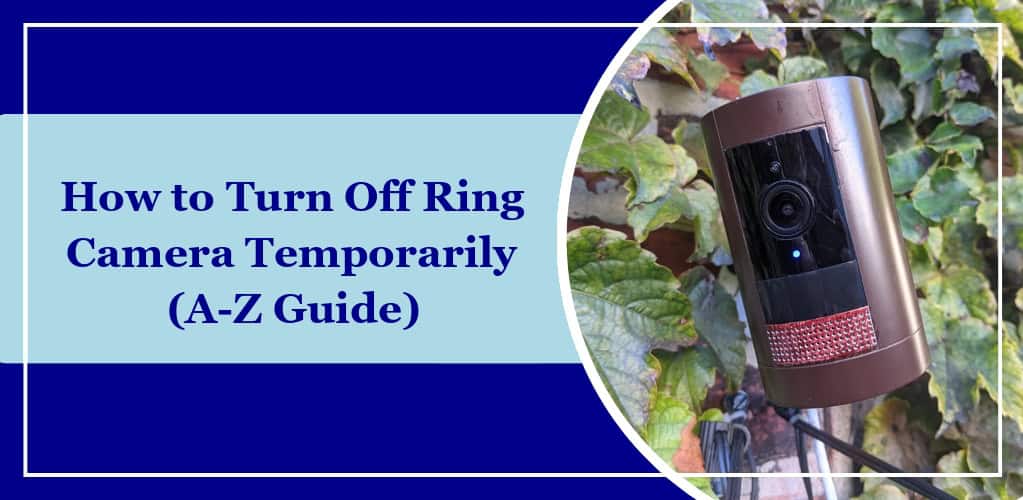
How to Turn Off Ring Camera Temporarily (A-Z Guide) - Rocky MTN Ruby -
Remove the Battery (for Battery Cameras): If your Ring camera is battery-powered, simply removing the battery will completely power it down. Again, this is a full shutdown but requires physical interaction with the device.
See? It's not complicated at all! Knowing these simple tricks transforms your Ring camera from an ever-vigilant eye into a more flexible tool that respects your privacy and convenience. So go ahead, enjoy your uninterrupted gardening, throw that private party, or tackle that DIY project. Just remember to reactivate your camera when you're ready for it to resume its watchful duties!

