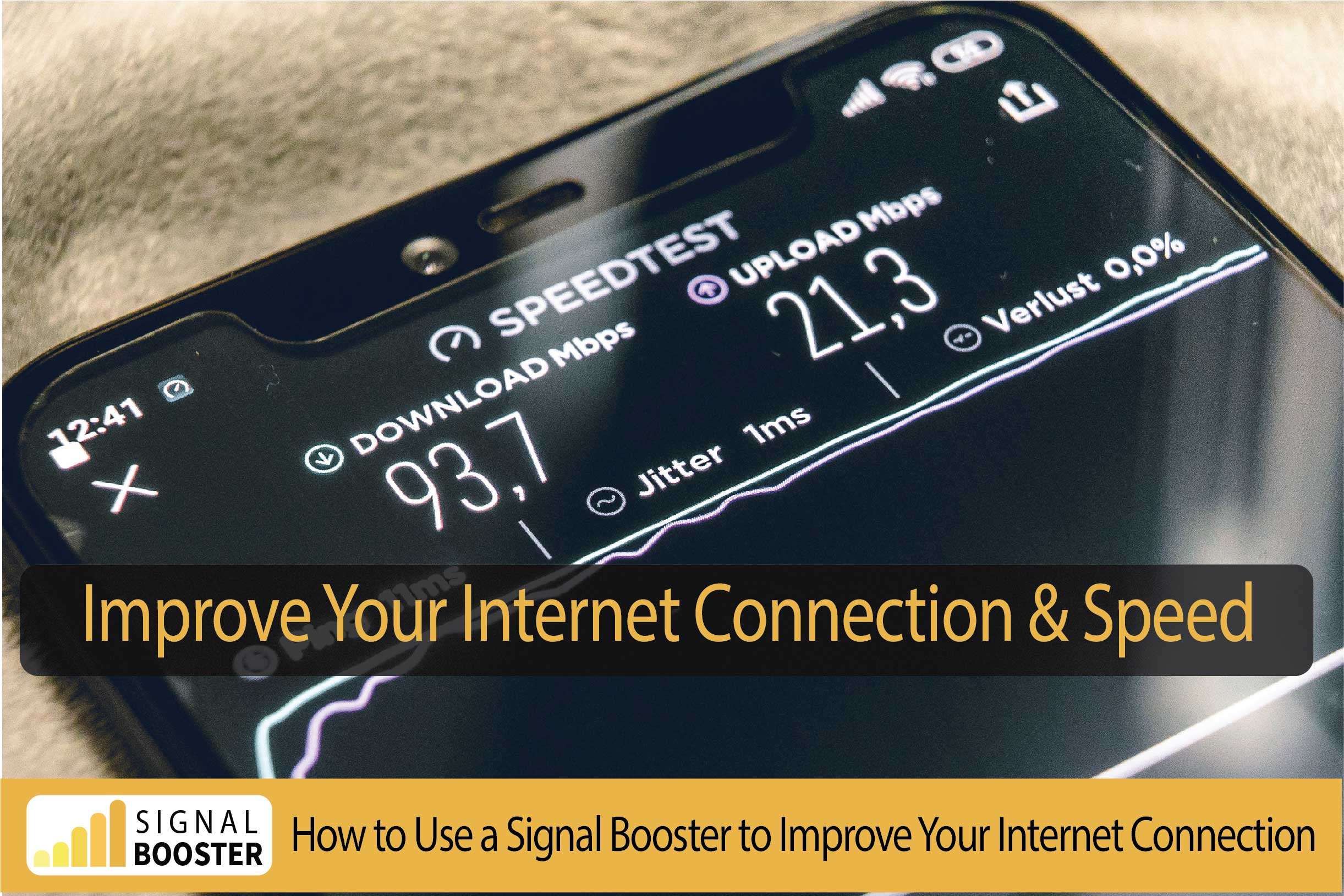
How To Strengthen Your Internet Signal
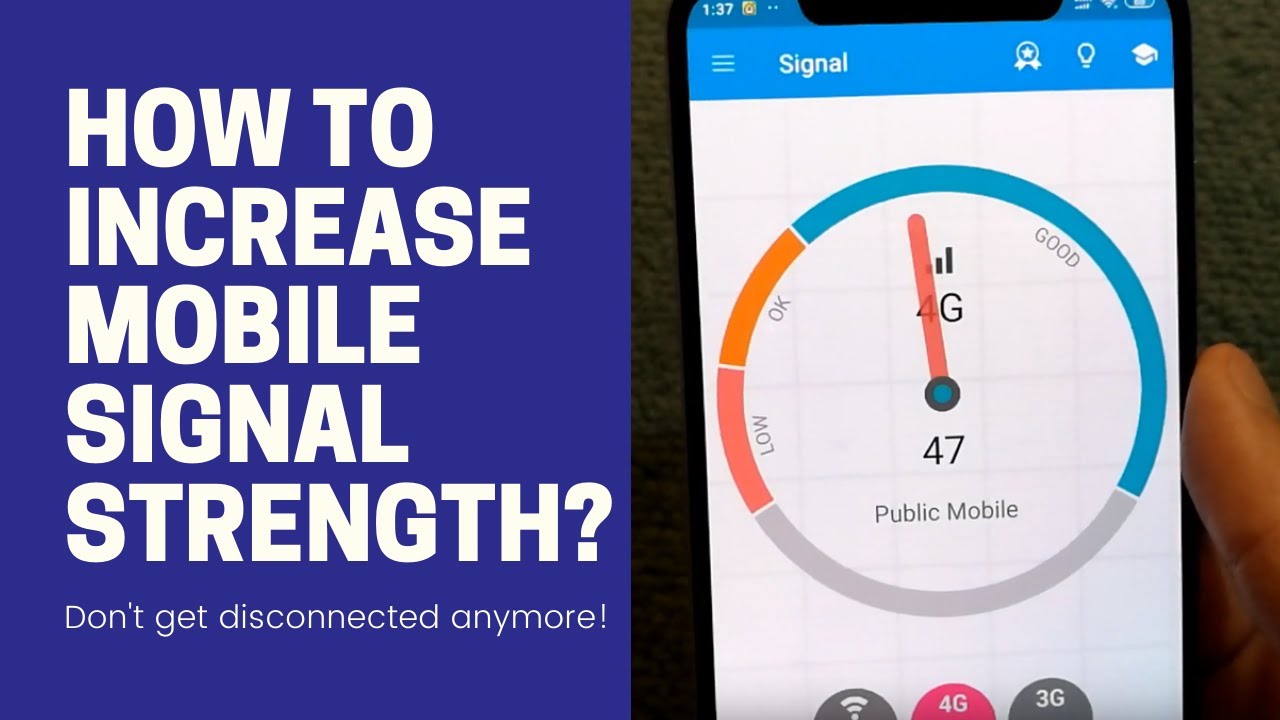
Ah, the internet signal. It's the silent hero of our modern lives, until it decides to stage a tiny, digital rebellion. You know the drill: you're in the middle of a crucial video call, and suddenly your boss looks like a pixelated potato. Or you're settling in for a movie night, only for your screen to display that infuriating spinning wheel of doom. It’s enough to make you want to shout at the router, as if it understands English! But don't despair, fellow digital traveler. Strengthening your internet signal isn't magic, it's just a bit of clever strategy.
Give Your Router a Grand Stage
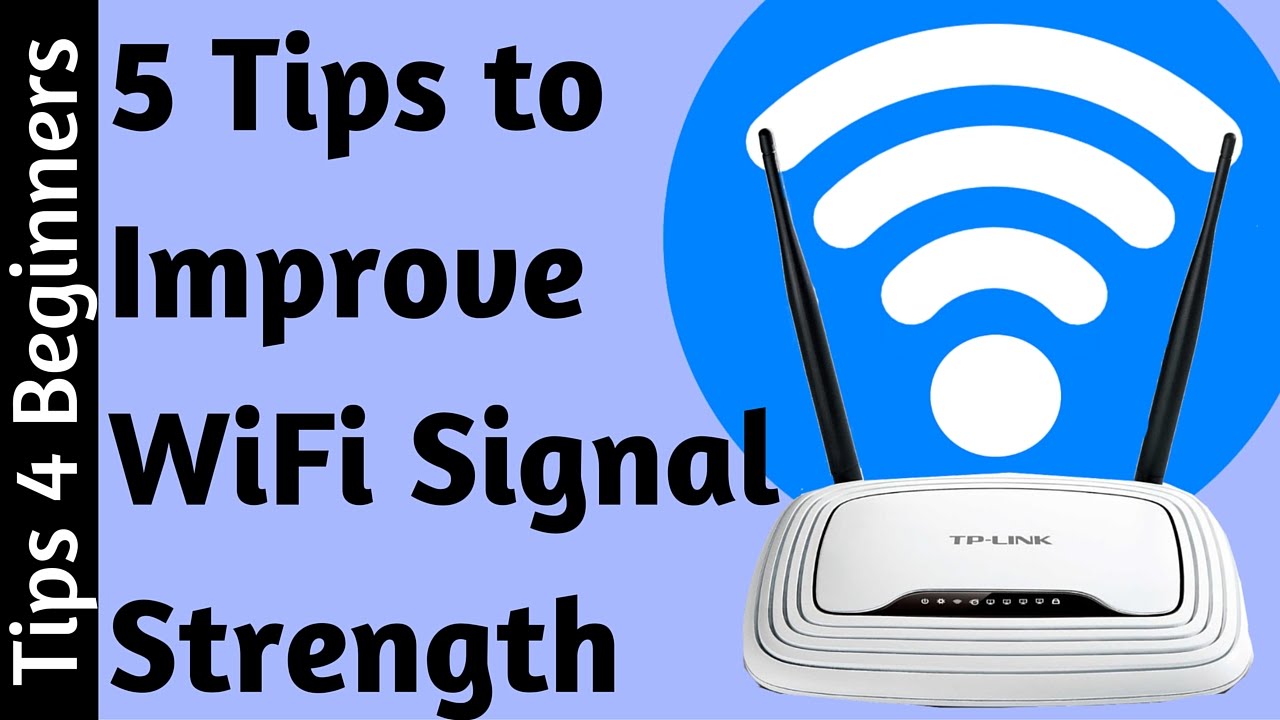
First things first: where's your router hiding? Is it crammed behind the TV like a forgotten sock? Buried under a pile of magazines? If so, you're essentially asking it to whisper important secrets from inside a closet. Your router is trying to beam Wi-Fi signals everywhere, like a tiny, invisible lighthouse. So, let it shine! Place it in a central location, ideally up high on a shelf, away from walls and obstructions. Think of it like giving your star performer the center stage – no one wants to watch a concert from backstage, right?
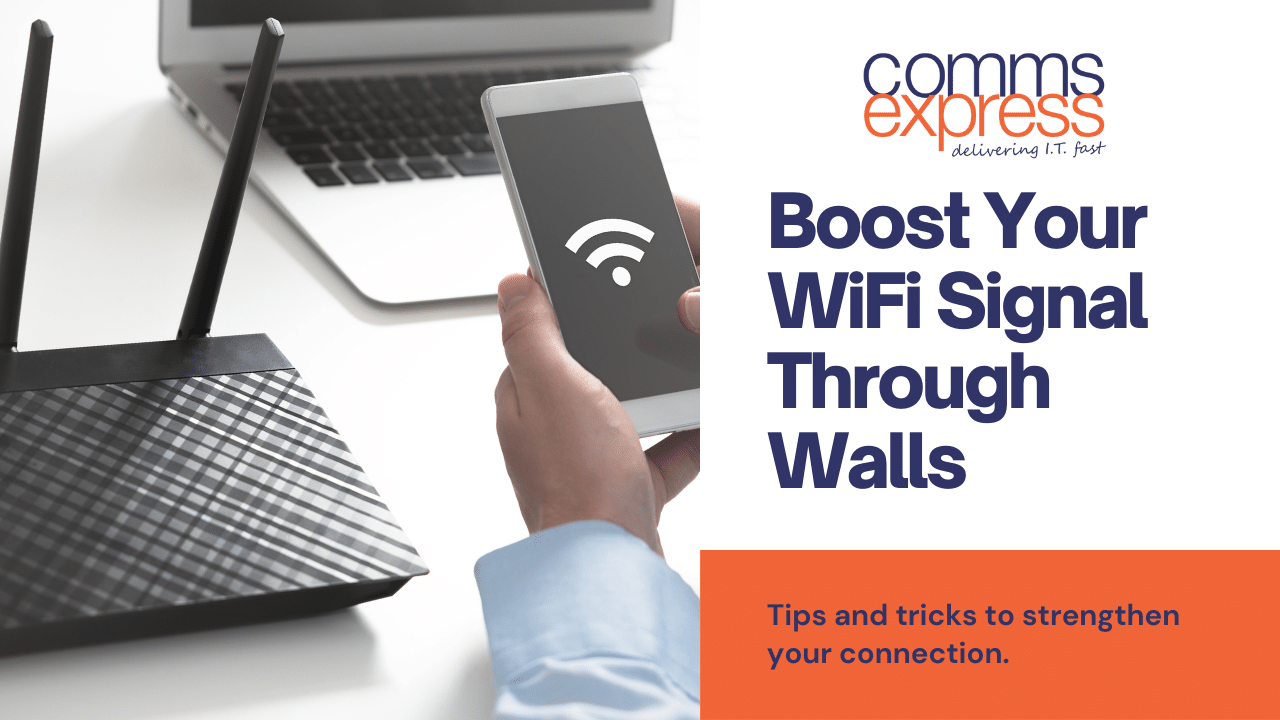
Those walls, by the way, are signal vampires. Especially thick concrete or brick. Every wall your signal has to fight through is like asking it to run an obstacle course. Give it a clear line of sight to where you use the internet most.
Must Read
The Ol' Reboot Trick (It Really Works!)
We've all heard it, and probably rolled our eyes: "Have you tried turning it off and on again?" But honestly, for your router, this is like hitting the reset button on a grumpy toddler. It clears its little digital brain, flushes out any minor glitches, and often comes back refreshed and ready to party. When your internet starts acting sluggish, give your router a good 60-second unplug and replug. It’s the internet equivalent of a power nap, and it works wonders surprisingly often.
Beware the Signal Thieves and Monsters
Did you know that some household appliances are basically little signal ninjas? Microwaves, cordless phones, even baby monitors can interfere with your Wi-Fi. They operate on similar frequencies, creating a sort of invisible static. So, try to keep your router away from these potential culprits. And those giant metal filing cabinets or your colossal fish tank? They're like tiny signal black holes, absorbing your precious Wi-Fi. Physical obstructions are the enemy of good signal strength.
Too Many Cooks (Devices) Spoil the Bandwidth
Imagine everyone in your house trying to drink from one tiny straw at the same time. That's what happens when too many devices are simultaneously hogging your Wi-Fi. The kids streaming 4K cartoons, you trying to stream your favorite show, someone else video calling, and don't forget the smart fridge updating its software! Your router has a finite amount of "straw" to go around. If your internet is slowing down, consider if someone's running a massive download or if every gadget in the house is screaming for attention. Sometimes, it’s about managing the digital traffic, not just the signal itself.
Is Your Router Getting a Bit Long in the Tooth?
Let's be honest, technology moves fast. If your router looks like it belongs in a museum exhibit labeled "Ancient Internet Relics," it might be time for an upgrade. Older routers simply aren't designed to handle the demands of modern internet speeds and the sheer number of devices we connect. It's like asking a vintage flip phone to run the latest apps – it’s just not going to happen gracefully. A new router, especially one supporting Wi-Fi 6 or 6E, can make a world of difference, boosting both speed and reliability.
Extend Your Reach with a Buddy
If you live in a larger home or have dead zones where the Wi-Fi just refuses to go (the dreaded "garage Wi-Fi desert"), consider a Wi-Fi extender or a mesh Wi-Fi system. An extender acts like a repeater, grabbing your existing signal and re-broadcasting it further. A mesh system is even cooler, creating a seamless network of multiple access points throughout your home, ensuring strong signal everywhere. It’s like hiring a team of tiny digital messengers to make sure your internet reaches every nook and cranny.
Secure Your Network – Keep the Neighbors Out!
Finally, make sure your Wi-Fi network is secure. If your network is open or uses an easy-to-guess password, your neighbors (or even passersby) might be "borrowing" your internet without you knowing. This is like leaving your fridge unlocked with a big "Free Snacks!" sign on it. Not only is it a security risk, but it also saps your precious bandwidth. Set up a strong, unique password for your Wi-Fi, and change it regularly. It's a simple step that keeps your internet for you.
So, the next time your internet starts acting up, don't just sigh dramatically. Take a deep breath, give your router a little love, and try these tips. You might just find your signal goes from a tired shuffle to a happy sprint!