
How To Stop The House Alarm From Beeping

Okay, friend, pull up a chair. Or better yet, grab that lukewarm coffee you forgot about. We need to talk about one of life's most uniquely irritating sounds: the house alarm that just won't quit beeping. Not the full-on, ear-splitting siren (though we've all been there, haven't we?). No, I'm talking about that subtle, persistent, soul-gnawing beep... beep... beep that tells you something is wrong, but refuses to tell you what.
It's like a tiny, persistent woodpecker inside your brain, isn't it? Just drilling away at your sanity, one passive-aggressive chirp at a time. You've checked the doors, glanced at the windows, maybe even given the cat a suspicious look (they're always up to something). But the beep remains. Infuriating, right?
The Great Beep Mystery: What's Its Deal?
First things first, let's play detective. Your alarm system isn't just beeping to annoy you (though it often feels that way, bless its circuit board heart). It's trying to tell you something. Think of it as your house's rather dramatic way of sending you a text message. A very, very repetitive text message.
Must Read
The most common culprits for this auditory torture? Usually, it's one of these:
- A power outage (even a quick flicker counts!).
- A low battery in one of the sensors, or, gasp, the main panel itself.
- A faulty or open sensor on a door or window that was armed.
- A communication error with your monitoring company (if you have one).
So, before you start pressing buttons like you're playing a frantic game of 'Simon Says' (which, let's be honest, is usually my first instinct), take a breath.
Step One: Find the Brains of the Operation
Every alarm system has a main keypad. This is your command center, your mission control, your only hope. It's usually near the main entrance, but sometimes it's tucked away in a utility room, just to make things interesting. Found it? Good.

Now, what does the screen say? Is there a little message? Something like "Low Bat," "Zone 3 Open," or "AC Loss"? That's your first clue, Sherlock! Write it down if you need to, because sometimes these messages disappear faster than your motivation on a Monday morning.
Silencing the Siren (or, you know, the Beep)
Alright, here's the magic trick, the one that often brings sweet, sweet silence:
You'll need your master code. You know, the four-digit code you sometimes forget under pressure, right? If you don't have it, well, that's a whole other coffee conversation, my friend.

Once you've got your code:
- Enter your code: Just type it in. For many systems, simply entering your code will silence the current trouble beep. Fingers crossed!
- Look for a "Clear" or "Reset" button: Some systems need a little extra nudge. After entering your code, you might see a button labeled "Clear," "Reset," or "Cancel." Give that a gentle press.
- Press "Status" or "Star ()" then your code: If entering your code alone doesn't work, sometimes you need to hit the "Status" button (or the asterisk key - *) first, then your code. This often cycles through any existing faults and can silence the beep.
- Press "Off" or "Disarm": In some cases, if the system thinks it's armed or partially armed, pressing "Off" or "Disarm" followed by your code will do the trick.
Did it work? Is it quiet? Ah, the sweet symphony of silence. You're a hero!
When It's a Low Battery (The Real Villain)
If the message explicitly says "Low Bat" or "AC Loss," you're likely dealing with a battery issue. The main panel itself often has a large backup battery (think car battery size, but probably not as heavy) that kicks in during power cuts. These batteries, bless their hearts, don't last forever. They usually need replacing every 3-5 years.
For a temporary fix, sometimes silencing the beep is all you can do until you can get a replacement battery. But be warned: if the main panel battery dies, your system has *no backup during a power outage. Not ideal, right?
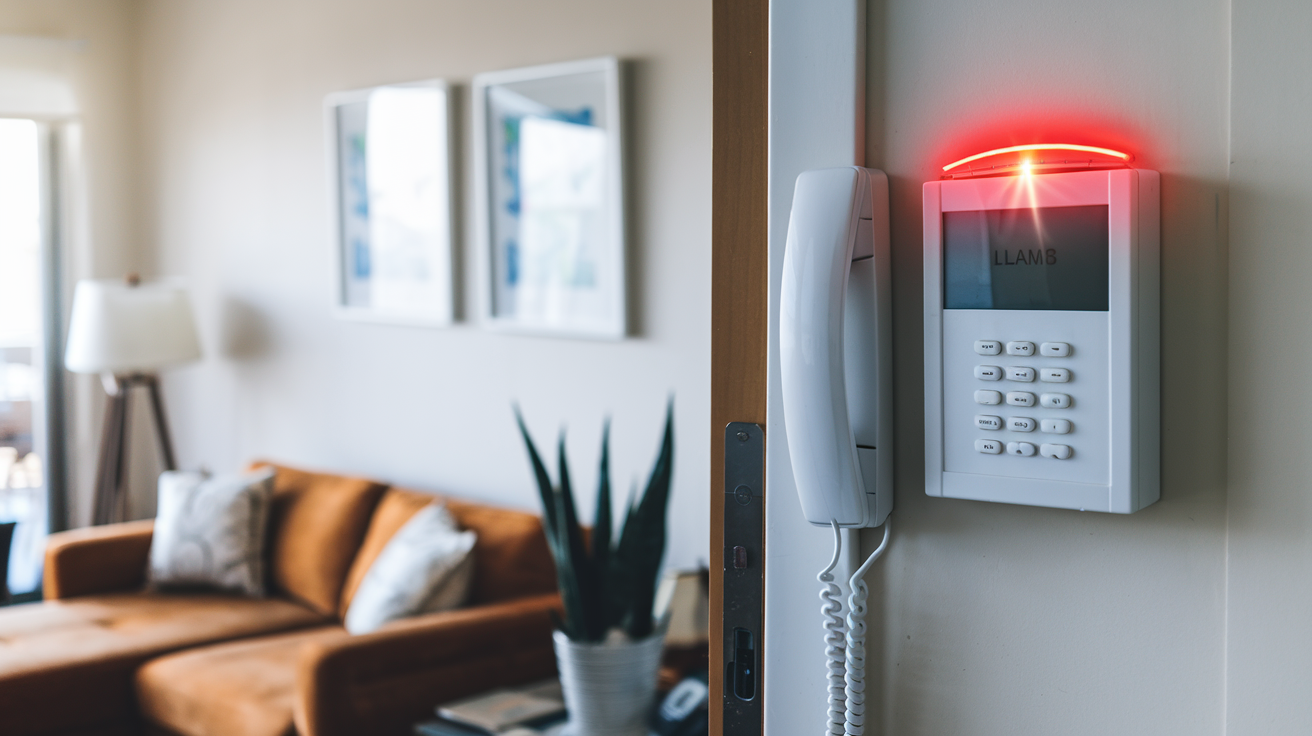
For individual sensor batteries (the small ones on doors/windows), these are usually easy to replace yourself. Check your system's manual (yes, that mythical book you haven't seen since move-in day) for the correct battery type. Just swap it out, and the beep should eventually clear.
The Nuclear Option (Use with Extreme Caution!)
Okay, let's talk about the dreaded "unplug it." You're thinking about it, aren't you? That tempting power cord just begging to be yanked. Resist the urge for the main panel, if you can!
Most alarm panels have two power sources: the wall plug (low voltage transformer) and that internal backup battery. If you unplug the transformer, the system simply switches to battery power and will keep beeping about the AC loss. To truly kill it, you'd need to disconnect the battery too. And unless you know what you're doing, that can actually damage the system or trigger a full alarm again.
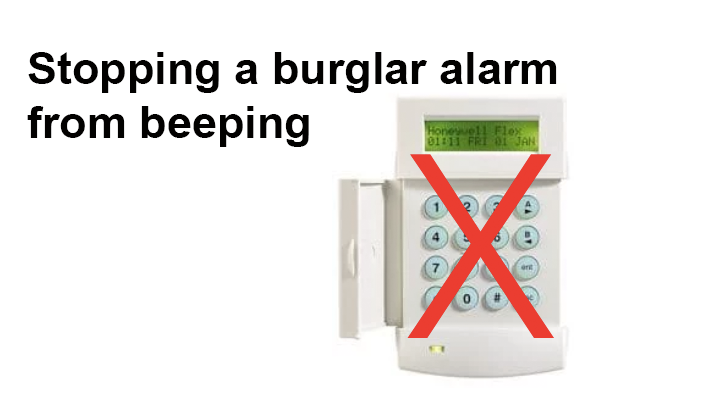
So, unless you're replacing the battery yourself and following specific instructions, it's generally best to avoid randomly yanking wires. You don't want to turn a persistent beep into a full-blown siren at 3 AM, do you?
When All Else Fails: Call in the Cavalry
You've tried everything. You've pleaded with it. You've offered it treats. You've considered moving. If the beep persists, or if you simply can't figure out the error message (or where your master code went!), it's time to call in the pros.
Your alarm company (if you have one) or a local alarm technician will be able to diagnose and fix the issue. They have the special tools and the secret handshake, you see. Sometimes, just having them walk you through it over the phone can be enough.
So, there you have it. A friendly guide to wrestling that annoying house alarm into submission. May your days be filled with glorious silence, and your nights undisturbed by tiny, repetitive noises. You deserve it, my friend. You truly do.