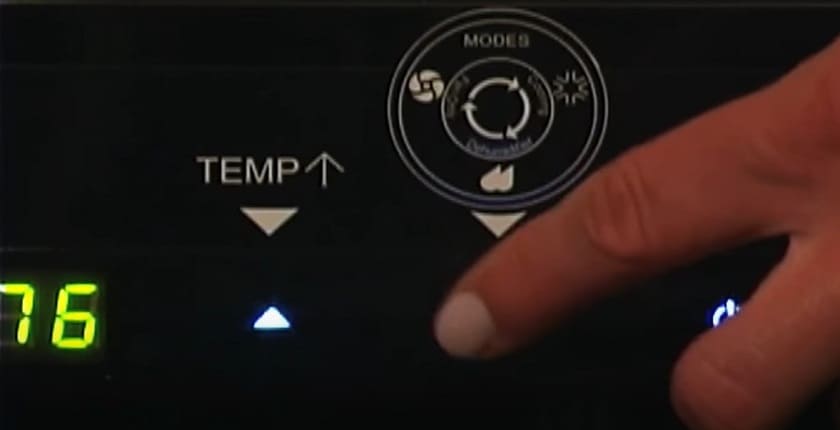
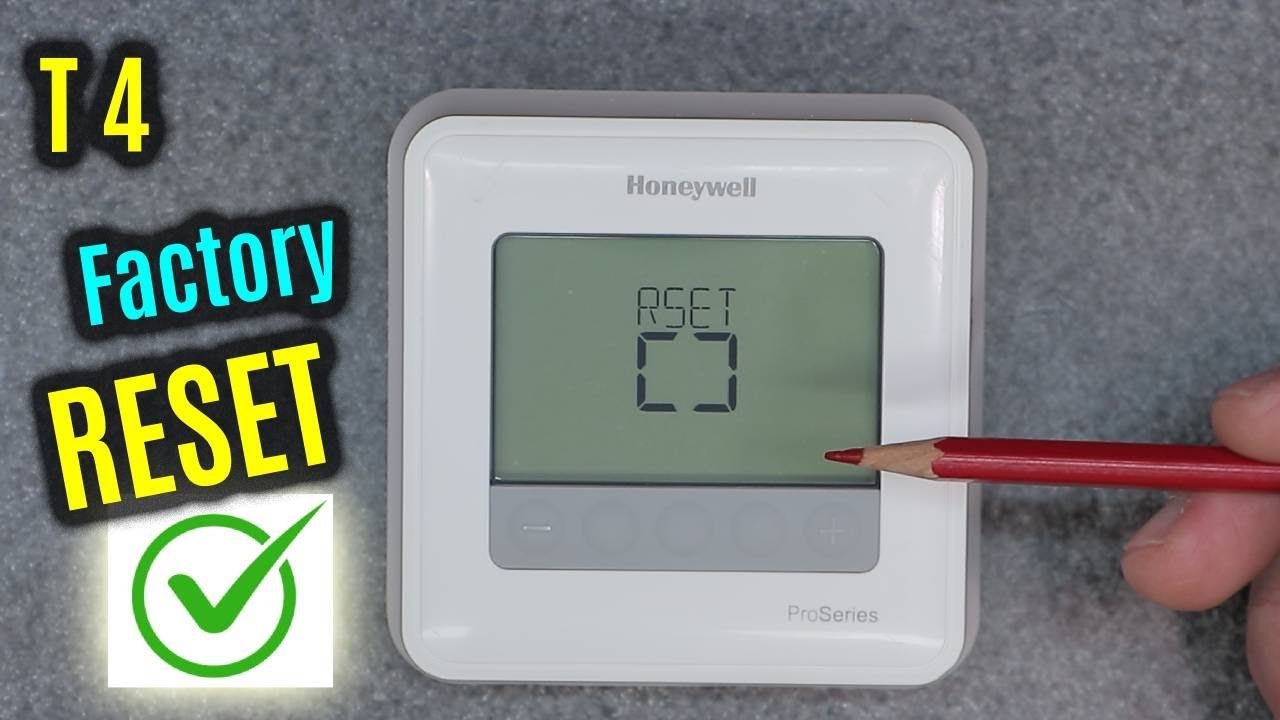
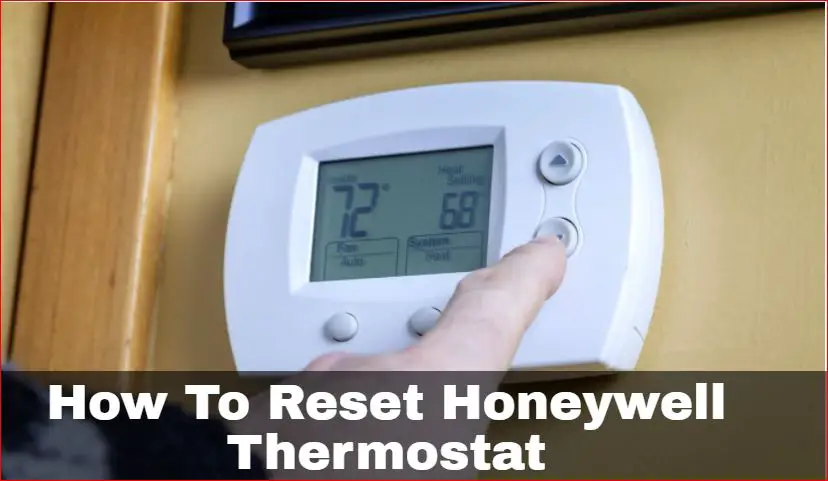
How To Reset Honeywell Ac
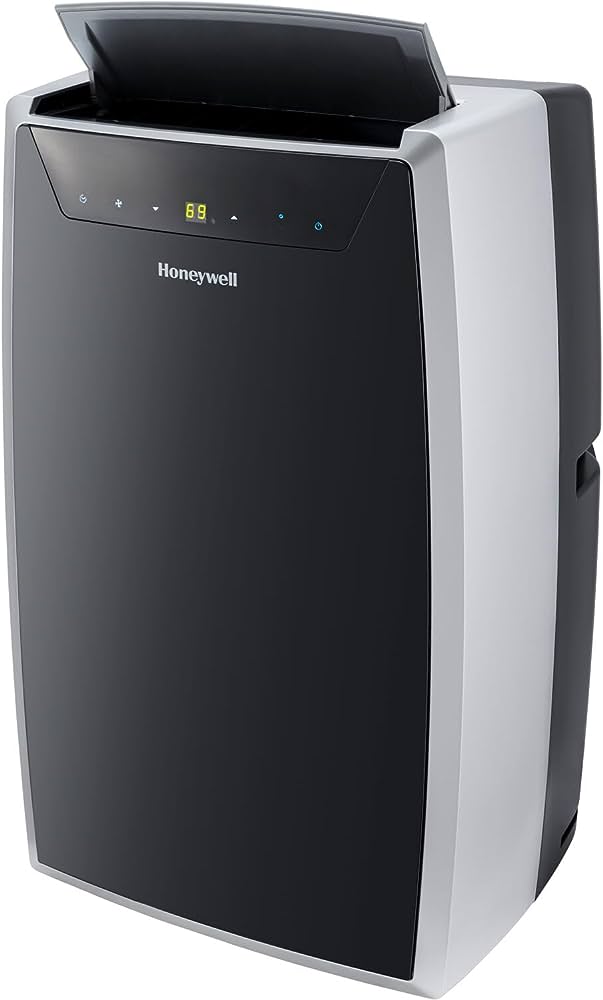
Ever had one of those days where your AC seems to be staging a silent protest? It’s humming, it’s whirring, but the air coming out is anything but cool, or maybe it’s just not responding to your commands. Before you panic, call an expensive technician, or start practicing ancient incantations, let me introduce you to a little secret that can often save the day: the Honeywell AC reset. Think of it as giving your home's brain a refreshing nap to clear its head!
Resetting your Honeywell AC system, particularly the thermostat, is often the digital equivalent of turning your computer off and on again when it acts up. It's surprisingly popular because it's a simple, empowering fix that many people can do themselves. The purpose? To clear out minor software glitches, errors, or internal confusion that might be causing your system to misbehave. The benefits are clear: potentially restoring your comfort quickly, saving money on service calls for minor issues, and frankly, feeling like a bit of a tech wizard in your own home!
So, how do you perform this magical act of digital resuscitation? It’s usually pretty straightforward, but remember, safety first!
Must Read
- Power Down at the Breaker: This is the most crucial step for a full system reset. Head to your electrical panel (often in a basement, garage, or utility closet) and locate the breaker labeled for your "AC," "Furnace," or "HVAC" system. Flip it to the OFF position. This cuts power to both your outdoor unit and the indoor furnace/air handler.
- Wait it Out: Give your system a proper "time-out." Leave the power off for at least 30 seconds to a full minute. This allows any residual power to drain and for the system’s memory to clear. Some experts even recommend waiting 5-10 minutes for a more thorough reset.
- Thermostat Tweak (Optional but Recommended): While the main power is off, if your Honeywell thermostat uses batteries, remove them. Wait another 30 seconds, then reinsert them (or replace with fresh ones if they're low). If your thermostat is wired without batteries, skip this step.
- Power Up: Head back to your electrical panel and flip the AC/HVAC breaker back to the ON position.
- Restore Settings: Your thermostat should now power back on. You might need to re-enter your desired temperature and settings. Give the system a few minutes to fully initialize and communicate between the indoor and outdoor units.
You’ll know you’ve hit the reset sweet spot if your AC starts responding correctly, cooling efficiently, or clearing any pesky error messages. This process is your go-to whenever your AC is acting finicky, not blowing cold, or showing unusual behavior. However, if the issue persists after a reset, or if you hear strange noises, see leaks, or smell something odd, it’s probably time to call in a professional HVAC technician. But for those everyday glitches, a simple reset can be your coolest move!