
How To Reset A Carbon Monoxide Detector

Ah, the symphony of modern living! The gentle hum of the fridge, the distant drone of a leaf blower, and then… a persistent, high-pitched chirp. Your internal monologue instantly shifts from planning dinner to a frantic "What is that?" More often than not, that mysterious sound culprit is your carbon monoxide (CO) detector, letting you know it's time for a little TLC, or perhaps just a good old-fashioned reset. Don't panic! It's usually not a five-alarm emergency, but rather a friendly nudge that something needs attention. Think of it as your home's way of saying, "Hey, can we chat for a second?"
Understanding the Chirp: More Than Just a Noise
Before we dive into the zen art of the reset, let's quickly decipher what your CO detector might be trying to tell you. This unassuming device is truly a hero in disguise, diligently monitoring for carbon monoxide – the notorious "silent killer" because it's odorless, colorless, and tasteless. When it pipes up, it's either doing its job by detecting actual CO (in which case, everyone out immediately and call 911!), or it's giving you a heads-up about a few less dramatic issues. Most commonly, that intermittent chirp means one of two things: a low battery warning or an end-of-life signal for the unit itself.
Occasionally, after a power surge or a brief CO event that has since cleared, the detector might simply be stuck in an alarm state and needs a refresh. So, how do we get it to chill out and go back to its quiet guardian duties? Let's find out!
Must Read
The Great Reset: A Step-by-Step Guide to Domestic Tranquility
This isn't rocket science, but knowing the drill makes you feel like a domestic ninja. Here’s how to bring peace back to your abode:
1. Identify the Source
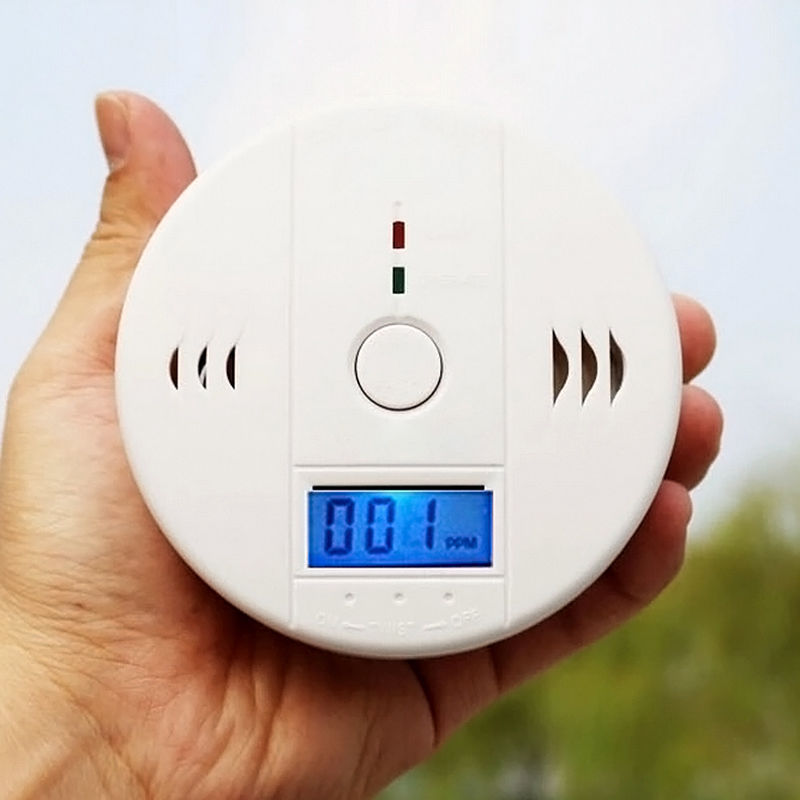
First things first: pinpoint which detector is chirping. If you have multiple units (and you should, ideally one on each floor and near sleeping areas!), a chirping chorus can be confusing. Walk around and listen carefully. Once you've found the culprit, you're ready for action.
2. Silence the Alarm (If it's a full-blown alarm)
If your detector is blaring continuously, not just chirping, and you've already evacuated the premises after checking for actual CO (super important!), most units have a "Hush" or "Silence" button. Pressing this will temporarily silence the alarm for several minutes, giving you a chance to address the underlying issue without a constant headache.
3. The Power Play: Batteries First!
For battery-powered units, a low battery is the number one cause of chirping.
- Carefully remove the detector from its mounting bracket. Most twist off or slide up.
- Open the battery compartment.
- Replace the old batteries with fresh ones. Always use the type recommended by the manufacturer (usually AA, AAA, or 9V). Pro tip: write the date you changed them on the battery with a marker – future you will thank you!
- Insert the new batteries, ensuring correct polarity.
- Once the new batteries are in, the unit will typically beep once or twice to confirm it's powered on.
For plug-in units with a battery backup, you'll want to unplug the unit from the wall outlet, then remove and replace the backup batteries, and finally plug it back in.

4. The Magical Reset Button (or Procedure)
After replacing the batteries, or if your unit was chirping for an unclear reason, it might need a hard reset.
- Many detectors have a dedicated "Reset" button. Press and hold it for 5-10 seconds. You might hear a series of beeps indicating the reset is complete.
- If there's no specific reset button, simply replacing the batteries and then holding down the "Test" button for 10-15 seconds (after the initial power-on beep) often serves the same purpose.
The unit should then go quiet, indicating it's back to monitoring mode.
5. Test for Success!
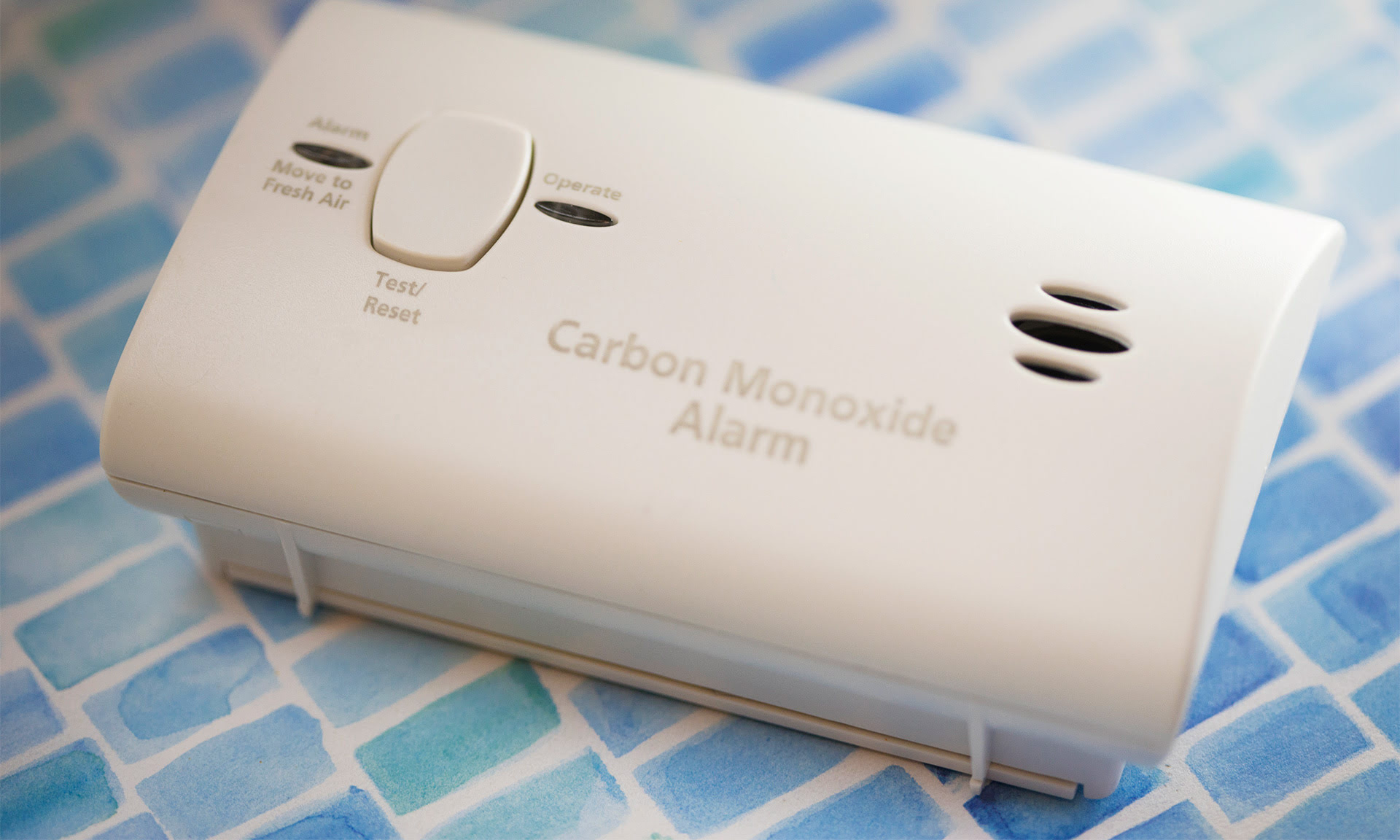
Always, always, always test your detector after replacing batteries or performing a reset. Locate the "Test" button (it's usually quite prominent) and press and hold it. The detector should emit a loud, piercing alarm sound, confirming that its sensor and alarm are working properly. This is like giving your detector a high-five for a job well done!
Beyond the Reset: Smart Home Habits
Here are a few bonus tips to keep your CO detectors happy and your home safe:
- Mind the Lifespan: CO detectors don't last forever! Most have a lifespan of 5-7 years, after which they need to be replaced, even if they seem to be working. Look for a manufacturing date on the back; if it's past its prime, it's time for a new one. It's like your favorite pair of sneakers – eventually, they just wear out.
- Location, Location, Location: Install detectors on every level of your home, especially outside sleeping areas. CO rises with warm air, so placement matters!
- Keep it Clean: Dust and debris can interfere with the sensor. A quick vacuum around the unit every few months keeps it breathing easy.
- Regular Testing: Make it a monthly habit to press the "Test" button. A good reminder could be the first day of every month, or when you pay your bills – tie it to another routine!
A Small Act, Big Peace of Mind
In our busy lives, dealing with a chirping CO detector can feel like an annoying interruption. But taking a few moments to understand, troubleshoot, and reset it is more than just silencing a noise; it's an act of care for your home and everyone in it. You've empowered yourself with a practical skill, ensuring one more layer of safety for your sanctuary. So next time it chirps, you won't just hear a sound, you'll hear a solvable puzzle – and you've got this!
