How To Put A Link In Your Bio
:max_bytes(150000):strip_icc()/Quote6-baf4fa53d1a943299aa5183ddacadfbe.png)
Let's be honest, we've all been there. You've crafted the perfect Instagram post, a TikTok that's destined to go viral, or a witty tweet that's getting all the likes. But then comes the inevitable question: "Where can I find more about this?" Or even better, "Where can I buy this amazing thing you're showcasing?" That's where the magic of a link in your bio comes in! It's your golden ticket, your digital storefront, and frankly, it's way more fun than it sounds.
So, what's the big deal? Why is adding a link to your bio so darn useful? Think of your bio as your online business card. It's often the first thing people see when they land on your profile. A well-placed link transforms that passive introduction into an active call to action. It allows you to seamlessly direct your audience to:
- Your website or online store
- Your latest blog post or article
- A specific product you're promoting
- A signup form for your newsletter
- A charity you support
- ...Pretty much anything you want!
The benefits are clear: increased website traffic, lead generation, sales, and the chance to show off your personality and what you're all about. No more relying on DMs asking for links – you've got it all covered!
Must Read
Okay, so how do you actually do it? The process is generally very straightforward, but it varies slightly depending on the platform:
Instagram: Head to your profile and tap "Edit Profile." You'll find a dedicated "Website" field. Simply paste your link there. Remember, Instagram only allows one link in your bio, so choose wisely! Consider using a link-in-bio service (like Linktree or Bio.fm) if you want to showcase multiple links from one central location.

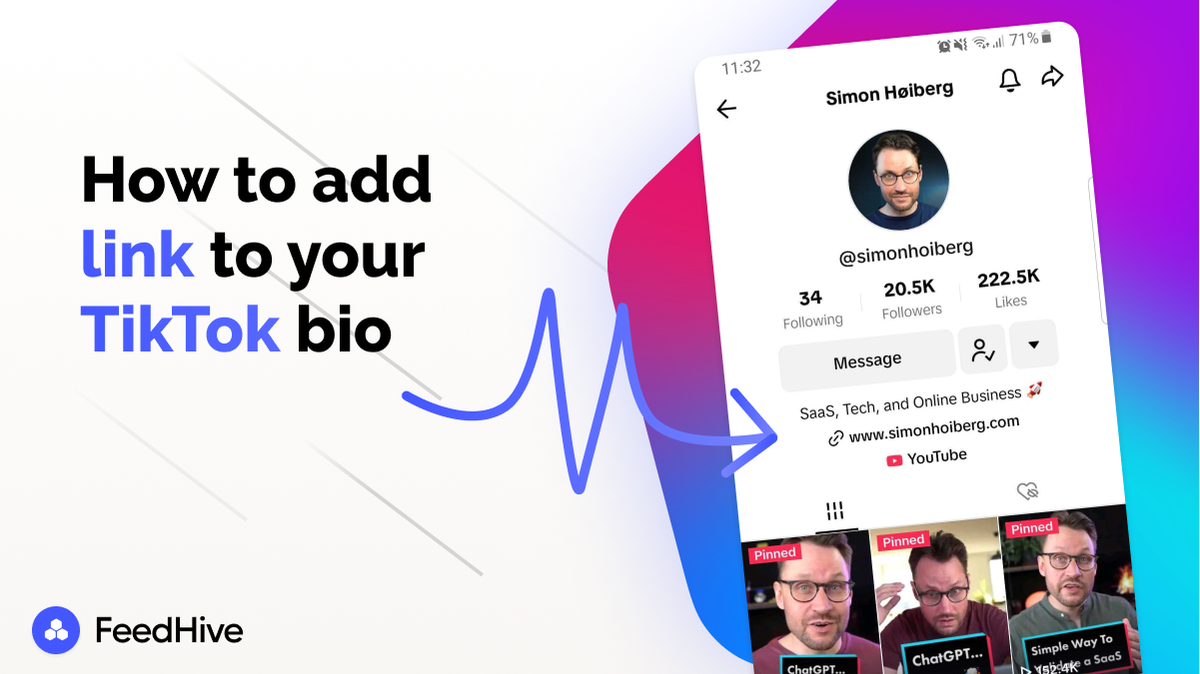
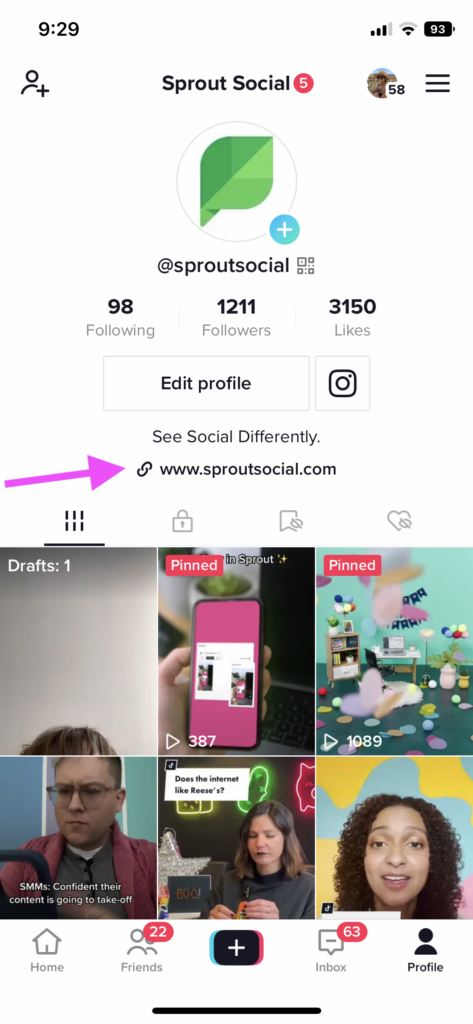
TikTok: The process is similar to Instagram. Edit your profile, and look for the "Website" or "Bio" section. Paste your link, and you're good to go. Note that you might need a business account to add a link to your bio on TikTok.
Twitter (X): Again, edit your profile! Twitter offers a dedicated field for your website URL. Adding a link here is a simple and effective way to drive traffic from your tweets.
:max_bytes(150000):strip_icc()/001-how-to-put-a-link-in-an-instagram-bio-50b67fb76c4741d680f8dcacfa01c8c9.jpg)
LinkedIn: LinkedIn makes it super easy! Edit your profile and add a website URL to your contact information. This is especially important for professionals looking to showcase their portfolio or company website.
Pro Tip: Shorten your links! Long, clunky URLs can look messy and unprofessional. Use a URL shortening service like Bitly or TinyURL to create clean, concise links. These services also offer valuable analytics, allowing you to track how many people are clicking on your link. Also, regularly update your link to reflect your latest promotion or offering. Keep it fresh and relevant to maximize its impact!
Adding a link to your bio is a simple yet powerful way to amplify your online presence. So go ahead, experiment, and see what works best for you. Happy linking!