How To Intersect Objects In Sims 4
Ever felt like your Sim's dream home is missing that certain something? Maybe the clutter isn't quite cluttery enough, or that plant stand just needs to be partially embedded in the wall for maximum chic. Well, my friend, you're ready to dive into the wonderful, slightly rebellious world of object intersection in The Sims 4!
What is object intersection, you ask? Simply put, it's the art of placing objects so they overlap, defying the game's usual grid-based limitations. Think of it as digital rule-breaking, a way to unleash your inner architect and create spaces that feel truly lived-in and uniquely yours. It's like finally being allowed to color outside the lines in your virtual world. This technique can also be used to merge clothing items. The main benefit is enhancing the look of your interior by making it more realistic and less uniform.
Why bother with all this? Because it unlocks a whole new level of creative potential! No more perfectly aligned picture frames. Instead, imagine a gallery wall where photos are artfully overlapping, telling a story of your Sim's life. Think about a kitchen counter overflowing with cookbooks, utensils, and decorative items, creating that authentic, messy-but-loved feel. Object intersection lets you achieve a level of detail and realism that's simply impossible with the game's standard building tools. No more boring, uniform decor!
Must Read
Believe it or not, object intersection can even have practical applications beyond just making pretty houses. Consider it a form of spatial reasoning training. You're actively visualizing how objects fit together, improving your understanding of dimensions and perspectives. It's like a sneaky, fun way to boost your brainpower. For example, if you are planning on remodeling your apartment in real life, you could use the object intersection to plan the layout. Or imagine using it to teach a child about volume and shape in a playful and engaging way. In the classroom, instructors could use Sims 4 builds incorporating object intersection to help students visualize complex architectural or interior design principles. It can bring abstract concepts to life!
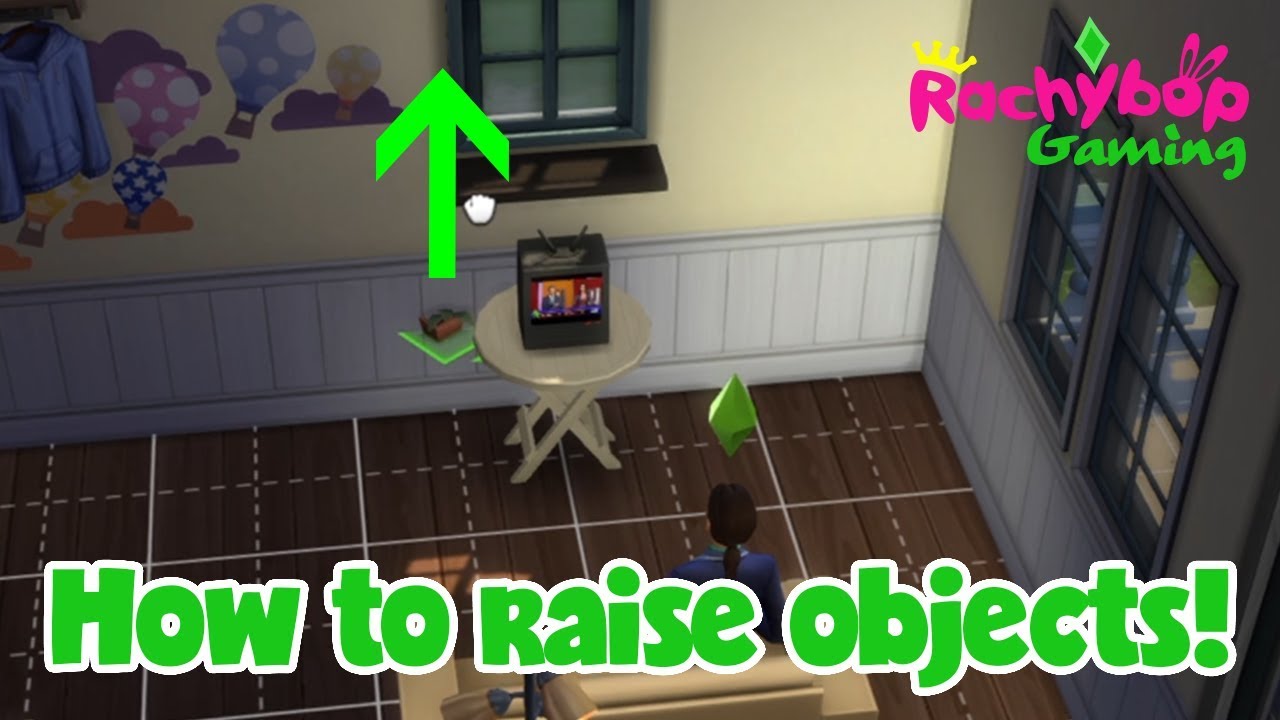
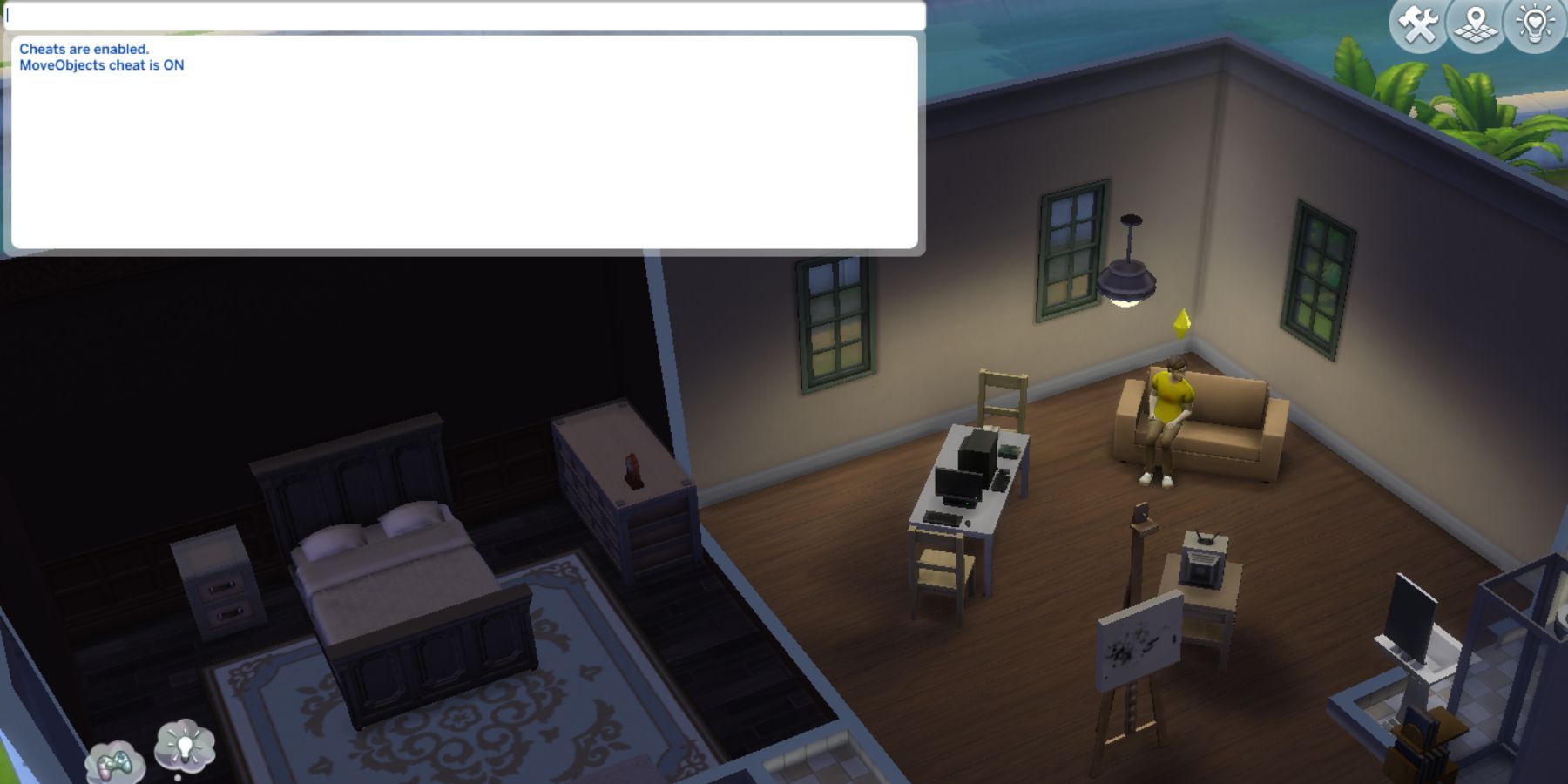
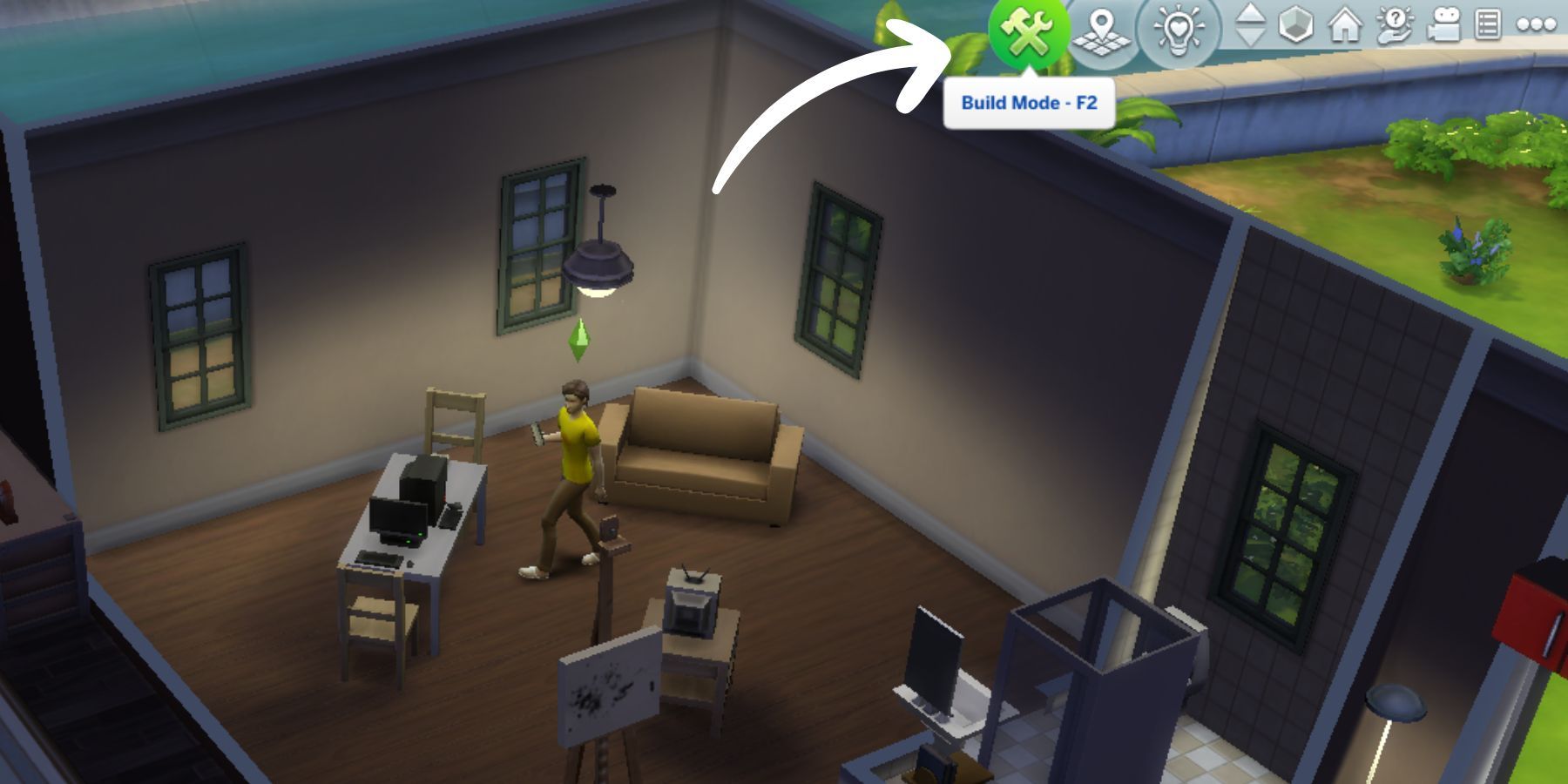
So, how do you get started? The easiest way to intersect objects is by using the bb.moveobjects cheat. Simply open the cheat console (usually by pressing Ctrl+Shift+C), type "bb.moveobjects on", and hit enter. This disables the game's usual object placement rules, allowing you to freely move and overlap items. Be mindful of game stability, as excessive object intersection can sometimes cause glitches. For instance, it could make certain objects unclickable after a while. Remember to save often! After activating the cheat, select an object, and while holding down the Alt key, drag your mouse to move the object freely on the grid. You can also use the 9 and 0 keys to raise and lower objects vertically, letting you sink them partially into other surfaces.
Don't be afraid to experiment! Start with simple overlaps – a stack of books, a few overlapping cushions on a sofa. Once you get the hang of it, you can move on to more ambitious projects. Browse online for inspiration, watch building tutorials, and most importantly, have fun! Object intersection is all about pushing boundaries and creating something unique, so embrace the chaos and let your imagination run wild. You might just surprise yourself with what you can create. The possibilities are truly endless. Happy building!