
How To Install Ring Doorbell Without Wires
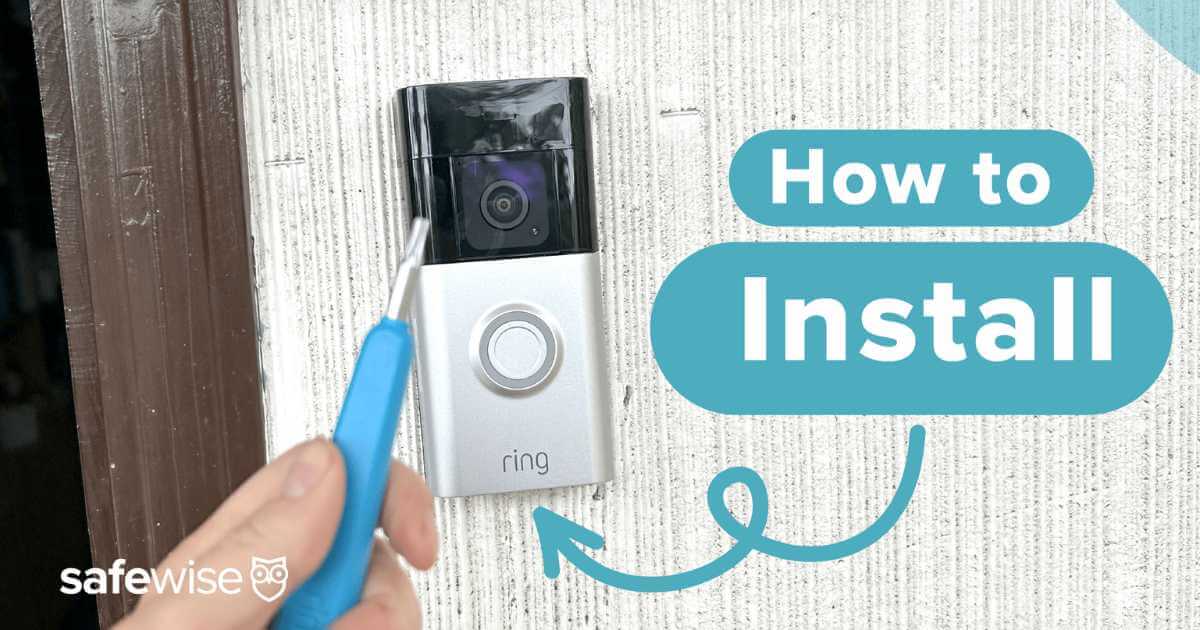
Ever gazed longingly at those sleek Ring Doorbells, imagining the peace of mind and convenience they bring, only to be stopped dead in your tracks by the dreaded thought of... wires? The tangled mess, the drilling, the electricians, the sheer hassle of it all? Well, darling reader, put those fears aside! Because today, we're going on an adventure into the glorious, surprisingly simple world of installing a Ring Doorbell without a single wire in sight. Get ready to feel like a tech wizard without breaking a sweat!
Seriously, ditch the drills (unless you want to!), forget the fuses, and wave goodbye to wiring diagrams that look like alien hieroglyphs. We're talking about a quick, satisfying DIY project that will have you feeling empowered, secure, and genuinely smart. Ready to upgrade your front door game and make life a little more fun?
Why Go Wire-Free? It's Pure Magic!
Before we even touch a screwdriver (or even an adhesive strip!), let's chat about why going wireless is the absolute bomb. It's not just about avoiding electrical work – though that's a massive bonus, isn't it?
Must Read
First off, flexibility! If you're a renter, this is your dream come true. No permanent modifications, no landlord headaches, just pure, unadulterated smart home goodness. Moving soon? Take it with you! Want to try it on the side of the door for a week, then move it to the front? Go for it! Wires tie you down; going wireless sets you free.
Secondly, pure simplicity. Seriously, there’s no need to wonder if your home's wiring is compatible or if you're going to accidentally trip a breaker. You bypass all of that anxiety and jump straight to the good stuff: seeing who's at your door from your phone, anytime, anywhere. Imagine ordering a pizza, popping to the shops, and still being able to tell the delivery driver you'll be right back. Pure bliss!
And let's be honest, there's a certain thrill in accomplishing something like this yourself. No waiting for appointments, no paying someone else. Just you, your Ring Doorbell, and a few easy steps. You've got this!
Your Super Simple, Wire-Free Installation Journey!
Alright, let's get down to business. Prepare to be amazed by how straightforward this is. No engineering degree required, just a can-do attitude!

Step 1: Charge 'Er Up!
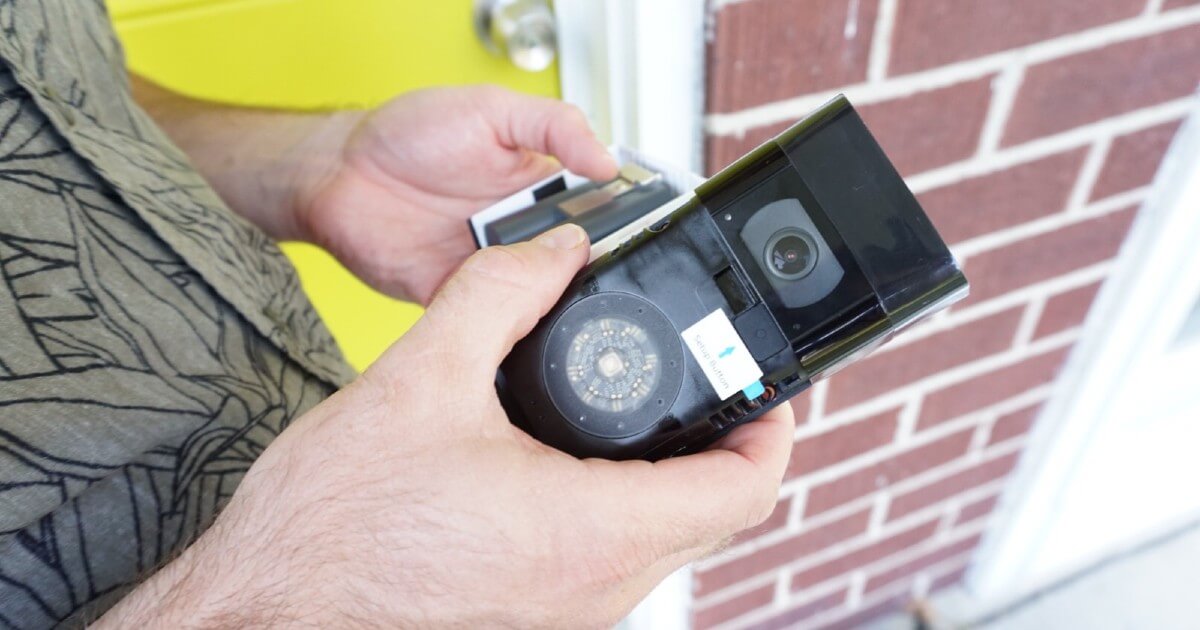
This is where the magic begins. Your wireless Ring Doorbell comes with a rechargeable battery pack. This little powerhouse is the secret sauce to ditching those pesky wires. So, your very first task? Take out the battery, plug it into a standard USB charger (like the one for your phone), and let it get a full charge. Think of it as giving your new gadget a refreshing power nap before its big debut. It usually pops in and out super easily!
Step 2: The App's Your New Best Friend
While your battery is juicing up, download the Ring app to your smartphone or tablet. This app is your command center, your guide, and honestly, it makes the setup process incredibly intuitive. It's going to walk you through connecting your Ring Doorbell to your home's Wi-Fi. Just follow the on-screen prompts; they’re designed to be ridiculously easy. Seriously, if you can navigate social media, you can set up your Ring.
Step 3: Location, Location, Location!
Now for the fun part: deciding where your new guardian angel will live! Because there are no wires, you have ultimate freedom. Consider the best viewing angle for your front door area. Hold the doorbell up in different spots, pretend to be a delivery person, and see what works best. Ensure it’s within a good range of your Wi-Fi router. No wires means no limits to your creativity!
Step 4: Mount It Like A Pro (Seriously!)
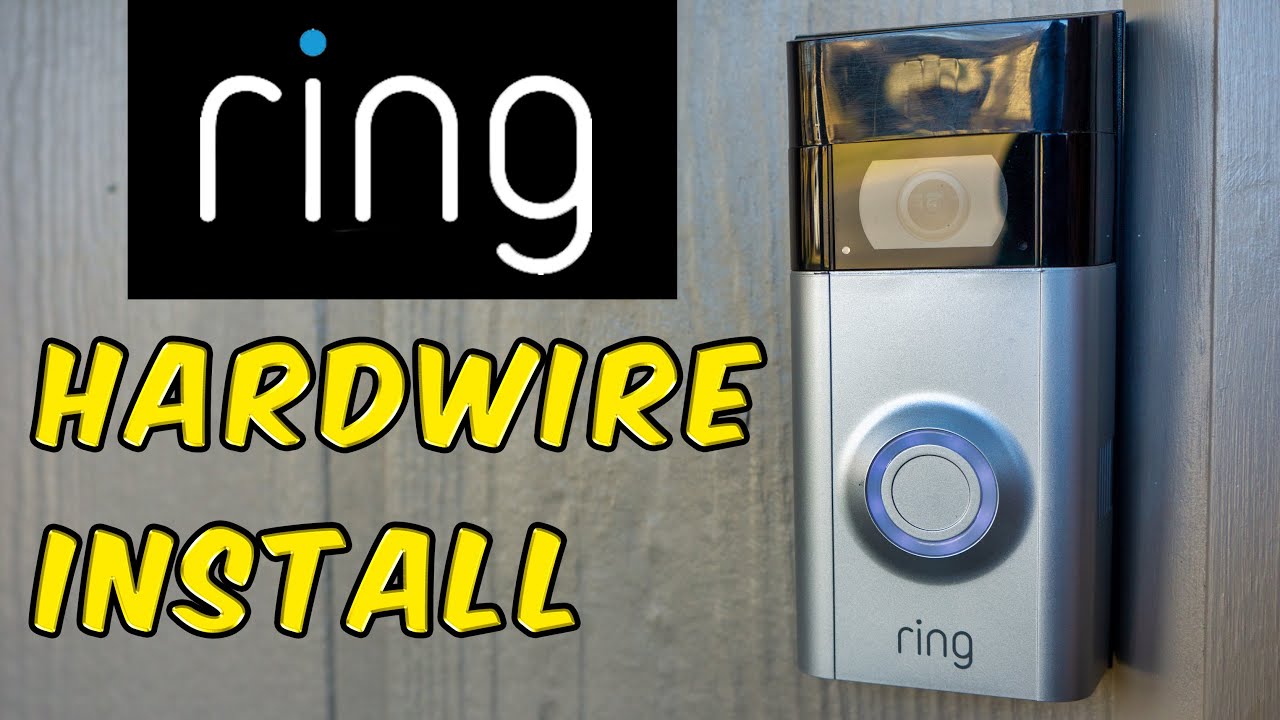
Okay, you've charged, you've connected, you've picked your spot. Now it’s time to secure your doorbell. Most Ring Doorbells come with a mounting bracket and a few options:
- Screws: If you're okay with a couple of small holes, this provides the most secure attachment. Drill pilot holes (often a sticker template is included, making it foolproof!), then screw the bracket in.
- Adhesive Strips: For the ultimate no-fuss, no-drill solution (especially popular for renters!), many users have great success with heavy-duty outdoor adhesive strips (like 3M VHB tape). Just make sure your surface is clean and dry! It's a fantastic, low-commitment option.
Once the bracket is up, simply snap your Ring Doorbell into place. It's usually a satisfying click! Then, insert that freshly charged battery pack. Voila!
Step 5: Ring, Ring! Who's There?
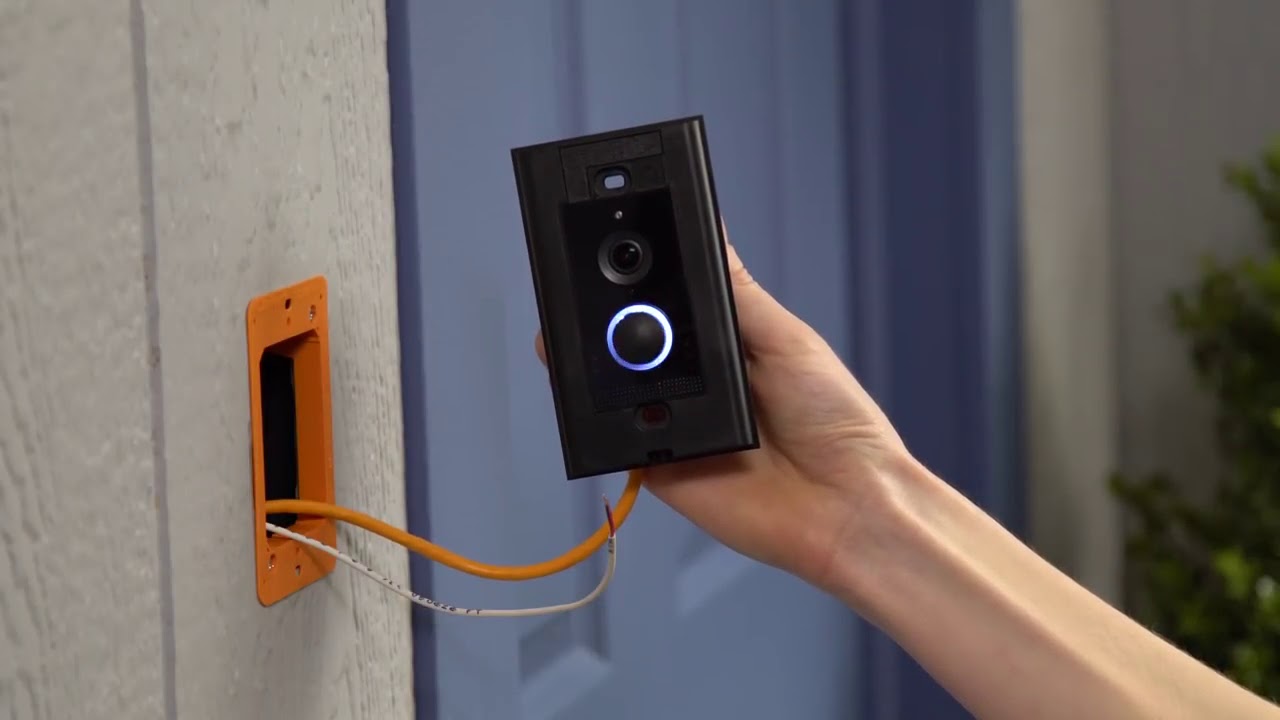
You're practically done! Now, test it out. Press the button on your new Ring Doorbell. Did your phone chime? Can you see and hear yourself through the app? Congratulations, you just installed a smart doorbell all by yourself, without a single wire! Take a bow, you magnificent DIYer!
No Wires, No Worries, Just Wins!
The beauty of this wire-free installation is that it opens up a world of possibilities for everyone. You don't need a toolbox full of gadgets or years of electrical experience. You just need a desire to make your home smarter, safer, and a little more connected. It's about taking control, learning something new, and feeling the immense satisfaction of a job well done.
So, the next time someone asks you about complicated smart home installations, you can proudly tell them about your wire-free Ring Doorbell adventure. And who knows, once you realize how easy and empowering this was, you might just find yourself inspired to tackle even more projects, transforming your home one simple, joyful step at a time. What will you learn to do next? The possibilities are endless, and you've already proven you're capable of amazing things!