
How To Fill Out An Application Sent Through Email
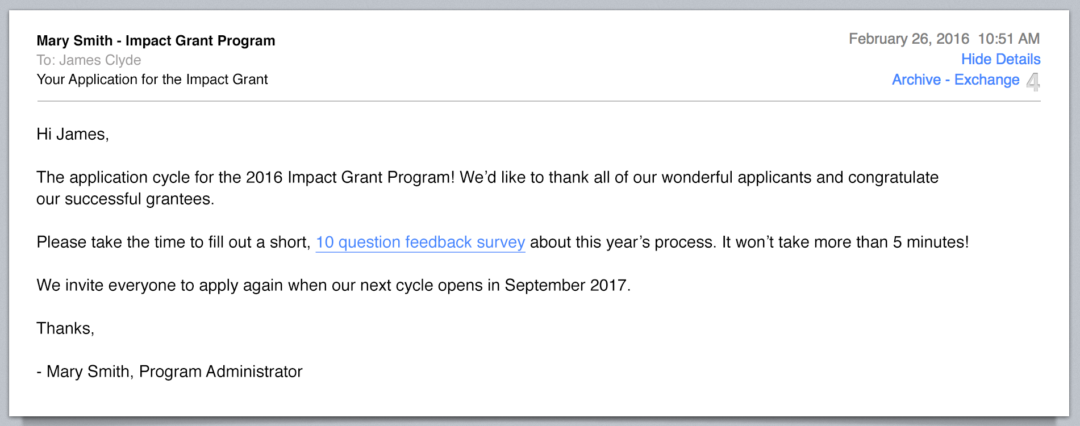
Okay, so you got the email. Not the one about extending your car warranty (again!), but the one containing your dream job application. Congratulations! Let's dive in, shall we?
First, breathe. Seriously. You're not diffusing a bomb, even if it feels like it. This is just a form, albeit one with the potential to dramatically improve your life.
Deciphering the Application: A Treasure Hunt
Applications come in all shapes and sizes. Some are sleek, online forms. Others are clunky PDFs, seemingly designed by a committee of 1980s software engineers.
Must Read
If it's an online form, you're in luck. Click, type, repeat. Be careful to read each question. A surprising number of people answer "What is your desired salary?" with "Yes".
The PDF Puzzle
Ah, the PDF. This is where things get interesting. First, determine if it's fillable. Open it in Adobe Acrobat Reader (it's free, and worth having) and see if you can click and type in the boxes.
If you can, hallelujah! You've found a modern PDF. If not, don't despair. We have options. Prepare to embark on a journey of technological daring-do!
Option 1: The "Typewriter" Method: Most PDF readers have a "Typewriter" or "Add Text" tool. It lets you... well, type anywhere on the document! The downside? It can be a bit finicky. Alignment is your enemy, and fonts may not match. Embrace the imperfection! It's charming, in a slightly chaotic way.
Option 2: The Screenshot and Edit Gambit: Take a screenshot of the page. Paste it into a simple image editor like Paint (Windows) or Preview (Mac). Add text boxes. This is the digital equivalent of cutting and pasting from magazines, only less sticky.
Option 3: The "Print, Write, Scan" Caper: Print the application. Fill it out neatly with a pen. Scan it back into your computer. This is the old-school method, and it still works! Plus, you get the satisfying feeling of putting pen to paper.
The Art of Answering: Be Yourself (But Your Best Self)
Now comes the tricky part: actually answering the questions. This is where you get to showcase your amazing skills and personality. Remember: honesty is the best policy, but strategic honesty is even better.
"Tell me about yourself.": This is not an invitation to recount your entire life story, from birth to present day. Focus on your relevant experience and skills. Think of it as your greatest hits album, career edition.
"What are your strengths?": Brag a little! This is your chance to shine. But back up your claims with examples. Don't just say you're a "team player." Say you "Organized a team-building event that increased morale by 40%, resulting in a noticeable increase in productivity." (Okay, maybe tone it down a bit.)
"What are your weaknesses?": The classic trap! Never say you have no weaknesses. That makes you sound arrogant and out of touch. Instead, choose a real weakness, but frame it as something you're actively working on. "I sometimes get so caught up in the details that I miss deadlines, but I'm using time management tools to improve."
"Why do you want to work here?": Do your research! Show that you understand the company's mission and values. Explain how your skills and experience align with their needs. Don't just say "I need a job."
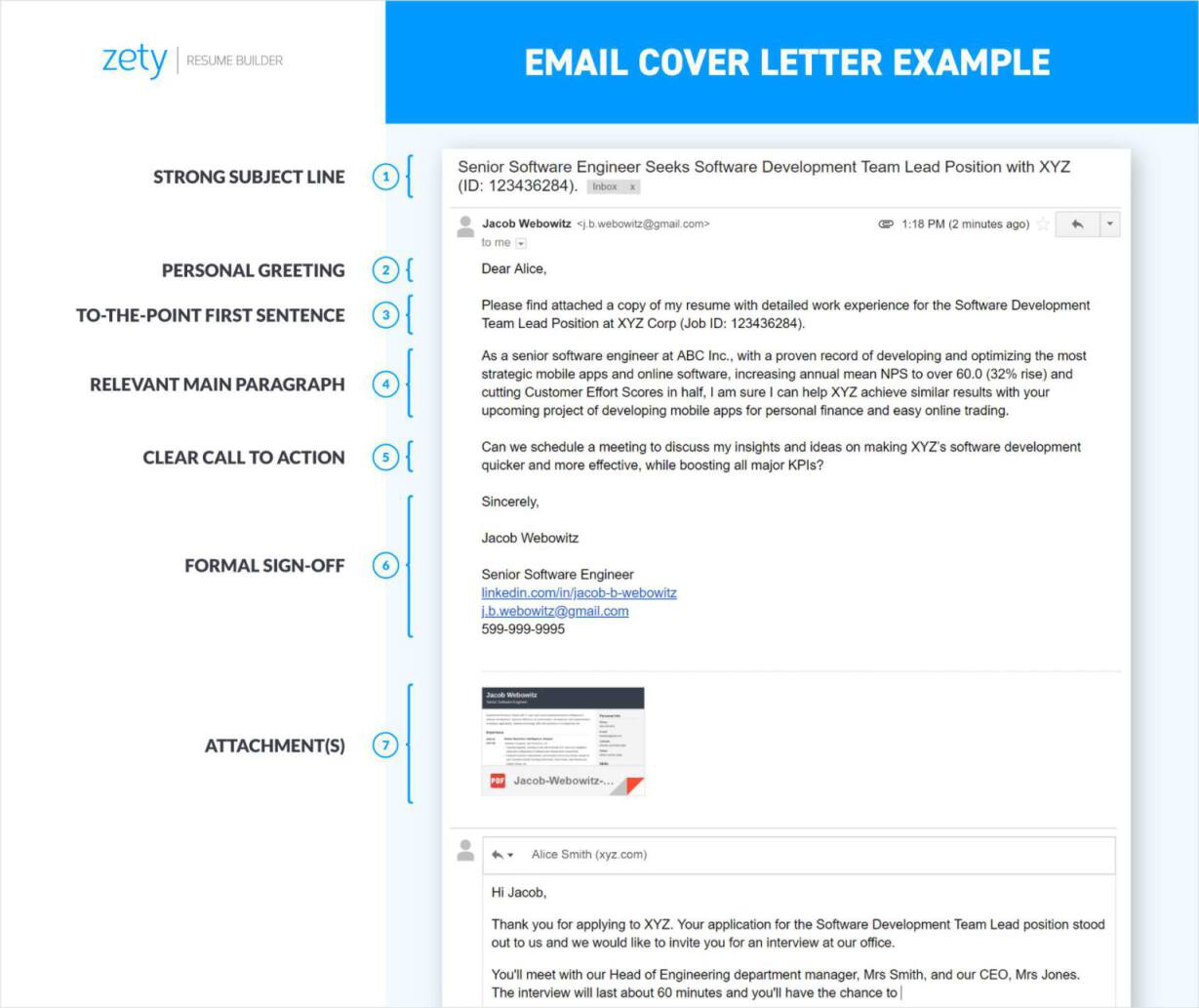
![Email for Sending Documents & Files [Do's & Don'ts] + Examples](https://influno.com/wp-content/uploads/2023/10/Job-Application-Email-Example.webp)
Pay attention to those tricky behavioral questions that start with, “Tell me about a time when…” They want to know how you behaved in specific situations in the past, because past behavior is a good predictor of future behavior. Use the STAR method: Situation, Task, Action, Result.
Remember to quantify your accomplishments wherever possible. Numbers speak louder than words. "Increased sales by 15%." "Reduced costs by 10%." "Managed a team of 5."
The Cover Letter: Your Personal Touch
Some applications require a cover letter. Others don't. If it's optional, always include one. It's your chance to make a personal connection with the hiring manager.
Keep it concise and focused. One page is ideal. Start with a strong opening paragraph that grabs their attention. Explain why you're interested in the position and why you're a good fit.
Tailor your cover letter to each specific job. Don't just send the same generic letter to every company. Hiring managers can spot a form letter from a mile away.

The References: Choose Wisely
Most applications ask for references. Choose people who know you well and can speak positively about your skills and experience. Ask them for permission before listing them as a reference. Let them know what job you're applying for so they can tailor their comments accordingly.
Give your references a heads-up before they're contacted. That way, they won't be caught off guard. Send them your resume and cover letter so they have all the information they need.
The Final Review: Proofread Like Your Life Depends On It
Before you hit "submit," take a deep breath and review everything carefully. Typos and grammatical errors are a major turn-off. They make you look sloppy and unprofessional.
Read your application aloud. This helps you catch errors that you might miss when reading silently. Ask a friend or family member to proofread it for you. A fresh pair of eyes can often spot mistakes that you've overlooked.
Pay special attention to names and addresses. Make sure you've spelled everything correctly. Double-check your email address and phone number. You don't want to miss out on an interview because you entered the wrong contact information.
The "Submit" Button: A Moment of Triumph (and Terror)
Okay, you've done it. You've filled out the application, written the cover letter, and proofread everything (twice!). Now comes the moment of truth: hitting the "submit" button.
Take one last deep breath. Visualize yourself acing the interview and landing the job. Click the button. Congratulations! You've officially thrown your hat into the ring.
Now, the waiting game begins. Try not to obsessively check your email every five minutes. Trust that you’ve done your best. Go do something fun! Binge-watch your favorite show. Bake a cake. Take a nap. You deserve it.
The Follow-Up: Don't Be a Stranger
If you haven't heard back from the company after a week or two, it's okay to send a polite follow-up email. Reiterate your interest in the position and ask about the status of your application.
Keep your email brief and professional. Thank them for their time and consideration. Don't be pushy or demanding. Remember, they're busy people.
Even if you don't get the job, don't be discouraged. The application process is a numbers game. Keep applying. Keep learning. Keep growing. Your dream job is out there waiting for you.
And hey, at least you now have a slightly humorous tale to tell about wrestling with that PDF. Good luck, and may the odds be ever in your favor!