
How To Connect Tv Antenna To Tv

Hey there, friend! So, you're thinking about ditching cable and going old-school with a TV antenna? Awesome! It's a fantastic way to get some free TV (who doesn't love free stuff, right?). And don't worry, hooking it up is way easier than assembling that Swedish furniture you bought last month.
Let's dive in, shall we? Consider me your friendly neighborhood antenna guru.
Step 1: Find the Magic Hole (a.k.a. the Antenna Input)
First things first, you gotta find the right spot on your TV. We're looking for the antenna input. It's usually labeled something like "Antenna," "RF In," or "Cable In." Don't confuse it with the HDMI ports – those are for your game consoles and fancy streaming devices. This one looks like a little round hole with a screw thread around it. Think of it as your TV's way of saying, "Feed me free TV!"
Must Read
If you're having trouble finding it, grab your TV's manual. Yes, I know, manuals are boring, but sometimes they actually contain useful information. Who knew?!
Step 2: Attach the Antenna Cable
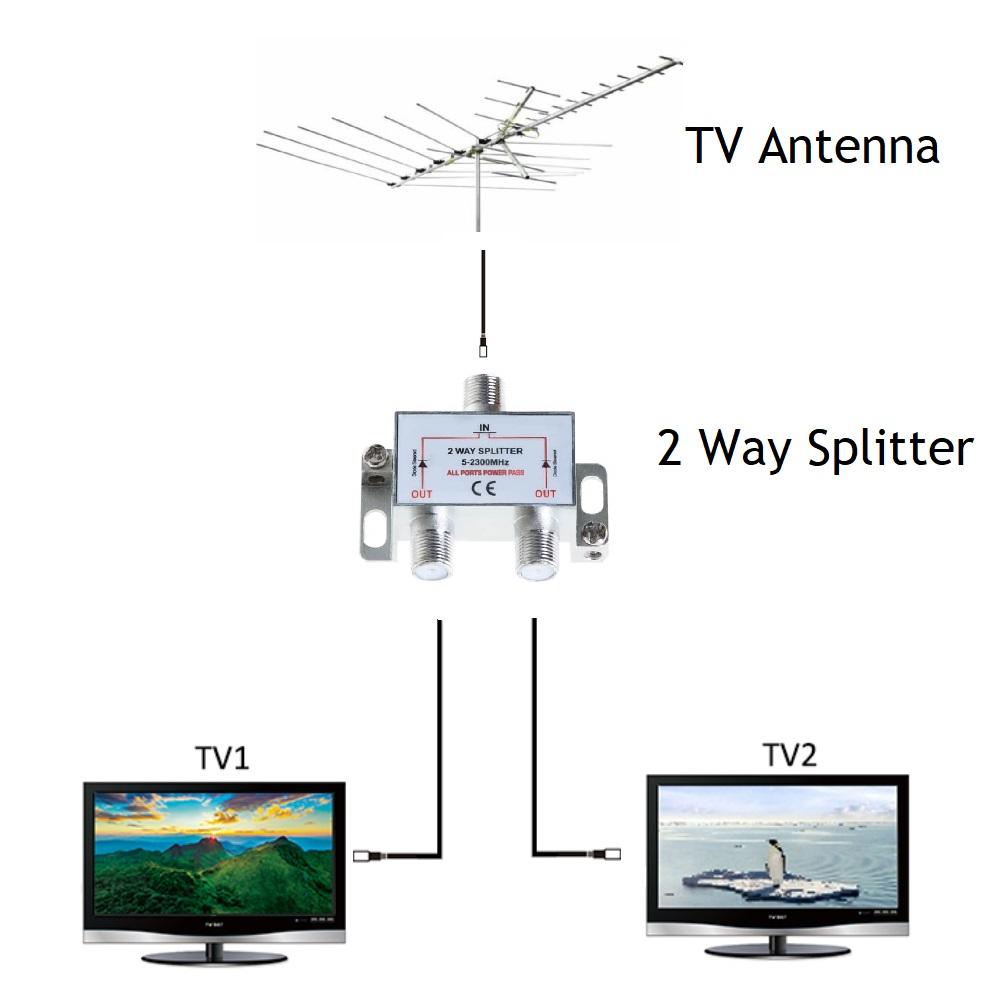
Now, grab your antenna cable. It should have a little metal connector on each end. These connectors are called "F-connectors" – fancy, right?
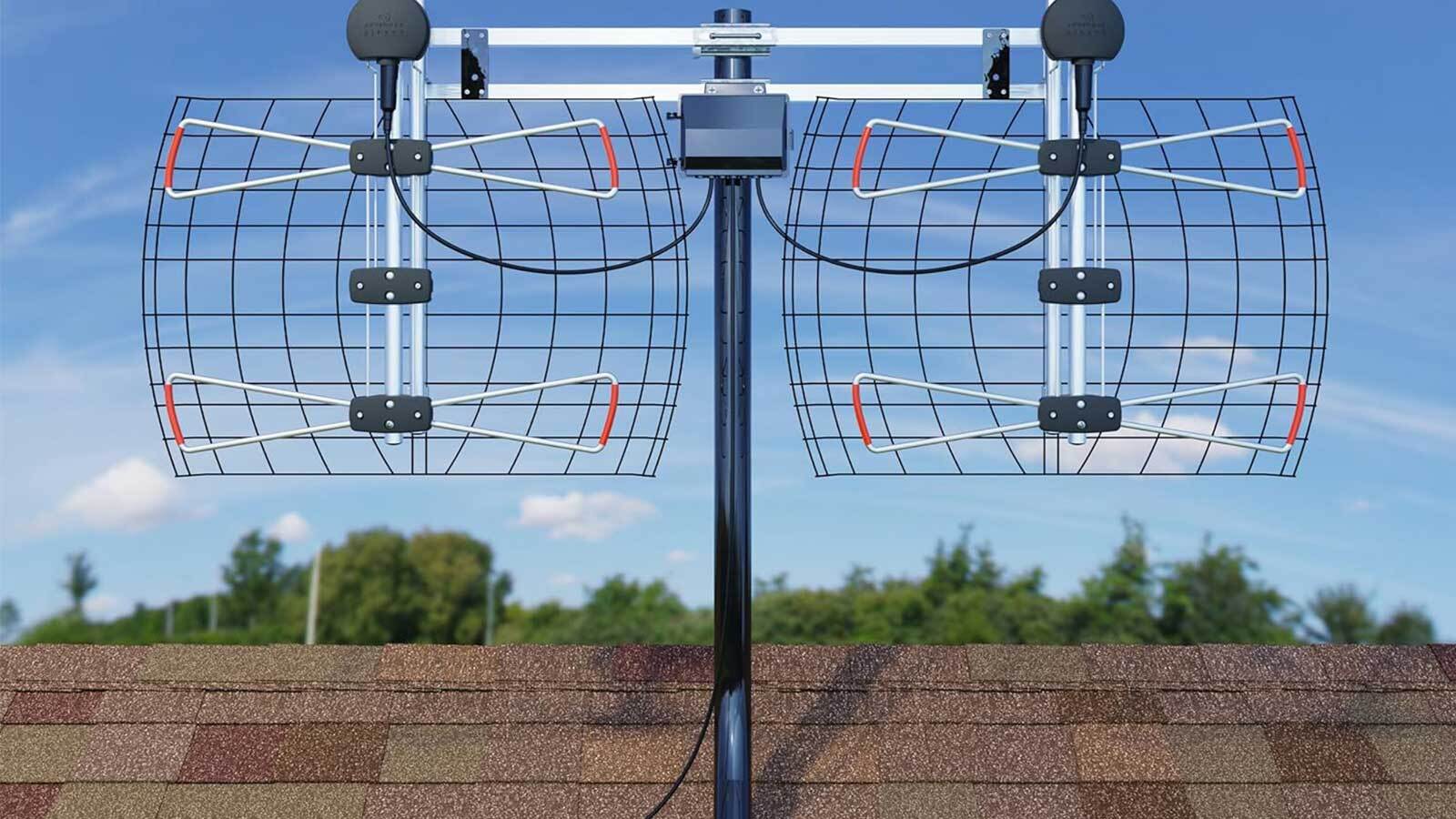
Simply screw one end of the cable onto the antenna input on your TV. Don't overtighten it! You're not trying to win a weightlifting competition; just make sure it's snug. Finger tight is usually enough. Think gentle, like you're tightening a lid on a jar of pickles (mmm, pickles...).
Next, connect the other end of the cable to your antenna. This might involve screwing it onto a similar connector on the antenna itself, or it might be a different type of connection depending on your antenna. Again, check the antenna's instructions if you're unsure.
Important! If you're using an outdoor antenna, make sure it's properly grounded. This helps protect your TV from power surges. Safety first, folks!
Step 3: The Channel Scan – Let the TV Do the Work!
Okay, the physical connection is done! Now comes the fun part: letting your TV find all the available channels. You'll need to run a channel scan (sometimes called auto-program or auto-tune).
Navigate to your TV's menu (usually using the "Menu" button on your remote). Look for a section labeled "Channel," "Setup," or something similar. Within that section, you should find an option to scan for channels.
Select the antenna input as your source (if it asks). Then, let the TV do its thing! It might take a few minutes, so grab a snack and be patient. Think of it like your TV is going on a treasure hunt for free TV signals.
Step 4: Channel Surfing Bliss (and Troubleshooting)
Once the scan is complete, you should have a list of channels available to you. Start flipping through them! Hopefully, you'll find some good stuff.
If you're not getting as many channels as you expected, or the picture quality is poor, don't despair! Here are a few things to try:
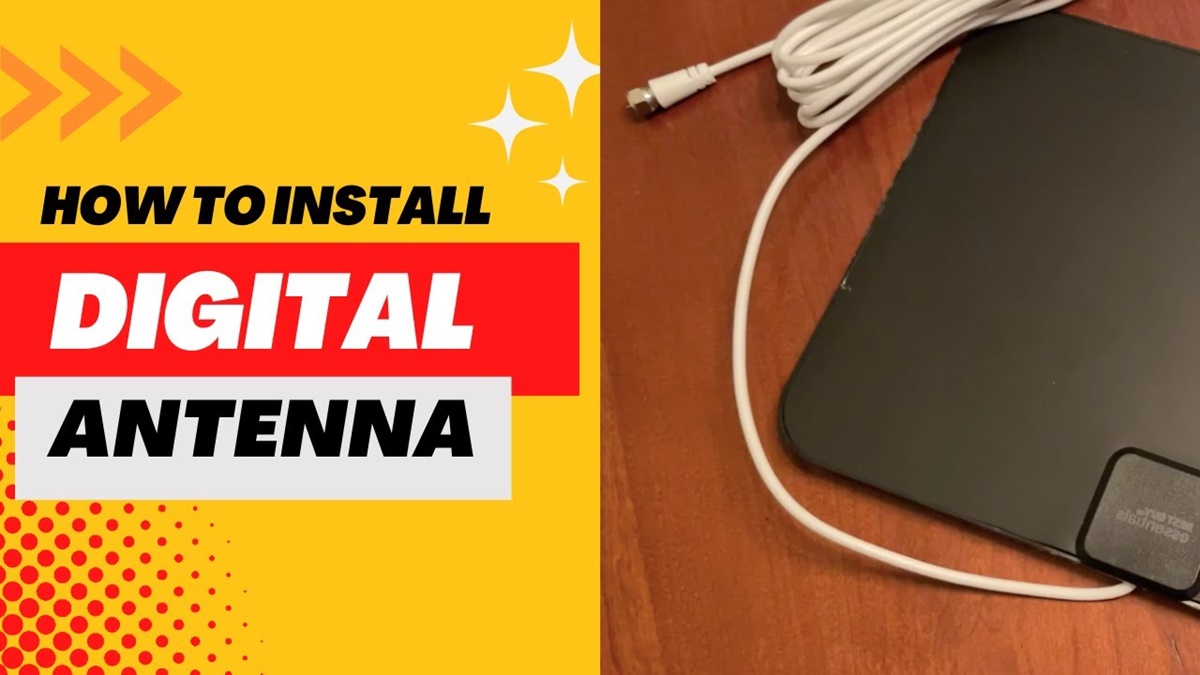
- Reposition the antenna: Sometimes, just moving the antenna a little bit can make a huge difference. Experiment with different locations and orientations. Higher is often better, especially with indoor antennas.
- Check your antenna's range: Different antennas have different ranges. If you're far from broadcast towers, you might need a more powerful antenna.
- Rescan for channels: Sometimes, a second scan can pick up channels that were missed the first time. It's like giving the TV a second chance to find hidden gems.
- Consider an amplifier: If you're still having trouble, an antenna amplifier can boost the signal strength.
And if all else fails, blame the weather. Seriously, atmospheric conditions can affect TV signal reception. That's my official, non-scientific explanation, and I'm sticking to it!
You Did It!
Congratulations! You've successfully connected your TV antenna and are now enjoying the wonders of free over-the-air television. You're a TV antenna pro! You’ve saved money and are now ready to enjoy some shows without the monthly bill. Now go grab some popcorn and binge-watch something awesome!
Remember, even if you encountered a few hiccups along the way, you persevered, and now you're reaping the rewards. You are amazing, capable, and ready to tackle any tech challenge that comes your way. So go forth and enjoy your free TV, knowing you conquered another adulting hurdle! You've got this!